
Introduction
The VEGCOO C23 Wireless Gaming Mouse is designed for comfort and performance, featuring a lightweight honeycomb shell, customizable RGB lighting, and adjustable DPI settings. This manual provides essential information for setting up, operating, and maintaining your mouse.
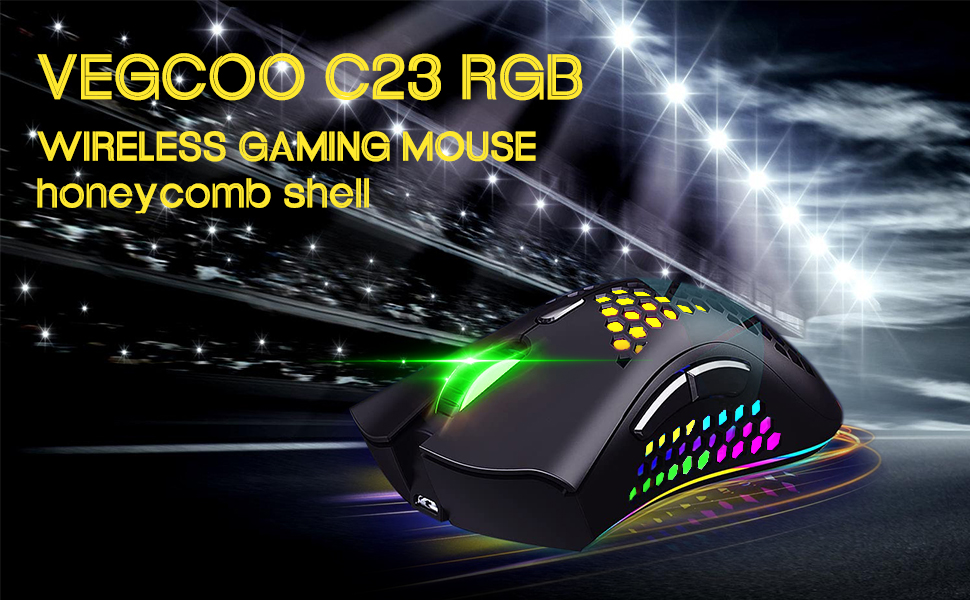
Image: The VEGCOO C23 Wireless Gaming Mouse, highlighting its RGB lighting and honeycomb shell design.
Setup Instructions
- Charging the Mouse: Connect the mouse to a PC USB port, phone charging plug, or power bank using the provided USB cable. The mouse requires 2 to 3 hours for a full charge. A red light indicates charging; the light turns off when fully charged. Ensure the mouse is in the 'ON' position for normal charging.
- Connecting the USB Receiver: Locate the NANO USB receiver, usually stored in a compartment on the underside of the mouse. Insert the receiver into an available USB port on your computer.
- Powering On: On the underside of the mouse, slide the switch to the 'ON' position to turn on the mouse.
- Initial Connection: The mouse should automatically connect to your computer. If it does not connect, try inserting the NANO USB receiver into a different USB port.

Image: Overview of the mouse's connectivity, internal chip, charging port, and dimensions.
Operating Instructions
- DPI Adjustment: The mouse features 3 adjustable DPI levels: 800, 1600, and 3200. Use the DPI shift key (located behind the scroll wheel) to cycle through these settings and adjust cursor sensitivity to your preference.
- RGB Lighting Modes: The red button on the underside of the mouse allows you to switch between 5 different light modes: No Light, Colorful Light, Streamer Light, Rainbow Light, and Breathing Light.
- Silent Click: The left and right buttons are designed for silent clicks, minimizing noise during use.
- Automatic Sleep Mode: To conserve battery, the mouse automatically enters sleep mode after 15 minutes of inactivity. Click any button to wake the mouse.
- Compatibility: The mouse is compatible with various operating systems including Linux, Mac OS 9, Windows 7, Windows 8, and Windows XP. It is suitable for use with laptops and personal computers.

Image: Labeled diagram of the mouse buttons and their functions.

Image: Underside view of the mouse, detailing the power switch and light mode button, along with visual examples of the 5 light modes.

Image: Visual representation of the adjustable DPI settings (800, 1600, 3200).
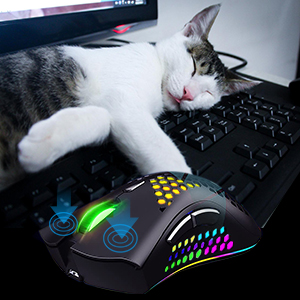
Image: The silent click feature of the mouse, depicted by a mouse next to a sleeping cat.

Image: Operating system compatibility of the mouse, showing various Windows versions, Mac OS, and Linux.
Maintenance
- Cleaning: Use a soft, dry cloth to clean the mouse. Avoid using harsh chemicals or abrasive materials.
- Battery Care: To prolong battery life, turn off the mouse using the switch on the underside when not in use for extended periods.
- Storage: Store the mouse in a cool, dry place away from direct sunlight and extreme temperatures.
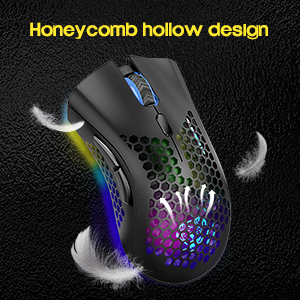
Image: The honeycomb hollow design, emphasizing its lightweight and breathable nature.
Troubleshooting
- Slow Cursor Movement or Unresponsiveness: If you experience slow cursor movement, darkening lights, or slow responsiveness, check the mouse's power level and recharge it promptly.
- Connection Issues: If the mouse cannot connect, ensure the mouse is turned 'ON'. Try inserting the NANO USB receiver into a different USB port on your computer.
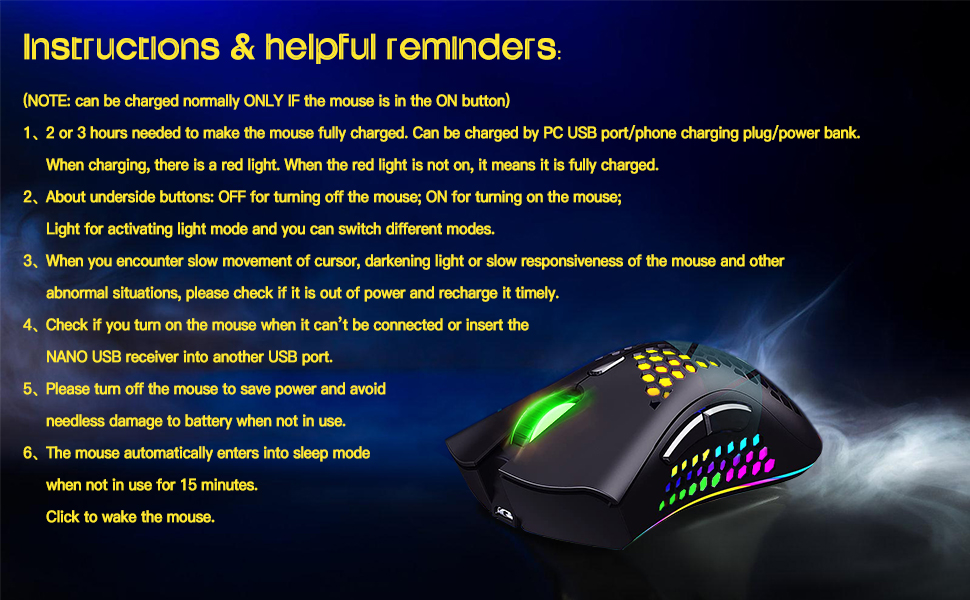
Image: A summary of instructions and helpful reminders, including troubleshooting tips.
Specifications
| Brand | VEGCOO |
| Model Name | C23BK |
| Color | Black |
| Connectivity Technology | USB (2.4G Wireless) |
| Special Feature | Wireless, RGB LED Lighting, Silent Click, Honeycomb Shell |
| Movement Detection Technology | Optical |
| Button Quantity | 6 |
| Hand Orientation | Ambidextrous |
| Compatible Devices | Laptop, Personal Computer |
| Operating System | Linux, Mac OS 9, Windows 7, Windows 8, Windows XP |
| Wireless Range | 10.0 meters |
| Power Source | Battery Powered (1 Lithium Polymer battery required) |
| Mouse Maximum Sensitivity | 3200 Dots per Inch (DPI) |
| Enclosure Material | Engineered Plastic |
Warranty Information
This product comes with a 1-year warranty from the date of purchase. Please retain your proof of purchase for any warranty claims.
Support
For further assistance, technical support, or warranty inquiries, please refer to the contact information provided with your product packaging or visit the official VEGCOO website.
Product Videos
Video: An official overview of the VEGCOO C23 wireless gaming mouse, showcasing its features and design in both black and white.