
1. Product Overview
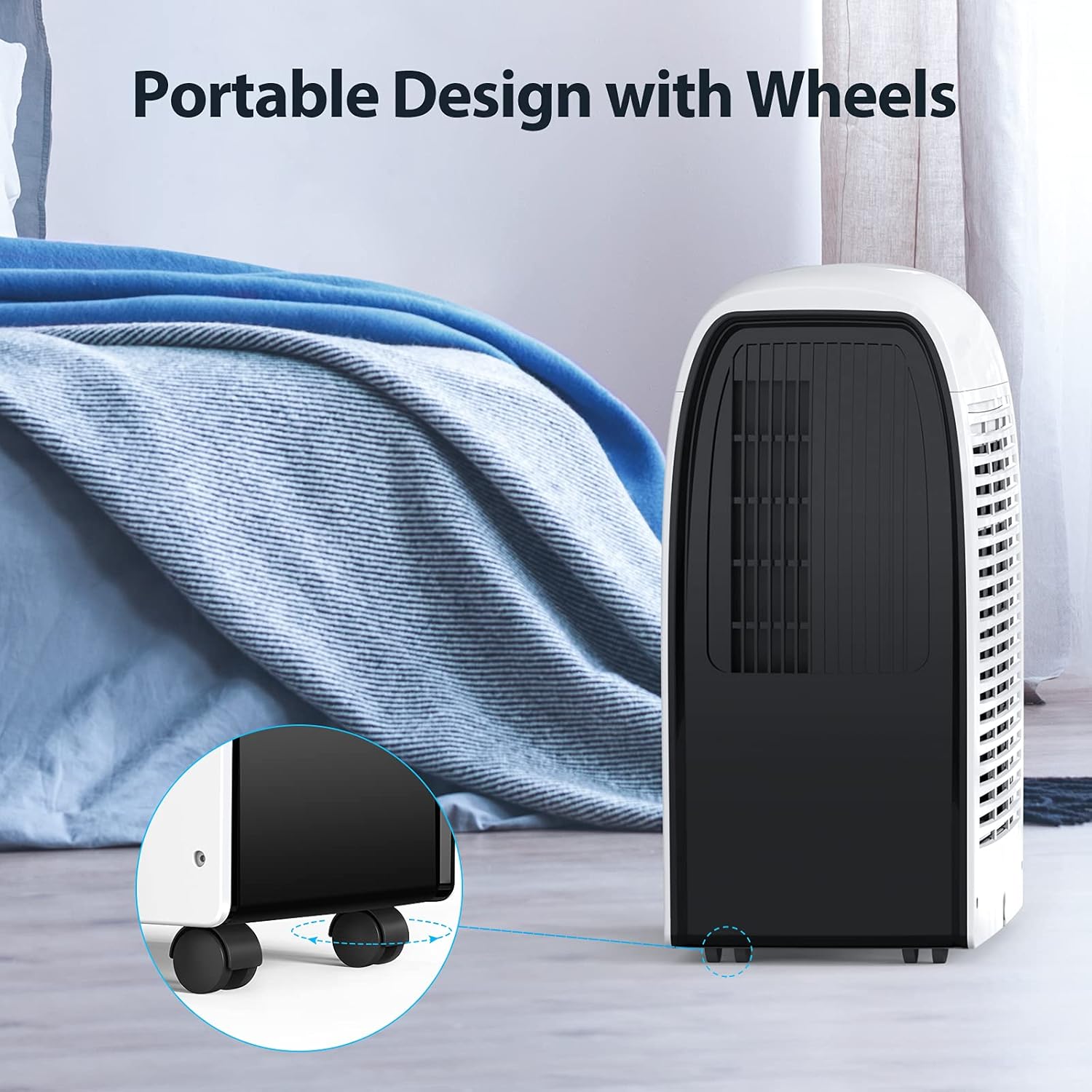
The NABAIDUN Portable Air Conditioner is a versatile appliance designed to provide efficient cooling, dehumidification, and fan-only operation for your living spaces. With a powerful 10,000 BTU cooling capacity, it can effectively cool rooms up to 450 sq.ft. Its integrated dehumidifier function can remove up to 106 pints of moisture per day, contributing to a more comfortable indoor environment. The unit features a user-friendly touch panel and comes with a remote control for convenient operation. Equipped with universal wheels, it offers easy portability between rooms.


2. Setup and Installation
Before operating your portable air conditioner, ensure proper setup and installation to maximize efficiency and safety.
2.1 Unpacking
- Carefully remove the unit and all accessories from the packaging.
- Verify that all components listed in the packing list are present.
2.2 Placement
Place the unit on a flat, stable surface. Ensure there is at least 20 inches (50 cm) of space around the unit for proper airflow. The universal wheels allow for easy movement.
2.3 Window Kit Installation
The portable AC comes with a window installation kit and a 4.92 feet long exhaust hose. This kit is suitable for various window types, including double/single-hung windows and sliding/slash windows, ranging from 19.7 inches to 39.3 inches in length.
- Attach the exhaust hose to the unit and the window kit adapter.
- Adjust the window kit to fit your window opening.
- Secure the window kit in place, ensuring a tight seal to prevent air leakage.
- Connect the exhaust hose to the window kit adapter.


2.4 Power Connection
Plug the power cord into a grounded electrical outlet. Ensure the voltage matches the unit's requirements (120V AC).
3. Operating Instructions
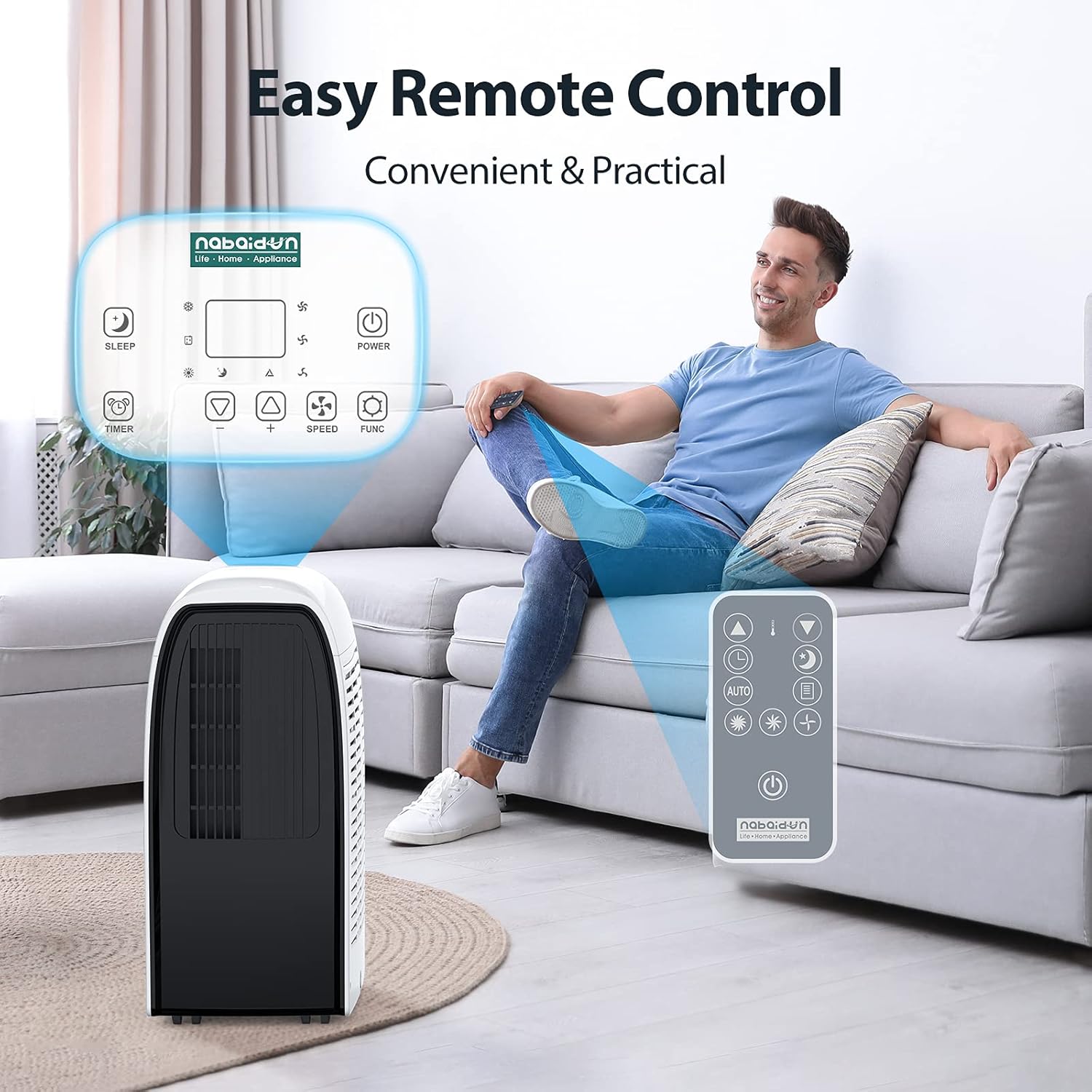
The unit can be operated using the LED touch panel on the unit or the included remote control.
3.1 Control Panel and Remote Control
The LED touch panel and remote control provide access to all functions, including power, mode selection, timer, temperature adjustment, and fan speed settings.


3.2 Operating Modes
- Cooling Mode: Provides strong cooling with 3 fan speeds and an air supply range of 19 to 26 feet. The temperature can be set as low as 63°F (17°C). An auto mode adjusts wind power based on indoor temperature.
- Dehumidifier Mode: Activates the powerful dehumidification function, removing up to 106 pints of moisture per day to reduce humidity.
- Fan-Only Mode: Circulates air without cooling or dehumidifying.
- Sleep Mode: Operates at a low noise level of 50 dB for quiet nighttime use.


3.3 Timer Function
The 24-hour timer allows you to set the unit to automatically turn on or off at a desired time. This feature helps in energy saving and ensures comfort upon arrival or during sleep.


4. Maintenance
Regular maintenance ensures optimal performance and longevity of your portable air conditioner.
4.1 Auto Evaporation System
The unit features a built-in self-evaporation system that automatically evaporates condensate produced during cooling. This eliminates the need for manual water draining under normal operating conditions.

4.2 Washable Filter Cleaning
The air filter is washable and should be cleaned regularly (e.g., every two weeks or as needed) to maintain air quality and unit efficiency.
- Turn off and unplug the unit before cleaning.
- Remove the air filter from the back of the unit.
- Wash the filter under running water with a mild detergent.
- Allow the filter to air dry completely before reinserting it into the unit.

4.3 General Cleaning and Storage
- Wipe the exterior of the unit with a soft, damp cloth. Do not use harsh chemicals or abrasive cleaners.
- For long-term storage, ensure the unit is clean and dry. Store it in a cool, dry place, preferably in its original packaging.
5. Troubleshooting
If you encounter issues with your portable air conditioner, refer to the following common problems and solutions.
| Problem | Possible Cause | Solution |
|---|---|---|
| Unit does not turn on | No power supply; Power cord not plugged in; Circuit breaker tripped. | Check power outlet; Ensure power cord is securely plugged in; Reset circuit breaker. |
| Unit not cooling effectively | Air filter is dirty; Room size too large; Exhaust hose not properly installed; Doors/windows open. | Clean air filter; Ensure unit is suitable for room size; Check exhaust hose connection and window seal; Close all doors and windows. |
| Unusual noise | Unit not on a level surface; Obstruction in fan. | Place unit on a flat, stable surface; Check for and remove any obstructions. |
| Water leakage | Unit is tilted; Drain plug not secured (if applicable for manual drain). | Ensure unit is level; Check drain plug. |
If problems persist after attempting these solutions, please contact customer support for further assistance.
6. Specifications
Key technical specifications for the NABAIDUN Portable Air Conditioner.
| Feature | Specification |
|---|---|
| Model Number | SMA-BM1D |
| Cooling Power | 10,000 BTU |
| Coverage Area | Up to 450 sq.ft |
| Dehumidification Capacity | 106 Pints/Day |
| Noise Level | 50 dB (Sleep Mode) |
| Dimensions (L x W x H) | 30.04 x 20.83 x 13.5 inches |
| Item Weight | 48.9 pounds |
| Voltage | 120 Volts (AC) |
| Refrigerant | R 410A |
| Filter Type | Washable Filter |
7. Customer Support
For any questions, technical support, or warranty inquiries, please refer to the contact information provided with your product packaging or visit the official NABAIDUN website.