1. Product Overview
The Rowenta X-Plorer Serie 45 is an advanced robot vacuum cleaner designed for efficient and convenient floor cleaning. It features intelligent navigation, multiple cleaning modes, and app connectivity for a seamless user experience.

2. Setup and Initial Use
2.1 Unboxing and Placement
Carefully remove all components from the packaging. Place the charging base against a wall in an open area, ensuring there are no obstacles within 1 meter to the sides and 2 meters in front. Connect the power adapter to the charging base and a power outlet.
2.2 Charging the Robot
Before first use, fully charge the robot vacuum. Place the robot onto the charging base, ensuring the charging contacts align. The indicator lights on the robot will show the charging status. A full charge typically takes several hours.

2.3 App Connectivity
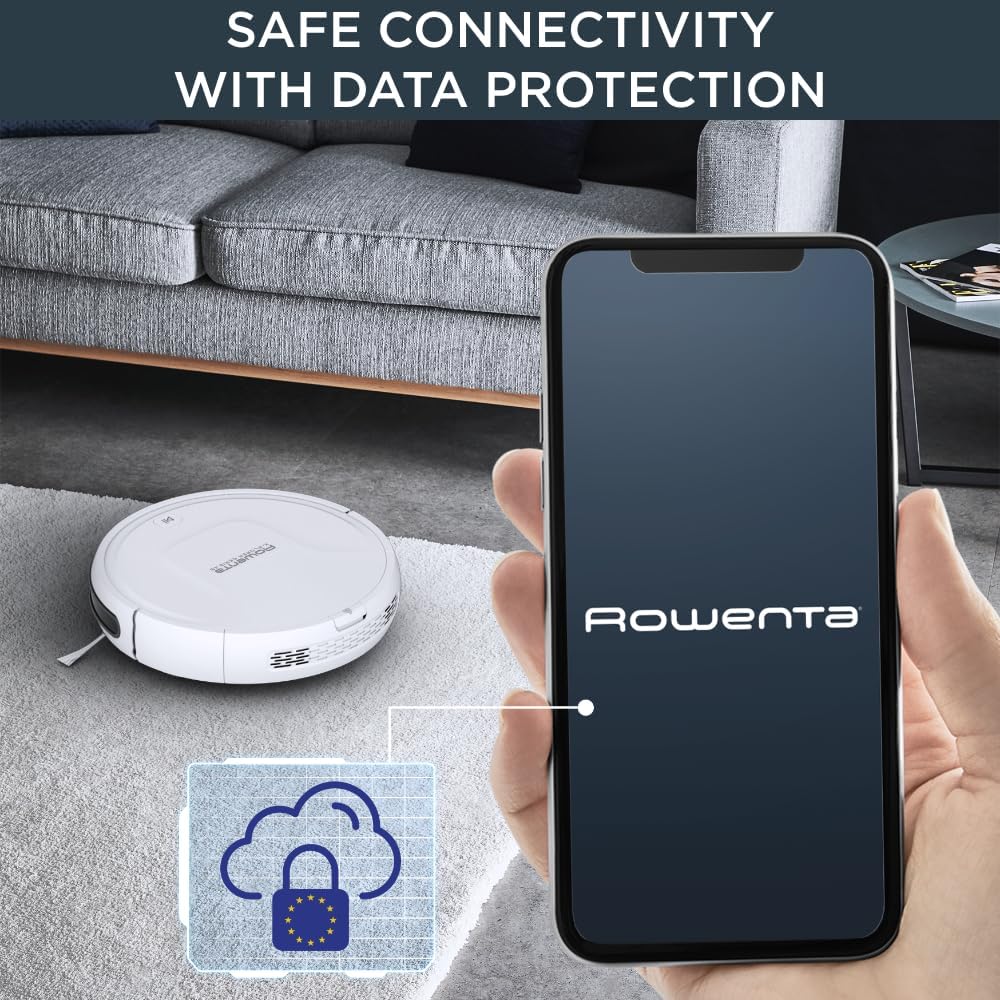
For enhanced control and features, download the free Rowenta X-Plorer app from your smartphone's app store (available on iOS and Android). Follow the in-app instructions to connect your robot vacuum. The app allows for secure connectivity and data protection, with data stored in Europe.

3. Operating the Robot Vacuum
3.1 Navigation and Obstacle Avoidance
The X-Plorer Serie 45 utilizes a combination of infrared sensors, anti-shock sensors, and anti-fall sensors to navigate your home safely. These sensors help the robot avoid obstacles and prevent falls down stairs or ledges.

3.2 Cleaning Modes
The robot offers three distinct cleaning modes to suit various needs:
- Random Mode: For general cleaning of open areas.
- Edge Mode: Specifically designed to clean along walls and furniture edges.
- Spot Mode: Focuses on a specific small area for intensive cleaning.

3.3 All-Floor Cleaning
The Rowenta X-Plorer Serie 45 is capable of cleaning all types of hard floors and can also climb onto carpets and rugs up to 15 mm in height, ensuring comprehensive cleaning throughout your home.
4. Maintenance
Regular maintenance ensures optimal performance and extends the lifespan of your robot vacuum.
4.1 Emptying the Dustbin
The dustbin should be emptied after each cleaning cycle or when full. To empty, open the top cover of the robot, remove the dustbin, and dispose of the collected debris. Reinsert the dustbin securely.

4.2 Cleaning the Turbo Brush
The robot is equipped with a powerful Turbo Brush for effective cleaning. Periodically remove and clean the main brush to remove tangled hair and debris. Use the cleaning tool provided to cut and remove any wrapped hair.

4.3 Cleaning Sensors and Side Brushes
Wipe the infrared and anti-fall sensors with a clean, dry cloth to ensure they function correctly. Check the side brushes for any tangled hair or debris and clean them as needed. If the side brushes are worn, they can be replaced.
5. Troubleshooting
If you encounter issues with your Rowenta X-Plorer Serie 45, refer to the following common problems and solutions:
| Problem | Possible Cause | Solution |
|---|---|---|
| Robot does not start or respond to programming. | Low battery; programming error; power button not pressed. | Ensure robot is fully charged. Re-check programming settings in the app. Press the power button firmly. |
| Robot stops constantly or malfunctions. | Dustbin full; brushes tangled; sensors dirty; trapped by obstacles. | Empty dustbin. Clean main and side brushes. Wipe all sensors. Clear obstacles from the robot's path. |
| Poor cleaning performance. | Dustbin full; filter clogged; brushes worn or dirty. | Empty dustbin and clean filter. Clean or replace main and side brushes. |
| Battery or sensor errors. | Internal component issue. | Try restarting the robot. If the issue persists, contact customer support. |
6. Specifications
| Feature | Detail |
|---|---|
| Brand | Rowenta |
| Model Number | RR8227 |
| Color | White |
| Dimensions (L x W x H) | 31.5 x 31.5 x 8 cm |
| Weight | 3.45 Kilograms |
| Noise Level | 65 dB |
| Battery Type | Lithium-ion (1 included) |
| Battery Life | Up to 150 minutes |
| Filter Type | HEPA |
| Controller Type | Google Assistant, Alexa (via app) |
| Special Features | High-performance autonomy, Secure connectivity, Easy and safe navigation, 3-in-1 cleaning, Adapted cleaning for your needs |
7. Warranty and Support
7.1 Warranty Information
The Rowenta X-Plorer Serie 45 comes with a 2-year warranty. Additionally, Rowenta commits to 15-year repairability at a fair price, supported by a network of 6200 approved repairers worldwide.

7.2 Customer Support
For further assistance, technical support, or warranty claims, please visit the official Rowenta website or contact their customer service. You can also find helpful resources and FAQs within the Rowenta X-Plorer smartphone application.