
1. Introduction
This manual provides instructions for the proper use and maintenance of your Generic Metal Mobile Phone Stand. Please read this manual thoroughly before using the product to ensure optimal performance and longevity.
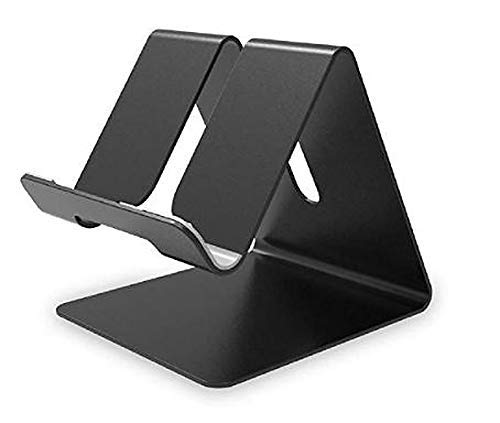
Figure 1: The Generic Metal Mobile Phone Stand. This image displays the stand's minimalist design and sturdy construction, ready to support a mobile device.
2. Package Contents
Verify that all items are present in the package:
- 1 x Generic Metal Mobile Phone Stand
If any items are missing or damaged, please contact customer support.
3. Setup Instructions
The Generic Metal Mobile Phone Stand requires no assembly. Follow these steps to set up your stand:
- Unpack the stand from its packaging.
- Place the stand on a flat, stable surface such as a desk, table, or bedside cabinet.
- Ensure the surface is clean and free of obstructions to prevent the stand from tipping.
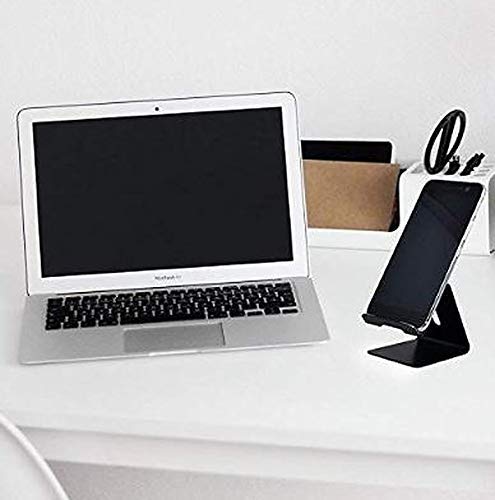
Figure 2: The stand positioned on a desk. This image illustrates the stand's use in a typical office or home environment, placed next to a laptop.
4. Operating Instructions
Using the Generic Metal Mobile Phone Stand is straightforward:
- Positioning Your Device: Gently place your smartphone or tablet onto the stand, ensuring it rests securely against the back support and the front lip. The stand is designed to accommodate devices with or without a protective case.
- Charging Access: The stand features a precise cutout at the bottom, allowing you to connect a charging cable to your device while it is on the stand. This design helps prevent cable knotting and ensures uninterrupted use during charging.
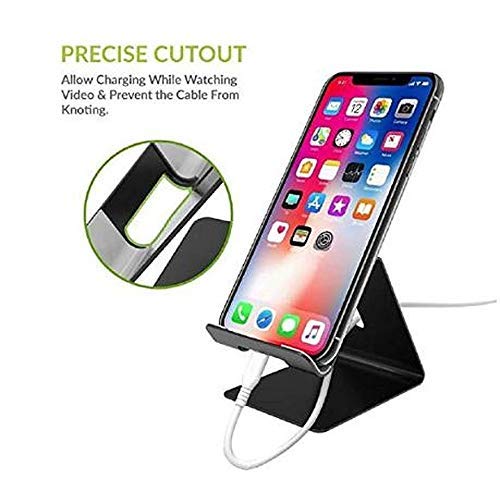
Figure 3: Device on stand with charging cable connected. This image highlights the stand's charging cable management feature, showing a phone being charged while resting on the stand.
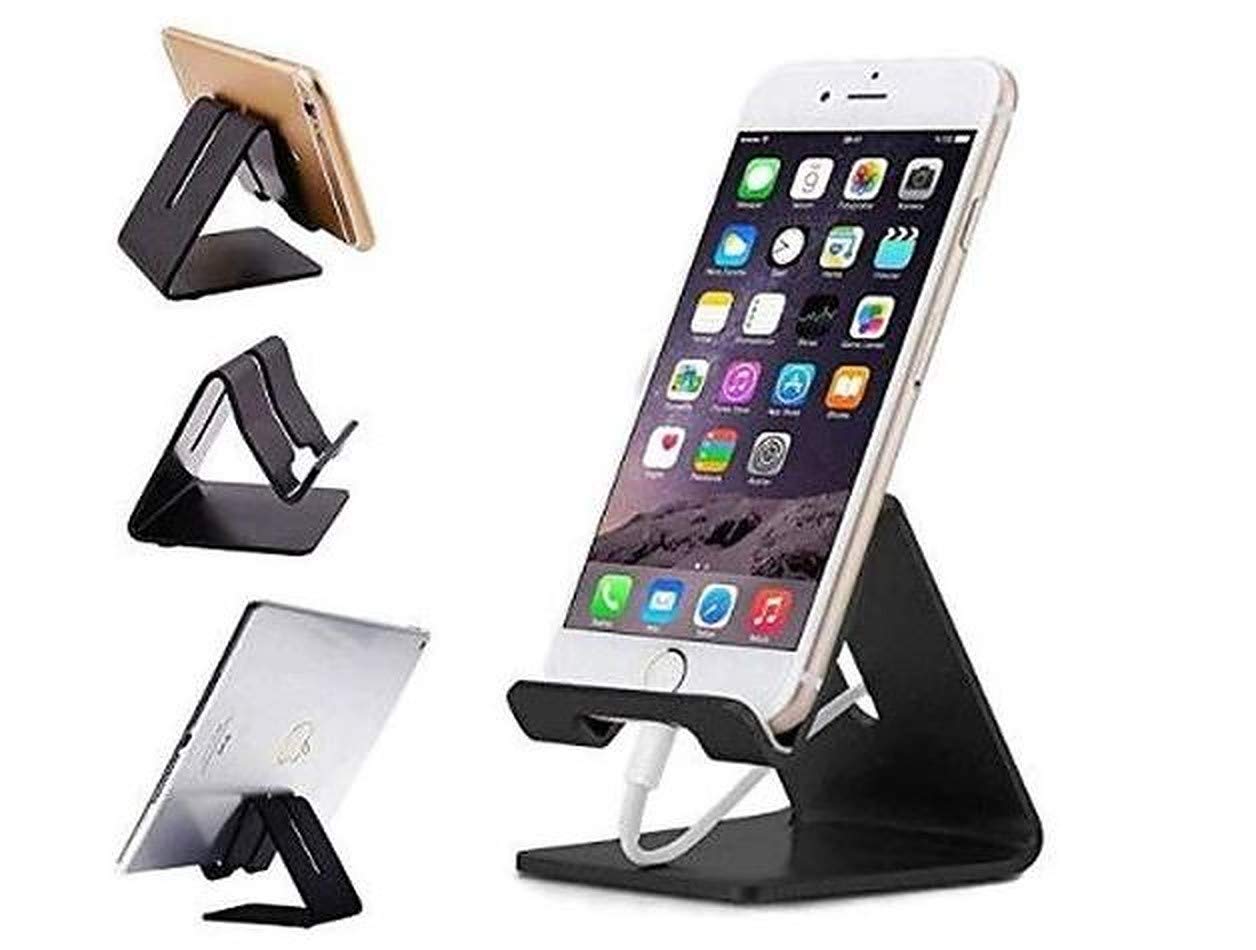
Figure 4: Versatile use with smartphones and tablets. This image demonstrates the stand's compatibility with various mobile devices, including both smartphones and tablets, shown in different orientations.
5. Maintenance
To maintain the appearance and functionality of your stand:
- Cleaning: Wipe the stand with a soft, dry, or slightly damp cloth. Avoid using abrasive cleaners or solvents, as these may damage the finish.
- Storage: When not in use, store the stand in a clean, dry place.
6. Troubleshooting
If you encounter any issues with your stand, refer to the following common solutions:
- Device not stable on stand:
- Ensure the stand is placed on a flat, level surface.
- Verify that your device is centered and properly seated on the stand's lip and back support.
- Check if your device's case is excessively thick or uneven, which might affect stability.
- Charging cable does not fit through cutout:
- Confirm that you are using a standard charging cable. Some oversized cable connectors may not fit.
- Adjust the device's position slightly to align the charging port with the cutout.
7. Specifications
| Feature | Detail |
|---|---|
| Brand | Generic |
| Model | Ionix Mobile Phone Metal Stand |
| Material | Metal |
| Color | Black |
| Product Dimensions (LxWxH) | 24 x 16 x 6 cm |
| Item Weight | 100 g |
| Compatible Devices | Smartphones, Tablets |
| Mounting Type | Tabletop |
| Special Features | Grip, Charging Cable Cutout |
8. Warranty and Support
Information regarding specific warranty terms and customer support contact details for this Generic product is not available in the provided product data. Please refer to the retailer or your purchase documentation for warranty information and support contacts.


