
CAMMHD TLH4-128G
CAMMHD W6-128GB 4K/2160P Body Camera User Manual
Model: TLH4-128G
1. Introduction
This manual provides detailed instructions for the proper use and maintenance of your CAMMHD W6-128GB Body Camera. Please read this manual thoroughly before operating the device to ensure optimal performance and longevity. The CAMMHD W6 is designed for reliable audio and video recording in various environments, featuring 4K/2160P resolution, night vision capabilities, and robust construction.
2. What's in the Box
Carefully unpack your CAMMHD W6 Body Camera and verify that all items listed below are present and in good condition.
- CAMMHD W6 Body Camera (with built-in 128GB memory card)
- 2 x 2000mAh Rechargeable Batteries
- Professional Cradle Charger (Charge Dock Station)
- USB Cable
- USB Charger (Power Adapter)
- Long and Short 360° Clip

Image: All accessories included with the CAMMHD W6 Body Camera.
3. Product Overview
Familiarize yourself with the main components and controls of your CAMMHD W6 Body Camera.

Image: Front and rear views of the CAMMHD W6 Body Camera.
Key Features:
- 4K/2160P Video Resolution: Records high-definition video at 3840*2160P/30FPS.
- 3600W Pixel Camera: Captures clear images.
- Dual 2000mAh Batteries: Provides extended recording time, with a small built-in 200mAh battery for continuous recording during battery swap.
- Automatic/Manual Night Vision: Built-in infrared lights for clear recording up to 10m in low light conditions.
- Loop Recording: Automatically overwrites oldest files when memory is full.
- Password Protection: Secures access to device functions and files.
- IP68 Waterproof & 3M Drop Resistance: Durable design for various environments.
- 2.0-inch IPS High-Definition Display: For live view and playback.
- 170° Wide Angle Lens: Captures a broad field of view.
4. Setup
4.1. Charging the Batteries
Before first use, fully charge both 2000mAh batteries. The camera can also record while charging.
- Insert a battery into the professional cradle charger.
- Connect the cradle charger to a power source using the provided USB cable and charger.
- The charger's display will show the charging progress.
- Alternatively, insert a battery into the camera and connect the camera directly to the charger.

Image: Charging the CAMMHD W6 Body Camera and spare battery using the cradle charger.
4.2. Powering On/Off
- To Power On: Press and hold the Power button until the screen illuminates.
- To Power Off: Press and hold the Power button until the device shuts down.
5. Operating Instructions
5.1. Video Recording
The camera supports 4K/2160P video recording for high-quality footage.
- From the main screen, press the Record button to start recording.
- Press the Record button again to stop recording.
- Recorded files are saved to the internal 128GB memory.
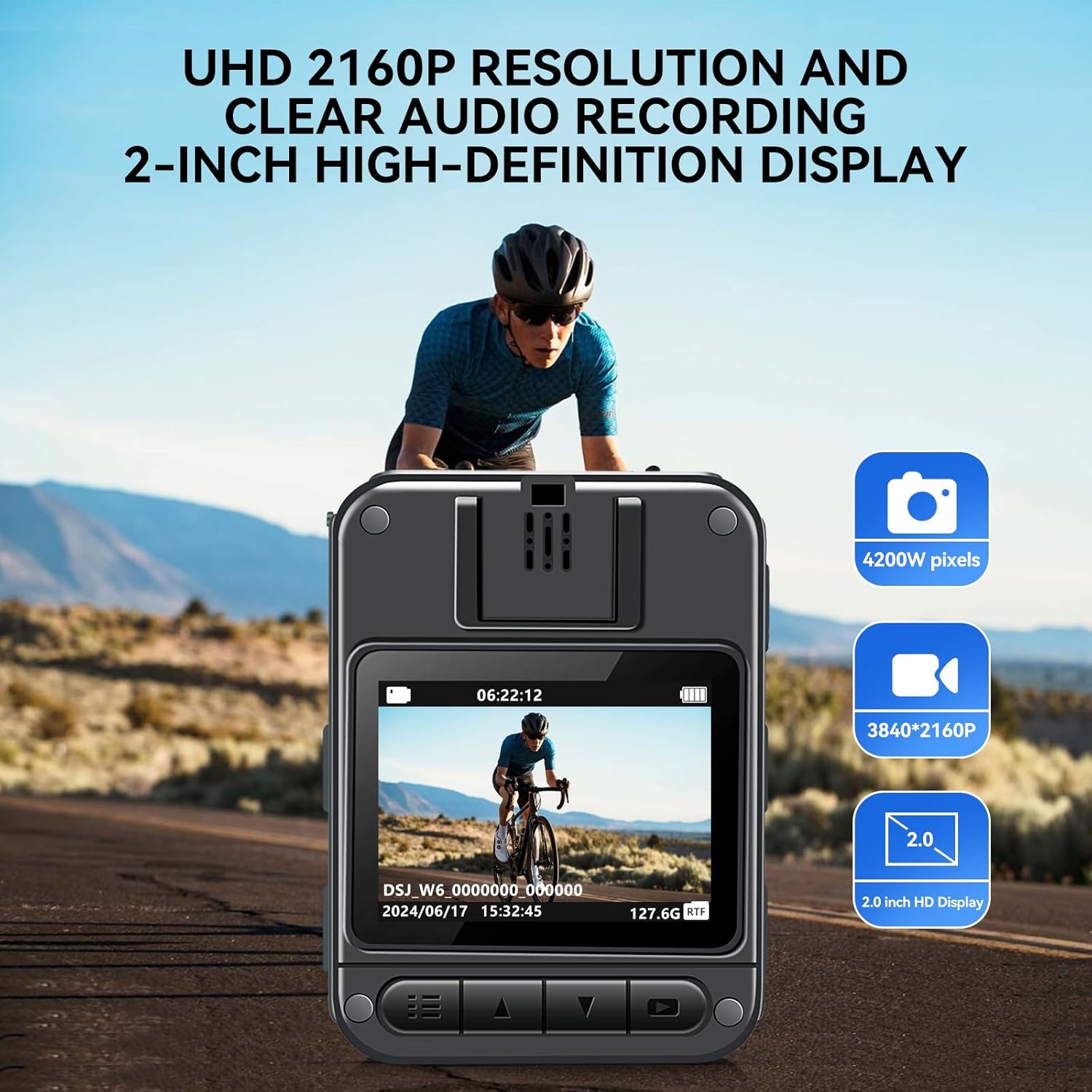
Image: The camera's display showing 4K video recording.
5.2. Night Vision
The CAMMHD W6 features powerful automatic and manual night vision for clear recording in low-light conditions.
- The camera can automatically switch to infrared night vision mode when light levels are low.
- You can also manually activate or deactivate night vision through the camera's menu settings.
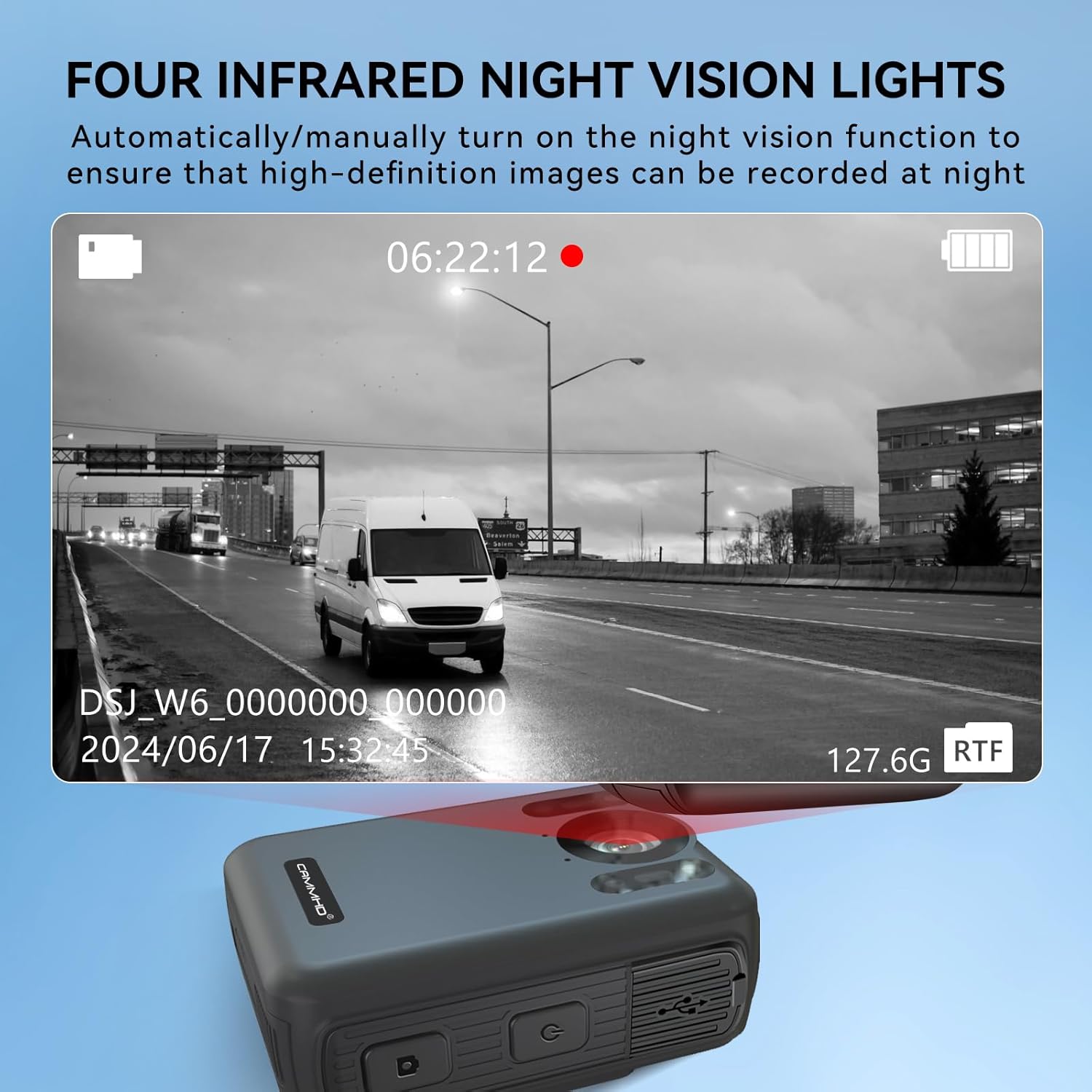
Image: Night vision recording in progress, demonstrating the camera's infrared capabilities.

Image: Comparison of night vision mode (left) and 4K color mode (right).
5.3. Loop Recording
The loop recording function ensures continuous recording without manual intervention.
- When the 128GB memory card is full, the camera will automatically delete the oldest files to make space for new recordings.
- Ensure this feature is enabled in the settings if continuous recording is desired.
5.4. Password Protection
To protect your recorded data, you can set a unique password for the camera.
- Once a password is set, it must be entered to access the camera's menu, view files, or connect to a computer.
- Refer to the on-screen menu for password setup instructions.
5.5. Data Transfer
The camera features a Type-C interface for fast data transmission.
- Connect the camera to a computer using the provided USB cable.
- The camera supports Windows XP-Windows 10 and MAC systems for data viewing and transfer.
6. Maintenance
6.1. Cleaning
- Use a soft, dry cloth to clean the camera body.
- For the lens, use a specialized lens cleaning cloth and solution to avoid scratches.
- Do not use harsh chemicals or abrasive materials.
6.2. Storage
- Store the camera in a cool, dry place away from direct sunlight and extreme temperatures.
- If storing for extended periods, ensure batteries are partially charged (around 50%) to preserve battery life.
6.3. Durability Features
The CAMMHD W6 is built with a robust two-color injection molding process, providing enhanced durability.
- IP68 Waterproof: Designed to withstand dust and water ingress.
- 3-Meter Drop Resistance: Shockproof design protects against accidental drops.

Image: The camera's robust design for dust, water, and drop resistance.
7. Troubleshooting
| Problem | Possible Cause | Solution |
|---|---|---|
| Camera does not power on. | Battery is depleted or not inserted correctly. | Charge the battery fully. Ensure battery is inserted correctly. |
| Cannot record video. | Memory full or recording mode not selected. | Check memory space. Enable loop recording if needed. Ensure video mode is active. |
| Poor video quality at night. | Night vision not activated or insufficient light. | Ensure night vision is enabled (auto or manual). |
| Cannot connect to computer. | Incorrect cable, driver issue, or password protection. | Use original USB cable. Ensure correct mode on camera. Enter password if prompted. |
8. Specifications
| Feature | Detail |
|---|---|
| Model Number | TLH4-128G |
| Video Capture Resolution | 4K (3840*2160P) |
| Photo Sensor Technology | CMOS |
| Flash Memory Type | Built-in 128GB |
| Connectivity Technology | Infrared, Type-C USB |
| Special Feature | Night Vision, Loop Recording, Password Protection, IP68 Waterproof, 3M Drop Resistance |
| Batteries | 2 Lithium Ion batteries (2000mAh each) + 200mAh built-in |
| Display | 2.0-inch IPS HD Display |
| Lens Type | Zoom, 170° Wide Angle |
| Recommended Uses | Security, Law Enforcement, Personal Use |
| Operating System Compatibility | Windows XP-Windows 10, MAC system |
9. Warranty and Support
Your CAMMHD W6 Body Camera comes with a standard return policy. For specific warranty details and support, please refer to the purchase documentation or contact the seller directly.
- Return Policy: 30-day refund/replacement policy from the date of purchase.
- Manufacturer Support: For further assistance, visit the official CAMMHD Store or contact their customer service.
For more information and product updates, you may visit the CAMMHD Store on Amazon.
Related Documents - TLH4-128G
 |
CAMMHD Body Camera User Manual - Features, Settings, and Operation Comprehensive user manual for the CAMMHD C8 series body camera. Covers product features, performance specifications, quick start guide, detailed parameter settings, and data transmission instructions for models like C8, C8-64GB, C8-128G, and C8-256G. Includes information on recording, photography, night vision, motion detection, and system configuration. |
 |
CAMMHD F6 Body Camera User Manual This user manual provides comprehensive instructions for the CAMMHD F6 4K Body Camera. Learn how to operate the device, configure settings like video resolution, recording modes, and night vision, and manage data transmission. Essential guide for law enforcement and security professionals. |
 |
CAMMHD Body Camera User Manual: Features, Operation, and Settings Comprehensive user manual for the CAMMHD body camera, detailing its features, quick usage guide, parameter settings, and data transmission. Learn how to operate your body camera for video recording, photography, and advanced functions. |
 |
CAMMHD Body Camera User Manual: Features, Settings, and Operation Comprehensive user manual for the CAMMHD Body Camera, detailing its functions, parameter settings, quick usage guide, and data transmission. Learn how to operate your body camera effectively. |
 |
CAMMHD DSJ-V8 Body Worn Camera Operation Manual This is the official operation manual for the CAMMHD DSJ-V8 Body Worn Camera. It provides detailed instructions on setup, features, functions, parameter settings, data transfer, and troubleshooting for law enforcement and security professionals. Learn how to maximize the capabilities of your DSJ-V8 device. |
 |
DSJ-T3 Head Mounted Body Camera User Manual User manual for the DSJ-T3 Head Mounted Body Camera by CAMMHD, covering setup, operation, mobile app connectivity, indicator status, installation, and troubleshooting. |
Ask a question about this manual
Ask about setup, troubleshooting, compatibility, parts, safety, or missing instructions. Manuals+ will review the question and use this page’s manual context to help answer it.