1. Introduction
This manual provides essential instructions for the proper use and maintenance of your Brother Genuine LC411BK Black Ink Cartridge. Using genuine Brother ink ensures optimal performance and longevity of your Brother printer.

Figure 1: Brother Genuine LC411BK Black Ink Cartridge and packaging.
Brother Genuine Ink Cartridges are specifically designed and developed to work seamlessly with Brother printers, delivering consistent, high-quality prints and protecting your device from potential damage.
2. Compatible Printer Models
The Brother Genuine LC411BK Black Ink Cartridge is compatible with the following Brother printer models:
- DCP-J928N
- DCP-J528N
- MFC-J905N
- DCP-J926N
- DCP-J526N
- MFC-J904N
- MFC-J739DN / MFC-J739DWN
- MFC-J939DN / MFC-J939DWN
- DCP-J1800N
- DCP-J915N
- DCP-J914N
For the most up-to-date list of compatible models, please refer to the official Brother website or product catalog.

Figure 2: Visual representation of compatible Brother printer models for LC411 series ink cartridges.
3. Installation Instructions
Follow these steps to install the Brother Genuine LC411BK Black Ink Cartridge into your compatible Brother printer:
- Power On: Ensure your Brother printer is powered on.
- Open Ink Cartridge Cover: Locate and open the ink cartridge access cover on your printer. Refer to your printer's specific user manual for the exact location.
- Remove Old Cartridge (if applicable): If replacing an existing cartridge, gently press the release lever and pull the old cartridge straight out.
- Unpack New Cartridge: Carefully remove the new LC411BK ink cartridge from its sealed packaging. Avoid touching the electrical contacts or the print head nozzle.
- Insert New Cartridge: Insert the new ink cartridge into the correct slot, ensuring it clicks firmly into place. The black cartridge typically goes into the slot marked "BK" or "Black".
- Close Cover: Close the ink cartridge access cover. The printer will usually perform an initialization process.
- Confirmation: Your printer's display should indicate that the ink cartridge is installed correctly.
Note: Always use genuine Brother ink cartridges to prevent potential damage to your printer and ensure optimal print quality.
4. Operating Guidelines
To achieve the best results with your Brother Genuine LC411BK ink cartridge, consider the following operating guidelines:
- Print Quality: Genuine Brother ink is formulated to produce sharp text and vibrant images. For optimal print quality, use recommended paper types.
- Regular Use: Printing regularly helps prevent ink from drying out in the print heads. If you don't print often, consider printing a test page once a week.
- Software Settings: Utilize your printer's software settings to select appropriate print quality and paper type for each print job.

Figure 3: Genuine Brother ink ensures optimal print quality for various media.

Figure 4: Genuine ink provides vibrant color photos and crisp black text.
5. Maintenance
Proper maintenance helps extend the life of your printer and ensures consistent print quality:
- Storage: Store unused ink cartridges in their sealed packaging in a cool, dry place, away from direct sunlight.
- Print Head Cleaning: If print quality degrades (e.g., streaks, faded colors), perform a print head cleaning cycle through your printer's utility software or control panel. Refer to your printer's manual for specific instructions.
- Genuine Ink Usage: Using non-genuine ink can lead to various issues, including damage to the printer, poor print quality, and ink leakage. Brother recommends using only genuine ink cartridges.
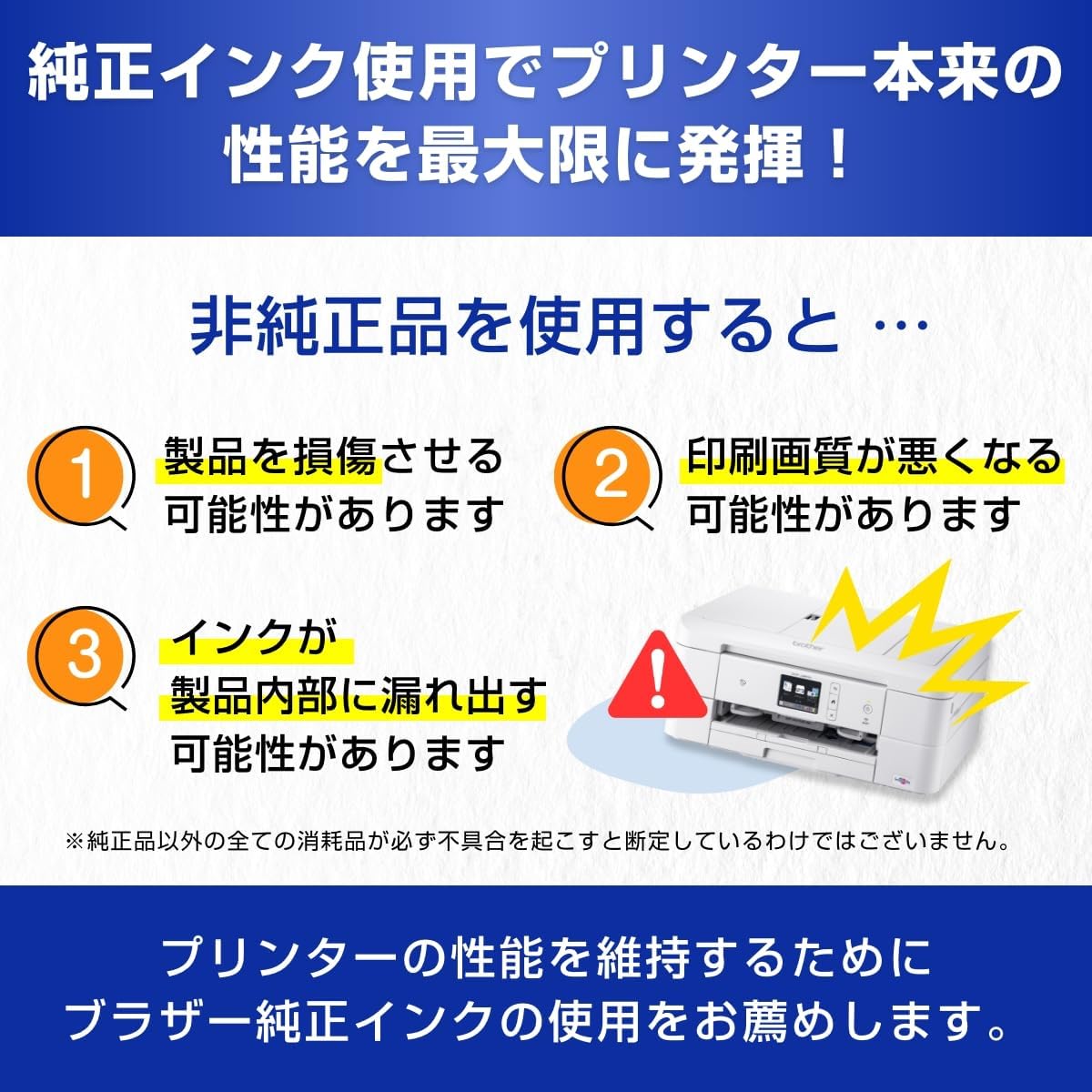
Figure 5: Risks associated with using non-genuine ink cartridges.
6. Troubleshooting Common Issues
If you encounter problems with your LC411BK ink cartridge or printer, consider the following:
- "Ink Low" or "Ink Empty" Message: Replace the cartridge when prompted. Ensure the new cartridge is properly seated.
- Poor Print Quality (Streaks, Fading):
- Perform a print head cleaning cycle.
- Check ink levels and replace if necessary.
- Ensure you are using genuine Brother ink.
- Cartridge Not Recognized:
- Remove and reinsert the cartridge to ensure it is seated correctly.
- Clean the electrical contacts on the cartridge and in the printer with a lint-free cloth.
- Verify the cartridge is a genuine Brother LC411BK.
For more detailed troubleshooting, consult your printer's comprehensive user manual or the Brother support website.
7. Specifications
| Feature | Specification |
|---|---|
| Model Number | LC411BK |
| Ink Color | Black |
| Page Yield | Approximately 375 pages (ISO/IEC 24711) |
| Product Dimensions | 3.94 x 3.94 x 3.94 inches |
| Item Weight | 1.41 ounces |
| Ink Type | Pigment-based (Black) |
| Compatibility | Brother Inkjet Printers (LC411 series compatible models) |
Note: Page yield is an estimated value based on ISO/IEC 24711 standards. Actual yield may vary significantly based on content of printed pages and other factors.
8. Warranty and Support
Brother provides support and warranty services for its genuine products. Using genuine Brother ink cartridges is crucial for maintaining your printer's warranty and eligibility for certain services.
- Manufacturer's Warranty: Brother printers typically come with a standard manufacturer's warranty. Using non-genuine ink may void or limit this warranty for issues caused by such products.
- Extended Warranty Service: Brother offers an extended warranty service for customers using genuine Brother ink. Registration is often required within a specific period after purchase. Please visit the official Brother website for details on eligibility and registration.
- Customer Support: For technical assistance, troubleshooting, or warranty claims, please contact Brother customer support. Visit the official Brother website for contact information and support resources.
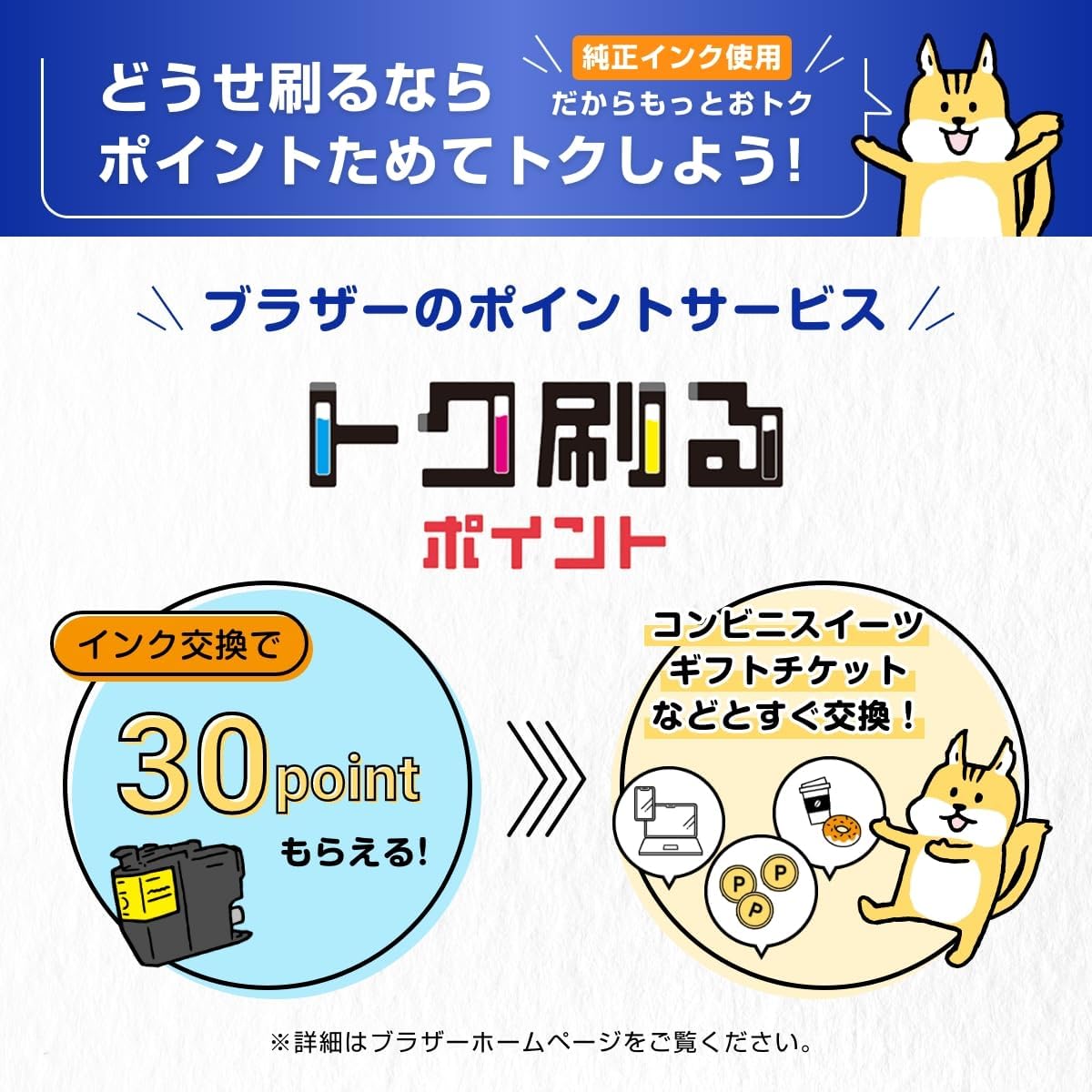
Figure 6: Information on Brother's extended warranty service for genuine ink users.
Brother also offers a points service for genuine ink users, allowing for rewards upon ink cartridge exchange. Details can be found on the Brother official website.

Figure 7: Brother's points service for genuine ink cartridge recycling.


