
SUNTEKCAM HC-900PRO-SIM
SUNTEKCAM HC-900PRO+ 4G Live Video Trail Camera User Manual
Model: HC-900PRO-SIM
Introduction
This manual provides detailed instructions for the setup, operation, and maintenance of your SUNTEKCAM HC-900PRO+ 4G Live Video Trail Camera. This advanced camera is designed for wildlife monitoring, hunting, farm security, and construction surveillance, offering 4K video recording, 30MP still images, and real-time live video streaming via a dedicated mobile application.
Product Overview

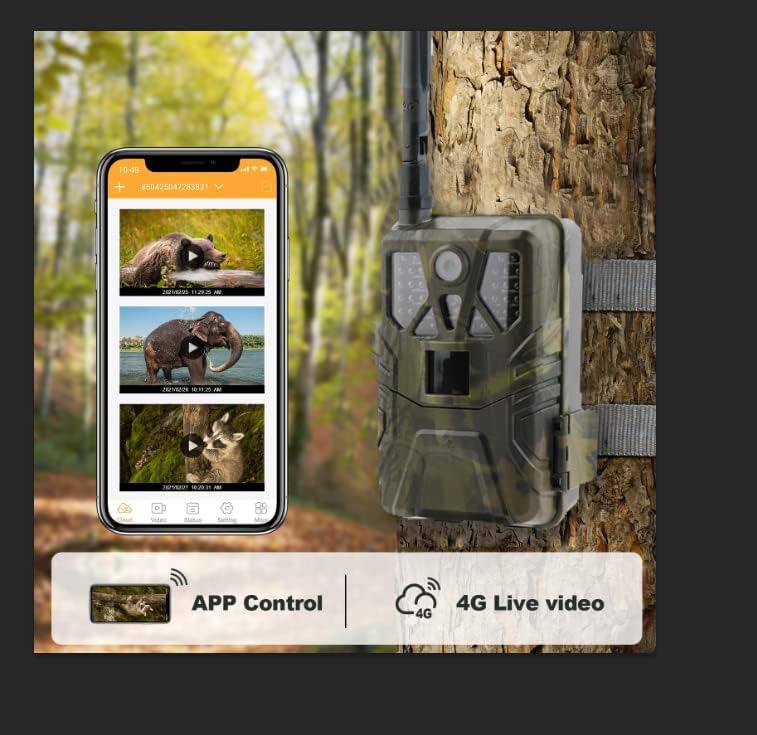
The SUNTEKCAM HC-900PRO+ 4G Live Video Trail Camera, shown with its antenna, battery indicator, 16GB SD card, SIM card, and a smartphone displaying the live video app interface.
Key Features
- 4G Live Video Streaming: View real-time footage directly on your mobile phone via the SUNTEKCAM app, regardless of distance (requires good signal).
- High Resolution Imaging: Captures crisp 4K Full HD video (30FPS) and sharp 30MP still images.
- Advanced Night Vision: Equipped with 44pcs 940nm no-glow infrared LEDs, providing clear black and white images up to 20 meters (65 feet) in complete darkness.
- Durable and Weatherproof: IP66 waterproof rating ensures robust protection against rain, dust, and fog, suitable for harsh outdoor environments.
- Included Accessories: Comes with a SIM card and an SD card for immediate use.
- Mobile App Control: Easily configure settings, view live video, and retrieve photos/videos through the dedicated SUNTEKCAM mobile application.
Package Contents
Please check the package for the following items:
- SUNTEKCAM HC-900PRO+ Trail Camera
- 4G Antenna
- SIM Card
- SD Card (16GB)
- Mounting Strap
- User Manual (this document)
Setup Guide
1. Inserting SIM and SD Cards
Before powering on the camera, insert the provided SIM card and SD card into their respective slots. Ensure the SIM card's PIN code is deactivated before insertion.

Insert the SIM card as shown.
Insert the SD card into its slot.
Note: It is recommended to use Class 10 or faster SD cards up to 256GB. Format the SD card within the app or camera settings before first use.
2. Powering the Camera
The camera operates on 8 AA batteries (not included) or an external 9-12V power source (e.g., solar panel). Insert the batteries into the compartment as indicated.

Insert 8 AA batteries into the camera's battery compartment.
After inserting the cards and batteries, switch the camera to the "TEST" or "ON" position using the switch located at the bottom of the camera.

Locate the OFF-TEST-ON switch at the bottom of the camera.
3. App Installation and Device Pairing
Download the "SUNTEKCAM" mobile application from your smartphone's app store. You can scan the QR codes below or use the provided links:
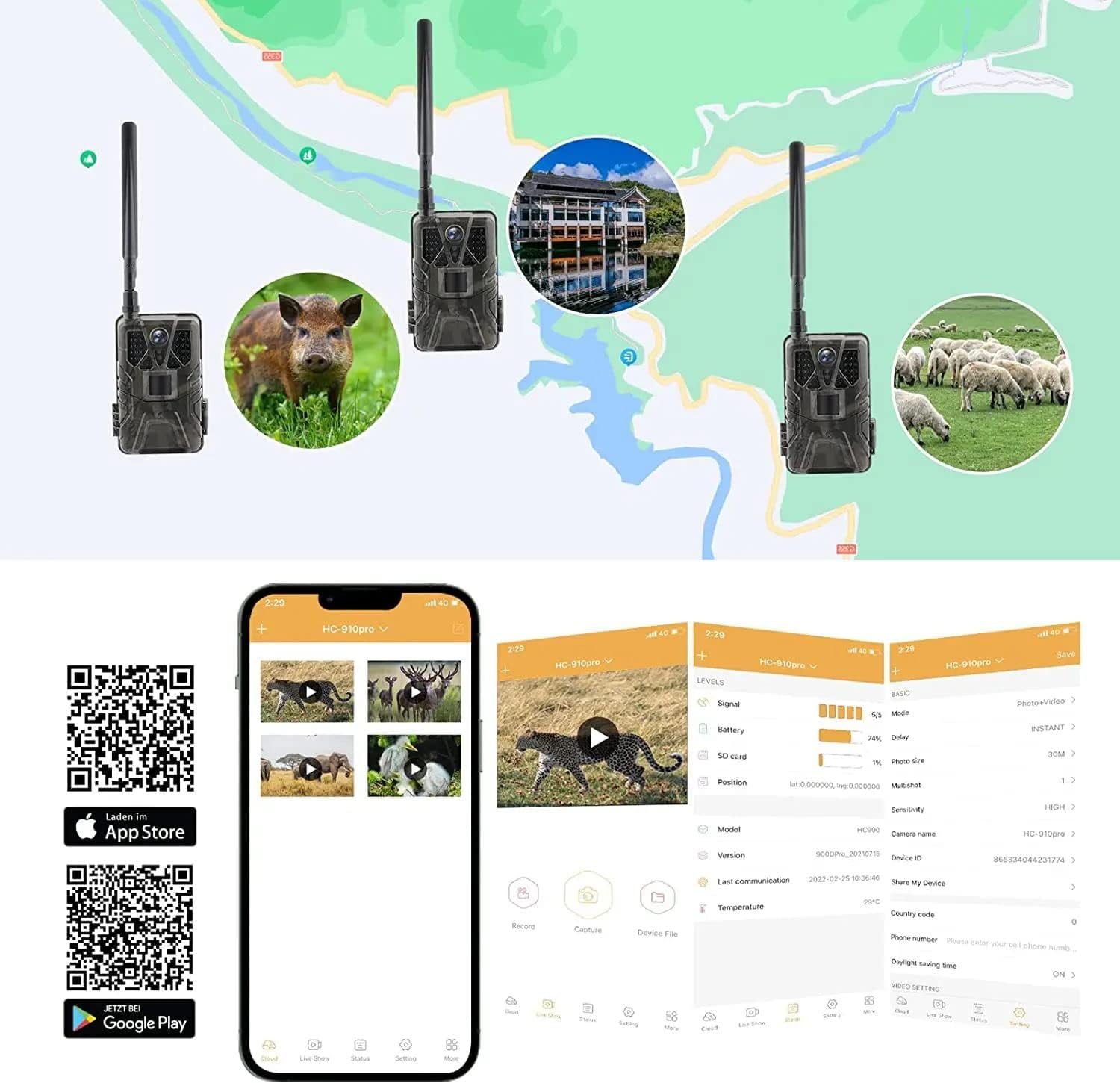
Once the app is installed, open it and scan the QR code of the device ID (found in the camera's menu: Menu > Network > Device ID > OK) to connect your camera. The default password is 888888.
Operating Instructions
1. Live Video and Photo Capture
The SUNTEKCAM app allows you to view live video streams and capture photos or videos remotely. Ensure your camera has a stable 4G signal for optimal performance.

Enjoy real-time live video streaming from your camera to your smartphone.
From the app, you can:
- Initiate live video streaming.
- Trigger photo or video capture.
- Browse and download captured media.
- Adjust camera settings remotely.
2. Night Vision Capabilities
The camera automatically switches to night vision mode in low-light conditions, utilizing its 940nm infrared LEDs to capture clear black and white images and videos without disturbing wildlife.

Example of night vision capture, showing clear images of lions in the dark.
3. Application Scenarios
The HC-900PRO+ is versatile and can be used in various settings:

The camera is suitable for hunting, family/farm security, wildlife monitoring, and construction surveillance.
- Hunting: Monitor game trails and animal activity.
- Wildlife Monitoring: Observe animal behavior in natural habitats.
- Family/Farm Security: Keep an eye on your property or livestock.
- Construction Surveillance: Monitor construction sites for security.
Data Plan Information
Your SUNTEKCAM trail camera requires a data plan for live video streaming and photo/video uploads. After your free trial, you can top up your device by purchasing additional data plans through the SUNTEKCAM app.

Available data plans (Basic, Advance, Premium) and steps to top up your device.
Top-up Process:
- Open the Suntek Cam APP.
- Go to the setting menu at the bottom of the APP.
- Click "Data Recharge".
- Choose a data plan (Basic, Advance, or Premium).
- Make a payment by PayPal or credit card.
If you choose not to use the provided SIM card, ensure your alternative SIM card has its PIN code deactivated and is compatible with the camera's network settings (Vodafone, Telefonica, Amena, Orange, YOIGO are pre-programmed).
Maintenance
1. Water Resistance (IP66)
The camera boasts an IP66 waterproof rating, providing superior protection against strong jets of water and dust ingress. While highly resistant, avoid submerging the camera in water.
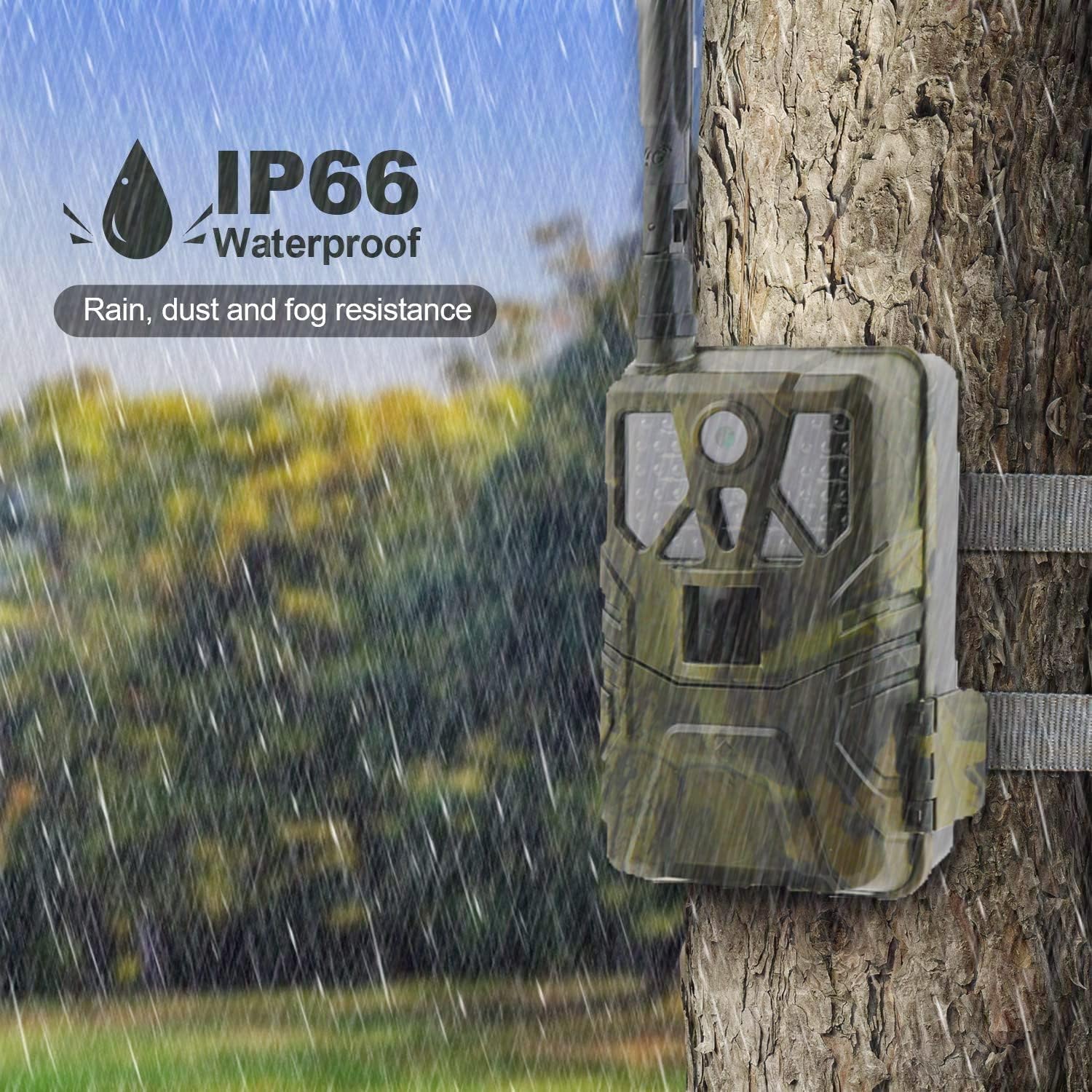
The camera is IP66 waterproof, resistant to rain, dust, and fog.
2. SD Card Management
To ensure optimal performance and prevent storage issues:
- Regularly format the SD card using the camera's settings or the mobile app.
- If the SD card becomes full, enable the "overwrite" function in the camera settings to allow new recordings to replace the oldest ones.
- If issues persist, try a different Class 10 or faster SD card.
Troubleshooting
Here are solutions to common issues you might encounter:
| Problem | Possible Cause / Solution |
|---|---|
| Camera takes photos but doesn't upload them. |
|
| Camera does not detect motion. |
|
| SD card cannot be read or videos are not playing. |
|
| App connection issues / Live video not working. |
|
| Camera not functioning correctly after low battery. |
|
Technical Specifications
| Feature | Specification |
|---|---|
| Model Number | HC-900PRO-SIM |
| Video Resolution | 4K (30FPS) |
| Image Resolution | 30MP |
| Night Vision Range | 20 meters (65 feet) |
| IR LEDs | 44pcs 940nm (no-glow) |
| Water Resistance | IP66 |
| Connectivity | 4G Wireless, App Control |
| Power Source | 8x AA Batteries, 9-12V External (e.g., Solar Panel) |
| Storage | SD Card (up to 256GB, Class 10 or faster recommended) |
| Material | Plastic |
| Dimensions | 19.8 x 12.2 x 8.7 cm |
| Weight | 590 g |
| Recommended Use | Wildlife Monitoring |
Warranty and Support
SUNTEKCAM provides a one-year warranty for this product. If you encounter any issues or have questions regarding your HC-900PRO+ trail camera, please do not hesitate to contact our customer support team.
Customer Support Email: service@linksfield.net
Please provide your model number and a detailed description of the issue when contacting support for faster assistance.
Ask a question about this manual
Ask about setup, troubleshooting, compatibility, parts, safety, or missing instructions. Manuals+ will review the question and use this page’s manual context to help answer it.