
Laserlands 1875-532L-5VDC
Laserlands 532nm Green Laser Line Module User Manual
Model: 1875-532L-5VDC
1. Important Safety Information
This device emits Class IIIr laser radiation. Direct exposure to the beam may cause eye injury. Always follow these safety guidelines:
- DO NOT stare directly into the laser beam.
- DO NOT point the laser at people or animals.
- DO NOT aim the laser at reflective surfaces.
- Keep out of reach of children.
- Use in a controlled environment where accidental exposure is minimized.
- Consider wearing appropriate laser safety goggles when operating the device for extended periods or in situations where direct beam exposure is possible.
Failure to comply with these safety instructions could result in serious injury.
2. Product Overview
The Laserlands 532nm Green Laser Line Module is a compact and efficient laser projector designed to generate a clear, stable green laser line. It is suitable for various applications requiring precise alignment or visual effects. The module features a durable aluminum body, an integrated heatsink for stable operation, and anti-dust protection.

Figure 2.1: The Laserlands 532nm Green Laser Line Module, including the laser unit, power adapter, and adjustable mounting bracket.
Key Features:
- 532nm Green Laser: Produces a highly visible green laser line.
- High Quality Diode: Utilizes SONY, OSRAM, SANYO, or similar high-quality laser diodes for reliable performance.
- Clear Light Spot: Generates a fine, even, and clear laser line with low divergence and good collimation.
- Heatsink: Integrated pure copper heatsink ensures efficient heat dispersion for product stability and extended service life.
- No Focusing Required: This is a fixed-focus laser module, providing a fine laser line without manual adjustment.
- Anti-Dust Protection: Designed to prevent dust from entering the laser module, enhancing longevity.
- Constant Current Intelligent Feedback Circuit: Ensures stable performance and high efficiency.
- Durable Construction: Aluminum case with grooves for enhanced grip and a rubber tail for cable protection and anti-dust function.
3. Package Contents
Verify that all items are present in your package:
- 1x Laserlands 532nm Green Laser Line Module
- 1x Power Adapter (DC)
- 1x Mounting Bracket
4. Setup Instructions
Follow these steps to set up your laser module:
- Mounting the Laser Module:
Attach the laser module to the provided mounting bracket using the screws. The bracket allows for adjustment of the laser's angle and direction. Secure the bracket to a stable surface using appropriate fasteners (not included).
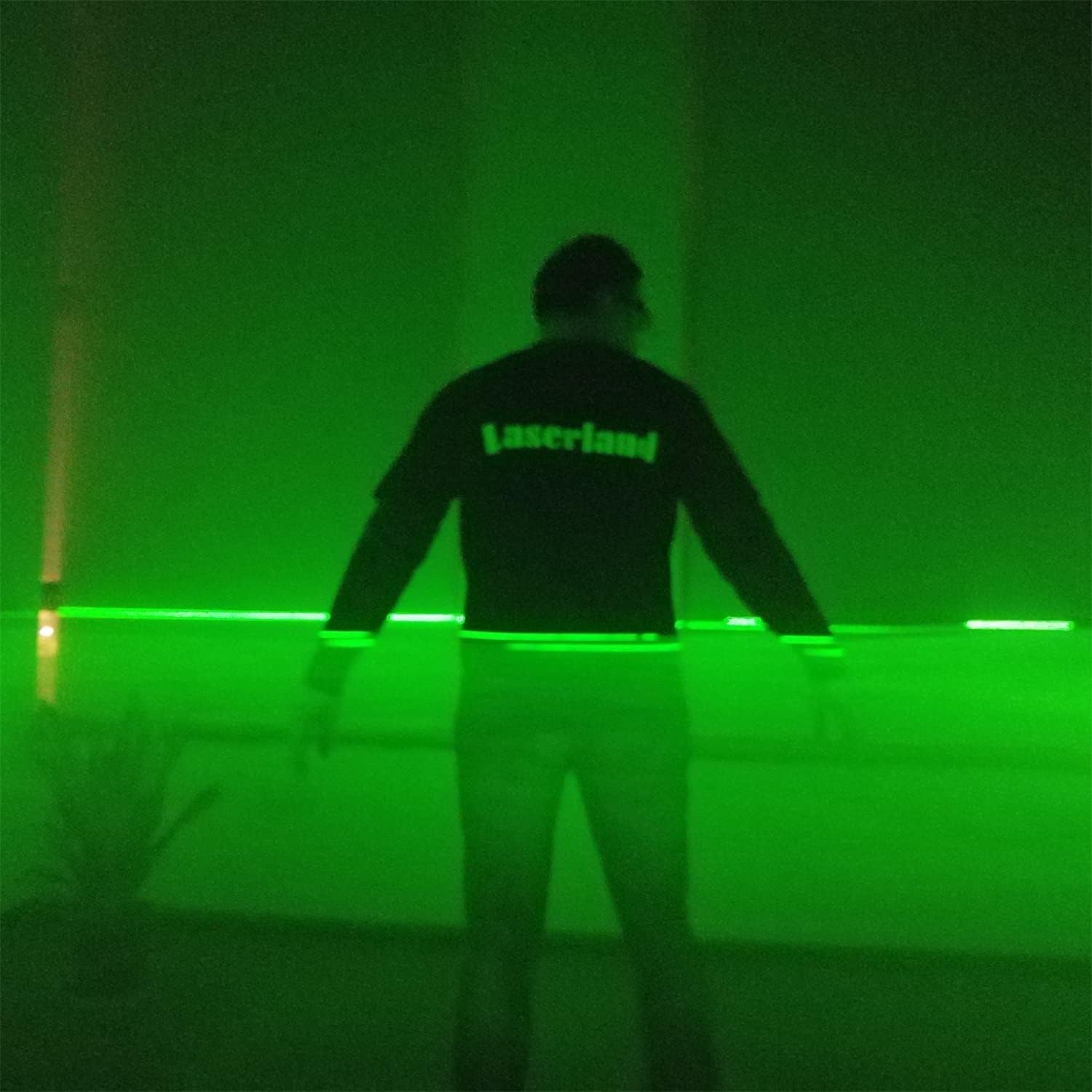
Figure 4.1: The laser module showing its compact design and dimensions (18mm diameter, 75mm length).
- Connecting Power:
Connect the DC power adapter to the input jack on the laser module's cable. Ensure the connection is secure. Plug the power adapter into a standard electrical outlet.

Figure 4.2: The laser module's cable connection with a protective rubber tail for durability and anti-dust function.
5. Operating Instructions
Once the laser module is set up and powered, it will immediately project a green laser line. There are no additional controls for operation.
- Activation: The laser activates automatically upon receiving power.
- Deactivation: Disconnect the power adapter from the electrical outlet to turn off the laser.
- Optimal Working Distance: For best visibility and effect, a working distance of 3-7 meters is recommended. The laser line can extend over 10 meters when projecting over long distances or sideways.
- Environmental Conditions: The module is designed for long-term operation within a suitable environment temperature of 15-35 degrees Celsius (59-95 degrees Fahrenheit).

Figure 5.1: Example of the green laser line projected onto a surface, demonstrating its clarity and visibility.

Figure 5.2: Multiple green laser lines creating a visual grid effect in a dimly lit environment, suitable for decorative or alignment purposes.
6. Maintenance
Proper maintenance ensures the longevity and optimal performance of your laser module.
- Cleaning: Gently wipe the exterior of the laser module with a soft, dry cloth. For the laser aperture, use a lens cleaning cloth or cotton swab with a small amount of lens cleaning solution. Avoid abrasive materials.
- Storage: When not in use, store the laser module in a cool, dry place, away from direct sunlight and extreme temperatures. Protect it from dust and physical impact.
- Avoid Disassembly: Do not attempt to disassemble the laser module. This can void any potential warranty and may expose you to hazardous laser radiation.
7. Troubleshooting
| Problem | Possible Cause | Solution |
|---|---|---|
| No laser line emitted. | No power or loose connection. | Ensure the power adapter is securely connected to both the laser module and a working electrical outlet. Check the outlet with another device. |
| Laser line is dim or flickering. | Insufficient power, dirty lens, or operating outside recommended temperature. | Verify power supply. Clean the laser aperture. Ensure ambient temperature is within 15-35°C. |
| Laser module feels hot. | Normal operation, or prolonged use in high ambient temperature. | The integrated heatsink manages heat. If excessively hot, ensure adequate ventilation and consider reducing operating time if ambient temperature is high. |
8. Specifications
| Feature | Detail |
|---|---|
| Brand | Laserlands |
| Model Number | 1875-532L-5VDC |
| Laser Wavelength | 532nm (Green) |
| Laser Class | Class IIIr |
| Output Power | 4.9 Milliwatts |
| Material | Aluminum, Plastic |
| Color | Green (laser), Black (housing) |
| Product Dimensions | 0.71"L x 2.95"W (approx. 18mm diameter x 75mm length) |
| Item Weight | 10.8 ounces (total package) |
| Power Source | DC (adapter included) |
| Operating Temperature | 15-35°C (59-95°F) recommended |
| Special Features | Green-line projection, fixed-focus, heatsink, anti-dust protection |
| Included Components | Laser module, power adapter, mount |
9. Warranty and Support
For warranty information or technical support, please refer to the documentation provided with your purchase or contact Laserlands customer service directly. Keep your proof of purchase for warranty claims.
Ask a question about this manual
Ask about setup, troubleshooting, compatibility, parts, safety, or missing instructions. Manuals+ will review the question and use this page’s manual context to help answer it.