
Little Live Pets Sunny
Little Live Pets Sunny Bright Light Chameleon Instruction Manual
Model: Sunny (26364)
1. Introduction
Welcome to the world of Little Live Pets Sunny Bright Light Chameleon! Sunny is an interactive chameleon toy designed to bring joy and engagement through its unique features. This manual will guide you through setting up, operating, and maintaining your new electronic pet.
Sunny is a vibrant, multi-colored chameleon that lights up and changes color to express over 10 different moods. It responds to touch, sound, and even music, offering over 30 unique sounds and emotions. Get ready to discover all the fun interactions Sunny has to offer!

Image 1.1: Sunny Bright Light Chameleon in its retail packaging.
2. Safety Information
WARNING: Choking Hazard. This toy contains small parts. Not suitable for children under 3 years.
- Always supervise children during play.
- Do not attempt to disassemble the toy.
- Keep batteries away from small children.
- Dispose of batteries responsibly according to local regulations.
3. Setup
3.1 Battery Installation
Sunny requires 2 AAA batteries, which are included with your purchase. To install or replace batteries:
- Locate the battery compartment on the underside of Sunny.
- Using a small Phillips head screwdriver, unscrew the battery compartment cover.
- Insert 2 new AAA batteries, ensuring correct polarity (+/-).
- Replace the cover and secure it with the screw.
3.2 Initial Activation
After battery installation, Sunny is ready to play. Locate the ON/OFF switch, usually near the battery compartment, and slide it to the 'ON' position. Sunny will greet you with sounds and lights.
4. Operating Instructions
Sunny is an interactive chameleon that expresses itself through lights and sounds. Here's how to interact with your pet:
4.1 Moods and Color Changes
Sunny changes color to reflect its mood, just like a real chameleon. It can express over 10 different moods with corresponding colors and sounds:
- Violet: Hungry (may gargle)
- Blue: Sad (may whimper)
- Yellow: Happy (may giggle)
- When Sunny is very happy, it may sing and glow brightly.

Image 4.1: Sunny changes color to reflect its mood.

Image 4.2: Sunny displaying various colors as it glows.
4.2 Interactive Modes
Sunny features different modes of interaction:
- Care Mode: In this mode, Sunny reacts to your touch. Pet its head, gently touch its mouth as if feeding it, or speak to it. Sunny's soft, squishy skin enhances the tactile experience.
- Party Mode: Play your favorite music, and Sunny will light up and change colors to the beat and rhythm of the music.
- Voice Interaction: Speak to Sunny in a friendly voice, and it will respond with happy sounds. If you speak too loudly, Sunny may get scared and react accordingly.

Image 4.3: Sunny reacts to gentle touch, such as feeding.

Image 4.4: Sunny responds to affectionate interactions.

Image 4.5: In Party Mode, Sunny lights up and changes color with music.
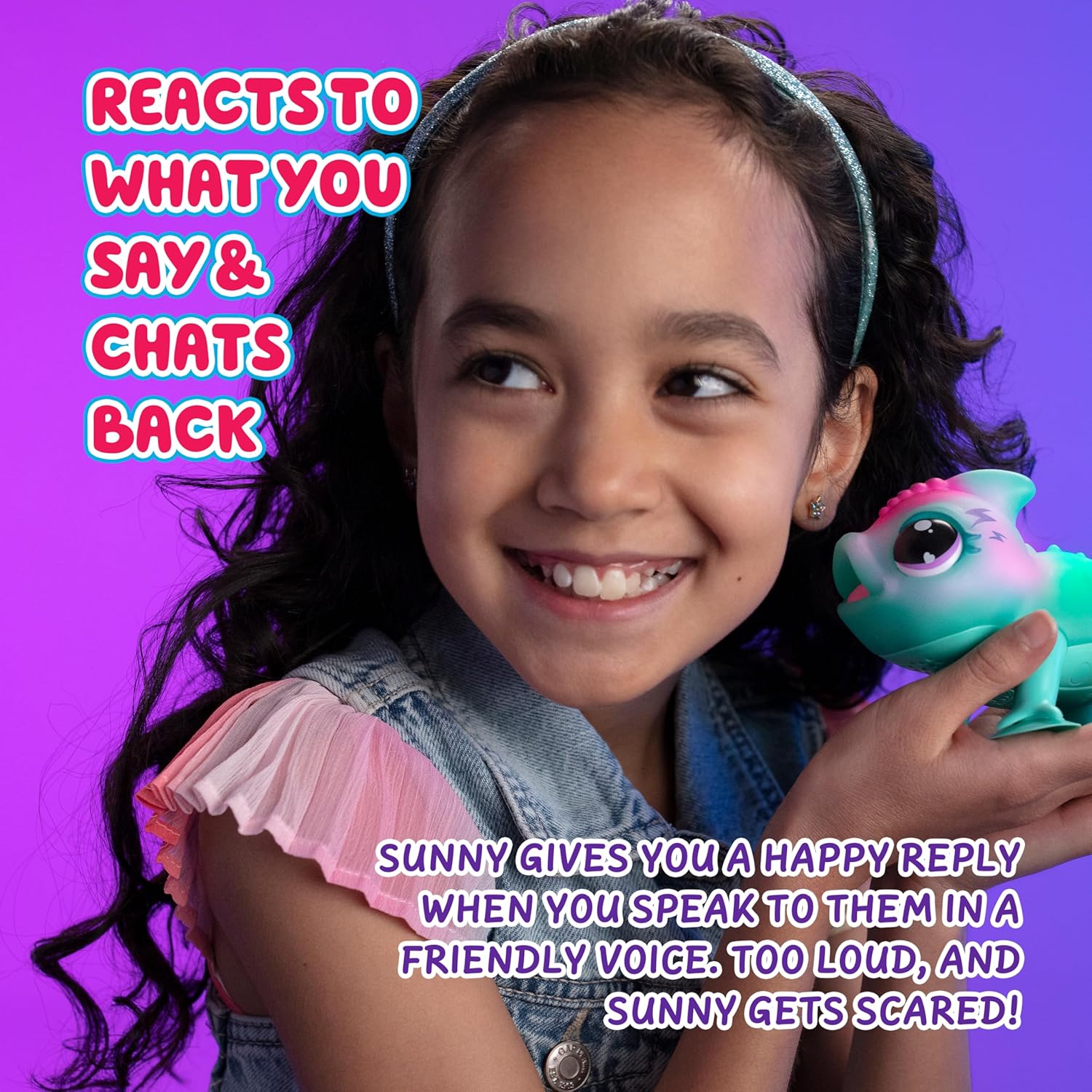
Image 4.6: Sunny responds to your voice and chats back.
4.3 Suction Cup Feet
Sunny is equipped with suction cup feet, allowing you to attach it to smooth surfaces. This feature enables versatile play and display options.

Image 4.7: Sunny can be attached to smooth surfaces using its suction cup feet.
5. Maintenance
5.1 Cleaning
To clean Sunny, gently wipe its surface with a soft, damp cloth. Do not submerge the toy in water or use harsh cleaning agents, as this may damage the electronic components.
5.2 Battery Replacement
Refer to section 3.1 for instructions on how to replace the batteries when Sunny's lights dim or sounds become faint.
6. Troubleshooting
- Sunny is not responding: Check if the ON/OFF switch is in the 'ON' position. Ensure batteries are correctly installed and not depleted. Replace batteries if necessary.
- Lights are dim or sounds are faint: This usually indicates low battery power. Replace the AAA batteries.
- Sunny is not changing colors: Ensure you are interacting with Sunny as described in section 4. If the issue persists after checking batteries, contact customer support.
7. Specifications
| Feature | Detail |
|---|---|
| Model Name | Sunny Bright Light Chameleon |
| Manufacturer Reference | 26364 |
| Product Dimensions (L x W x H) | 7.75 x 14.45 x 8.56 cm; 58.1 grams |
| Manufacturer Recommended Age | 5 - 12 years (Minimum 60 months) |
| Battery Type | 2 AAA batteries (included) |
| Main Material | Plastic |
| Color | Multicoloured |
| Assembly Required | No |
| Number of Players | 1+ |
8. Warranty and Support
Warranty information for your Little Live Pets Sunny Bright Light Chameleon is typically provided at the point of purchase or within the product packaging. Please retain your proof of purchase for any warranty claims.
For further assistance, troubleshooting, or inquiries not covered in this manual, please contact Little Live Pets customer support. Refer to the product packaging or the manufacturer's official website for contact details.
Ask a question about this manual
Ask about setup, troubleshooting, compatibility, parts, safety, or missing instructions. Manuals+ will review the question and use this page’s manual context to help answer it.