
1. Introduction
Welcome to the future of audio with your new Urbanista Los Angeles Solar Powered Active Noise Cancelling Headphones. These headphones are designed to provide an unparalleled listening experience with virtually infinite playtime, thanks to groundbreaking Powerfoyle solar cell technology. This manual will guide you through setting up, operating, and maintaining your headphones to ensure optimal performance.
2. Product Overview
2.1 Key Features
- World's First Self-Charging Wireless Headphones: Featuring Powerfoyle solar cell technology in the head strap, converting light into power for a nonstop audio experience. Offers an 80-hour battery reserve for dark conditions.
- Hybrid Active Noise Cancelling: Block out unwanted background noise with advanced ANC technology for immersive audio.
- Ambient Sound Mode: Stay aware of your surroundings while listening, ideal for travel or urban environments.
- Infinite Convenience: Control and monitor via the Urbanista app (iOS/Android), check Powerfoyle sensor, battery life, and update firmware.
- Voice Assistant Compatibility: Built-in microphone and compatibility with Siri and Google Voice Assistant for hands-free control.
- Infinite Comfort & Control: Adjustable design with smooth cushioned shells for custom fit and unlimited listening comfort.
- On-Ear Detection: Automatically pauses audio when headphones are removed and resumes when put back on.
- Distinctive Design: Minimalist Scandinavian design with foldable metallic hinge and vegan leather ear shells.
2.2 What's in the Box
- Urbanista Los Angeles Headphones
- Protective Case
2.3 Product Diagram

Figure 1: Urbanista Los Angeles Headphones in Midnight Black.

Figure 2: Diagram highlighting key features like Bluetooth 5.0, voice control, adjustable fit, and cushioned earpads.
3. Setup
3.1 Initial Charging (Solar Power)
Your Urbanista Los Angeles headphones feature revolutionary Powerfoyle solar cell technology, allowing them to continuously charge when exposed to light. For optimal initial charge and ongoing power, place the headphones with the headband exposed to natural or artificial light. The Powerfoyle material on the headband converts light into clean, endless energy, ensuring virtually infinite playtime.
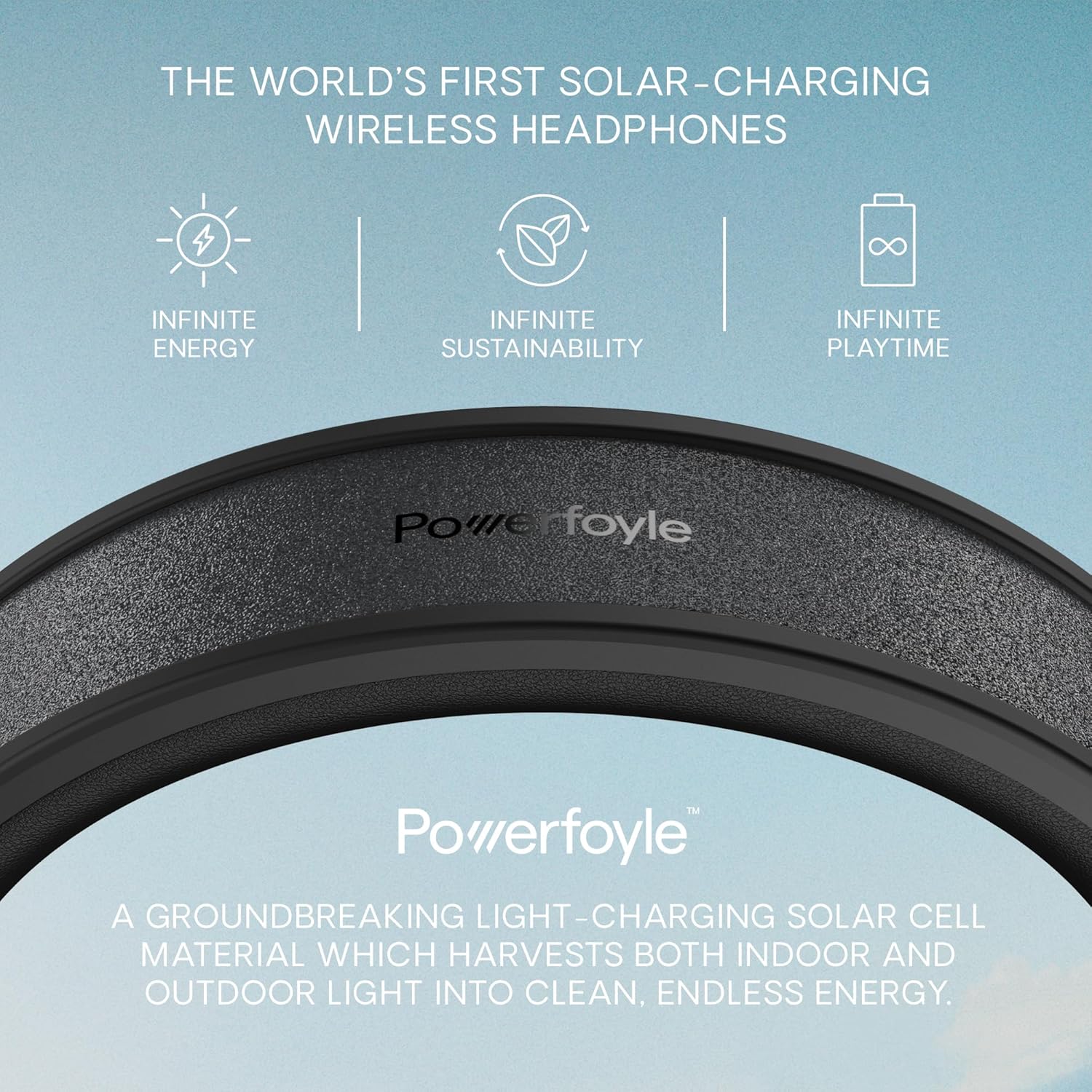
Figure 3: Close-up of the Powerfoyle solar charging strip on the headband.
Video 1: Official video demonstrating the solar charging capabilities and overall design of the Urbanista Los Angeles headphones.
3.2 Bluetooth Pairing
To connect your headphones to a device via Bluetooth:
- Ensure your headphones are powered on.
- Activate Bluetooth on your device (smartphone, tablet, computer).
- On your device, search for available Bluetooth devices.
- Select "Urbanista Los Angeles" from the list.
- Once connected, the LED indicator on the headphones will confirm successful pairing.
4. Operating Instructions
4.1 Controls Overview
The Urbanista Los Angeles headphones feature intuitive controls for managing your audio and calls.
| Control Type | Function |
|---|---|
| Power Button (Middle) | Power On/Off, Play/Pause, Answer/End Call |
| Volume Up/Down Buttons | Adjust Volume, Skip Tracks |
| Feature Button (Next to charging port) | Activate Voice Assistant, Toggle ANC/Ambient Mode |
| On-Ear Detection | Automatically pauses/resumes playback when headphones are removed/put on. |
4.2 Active Noise Cancellation (ANC) and Ambient Sound Mode
Enhance your listening experience by controlling ambient sounds:
- Active Noise Cancellation (ANC): Press the dedicated button (or use the feature button as per model) to block out external noise, providing an immersive audio experience.
- Ambient Sound Mode: Press the button again to activate Ambient Sound Mode, which allows you to hear your surroundings without removing your headphones. This is useful for safety in busy environments.

Figure 4: Visual representation of Active Noise Cancelling and Ambient Sound features.
Video 2: Official video detailing the various product features, including Active Noise Cancellation and Ambient Sound modes.
4.3 On-Ear Detection
The headphones are equipped with on-ear detection. When you remove the headphones, audio playback will automatically pause. When you put them back on, playback will resume from where it left off.
4.4 Urbanista App Integration
Download the Urbanista app from your device's app store (iOS and Android compatible) to unlock additional features and monitor your headphones. The app allows you to:
- Check Powerfoyle sensor activity.
- Monitor battery life.
- Access tips for using your device.
- Update firmware for improved performance and new features.

Figure 5: Person using the Urbanista app to manage headphone settings.
5. Maintenance
5.1 Cleaning
To maintain the condition of your headphones:
- Wipe the earcups and headband with a soft, dry cloth.
- Avoid using harsh chemicals or abrasive materials.
- Ensure the Powerfoyle surface on the headband is clean for optimal solar charging.
5.2 Storage
When not in use, store your headphones in the provided protective case to prevent damage. For continuous charging, store them in a location with ambient light exposure.
6. Troubleshooting
6.1 Common Issues and Solutions
- Headphones not charging via solar: Ensure the Powerfoyle surface on the headband is exposed to sufficient light (natural or artificial) and is clean.
- Cannot pair Bluetooth: Ensure headphones are in pairing mode, Bluetooth is enabled on your device, and the headphones are within range. Try restarting both devices.
- No sound: Check volume levels on both headphones and connected device. Ensure headphones are properly paired.
- Poor sound quality: Check for interference from other wireless devices. Ensure headphones are fully charged.
- On-ear detection not working: Ensure the sensors are clean and unobstructed.
7. Specifications
| Feature | Detail |
|---|---|
| Model Name | Los Angeles |
| Item Model Number | 45381 |
| Connectivity Technology | Wireless (Bluetooth 5.0) |
| Wireless Communication Technology | Bluetooth |
| Noise Control | Active Noise Cancellation |
| Battery Life | 80 Hours (reserve) |
| Charging Technology | Powerfoyle Solar Charging |
| Material | Vegan Leather (earcups), Faux Leather (carrying case) |
| Item Weight | 1.1 pounds (500 Grams) |
| Product Dimensions | 9.06 x 3.15 x 10.47 inches |
| Frequency Range | 20 Hz - 20,000 Hz |
| Control Type | Voice Control, Touch |
| Ear Placement | Over Ear |
| Water Resistance Level | Water Resistant |
8. Warranty and Support
8.1 Warranty Information
Urbanista products typically come with a limited manufacturer's warranty. Please refer to the warranty card included with your product or visit the official Urbanista website for detailed warranty terms and conditions specific to your region.
8.2 Customer Support
For further assistance, technical support, or to inquire about replacement parts, please visit the official Urbanista support website or contact their customer service team. You can find contact information and FAQs on their website: www.urbanista.com/support


