
Introduction
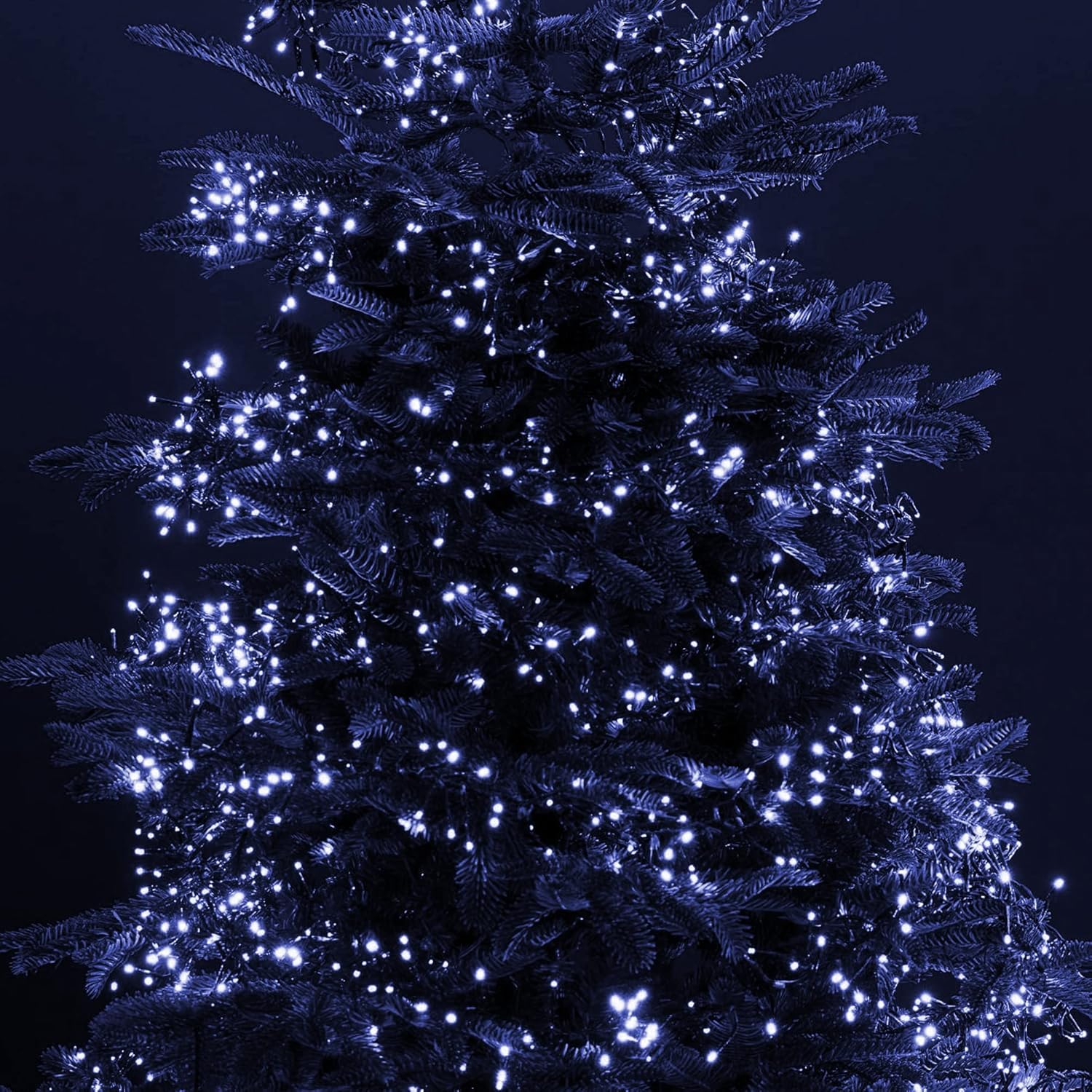
The Dazzle Bright 300 LED Christmas String Lights are designed for both indoor and outdoor decorative lighting. These 100-foot connectable lights feature a green wire, 8 lighting modes, and are waterproof, making them suitable for various festive occasions. This manual provides essential information for safe setup, operation, and maintenance of your string lights.
Safety Information
- Ensure the power adapter is connected to a UL-certified 29V low-voltage power source.
- Do not attempt to modify or repair the lights or adapter. Contact customer support for assistance.
- The lights have an IP44 waterproof rating, meaning they are protected against splashing water from any direction. They are suitable for outdoor use but should not be submerged in water.
- Always unplug the lights from the power source before installation, removal, or maintenance.
- Keep children and pets away from electrical components.
Package Contents
- 1 x Dazzle Bright 300 LED String Lights (White)
- 1 x UL-certified 29V Power Adapter
Specifications
| Brand | Dazzle Bright |
| Model Number | HB-300COI |
| Light Color | White |
| Number of LEDs | 300 |
| Total Length | 115 FT (16.5 FT leading wire + 98.5 FT light string) |
| Bulb Spacing | 3.9 inches |
| Wire Color | Green |
| Power Source | Corded Electric |
| Voltage | 29V Low Voltage |
| Wattage | 15 Watts |
| Waterproof Rating | IP44 |
| Indoor/Outdoor Usage | Indoor, Outdoor |
| Control Method | Button on Plug |
Setup Instructions
- Unpack the Lights: Carefully remove the string lights and power adapter from the packaging. Uncoil the lights gently to prevent tangling.
- Choose Placement: Determine your desired location for the lights, ensuring it is within reach of a power outlet. The IP44 rating allows for outdoor use, but avoid areas prone to standing water.
- Connect Multiple Sets (Optional): If you are using multiple sets of Dazzle Bright string lights, you can connect up to 4 sets end-to-end. To do this, remove the adapter from the end of the first string and the cap from the end plug of the second string. Then, connect the end plug of the first string to the adapter of the second string. Repeat for additional sets.
- Secure the Lights: Arrange the lights as desired. Use appropriate fasteners (not included) to secure them in place, ensuring the wire is not pinched or damaged.
- Power Connection: Plug the UL-certified 29V power adapter into a standard electrical outlet.


Operating Instructions
Once the lights are plugged in, they will illuminate. Use the button located on the power adapter to cycle through the 8 different lighting modes:
- Combination
- In Waves
- Sequential
- Slogs (Slow Glow)
- Chasing/Flash
- Slow Fade
- Twinkle/Flash
- Steady On
Press the button repeatedly to select your desired mode. The lights will typically remember the last selected mode when powered off and on, provided the power adapter remains connected to a continuous power supply.
Maintenance
- Cleaning: Disconnect the power before cleaning. Gently wipe the lights with a soft, dry cloth. Do not use harsh chemicals or abrasive cleaners.
- Storage: When not in use, carefully unstring the lights and coil them neatly to prevent tangling. Store them in a cool, dry place, away from direct sunlight and extreme temperatures.
- Inspection: Periodically inspect the lights and power adapter for any signs of damage, such as frayed wires, cracked bulbs, or loose connections. Do not use damaged lights.

Troubleshooting
- Lights Not Turning On:
- Ensure the power adapter is securely plugged into a working electrical outlet.
- Check if the outlet itself is functional by plugging in another device.
- Verify that all connections between multiple light sets are secure.
- Some Lights Not Working:
- LED lights are generally durable. If a few individual LEDs are out, the rest of the string should continue to function. This is typically not repairable by the user.
- Mode Setting Not Retained:
- The lights are designed to remember the last mode if the power adapter remains continuously supplied with power. If the power to the adapter is completely cut (e.g., by a wall switch or unplugging), the mode may reset to the default (Combination) upon reconnection.
- Flickering or Irregular Operation:
- Check for loose connections at the adapter or between connected light sets.
- Ensure the voltage supply is stable.
Warranty and Support
For warranty information or technical support, please contact Dazzle Bright customer service through the retailer where the product was purchased. Please have your model number (HB-300COI) and purchase date available when contacting support.