
Introduction
Welcome to your new SPA4PIEDS Foot Spa Bath Massager. This manual provides essential information for the safe and effective use, setup, operation, and maintenance of your device. Please read all instructions carefully before first use to ensure optimal performance and safety.
Safety Information
- Keep the device away from children.
- Do not immerse the entire unit in water.
- Unplug the device from the power outlet when not in use or before cleaning.
- Ensure the power cord is not damaged and is placed safely to prevent tripping hazards.
- Do not operate the device if it has been damaged or is not functioning correctly.
- Consult a physician before use if you have any medical conditions, especially diabetes, circulatory problems, or open wounds on your feet.
Product Overview
The SPA4PIEDS Foot Spa Bath Massager is designed to provide a relaxing foot spa experience with integrated heat, bubbles, vibration, and non-motorized rollers.
Key Features
- Adjustable Water Heating (95℉-118℉ / 35℃-48℃)
- Bubble Massage Function
- Vibration Massage Function
- 8 Non-Motorized Massage Rollers
- Digital Control Panel with Temperature Display
- Collapsible Design for Easy Storage
- Integrated Pedicure Stone
Components
Identify the main parts of your foot spa:

This image displays the SPA4PIEDS Foot Spa Bath Massager from an overhead angle, showing the main unit with its control panel, water-filled basin, and internal massage rollers. A separate small accessory is also visible.

A detailed view of the foot spa's control panel, featuring a digital temperature display and buttons for temperature adjustment, timer, bubble function, and power.
Setup Instructions
- Place the foot spa on a flat, stable, and waterproof surface.
- Extend the collapsible basin to its full height.
- Fill the foot spa with warm or cool water up to the indicated maximum fill line. Do not overfill.
- Plug the power cord into a standard electrical outlet.
- (Optional) Place desired spa materials (e.g., Epsom salts, essential oils) into the designated small box within the unit, if applicable.
Operating Instructions
Power On/Off
Press the ON/OFF button on the control panel to turn the device on or off. The digital display will illuminate.
Temperature Control
The foot spa features intelligent heating to maintain your desired water temperature.
- Use the TEMP+ and TEMP- buttons to adjust the water temperature between 95℉ (35℃) and 118℉ (48℃).
- The current water temperature will be displayed on the LED panel. The heating element will activate to reach and maintain the set temperature.

This image illustrates the temperature control feature, showing a person relaxing with their feet in the spa and a graphic indicating the adjustable temperature range of 95°F to 118°F.
Bubble and Vibration Functions
Activate the bubble and vibration functions for an enhanced massage experience.
- Press the BUBBLE button to turn on the bubble massage.
- The vibration function typically activates with the bubbles or can be a separate setting depending on the model. Refer to the control panel for specific indicators.
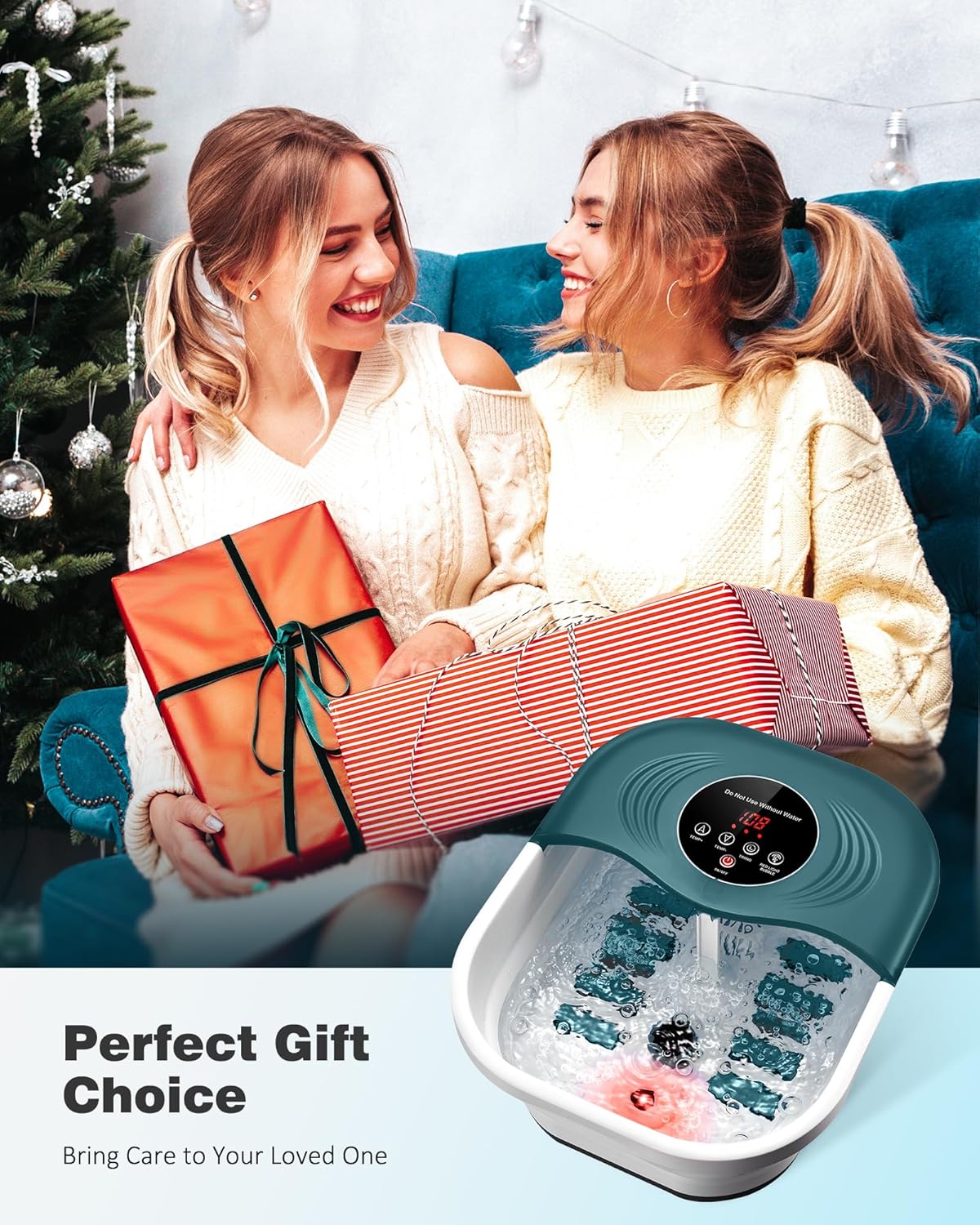
A close-up view inside the foot spa, highlighting the active bubble massage and the red light therapy feature at the bottom of the basin.
Massage Rollers
The foot spa includes 8 non-motorized rollers designed to provide manual foot massage.
- Gently move your feet back and forth over the raised roller nodes to stimulate pressure points and relieve foot fatigue.
- These rollers are not motorized and require manual foot movement for activation.
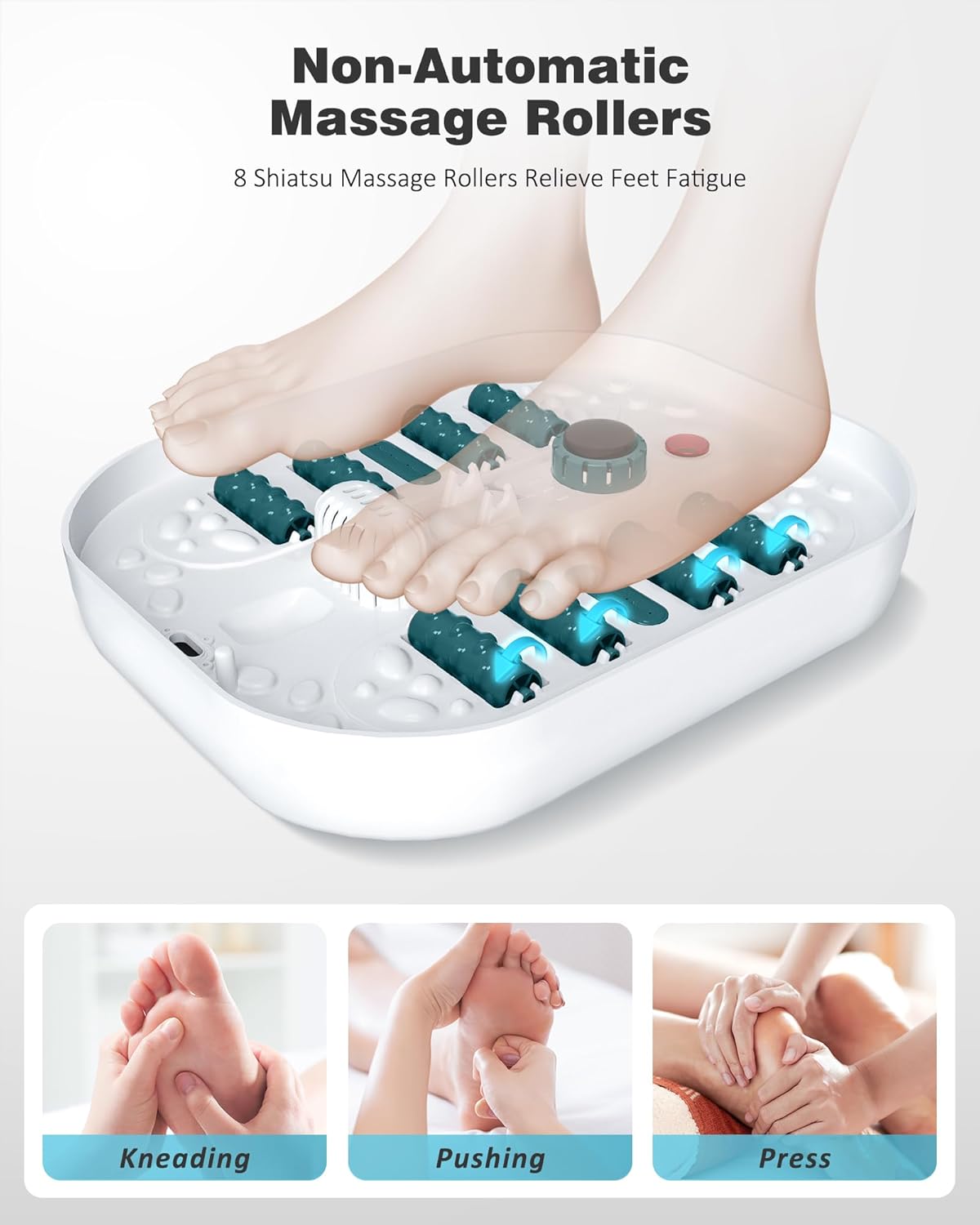
An illustrative diagram showing the placement of feet over the 8 non-motorized massage rollers within the foot spa, demonstrating how to use them for kneading, pushing, and pressing massage.
Timer Settings
Use the timer function to set the duration of your foot spa session.
- Press the TIMER button to cycle through available time settings (e.g., 10, 20, 30, 40, 50, 60 minutes).
- The device will automatically shut off once the set time has elapsed.
Pedicure Stone
A removable pedicure stone is included for exfoliating rough skin.
- The pedicure stone can be used while soaking your feet or removed for separate use.
- Gently rub the stone on heels, insteps, or ankles to help remove calluses and rough skin.

This image shows a person enjoying the foot spa, with an accompanying graphic demonstrating how to use the removable pedicure stone on the heels, instep, and ankle to remove rough skin.
Maintenance and Storage
Cleaning
- After each use, unplug the foot spa and allow the water to cool.
- Drain the water from the basin.
- Wipe the interior and exterior surfaces with a soft, damp cloth. Do not use abrasive cleaners or harsh chemicals.
- Ensure all components are dry before storage.
Storage
- The foot spa features a collapsible design for convenient storage.
- Gently press down on the sides of the basin to fold it flat.
- Store the device in a cool, dry place, away from direct sunlight and out of reach of children.
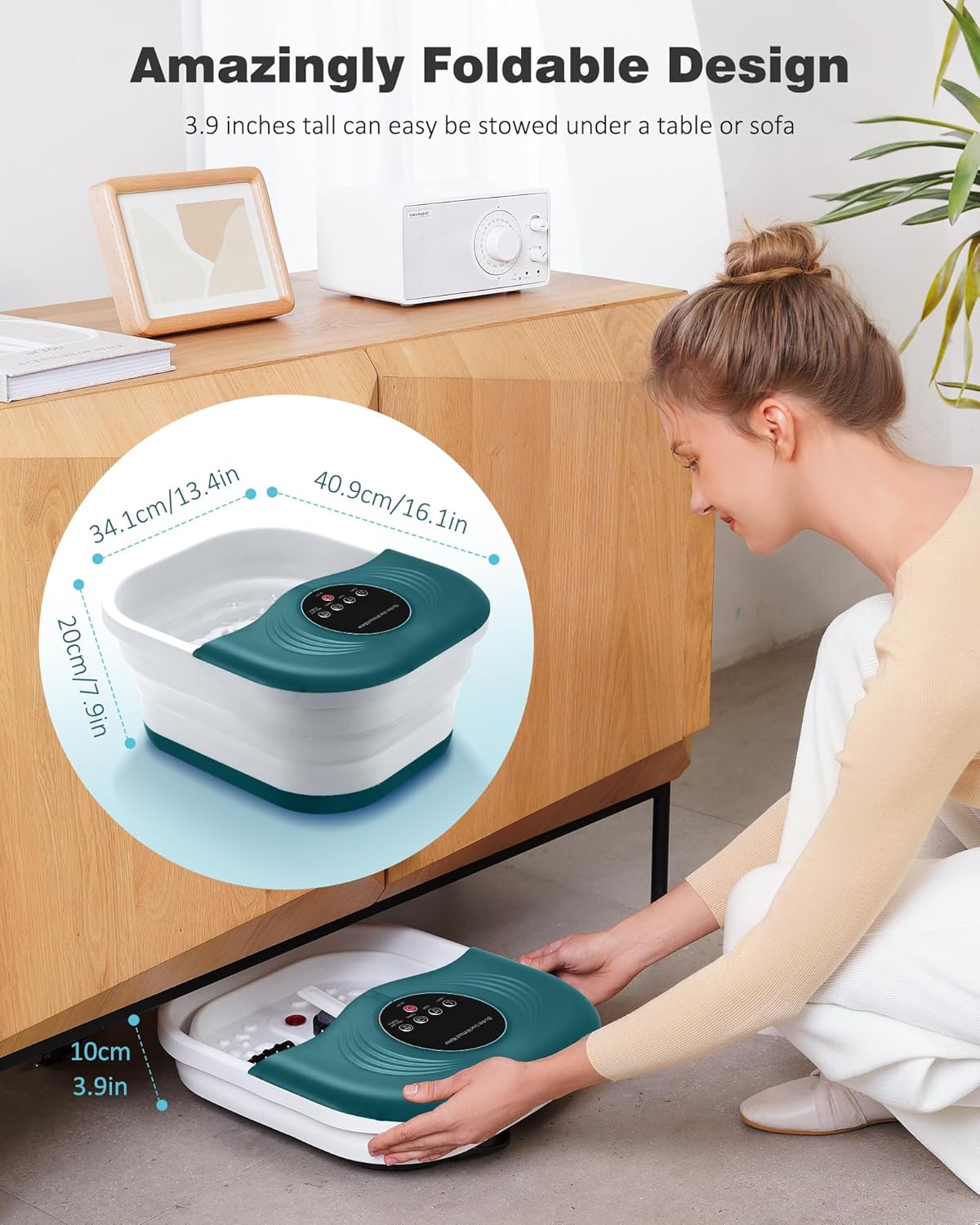
An image illustrating the foot spa's foldable design, showing a person easily collapsing the unit and storing it under a low cabinet, highlighting its compact storage capability.
Troubleshooting
Device Does Not Turn On
- Ensure the power cord is securely plugged into a working electrical outlet.
- Check if the power outlet is functional by plugging in another device.
Water Not Heating
- Verify that the temperature setting is above the current water temperature.
- Allow sufficient time for the water to heat up to the set temperature.
Bubbles/Vibration Not Working
- Ensure the bubble/vibration function is activated via the control panel.
- Check for any obstructions in the bubble jets.
Excessive Noise During Operation
- Some noise is normal during bubble and vibration functions.
- Ensure the unit is placed on a flat, stable surface to minimize vibrations.
- If the noise is unusually loud or accompanied by other issues, discontinue use and contact customer support.
Product Specifications
| Feature | Detail |
|---|---|
| Model Number | SPA02 |
| Brand | SPA4PIEDS |
| Dimensions (L x W x H) | 15.8 x 7.8 x 13.8 inches |
| Item Weight | 4 Pounds |
| Power Source | Corded Electric |
| Temperature Range | 95℉ - 118℉ (35℃ - 48℃) |
| Massage Rollers | 8 (Non-Motorized) |
| Functions | Heat, Bubbles, Vibration, Timer, Pedicure Stone |
Warranty and Customer Support
For warranty information or technical assistance, please contact SPA4PIEDS customer support. Refer to your purchase documentation for specific warranty terms and contact details.
You can also visit the SPA4PIEDS store on Amazon for more information: SPA4PIEDS Amazon Store.