
Introduction
This manual provides essential information for the safe and efficient operation of your Arafuna 10.5 Inch Dual Screen Portable DVD Player. Please read these instructions thoroughly before using the device and retain them for future reference. This system is designed for in-car entertainment, offering a main player and a secondary monitor for simultaneous viewing.
Package Contents
Verify that all items listed below are included in your package:
- 1x Main DVD Player (10.5 Inch)
- 1x Slave Monitor (10.5 Inch)
- 2x Mounting Brackets
- 1x Remote Control
- 2x Headrest Straps
- 1x Car Charger
- 1x HDMI Cable
- 1x AC Adapter
- 1x DC Cable
- 1x RCA Cable

Figure 1: Included components in the Arafuna Dual Screen Portable DVD Player package.
Setup
1. Mounting the Players
The players can be mounted using either the provided mounting brackets or headrest straps.
- Using Mounting Brackets:
- Attach the base of the mounting bracket to the headrest posts.
- Tighten the fixing screws to secure the base.
- Insert the DVD player or monitor onto the bracket until it clicks into place.
- Using Headrest Straps:
- Securely fasten the headrest straps around the headrest and the back of the player/monitor.
- Ensure the player/monitor is stable and does not obstruct the driver's view.

Figure 2: Step-by-step installation guide for the headrest mounting bracket.
2. Connecting the Players
To enable dual-screen playback, connect the main DVD player to the slave monitor.
- Connect the provided DC Cable from the DC OUT port on the main player to the DC IN port on the slave monitor.
- Connect the provided HDMI Cable from the HDMI OUT port on the main player to the HDMI IN port on the slave monitor. This ensures high-quality video and audio transmission to the secondary screen.
3. Powering the System
The system can be powered via the car charger, AC adapter, or its internal rechargeable battery.
- Car Charger: Plug the car charger into your vehicle's cigarette lighter socket and connect the other end to the DC IN port on the main player.
- AC Adapter: For home use, connect the AC adapter to a standard wall outlet and the DC IN port on the main player.
- Internal Battery: The main player features a 5000mAh rechargeable battery, providing extended playback time when external power is unavailable. Ensure the battery is charged before use.

Figure 3: Connection diagram for the dual screen system, showing power and signal flow.
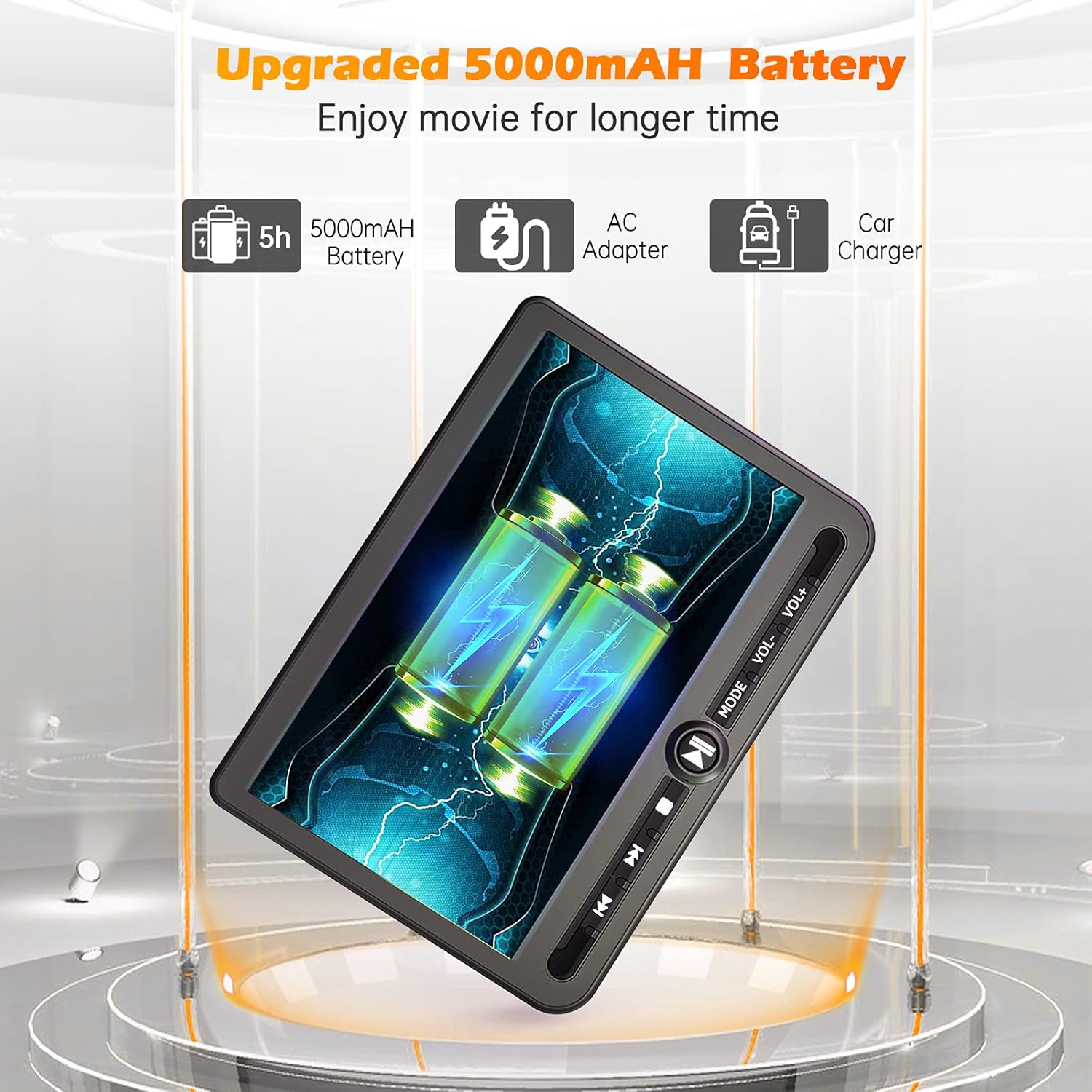
Figure 4: Power options including the 5000mAh battery, AC adapter, and car charger.
Operating Instructions
1. Basic Controls
The main player features control buttons on the unit and can also be operated via the included remote control.
- Power Button: Press to turn the unit ON/OFF.
- Play/Pause Button: Starts or pauses playback.
- Stop Button: Stops playback.
- Previous/Next Buttons: Skips to the previous or next track/chapter.
- Volume +/- Buttons: Adjusts the audio volume.
- Mode Button: Switches between input sources (DVD, USB, SD).
2. Playing DVDs
- Insert a DVD disc into the main player's disc slot.
- The player will automatically detect the disc and begin playback. If not, press the 'Play' button or select 'DVD' mode.
- Use the control buttons or remote to navigate menus, play, pause, or stop.
3. USB/SD Card Playback
The player supports media playback from USB drives and SD cards.
- Insert a USB drive into the USB port or an SD card into the SD card slot.
- Press the 'Mode' button to select 'USB' or 'SD' input.
- Navigate through your files using the control buttons or remote and select the desired media to play.
4. Last Memory Function
The player features a last memory function, which allows it to resume playback from where it was last stopped, even after being powered off.
5. Region Free & Multi-Format Support
This DVD player is region-free, allowing playback of DVDs from any region. It also supports multiple media formats from USB and SD cards.

Figure 5: Features including USB/TF card support, region-free playback, and last memory function.
6. Sync Screen to TV
You can connect the main DVD player to a larger TV screen using the provided RCA cable for a home viewing experience.
- Connect one end of the RCA cable to the AV OUT port on the main DVD player.
- Connect the other end of the RCA cable to the corresponding AV IN ports on your television.
- Select the correct AV input source on your television.

Figure 6: Connecting the portable DVD player to a TV using the RCA cable.
Maintenance
1. Cleaning
- Use a soft, dry cloth to clean the exterior of the players.
- For stubborn marks, slightly dampen the cloth with water. Avoid using harsh chemicals or abrasive cleaners.
- Do not spray cleaning solutions directly onto the screen or into any openings.
- To clean the disc lens, use a specialized DVD lens cleaning disc.
2. Battery Care
- To prolong battery life, avoid fully discharging the battery frequently.
- Charge the battery regularly, even if the device is not in use for extended periods.
- Store the device in a cool, dry place away from direct sunlight and extreme temperatures.
Troubleshooting
If you encounter issues with your Arafuna DVD player, refer to the following common problems and solutions:
| Problem | Possible Cause | Solution |
|---|---|---|
| Player does not power on. | No power supply; discharged battery; faulty power adapter/cable. | Ensure power cable is securely connected. Charge the battery using the AC adapter or car charger. Test with a different power source if available. |
| No picture or sound on slave monitor. | Loose or incorrect HDMI/DC cable connection. | Check that the HDMI and DC cables are securely connected between the main player and the slave monitor. Ensure they are connected to the correct IN/OUT ports. |
| DVD disc does not play or skips. | Disc is dirty, scratched, or inserted incorrectly; lens is dirty; incompatible disc format. | Clean the disc with a soft cloth. Ensure the disc is inserted correctly with the label side up. Use a lens cleaning disc. Try a different, known-good disc. |
| No sound from player. | Volume is too low or muted; headphones not properly connected; faulty audio settings. | Increase the volume. Check headphone connection. Ensure no mute function is active. |
| USB/SD card not recognized. | Incorrect file format; card/drive not properly inserted; corrupted media. | Ensure media files are in a supported format. Reinsert the USB drive or SD card. Try a different USB drive or SD card. |
Specifications
| Feature | Detail |
|---|---|
| Brand | Arafuna |
| Model Number | DM-12 |
| Screen Size | 10.5 Inches |
| Display Type | LCD |
| Connectivity Technology | HDMI, USB |
| Supported Media Types | DVD, USB, SD Card |
| Rechargeable Battery | Yes (5000mAh Lithium-polymer) |
| UPC | 730096858222 |
Warranty
This Arafuna product is covered by a 1-year manufacturer's warranty from the date of purchase. This warranty covers defects in materials and workmanship under normal use. It does not cover damage caused by misuse, accident, unauthorized modification, or external causes.
Support
For technical assistance, warranty claims, or further inquiries regarding your Arafuna 10.5 Inch Dual Screen Portable DVD Player, please refer to the contact information provided with your purchase or visit the official Arafuna support website.