
Cuxwill ZYM-1-1601
Cuxwill 644A Toner Cartridge User Manual
Model: ZYM-1-1601
Introduction
This manual provides comprehensive instructions for the installation, operation, and maintenance of your Cuxwill 644A Compatible Toner Cartridges. Please read this manual carefully before use to ensure optimal performance and longevity of your cartridges.
The Cuxwill 644A toner cartridges are designed as high-capacity replacements for HP (Q6460A, Q6461A, Q6462A, Q6463A) 644A Toner Cartridges, offering clear texts, vivid photos, and consistent lines. This 4-pack includes Black, Cyan, Yellow, and Magenta cartridges.
Compatible Printer Models
These toner cartridges are compatible with the following HP printer models:
- HP 4730 MFP
- HP 4730X MFP
- HP 4730XM MFP
- HP 4730XS MFP
- HP CM4730
- HP CM4730F
- HP CM4730FM
- HP CM4730FSK Printer
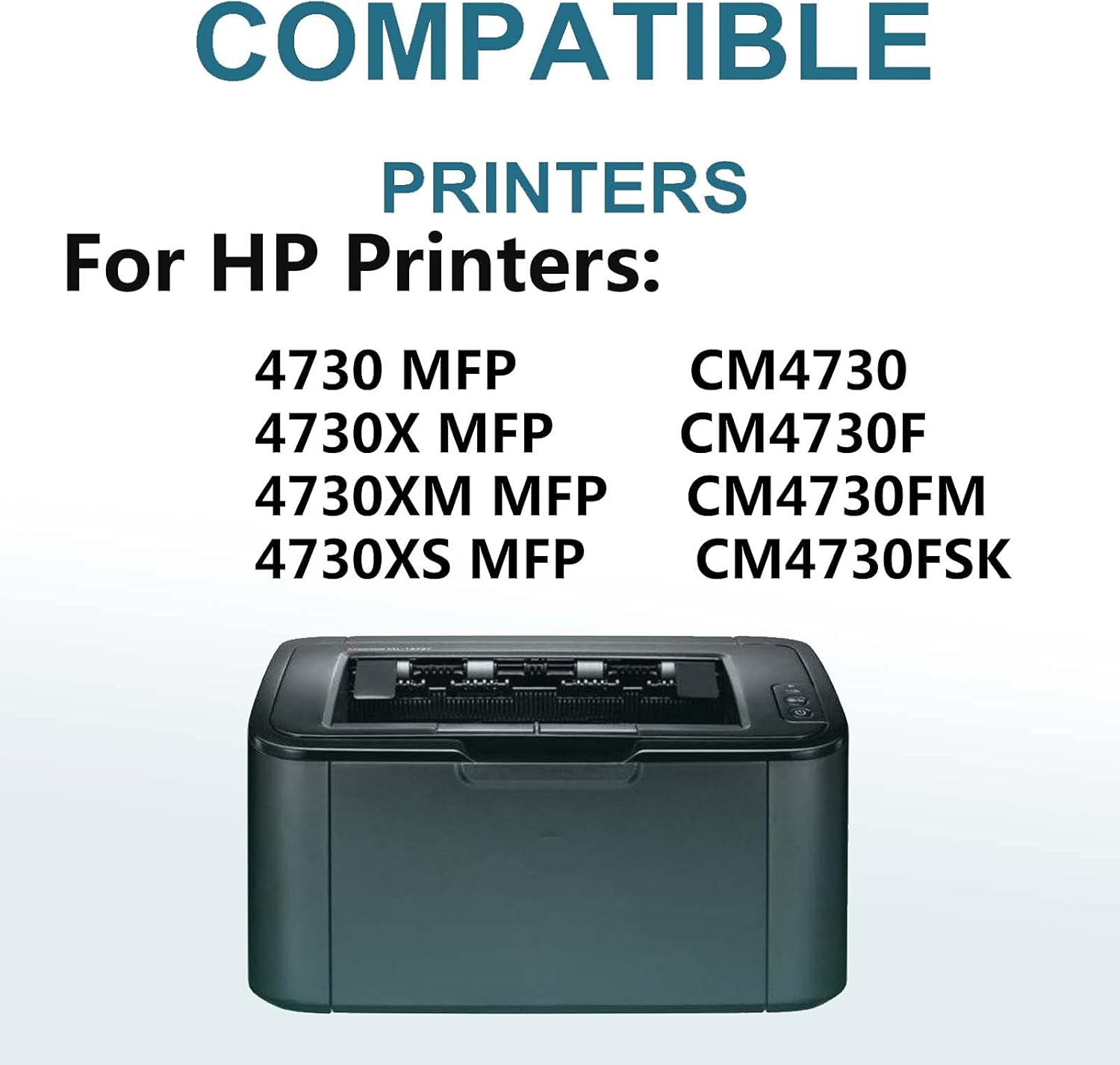
Figure 1: Visual representation of compatible HP printer models.
Setup and Installation
Follow these steps to properly install your new toner cartridges:
- Unpack the Cartridge: Carefully remove the new toner cartridge from its packaging. Avoid touching the drum surface or electrical contacts.
- Shake the Cartridge: Gently shake the cartridge 5-6 times horizontally to distribute the toner evenly inside.
- Remove Protective Cover: Remove any orange protective covers or sealing tapes from the cartridge. Be careful not to damage the drum.
- Open Printer Access Door: Open the toner cartridge access door on your HP printer. Refer to your printer's manual for the exact location.
- Remove Old Cartridge: Grasp the handle of the old toner cartridge and pull it straight out of the printer.
- Insert New Cartridge: Align the new cartridge with the slot and push it firmly until it clicks into place. Ensure it is seated correctly.
- Close Printer Access Door: Close the toner cartridge access door. The printer will typically perform a calibration or initialization process.
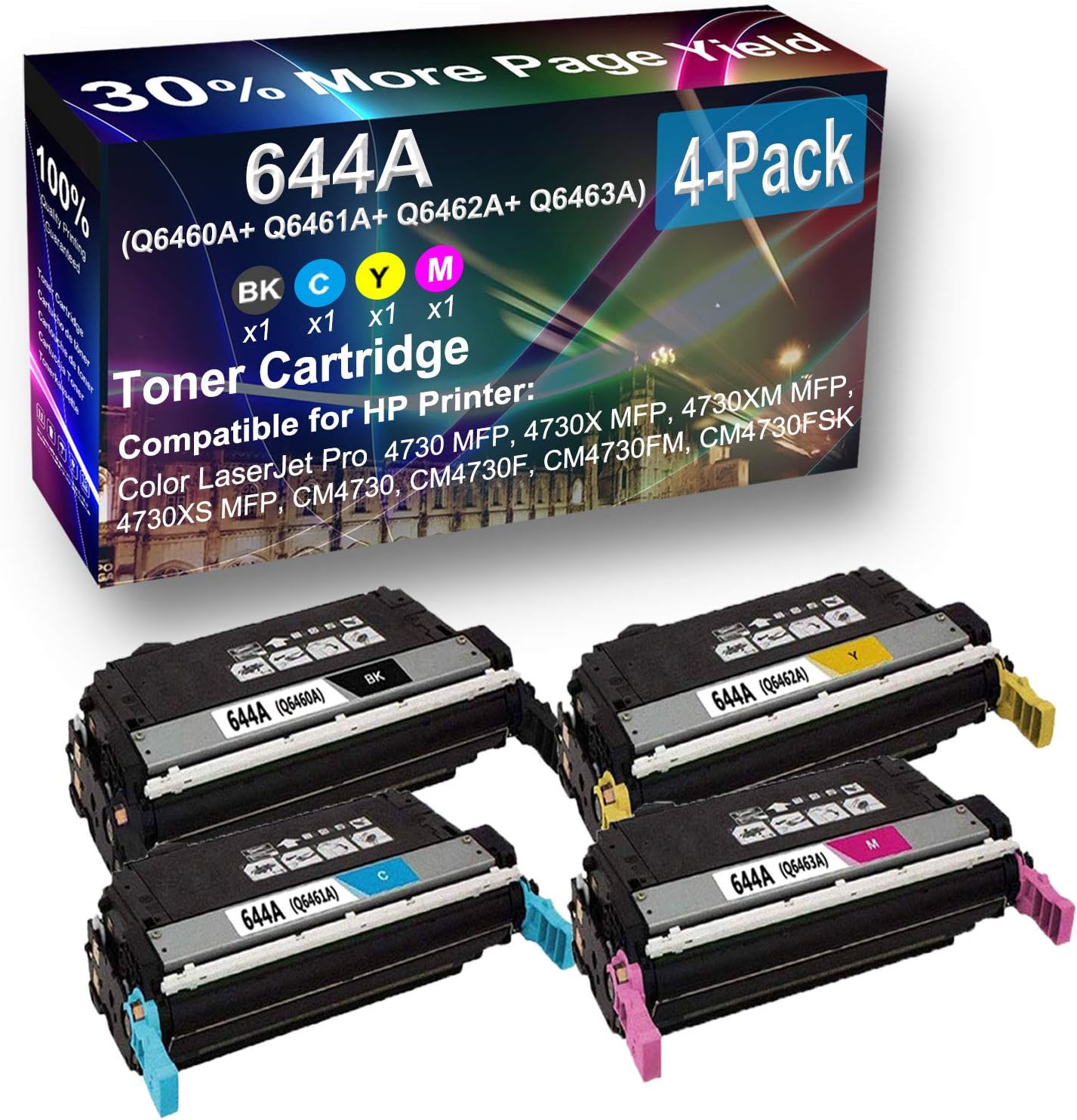
Figure 2: Cuxwill 644A 4-pack toner cartridges (Black, Cyan, Yellow, Magenta).
Operating Instructions
Once the cartridges are installed, your printer is ready for use. The Cuxwill 644A cartridges are designed for high-yield performance, providing up to 12,000 pages per black cartridge and 12,000 pages per color cartridge (at 5% coverage).
Print Quality
These cartridges are engineered to deliver:
- Clear Texts: Sharp and legible text documents.
- Vivid Photos: Bright and accurate color reproduction for images.
- Consistent Lines: Smooth and unbroken lines for graphics and diagrams.

Figure 3: Illustration of high page yield, indicating more pages printed compared to standard cartridges.

Figure 4: Example of print clarity and vividness achieved with Cuxwill toner cartridges.
Maintenance
Proper maintenance ensures the best performance and extends the life of your toner cartridges and printer.
- Storage: Store unused toner cartridges in their original sealed packaging in a cool, dry place away from direct sunlight and extreme temperatures. The shelf life is 18 months.
- Handling: Always handle cartridges by their sides. Avoid touching the drum or electrical contacts, as oils from your skin can affect print quality.
- Printer Cleaning: Periodically clean the inside of your printer according to your printer's manual to remove any toner dust buildup, which can affect print quality.
- Recycling: Dispose of empty toner cartridges responsibly. Many manufacturers and retailers offer recycling programs.
Troubleshooting Common Issues
If you encounter issues with your toner cartridges, try the following solutions:
| Problem | Possible Cause | Solution |
|---|---|---|
| Faded or Light Prints | Low toner level; uneven toner distribution. | Gently shake the cartridge horizontally. If the problem persists, replace the cartridge. |
| Streaks or Lines on Prints | Damaged drum; dirty printer components. | Check the drum for scratches. Clean the printer's internal components as per your printer manual. |
| Printer Not Recognizing Cartridge | Improper installation; dirty electrical contacts. | Remove and reinsert the cartridge firmly. Clean the electrical contacts on the cartridge and in the printer with a lint-free cloth. |
| Toner Smudges | Excess toner; fuser unit issue. | Ensure the cartridge is properly seated. If the issue continues, consult your printer's manual for fuser unit troubleshooting. |
Product Specifications
- Product Type: Compatible Toner Cartridge
- Model: ZYM-1-1601 (Compatible with HP 644A / Q6460A, Q6461A, Q6462A, Q6463A)
- Colors Included: Black, Cyan, Yellow, Magenta (4-Pack)
- Page Yield: Up to 12,000 pages per black cartridge, 12,000 pages per color cartridge (at 5% coverage)
- Shelf Life: 18 months
- Dimensions: Approximately 29.52 x 13.68 x 21.8 inches (Product Dimensions)
- Manufacturer: Cuxwill
Warranty and Support
Cuxwill provides the following support for your toner cartridges:
- Product Warranty: 24 months product warranty.
- Customer Satisfaction: 100% customer satisfaction service.
- Contact Support: For any issues or inquiries, please contact Cuxwill customer service through the retailer's platform or visit the official Cuxwill store.

Figure 5: Overview of Cuxwill's product support and warranty terms.
Ask a question about this manual
Ask about setup, troubleshooting, compatibility, parts, safety, or missing instructions. Manuals+ will review the question and use this page’s manual context to help answer it.