
L LTGEM HZ-050
Instruction Manual for L LTGEM Hard Case
Model: HZ-050
1. Introduction
This manual provides essential information for the proper use and care of your L LTGEM Hard Case, designed specifically for the KODAK Dock Plus 4PASS Instant Photo Printer 4x6 inches. This case offers robust protection and convenient portability for your valuable photo printer and its accessories.
2. Product Features
- Perfect Fit: Custom-designed to securely hold the KODAK Dock Plus 4PASS Instant Photo Printer 4x6 inches.
- Enhanced Protection: Constructed from hard quality EVA material, providing semi-waterproof, shockproof, and durable protection against impacts and splashes.
- Secure Storage: Features an internal holding belt to keep the photo printer firmly in place during transport.
- Accessory Storage: Includes an inner mesh pocket for organizing cables, paper, and other small accessories.
- Portability: Lightweight and compact design, equipped with a strong 360-degree zipper for easy opening and closing, and a comfortable hand strap for convenient carrying.
3. Usage Guidelines
To ensure the longevity and effectiveness of your L LTGEM Hard Case, please follow these guidelines:
- Placement: Carefully place your KODAK Dock Plus 4PASS Instant Photo Printer into the main compartment of the case. Ensure it is aligned with the internal holding belt.
- Securing the Device: Fasten the internal holding belt around the printer to prevent movement during transit.
- Accessory Storage: Utilize the inner mesh pocket for storing smaller items such as charging cables, extra photo paper, or memory cards. Avoid overfilling the mesh pocket to prevent strain on the zipper or damage to the printer.
- Closing the Case: Ensure all items are properly seated before zipping the case closed. Use the smooth 360-degree zipper for secure closure.
- Transport: Use the integrated hand strap for easy carrying. The compact design allows it to fit into backpacks, carry-on luggage, or larger bags.
4. Care and Maintenance
Proper care will help maintain the protective qualities and appearance of your case:
- Cleaning: Wipe the exterior of the case with a soft, damp cloth. For stubborn dirt, a mild soap solution can be used, followed by wiping with a clean, damp cloth. Allow to air dry completely.
- Interior Cleaning: The soft velvet interior can be gently vacuumed or wiped with a lint-free cloth to remove dust or debris.
- Avoid Harsh Chemicals: Do not use abrasive cleaners, solvents, or harsh chemicals, as these can damage the material.
- Storage: Store the case in a cool, dry place away from direct sunlight and extreme temperatures when not in use.
- Water Exposure: While the case is semi-waterproof, it is not designed for submersion. Avoid prolonged exposure to heavy rain or water.
5. Product Specifications
| Attribute | Detail |
|---|---|
| Model Number | HZ-050 |
| Outer Dimensions (L x W x H) | 11.1 inches x 6.9 inches x 3.1 inches |
| Item Weight | 11.4 ounces |
| Material | Hard Quality EVA, Soft Velvet Lining |
| Compatibility | KODAK Dock Plus 4PASS Instant Photo Printer 4x6 inches |
| Features | Semi-waterproof, Shockproof, Durable, Inner Mesh Pocket, Holding Belt, 360-degree Zipper, Hand Strap |
6. Visual Guide
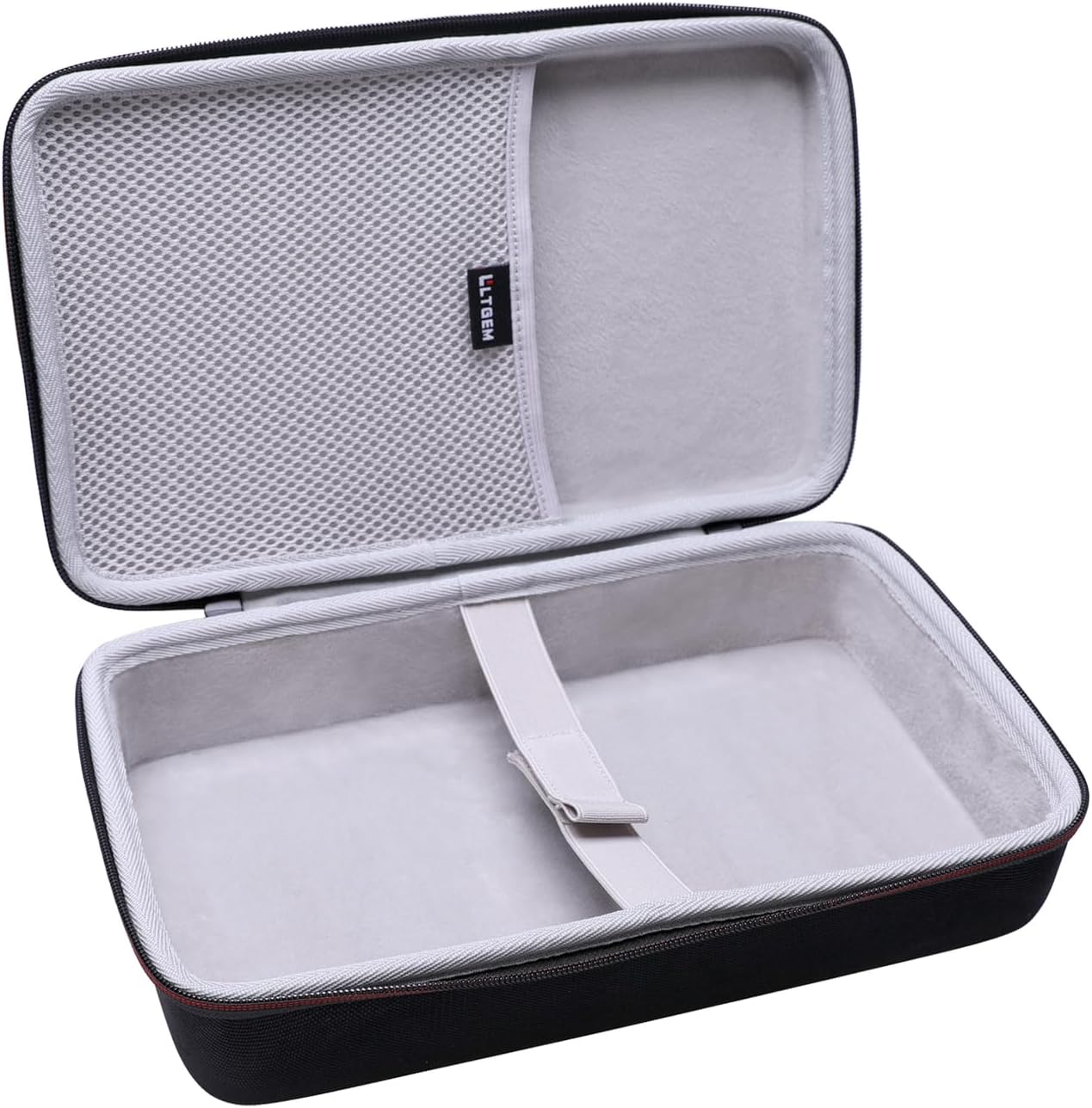
Figure 1: The L LTGEM Hard Case shown open, revealing its spacious main compartment with a securing strap and a mesh pocket in the lid for accessories.

Figure 2: External dimensions of the hard case, illustrating its compact and portable size.

Figure 3: Detail of the soft, super quality velvet lining designed to provide better cushioning and protection for your device.
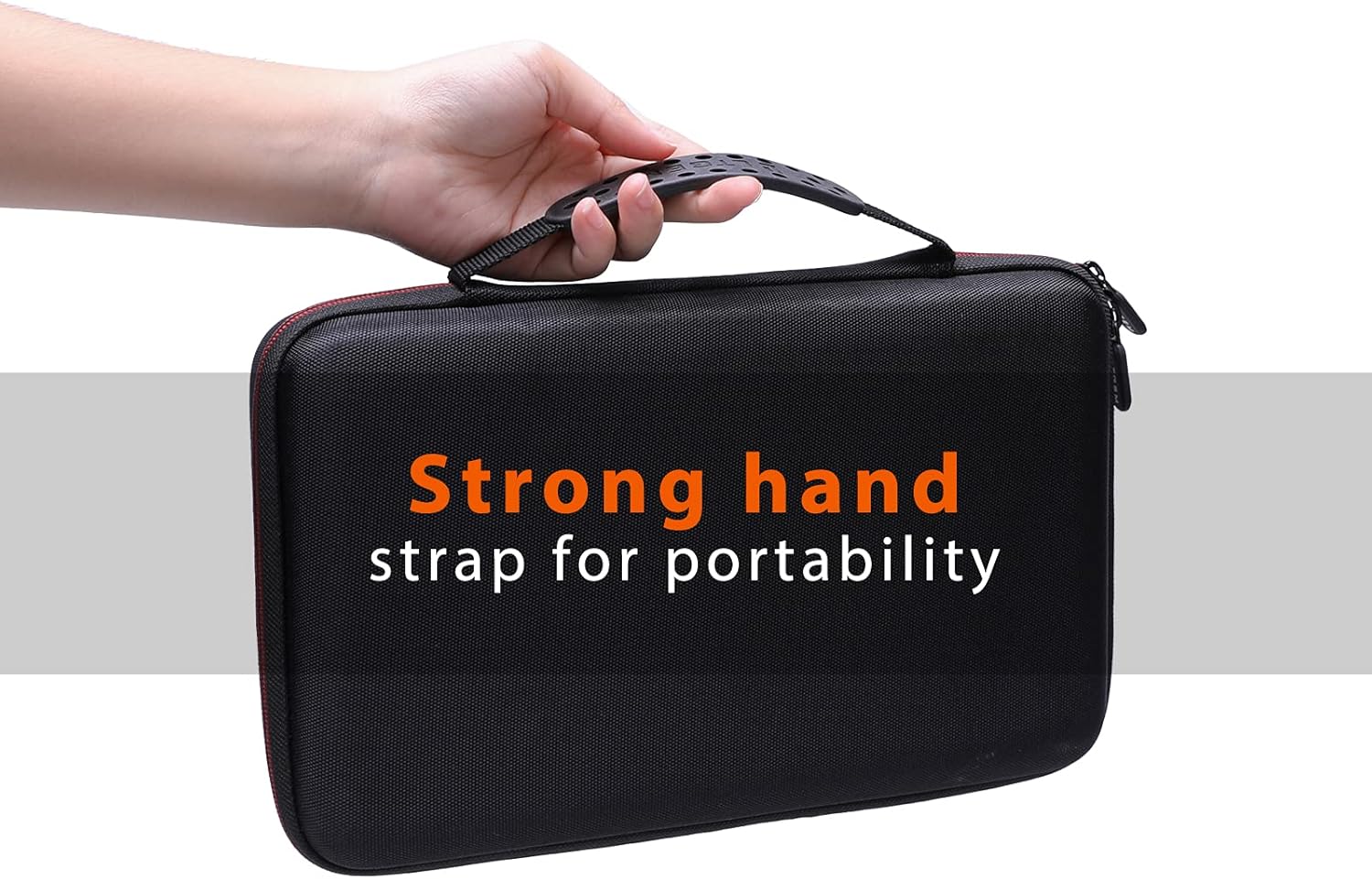
Figure 4: The strong hand strap for enhanced portability, allowing for easy and secure carrying.

Figure 5: Close-up views highlighting key product details: the convenient mesh pocket, the robust LTGEM branded zippers, and the secure hand strap.

Figure 6: Visual representation of the case's shockproof and semi-waterproof capabilities, protecting contents from impacts and splashes.

Figure 7: The case interior showcasing the perfect fit for the KODAK Dock Plus 4PASS Instant Photo Printer and its accompanying accessories.
7. Warranty Information
L LTGEM products are manufactured with high-quality materials and craftsmanship. For specific warranty details and terms, please refer to the product packaging or contact our customer support. This warranty typically covers manufacturing defects under normal use.
8. Customer Support
If you have any questions, concerns, or require assistance with your L LTGEM Hard Case, please do not hesitate to contact our customer support team. We are committed to providing excellent service.
For support, please visit the L LTGEM Store on Amazon or refer to the contact information provided with your purchase.
Ask a question about this manual
Ask about setup, troubleshooting, compatibility, parts, safety, or missing instructions. Manuals+ will review the question and use this page’s manual context to help answer it.