
Introduction
The Rush Charge Rush Buds combine high-quality Bluetooth earbuds with a portable 3000mAh charging case. These earbuds are designed for high-fidelity audio playback and seamless Bluetooth connectivity, offering extended use and versatile charging capabilities for various devices.
What's in the Box
- Rush Charge Rush Buds Wireless Earbuds
- Portable Charging Case (3000mAh)
- USB-C Charging Cable
- Three Earpiece Sizes (S, M, L) for custom fit

Image: The Rush Buds wireless earbuds shown next to their open charging case, highlighting the compact design and USB-C charging port within the case.
Product Overview
The Rush Buds offer a comprehensive audio solution with integrated charging. They feature high-fidelity audio, seamless Bluetooth connectivity, and a built-in microphone for clear calls. The portable charging case not only recharges the earbuds but also functions as a power bank for other devices.

Image: A person listening to music with Rush Buds, illustrating the freedom of wireless audio and the extended battery life provided by the 3000mAh portable charging case.
Key Features:
- High-Fidelity Audio Playback: Enjoy clear and rich sound quality.
- Seamless Bluetooth Connectivity: Easy and stable connection to your devices.
- Built-in Microphone: For hands-free calls.
- 3000mAh Portable Charger Case: Provides over 22 hours of extended use for earbuds and charges other devices.
- Pass-through Technology: Charge your devices and the battery pack simultaneously.
- Fast Charging Capability: Quickly recharges your devices.
- Multiple Earpiece Sizes: Three sizes included for a comfortable and secure fit.
- Broad Compatibility: Works with Apple Lightning, USB-C, and Micro-USB devices.

Image: An infographic detailing the key features of Rush Buds, including charging capabilities, connectivity options, sound quality, and extended battery life.
Setup
1. Charging the Rush Buds and Case
- Initial Charge: Before first use, fully charge the portable charging case and earbuds.
- Charging the Case: Connect the provided USB-C cable to the charging case and a power source. The LED indicators on the case will show the charging status.
- Charging the Earbuds: Place the Rush Buds into their respective slots in the charging case. They will begin charging automatically. The case provides over 22 hours of additional earbud use.
- Pass-through Charging: The case supports pass-through charging, allowing you to charge the case and an external device (like a phone) simultaneously.

Image: A person actively using Rush Buds, illustrating the convenience of wireless audio and the various charging and connectivity features.
2. Bluetooth Pairing
- Activate Earbuds: Remove both earbuds from the charging case. They will automatically enter pairing mode.
- Enable Bluetooth: On your device (smartphone, tablet, etc.), go to the Bluetooth settings and ensure Bluetooth is enabled.
- Select "Rush Buds": In the list of available Bluetooth devices, select "Rush Buds" to connect.
- Confirmation: Once connected, you will hear an audio prompt, and the earbuds' indicator lights may change.
Video: An official product video demonstrating the features and usage of the Rush Charge Rush Buds wireless earbuds, including pairing and charging.
Operating Instructions
Media Control
The Rush Buds feature intuitive media controls directly on the earbuds. Specific tap or touch gestures allow you to play/pause music, skip tracks, and activate voice assistants. Refer to the quick start guide for detailed control gestures.
Making and Receiving Calls
With the built-in microphone, you can manage calls hands-free. A single tap typically answers or ends a call, while a long press may reject an incoming call. Ensure earbuds are properly seated for optimal microphone performance.
Charging External Devices
The 3000mAh charging case can also charge your compatible devices. Simply plug your device's charging cable into the appropriate port on the Rush Buds charging case (USB-C, Lightning, or Micro-USB, depending on your specific model). The case will act as a portable power bank.

Image: A close-up of an earbud in use, accompanied by illustrations of Apple Lightning, USB-C, and Micro-USB connectors, demonstrating the broad compatibility of the charging case.
Maintenance
- Cleaning: Regularly clean the earbuds and charging case with a soft, dry, lint-free cloth. Avoid using abrasive materials or harsh chemicals.
- Storage: When not in use, store the Rush Buds in their charging case to protect them and keep them charged. Store in a cool, dry place away from extreme temperatures.
- Avoid Moisture: Do not expose the earbuds or case to water or excessive moisture.
Troubleshooting
| Problem | Solution |
|---|---|
| Earbuds not pairing | Ensure earbuds are fully charged. Turn off and on your device's Bluetooth. Try resetting the earbuds (refer to quick start guide for specific reset instructions). |
| No sound or low volume | Check device volume and earbud volume. Ensure earbuds are properly connected. Clean any debris from earbud speakers. |
| Charging case not charging | Verify the USB-C cable is securely connected to both the case and the power source. Try a different cable or power adapter. |
| Earbuds not charging in case | Ensure the charging case has sufficient power. Clean the charging contacts on both the earbuds and inside the case. Ensure earbuds are correctly seated. |
Specifications
| Feature | Detail |
|---|---|
| Model Name | In-Ear True Wireless Stereo Bluetooth USB-C Rush Buds with Microphone and Portable Phone Charger |
| Model Number | RCBUDS-C-G1 |
| Connectivity Technology | Wireless (Bluetooth) |
| Wireless Communication Technology | Bluetooth |
| Charging Case Battery Capacity | 3000mAh |
| Extended Playback Time | 22+ hours (with charging case) |
| Compatible Devices | Cellphones, Gaming Controllers, Digital Cameras (via Bluetooth or charging case) |
| Charging Compatibility | Apple Lightning, USB-C, Micro-USB |
| Special Feature | Fast Charging, Pass-through Technology |
| Dimensions (Package) | 7.24 x 4.33 x 1.73 inches |
| Item Weight | 9.7 ounces |
| Manufacturer | Rush Charge |
| UPC | 850018292979 |
Warranty and Support
Rush Charge offers a 30-day return policy for your purchase. For any questions, concerns, or support needs, please contact Rush Charge customer service. You can find more information and contact details on the official Rush Charge store page.
Visit the Rush Charge Store for additional product details and support.
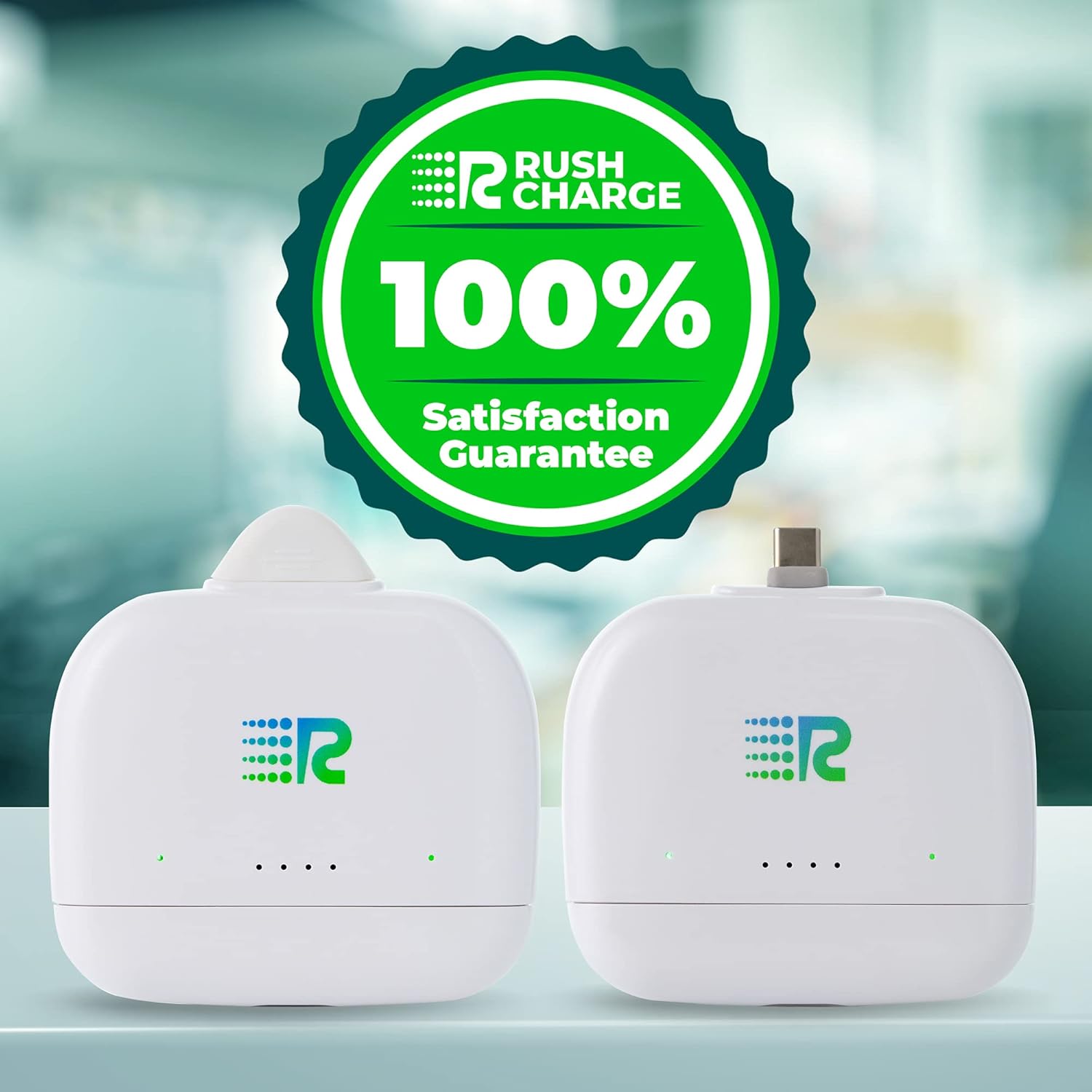
Image: Two Rush Charge portable power banks, emphasizing the brand's commitment to customer satisfaction.