
Keylitos B09XQSGYDF
Keylitos HEPA Air Purifier Instruction Manual
Model: B09XQSGYDF | Brand: Keylitos
1. Introduction
The Keylitos HEPA Air Purifier is designed to provide a cleaner, healthier indoor environment by effectively removing airborne contaminants. Equipped with an H13 True HEPA filter, it captures 99.9% of nano particles including pollen, pet dander, smoke, dust, mold spores, and odors. Ideal for homes, offices, and large rooms up to 560 sq ft, this air purifier operates quietly to ensure minimal disturbance while delivering powerful air purification.

Figure 1.1: Enjoying fresh air with the Keylitos Air Purifier.
2. Safety Information
Please read all instructions carefully before using this appliance to ensure safe and effective operation. Keep this manual for future reference.
- This appliance is for indoor use only.
- Do not place anything on top of this appliance.
- Ensure the plastic bag is removed from the filter before operating the air purifier.
- Do not use the machine without the filter installed.
- Do not allow any liquid to enter the machine. If liquid enters, disconnect the power supply immediately and contact customer support.
- Do not attempt to repair or disassemble the product yourself. All servicing should be performed by qualified personnel.
- Always unplug the air purifier when not in use, before cleaning, or when changing filters.
3. Product Overview
The Keylitos Air Purifier features a compact design with intuitive controls. Its multi-layer filtration system ensures comprehensive air purification.
3.1 Components
- Main Unit: Houses the fan and control system.
- H13 True HEPA Filter: A 3-in-1 composite filter including a pre-filter, charcoal filter, and HEPA filter for comprehensive purification.
- Rotary Control Knob: For power and speed selection.
- Front Panel: Removable for filter access.
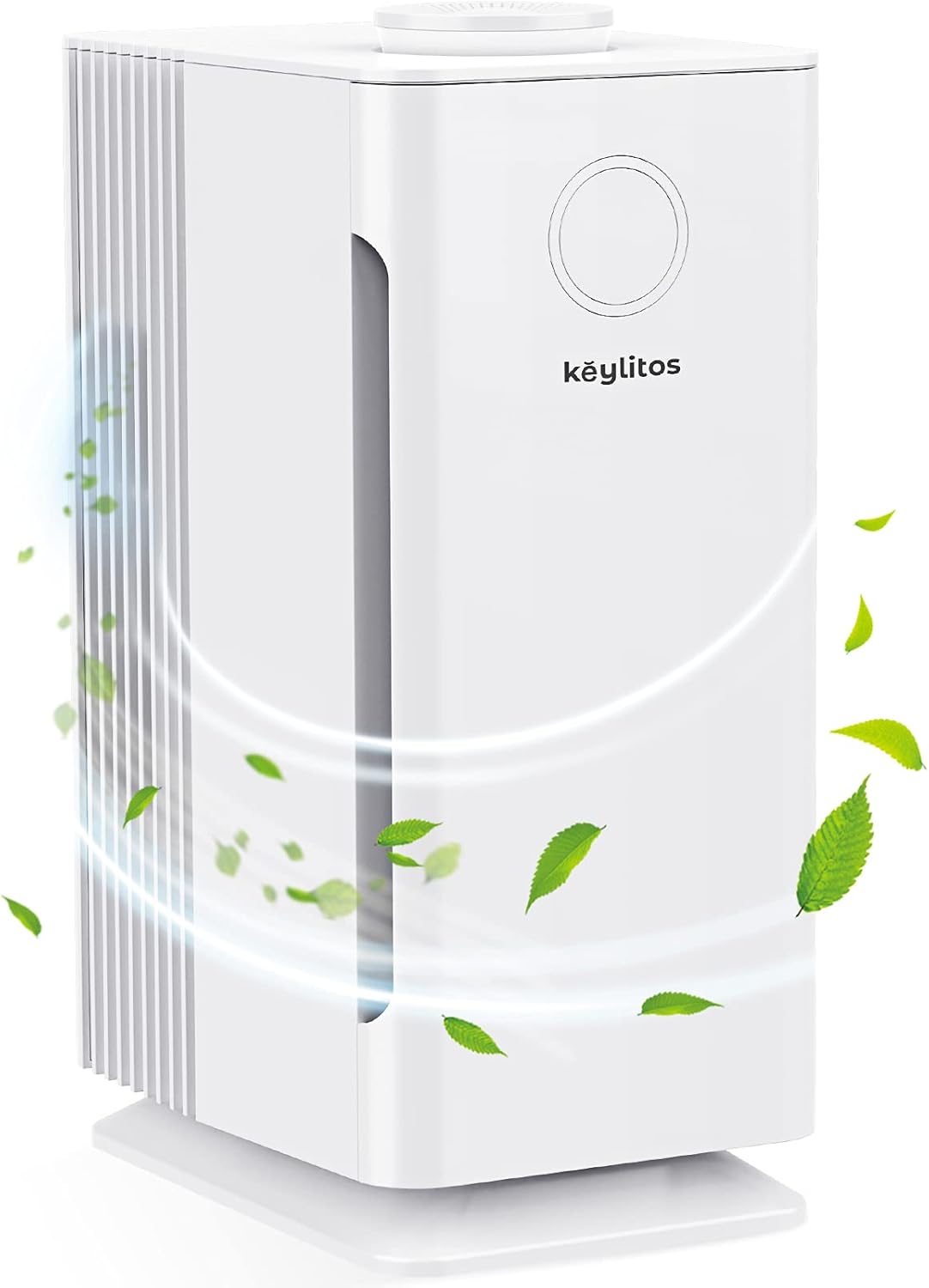
Figure 3.1: Keylitos HEPA Air Purifier with indicated airflow.
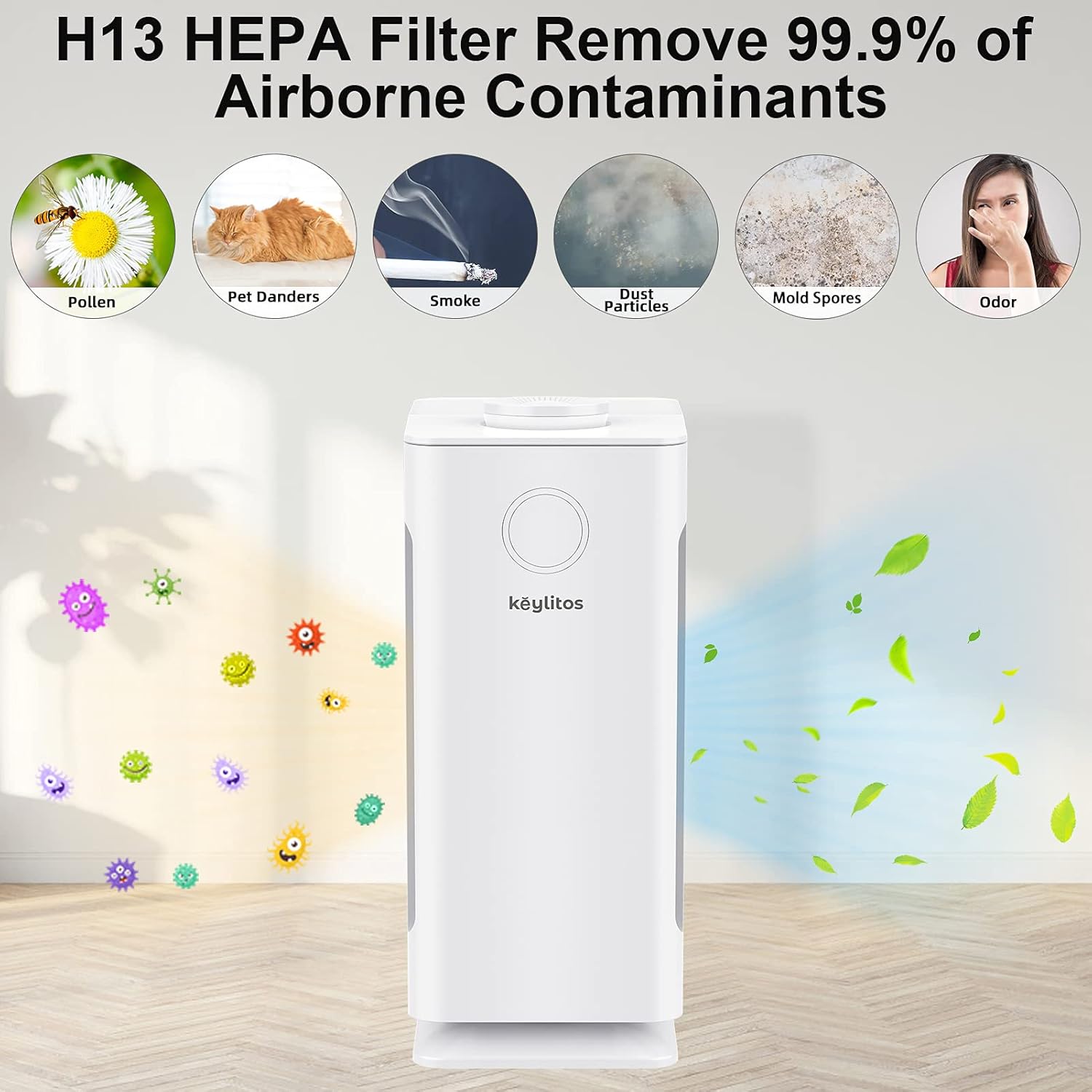
Figure 3.2: H13 True HEPA Filter's effectiveness against various contaminants.
4. Setup
Before first use, the filter must be removed from its plastic packaging and installed correctly.
- Open the Front Panel: Gently hold both sides of the front panel with both hands and open the device outwards.
- Remove Filter Packaging: Take out the combination filter from its plastic packaging.
- Install Filter: Install the combination filter back into the unit. Ensure the cloth strip on the filter is facing outwards for easy removal later.
- Close Front Panel: Align the matching slots and install the front panel securely.

Figure 4.1: Filter installation steps.
5. Operation
5.1 Powering On and Speed Control
The Keylitos Air Purifier is operated using a simple rotary knob on the top of the unit.
- Turn On: Rotate the knob clockwise from 'OFF' to select a speed mode.
- Speed Modes: Choose from 'WHISPER CLEAN' (Low), 'MED' (Medium), or 'QUICK CLEAN' (High).
- Turn Off: Rotate the knob counter-clockwise back to 'OFF'.

Figure 5.1: Rotary control knob for power and speed selection.
5.2 Placement
The device can be used in various settings and orientations:
- Standing Type: Suitable for living rooms, bedrooms, offices, and kitchens.
- Lying Type: The unit can also be placed horizontally. Ensure the air inlet and outlet are not blocked.

Figure 5.2: Versatile placement options for the air purifier.
5.3 Quiet Operation
At its lowest setting ('WHISPER CLEAN'), the air purifier operates at a mere 28dB, making it almost voiceless and ideal for use in bedrooms or quiet environments.

Figure 5.3: Ultra-quiet operation for a peaceful environment.
5.4 Video Demonstration
Video 5.1: Demonstration of the Keylitos Air Purifier's operation and sound levels.
6. Maintenance
Regular maintenance ensures optimal performance and longevity of your air purifier.
6.1 Filter Cleaning/Replacement
The filter element cannot be washed. It is recommended to replace the filter every 3-6 months, depending on usage and air quality. Certified replacement filters can be found using ASIN: B09XQSGYDF.
- Turn off the device and unplug it from the power outlet.
- Open the front panel of the device as described in the Setup section.
- Take out the used combination filter. It is recommended to wrap the used filter in a garbage bag to avoid releasing pollutants.
- Install a new combination filter, ensuring the cloth strip is facing outwards.
- Align the matching slots and install the front panel.
- Plug in the device and turn it on to resume operation.
7. Troubleshooting
If you encounter any issues with your Keylitos Air Purifier, please refer to the following common solutions. If the problem persists, contact customer support.
- Unit not turning on: Ensure the power cord is securely plugged into a working outlet. Check if the rotary knob is turned to an 'ON' position (Whisper Clean, Med, or Quick Clean).
- Reduced airflow or unusual odor: The filter may be dirty or clogged. Replace the filter as per the maintenance instructions. Ensure the plastic packaging has been removed from the new filter.
- Increased noise: Check if the unit is placed on a stable, flat surface. Ensure no objects are obstructing the air inlets or outlets.
8. Specifications
| Feature | Detail |
|---|---|
| Brand | Keylitos |
| Model Number | B09XQSGYDF |
| Coverage Area | Up to 560 ft² (50 m²) |
| Air Changes Per Hour | 5x (215 ft²), 3x (560 ft²) |
| Filter Type | H13 True HEPA (Pre-filter, Charcoal filter, HEPA filter) |
| Noise Level | 28-54 dB |
| Input Voltage | 110V~120V |
| Wattage | 35W |
| Operating Temperature | 5°F~140°F (-15℃~60℃) |
| Dimensions (L x W x H) | 7.6 x 10.55 x 15.5 inches |
| Weight | 7.34 Pounds |
| Controller Type | Rotary Knob |
9. Warranty and Support
Keylitos offers a 5-year warranty for this product. If you have any questions, require technical assistance, or need to claim warranty service, please contact Keylitos customer support through the retailer's platform or the official Keylitos website. Please have your model number and purchase details ready when contacting support.