
1. Introduction
Thank you for choosing the SMOOL Vanity Desk with Lighted Mirror. This manual provides essential information for the safe assembly, operation, and maintenance of your new vanity desk. Please read all instructions carefully before use and retain this manual for future reference.
Safety Warnings
- Always unplug the vanity when not in use.
- Be cautious of sharp edges and pinch points during assembly.
- Do not use liquids near electrical components.
- Follow assembly instructions carefully.
2. Product Features
The SMOOL Vanity Desk is designed for convenience and style, offering a dedicated space for your beauty routine. Key features include:
- Lighted Mirror: Features 3 different light settings (warm yellow, warm white, cold white) with adjustable brightness.
- Sensitive Touch Button: A high-sensitivity smart sensor switch controls the LED light, allowing for easy power on/off, color mode switching, and brightness adjustment via long press.
- Quality & Comfortable Design: Constructed with stable, sturdy materials and rubber wood legs. Includes a soft cushioned stool for comfortable seating.
- Ample Storage: Equipped with 4 drawers and a large tabletop (31.5'' x 15.7'') for organizing cosmetics and jewelry.
- Minimalist Installation: Designed for straightforward assembly, primarily involving attaching legs and the mirror.
3. Package Contents
Please ensure all components are present before beginning assembly:
- Vanity Tabletop with Drawers
- Lighted Mirror Unit
- 4 Table Legs
- Stool Seat
- 4 Stool Legs
- Hardware Pack (screws, washers, Allen wrench)
- Power Adapter for Mirror Light
4. Assembly Instructions
Assembly is designed to be minimalist. Follow these steps carefully:
- Attach Table Legs:
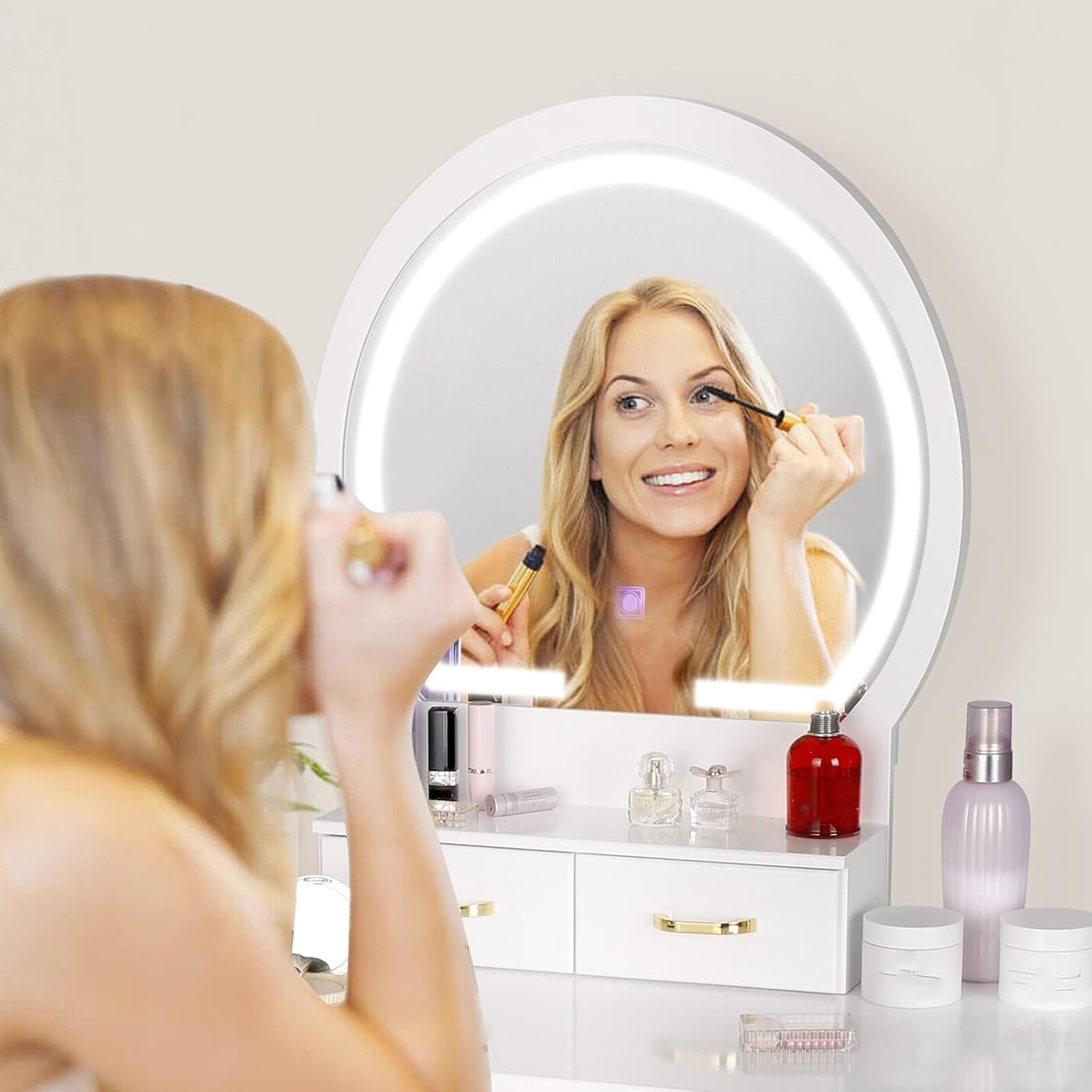
Image: Diagram illustrating the attachment of the four table legs to the vanity desk base.
Carefully turn the vanity tabletop upside down. Attach the four table legs to the designated corners using the provided screws and washers. Ensure they are securely tightened with the Allen wrench.
- Install Mirror Unit:
Place the small case unit (if separate) and the mirror unit onto the tabletop. Secure the mirror unit to the tabletop using the provided screws and washers. Ensure the mirror is stable and upright.
- Assemble Stool:

Image: Diagram illustrating the attachment of the four stool legs to the stool seat.
Turn the stool seat upside down. Attach the four stool legs using the provided screws and washers, tightening them securely.
- Connect Power:
Connect the power adapter cable from the mirror to a suitable power outlet. The mirror light is now ready for use.
Assembly Video Guide
Video: Official seller video demonstrating the assembly process and key features of the vanity set.
5. Operating Instructions
Lighted Mirror Controls

Image: The lighted mirror displaying its three distinct color lighting modes.
The mirror features a sensitive touch button for controlling the LED light:
- Short Touch: Tap the touch button to turn the light ON/OFF and to cycle through the 3 color temperatures: warm yellow, warm white, and cold white.
- Long Touch: Press and hold the touch button to adjust the brightness level of the selected light color. Release when the desired brightness is achieved.

Image: A user demonstrating the use of the lighted mirror for makeup application.
Storage Drawers

Image: The vanity desk with its four drawers fully extended, showcasing the ample storage capacity for various items.
The vanity desk includes four drawers for organizing your items. Two smaller drawers are located directly beneath the mirror unit, and two larger drawers are integrated into the main tabletop. These drawers feature smooth glides for easy opening and closing.

Image: A detailed view of an open drawer, emphasizing the quality of the drawer slides.
Stool Usage
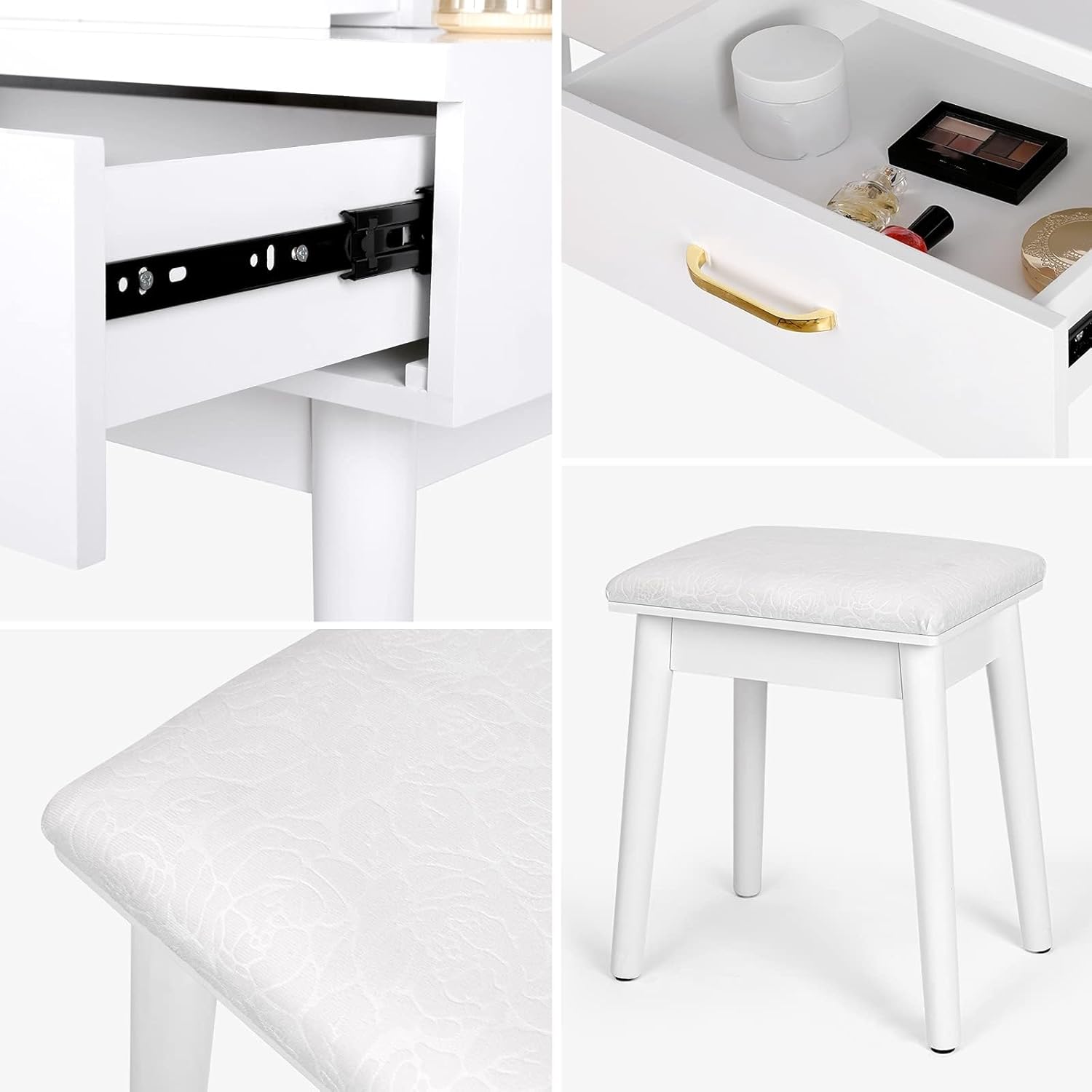
Image: A close-up shot of the soft cushioned stool, highlighting its comfortable design.
The included stool provides a comfortable seating option. Ensure the stool is placed on a flat, stable surface before use. The stool has a load capacity of 220 lbs.
6. Maintenance
To keep your SMOOL Vanity Desk in optimal condition:
- Cleaning: Wipe surfaces with a dry cloth. For stubborn marks, use a damp cloth and mild cleaner, then dry immediately. Avoid abrasive cleaners.
- Mirror Care: Use a soft, lint-free cloth and a glass cleaner specifically designed for mirrors. Do not spray cleaner directly onto the mirror or electrical components.
- General Care: Regularly check all screws and connections to ensure they remain tight. Avoid placing hot items directly on the tabletop.
7. Troubleshooting
If you encounter any issues with your vanity desk, please refer to the following common solutions:
| Problem | Possible Cause | Solution |
|---|---|---|
| Mirror light does not turn on. | Power cable disconnected or faulty outlet. | Ensure the power cable is securely plugged into both the mirror unit and a working electrical outlet. Test the outlet with another device. |
| Light brightness is too dim or too bright. | Brightness setting needs adjustment. | Long press the touch button on the mirror to adjust the brightness to your desired level. |
| Vanity or stool feels unstable. | Loose screws or uneven surface. | Check and tighten all assembly screws on the legs of both the vanity and the stool. Ensure the unit is placed on a flat, level surface. |
| Drawers do not slide smoothly. | Obstruction or misaligned slides. | Check for any items obstructing the drawer slides. Ensure drawers are correctly aligned on their tracks. |
8. Specifications
| Attribute | Detail |
|---|---|
| Model Number | B097RDPTRR |
| Brand | SMOOL |
| Color | White |
| Material | Wood (Rubberwood frame) |
| Product Dimensions (D x W x H) | 15.7" x 31.5" x 53.15" |
| Item Weight | 48 Pounds |
| Number of Drawers | 4 |
| Stool Load Capacity | 220 lbs |
| Mirror Lighting Modes | 3 (Warm Yellow, Warm White, Cold White) |
| Mirror Brightness | Adjustable |
9. Warranty and Support
For warranty information or customer support, please refer to the product packaging or contact SMOOL customer service directly. Keep your purchase receipt as proof of purchase.