
1. Product Overview
The Imren 3.7V Button Top 3000mAh Rechargeable Battery (Model 70M) is a high-capacity lithium-ion battery designed for various electronic devices. It features a built-in Micro-USB charging port for convenient recharging without the need for a separate charger. This battery is engineered for durability, offering a low self-discharge rate and no typical memory effect, ensuring consistent performance over its lifespan.
Caution: This button top USB battery is longer than standard AA/AAA batteries. Please confirm the battery size (18.5mm x 70mm) before purchase to ensure compatibility with your device.

This image shows the Imren 3.7V Button Top Battery, highlighting its dimensions (2.76" / 70mm length, 0.72" / 18.5mm diameter) and the integrated Micro USB charging port. A caution notes that this battery is longer than standard AA/AAA batteries, requiring users to confirm device compatibility.
2. Safety Information
To ensure safe operation and prolong the life of your battery, please adhere to the following safety guidelines:
- Do not short-circuit the battery.
- Do not expose the battery to extreme temperatures (high or low), direct sunlight, or fire.
- Do not disassemble, puncture, or modify the battery.
- Keep batteries out of reach of children and pets.
- Use only the provided USB cable or a compatible Micro-USB cable for charging.
- Dispose of used batteries according to local regulations.
- Ensure the battery is compatible with your device's size and voltage requirements before insertion.
3. Setup: Charging the Battery
The Imren 3.7V Button Top Battery features a convenient Micro-USB port for direct charging. Follow these steps to charge your battery:
- Locate the Micro-USB charging port on the side of the battery.
- Connect the smaller end of the included 2-in-1 USB cable into the battery's Micro-USB port.
- Connect the larger USB-A end of the cable to a compatible USB power source, such as a wall adapter, power bank, or computer USB port.
- The LED indicator light on the battery will glow red to indicate that charging is in progress.
- Once the battery is fully charged, the LED indicator light will turn blue.
- Disconnect the USB cable from the battery and the power source once charging is complete.

This image illustrates the charging process of the Imren battery. It shows the LED indicator glowing red when the battery is charging and turning blue once it is fully charged.
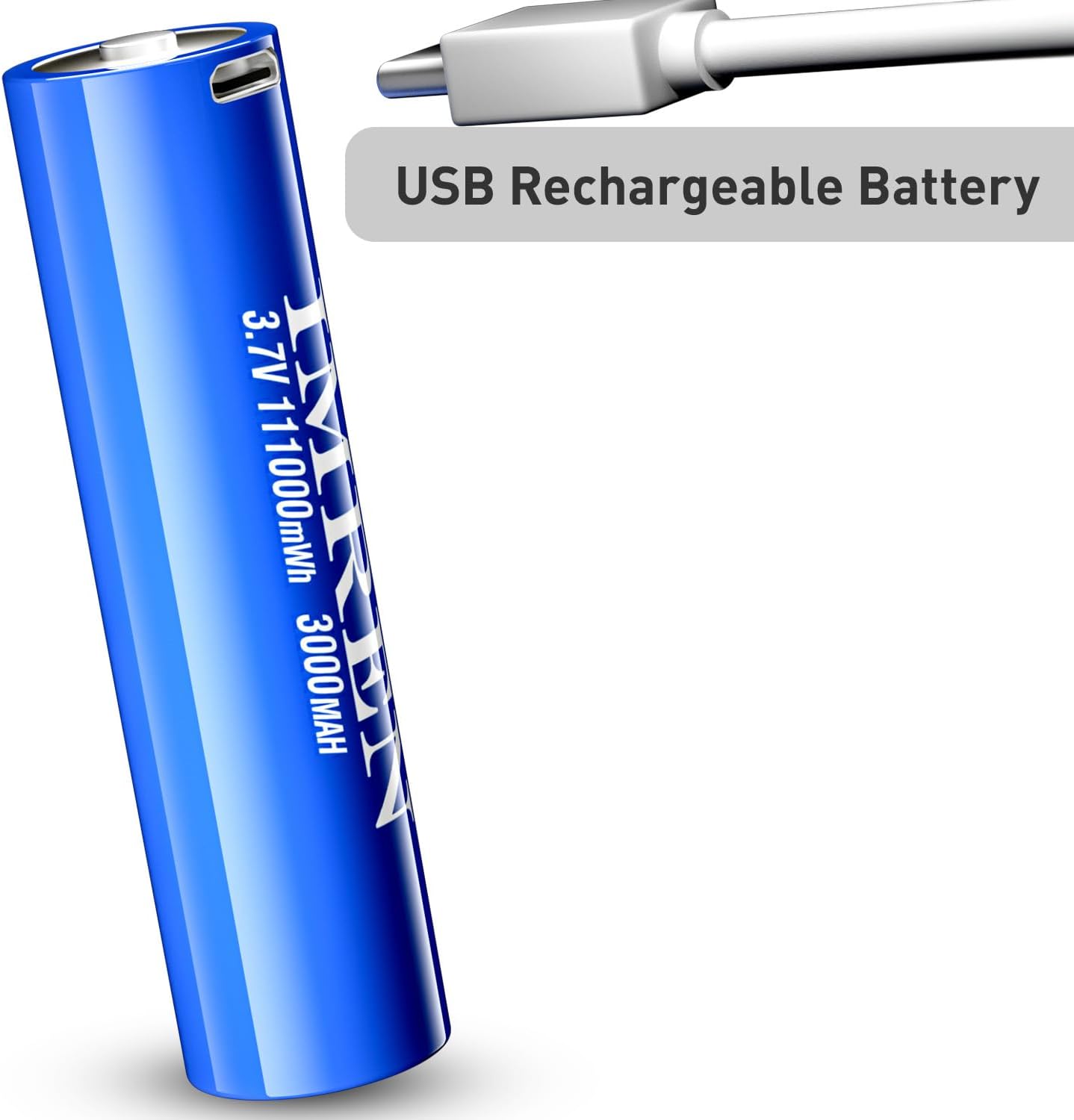
This image displays the Imren USB Rechargeable Battery connected to a USB cable, emphasizing its direct USB rechargeable feature without needing an external charger.

This image highlights the USB charging port design of the Imren battery and illustrates various charging methods, including adapter charging, power bank charging, and laptop charging.
4. Operating Instructions: Battery Usage
The Imren 3.7V Button Top Battery is designed for use in a variety of electronic devices that require 3.7V lithium-ion batteries. Always ensure your device is compatible with the battery's specifications and physical dimensions (18.5mm x 70mm) before use.
Compatible Devices:
- Flashlights (e.g., GearLight S1000, GearLight TAC, GearLight S1050 LED Flashlights, Streamlight X Series Flashlights, Fenix USB Rechargeable LED Series Flashlights)
- Headlamps
- Doorbells
- RC Cars
- Toys
- Other household devices requiring 3.7V button top lithium-ion batteries.
Insertion:
To insert the battery into your device:
- Open the battery compartment of your electronic device.
- Observe the polarity markings (+ and -) inside the compartment and on the battery.
- Insert the Imren battery, matching the positive (+) and negative (-) terminals correctly. Incorrect insertion can damage the device or battery.
- Close the battery compartment securely.

This image shows two Imren batteries positioned next to a flashlight, indicating their suitability for use as flashlight batteries.

This image demonstrates the Imren battery's compatibility with Fenix USB Rechargeable LED Series Flashlights, showcasing it alongside a flashlight.

This image creatively illustrates the use of the Imren battery in a lightsaber, suggesting its application in various electronic devices.

This image shows the Imren battery alongside a GearLight flashlight being held, reinforcing its use as a flashlight battery.
5. Maintenance
Proper maintenance helps extend the life and performance of your Imren rechargeable battery:
- Storage: Store batteries in a cool, dry place away from direct sunlight and extreme temperatures. Use the provided battery case for safe storage when not in use.
- Charging: Recharge the battery regularly, even if not fully depleted, to maintain optimal performance. Avoid completely draining the battery before recharging.
- Cleaning: Keep the battery terminals clean and free from dirt or corrosion. Use a dry cloth to wipe them if necessary.
- Cycle Life: The battery is designed for up to 1200 recharge cycles. Performance may gradually decrease after many cycles.
- No Memory Effect: This battery does not suffer from the typical memory effect, meaning you can recharge it at any charge level without significantly impacting its long-term capacity.
- Low Self-Discharge: The battery maintains a significant charge even after prolonged storage, thanks to its low self-discharge technology.

This image highlights the durability of the Imren battery, stating it can be recharged up to 1200 times. It also confirms the capacity of 3000mAh and electricity of 11100mWh.

This graph compares the 3.7V constant output of the Imren 70M battery with another brand, demonstrating the Imren battery's stable voltage delivery over its discharge cycle.

This image displays the Imren 70M battery, its accompanying USB charging cable, and a protective battery case, showing the complete package.
6. Troubleshooting
If you encounter issues with your Imren battery, refer to the following common problems and solutions:
| Problem | Possible Cause | Solution |
|---|---|---|
| Battery not charging | Loose cable connection, faulty USB power source, damaged cable. | Ensure the USB cable is securely connected to both the battery and the power source. Try a different USB port or power adapter. Inspect the cable for damage. |
| Device not powering on | Incorrect battery polarity, battery not charged, device incompatibility. | Check that the battery is inserted with correct polarity (+ and -). Ensure the battery is fully charged (blue LED indicator). Confirm your device is compatible with 3.7V button top batteries of this size. |
| Reduced battery life | Normal wear and tear, improper charging habits, extreme operating temperatures. | Ensure you are charging the battery regularly and not fully depleting it often. Avoid using or storing the battery in very hot or cold environments. |
| Battery overheating during charge/discharge | Faulty battery, incompatible charger, excessive load on device. | Immediately discontinue use and charging. Allow the battery to cool down. If overheating persists, contact customer support. Ensure the charger is compatible. |
7. Specifications
- Brand: Imren
- Model: 70M
- Battery Type: Button Top, 3.7V Li-ion
- Capacity: 3000mAh
- Energy: 11100mWh
- Dimensions: 18.5mm (diameter) x 70mm (length)
- Charging Port: Micro-USB
- Recharge Cycles: Up to 1200 cycles
- Self-Discharge: Low
- Memory Effect: None
- Manufacturer: Hunan Aimeiren New Energy Co., Ltd.
- Item Weight: 3.2 ounces
8. Warranty and Support
Imren batteries are manufactured to high-quality standards. For specific warranty details, please refer to the product packaging or contact your retailer. If you have any questions, concerns, or require technical assistance, please contact Imren customer support through the retailer's platform or the official Imren website.