
1. Introduction
Thank you for purchasing the Pyle PPHP127B Portable Bluetooth PA Speaker System. This system is designed to provide high-quality audio for various applications, including karaoke, stage performances, and general music playback. Featuring an 800-watt peak power output, a 12-inch subwoofer, and a 1-inch tweeter, it delivers full-range stereo sound with impressive bass. Its portable design, complete with an extendable handle and rolling wheels, makes it easy to transport. This manual will guide you through the setup, operation, and maintenance of your new PA speaker system.

Figure 1: Pyle PPHP127B Portable Bluetooth PA Speaker System
2. Key Features
- 800 Watt Peak Power: Equipped with a 12-inch subwoofer and 1-inch tweeter for powerful, full-range audio.
- Bluetooth Connectivity: Seamless wireless audio streaming from devices like smartphones, tablets, and PCs.
- Multiple Inputs: Includes USB flash drive and SD card reader (MP3 player function), 3.5mm AUX input, and 6.5mm microphone input.
- FM Radio: Built-in FM tuner for listening to your favorite radio stations.
- Multi-Color Flashing LED Party Lights: Dynamic disco lights add visual flair to any event.
- Portable Design: Features a built-in rechargeable battery, power-saving mode, rolling wheels, and an extendable handle for easy transport.
- Microphone Priority Function: Automatically lowers music volume when the microphone is in use.

Figure 2: Bass Amplification with 12" Subwoofer and 1" Tweeter
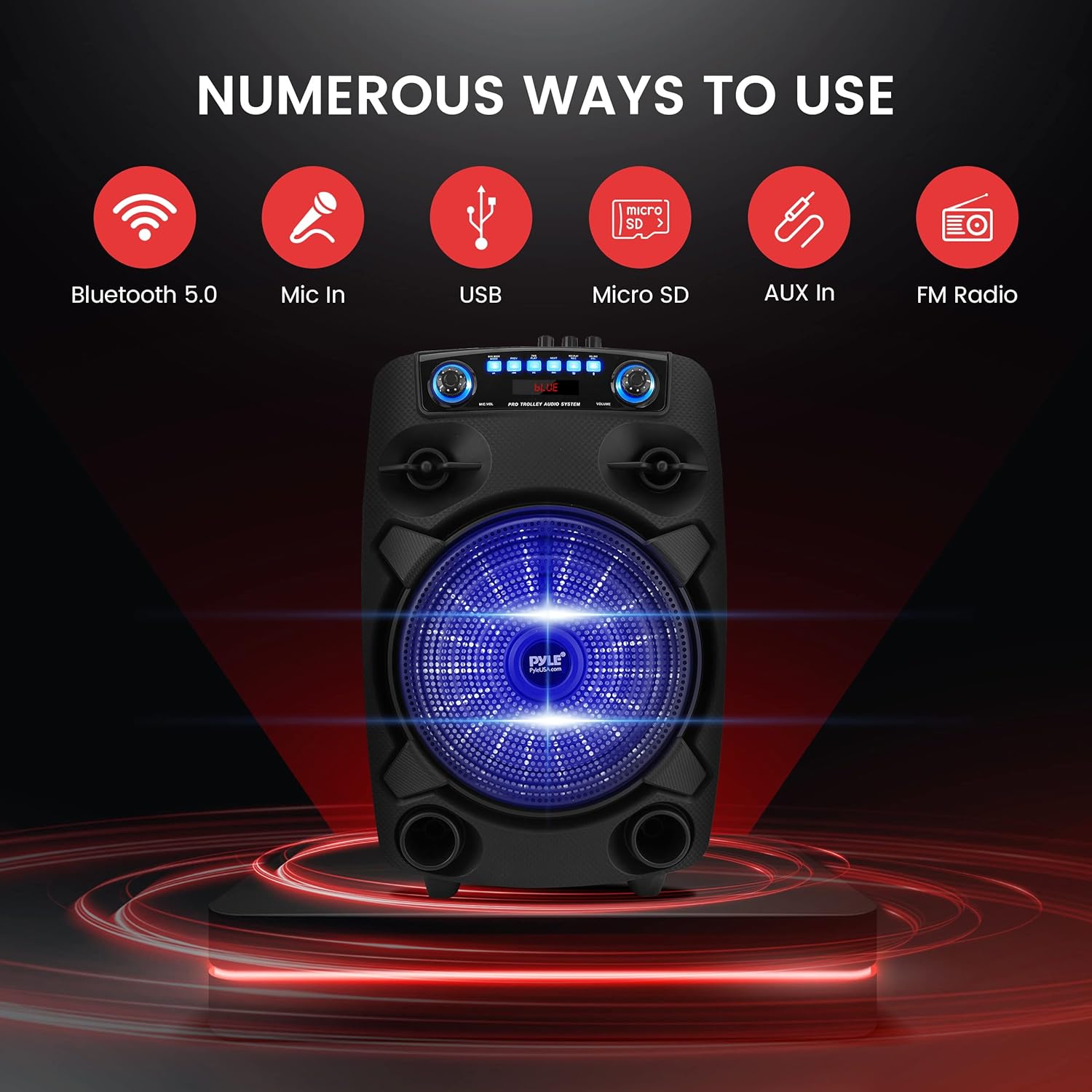
Figure 3: Numerous Connectivity Options
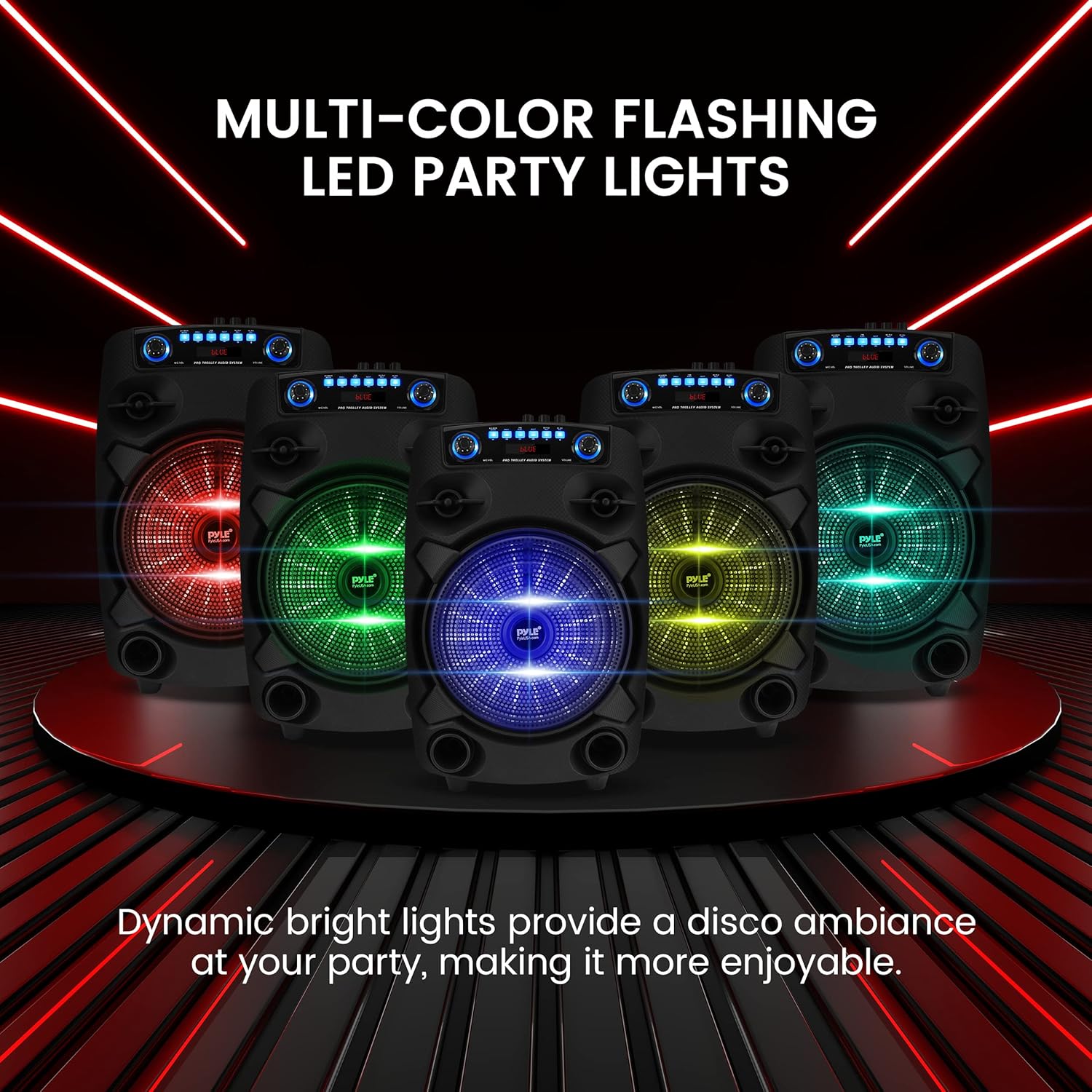
Figure 4: Multi-Color Flashing LED Party Lights
3. What's in the Box
- PA Speaker System
- Remote Control
- Wired Microphone
4. Setup
4.1 Charging the Battery
Before initial use, fully charge the speaker's built-in rechargeable battery. Connect the power cable to the speaker's power input and a standard electrical outlet. The charging indicator light will illuminate. Once fully charged, disconnect the power cable. To preserve battery life, turn off the speaker using the ON/OFF switch when not in use.

Figure 5: Built-in Rechargeable Battery
4.2 Powering On/Off
Locate the power switch on the control panel. Flip the switch to the 'ON' position to power on the speaker. The display will light up. To power off, flip the switch to the 'OFF' position.
4.3 Portability
The PPHP127B is designed for easy transport. Utilize the extendable handle and rolling wheels to move the speaker conveniently. Extend the handle by pulling it upwards until it locks into place. Tilt the speaker and roll it to your desired location.

Figure 6: Portable Design with Extendable Handle and Rolling Wheels
5. Operating Instructions
5.1 Bluetooth Pairing
- Power on the speaker. The display will show 'BLUE' indicating Bluetooth mode. If not, press the 'MODE' button until 'BLUE' appears.
- Enable Bluetooth on your mobile device (smartphone, tablet, etc.).
- Search for available Bluetooth devices and select 'PYLE AUDIO' from the list.
- Once paired, the speaker will emit a confirmation tone, and you can now stream audio wirelessly.

Figure 7: Bluetooth Wireless Music Streaming
5.2 USB/SD Card Playback
- Insert a USB flash drive or SD card into the corresponding slot on the control panel.
- The speaker will automatically switch to USB/SD mode and begin playing audio files. If not, press the 'MODE' button to select USB/SD mode.
- Use the 'PLAY/PAUSE', 'PREV', and 'NEXT' buttons to control playback.
5.3 FM Radio
- Press the 'MODE' button until 'FM' appears on the display.
- Press and hold the 'PLAY/PAUSE' button to initiate an automatic scan for available radio stations. The speaker will save detected stations.
- Use the 'PREV' and 'NEXT' buttons to navigate through the saved FM stations.
5.4 Microphone Usage
- Connect the wired microphone to the 6.5mm MIC input jack on the control panel.
- Adjust the microphone volume using the 'MIC VOL' knob.
- The speaker features a microphone priority function. When activated, it will automatically lower the music volume when you speak into the microphone.
5.5 Party Lights
The speaker features multi-color flashing LED lights on the subwoofer. These lights activate automatically when the speaker is powered on. There may be a dedicated button or setting on the control panel to toggle or change the light modes, if available.
Video 1: Official Pyle demonstration of the PPHP127B Portable Bluetooth PA Speaker System, highlighting its features and functionality.
6. Maintenance
- Cleaning: Use a soft, dry cloth to clean the exterior of the speaker. Do not use abrasive cleaners or solvents.
- Storage: Store the speaker in a cool, dry place away from direct sunlight and extreme temperatures.
- Battery Care: To prolong battery life, avoid fully discharging the battery frequently. Recharge the battery regularly, even if the speaker is not in active use.
7. Troubleshooting
| Problem | Possible Cause | Solution |
|---|---|---|
| No power | Battery discharged; Power cable not connected. | Charge the battery; Ensure power cable is securely connected. |
| No sound | Volume too low; Incorrect input mode; Device not connected properly. | Increase master volume; Select correct input mode (Bluetooth, USB, AUX); Reconnect audio source. |
| Bluetooth not pairing | Speaker not in Bluetooth mode; Device too far; Bluetooth not enabled on device. | Ensure speaker is in 'BLUE' mode; Move device closer to speaker; Enable Bluetooth on your device and re-scan. |
| Static or distorted sound from microphone | Microphone cable loose; Microphone too close to speaker; Gain too high. | Check microphone connection; Increase distance between microphone and speaker; Adjust MIC VOL knob. |
8. Specifications
- Power Output: 800 Watt Peak
- Speaker Type: PA Speaker System
- Subwoofer: 12 inches
- Tweeter: 1 inch
- Connectivity: Bluetooth, USB, SD Card, 3.5mm AUX, 6.5mm Microphone Input
- Power Source: Battery Powered
- Battery: Built-in Rechargeable (3600mAh, 7.4V)
- Playing Time: Up to 3 hours (approximate)
- Material: Polypropylene (PP)
- Item Weight: 12.46 pounds
- Product Dimensions (L x W x H): 23.25 x 15 x 11.5 inches
- Color: Black
- Frequency Response: 20 KHz
- Impedance: 1 Ohms
9. Warranty and Support
For warranty information and technical support, please refer to the documentation included with your purchase or visit the official Pyle website. Keep your purchase receipt as proof of purchase for any warranty claims.


