
Introduction
This manual provides comprehensive instructions for the safe and effective use of your Remington PG6020 All-in-One Grooming Kit. Please read these instructions carefully before first use and retain them for future reference.

The Remington PG6020 grooming kit includes the main trimmer unit, various attachment heads, and a charging stand for organized storage and power.
Product Overview
The Remington PG6020 is a versatile grooming kit designed for hair and facial hair care. It features self-sharpening stainless steel blades and multiple attachments to achieve various styles and maintain personal grooming.
- 30mm main trimmer with self-sharpening stainless steel blades
- Adjustable beard and hair comb (2-16mm)
- 3 fixed combs (3mm, 6mm, 9mm)
- Detail trimmer for fine lines and edges
- Linear nose and ear trimmer
- Mini foil shaver for close shaving small areas
- Cordless operation for flexibility
- Washable attachments for easy cleaning

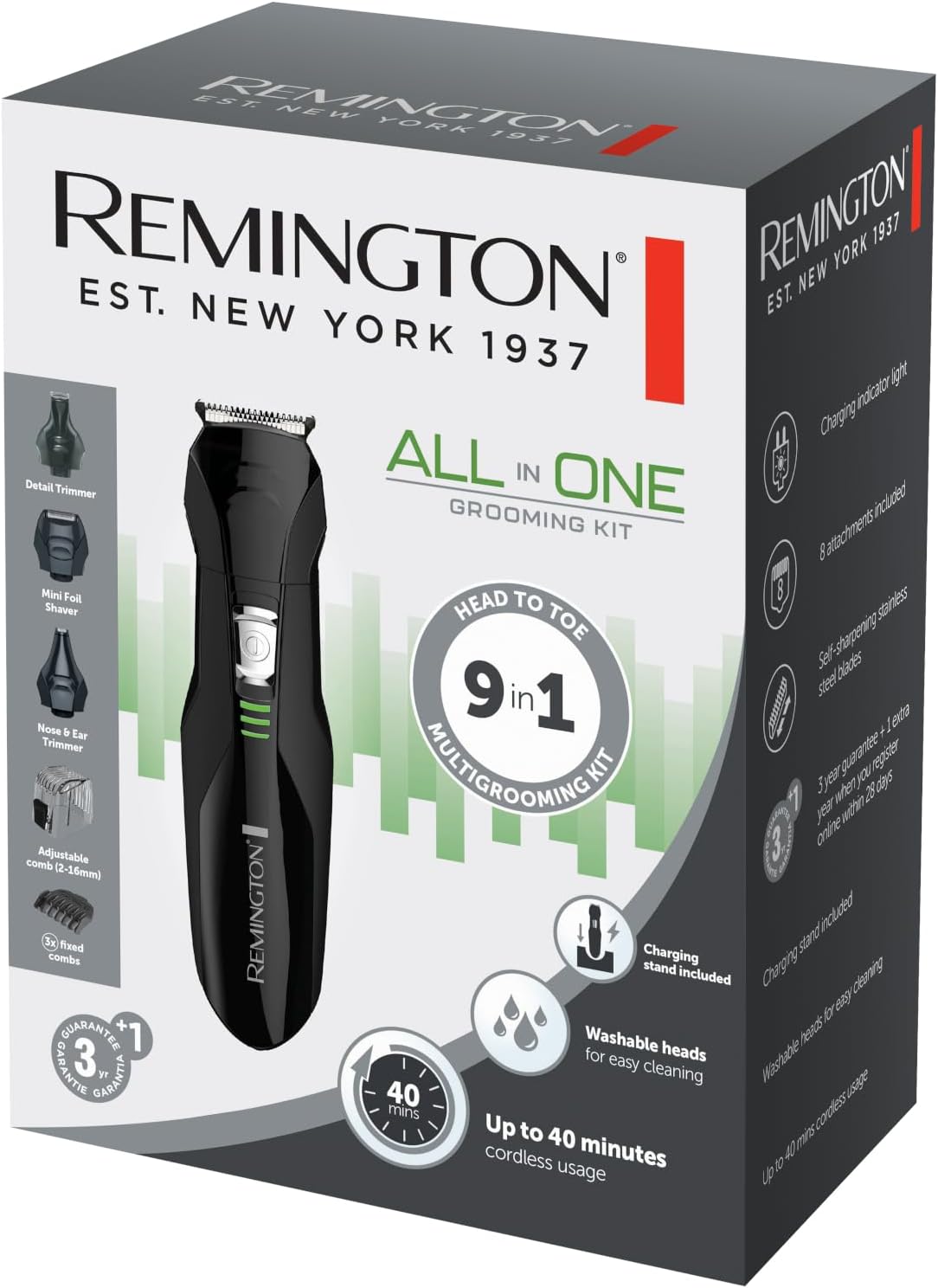
This image displays the individual components of the grooming kit, such as the main trimmer, different length comb guides, and interchangeable heads for various grooming needs.
The core trimmer unit, featuring the power button and battery indicator lights.
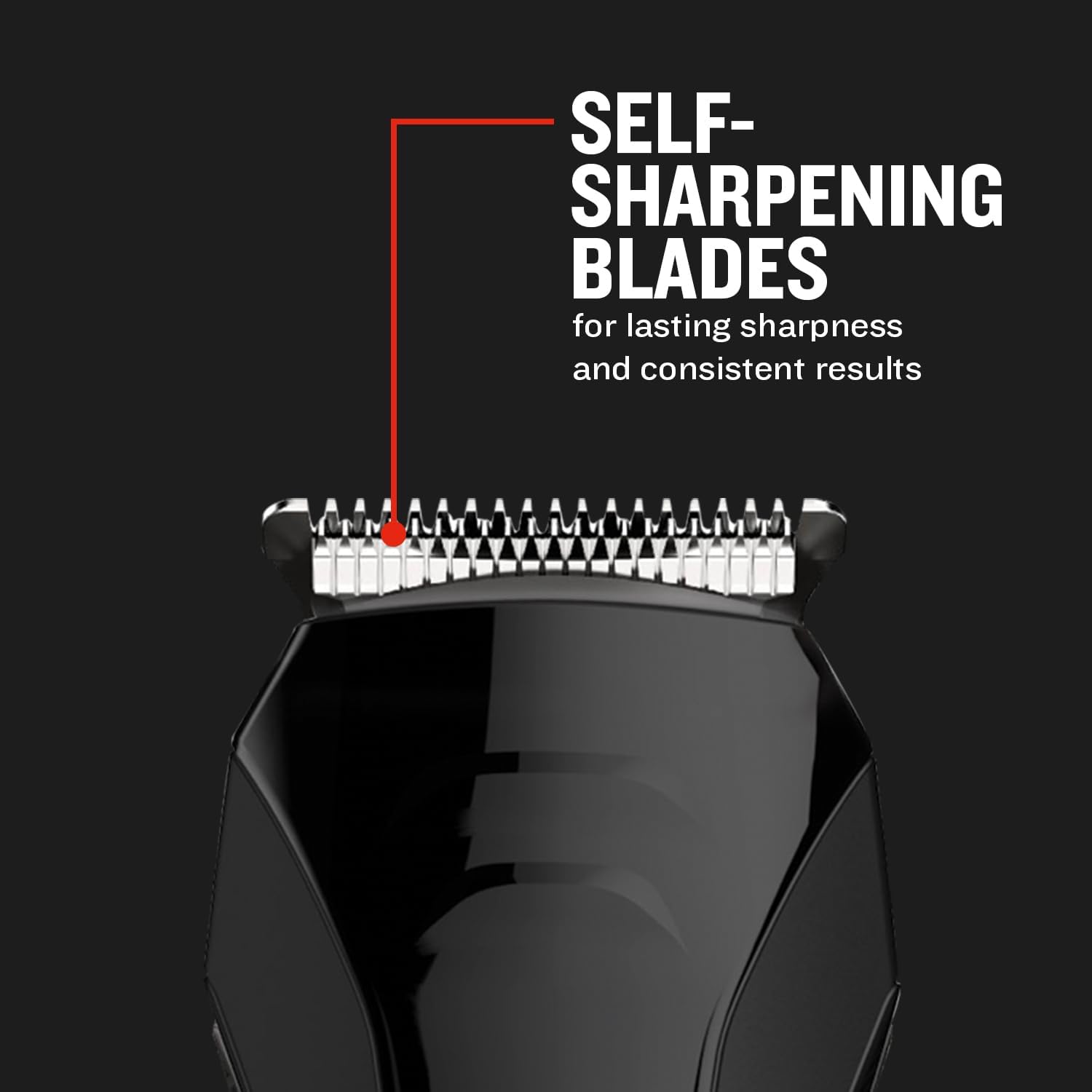
The trimmer features self-sharpening stainless steel blades designed for lasting sharpness and consistent cutting performance.

This kit is a versatile 9-in-1 solution for various grooming requirements.
Important Safety Instructions
WARNING:
- Do not use on infants or children.
- Keep away from water sources.
- Do not use the electrical appliance underwater.
- Clean and maintain according to the instructions for use.
- Ensure the power adapter is compatible with your local electrical outlets. Note: Some units may be supplied with a UK plug; an adapter may be required for other regions.
Setup
Unpacking
Carefully remove all components from the packaging. Verify that all items listed in the "Product Overview" section are present.
Charging the Device
Before first use, fully charge the grooming kit for 16 hours. This ensures optimal battery performance.
- Ensure the device is switched off.
- Connect the charging adapter to the charging port on the trimmer.
- Plug the adapter into a suitable electrical outlet. The charging indicator lights will illuminate.
- Allow the device to charge for 16 hours for a full charge.
- Once fully charged, disconnect the adapter from the outlet and the trimmer.
Note: If your product came with a UK plug, you may need a suitable adapter for your region's electrical outlets.

The trimmer unit fits securely into the charging stand for convenient recharging and storage.
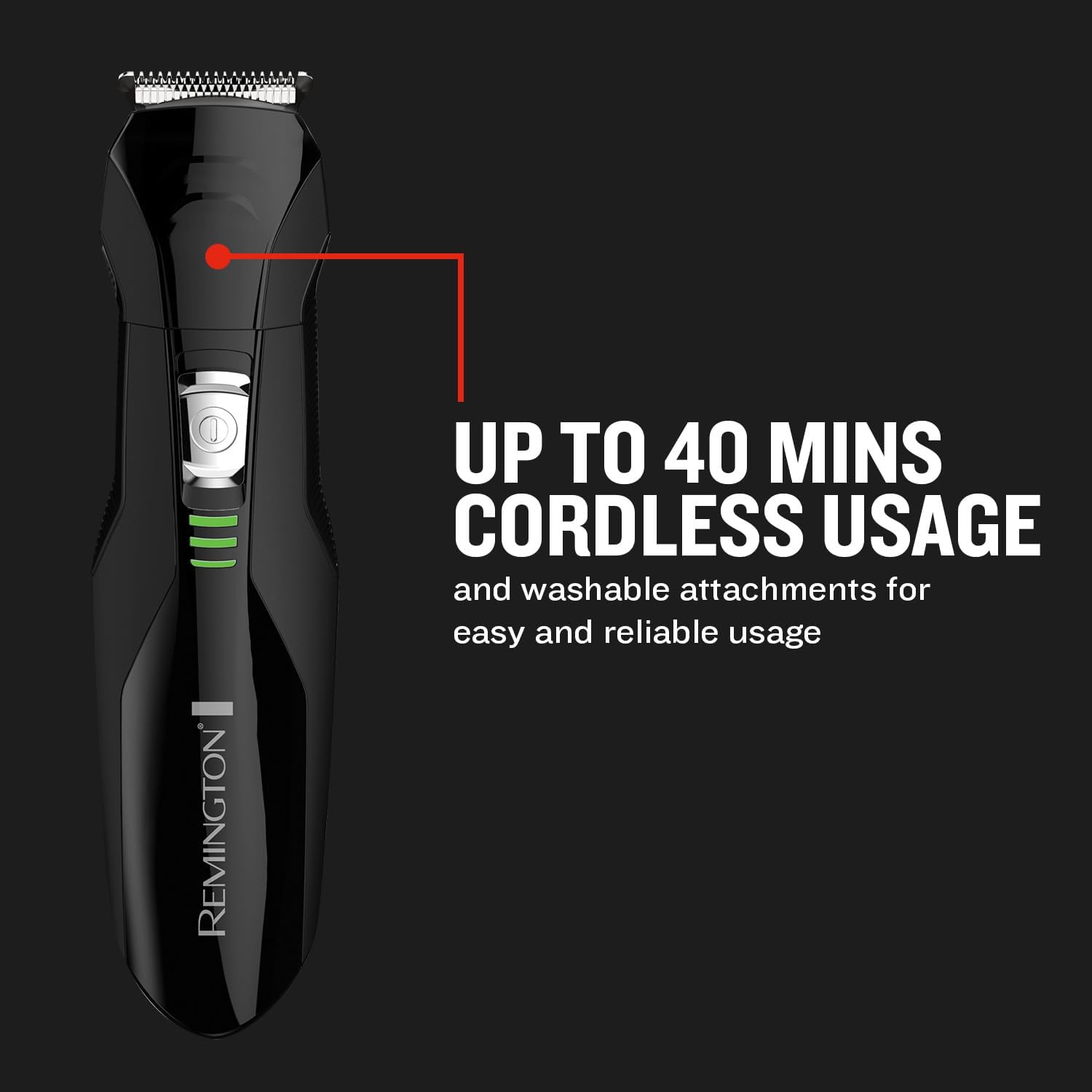
The device offers up to 40 minutes of cordless operation, indicated by the green battery lights, providing flexibility during use.
Operating Instructions
Attaching and Detaching Trimmer Heads
- To attach a head: Align the desired trimmer head with the main unit and push it firmly until it clicks into place.
- To detach a head: Gently pull the head away from the main unit.
Using the Main Trimmer (30mm)
The 30mm main trimmer is suitable for general hair and beard trimming.
With Adjustable Comb (2-16mm)
- Attach the adjustable comb to the main trimmer head.
- Adjust the comb to your desired length setting (2mm to 16mm) using the integrated dial or slider.
- Turn on the trimmer.
- Move the trimmer against the direction of hair growth for an even cut.
With Fixed Combs (3mm, 6mm, 9mm)
- Attach the desired fixed comb (3mm, 6mm, or 9mm) to the main trimmer head.
- Turn on the trimmer.
- Guide the trimmer through your hair or beard, ensuring the comb maintains contact with the skin for a consistent length.

The main trimmer head with an adjustable comb is suitable for precise beard trimming and styling.
Using the Detail Trimmer
Use the detail trimmer for precise styling, cleaning up sideburns, or creating sharp lines.
- Attach the detail trimmer head.
- Turn on the trimmer.
- Carefully guide the trimmer along the desired areas for precise detailing.
Using the Linear Nose and Ear Trimmer
This attachment is designed for safely removing unwanted hair from the nose and ears.
- Attach the linear nose and ear trimmer head.
- Turn on the trimmer.
- Gently insert the trimmer tip into the nostril or ear canal, rotating it slowly to trim hairs. Do not insert too deeply.
Using the Mini Foil Shaver
The mini foil shaver provides a close shave for small areas and refining edges.
- Attach the mini foil shaver head.
- Turn on the trimmer.
- Press the shaver gently against the skin and move it in short, controlled strokes to achieve a smooth finish.

The various attachments allow for effective grooming of body hair.
Maintenance and Cleaning
Regular cleaning and maintenance will ensure the longevity and optimal performance of your grooming kit.
Cleaning the Trimmer Heads
- Ensure the trimmer is switched off and disconnected from any power source.
- Remove the trimmer head from the main unit.
- Rinse the trimmer head under running water to remove hair clippings. The heads are washable.
- Allow the heads to air dry completely before reattaching or storing.
- For thorough cleaning, use the small cleaning brush (if included) to remove stubborn hairs from the blades.
Blade Care
The stainless steel blades are self-sharpening and do not require manual sharpening. For best performance, ensure they are kept clean and free of debris.
Storage
Store the grooming kit and its attachments in the charging stand or a dry, safe place away from children and water.
Troubleshooting
| Problem | Possible Cause | Solution |
|---|---|---|
| Trimmer does not turn on. | Battery is depleted. | Charge the trimmer for 16 hours. |
| Poor cutting performance. | Blades are dirty or clogged with hair. | Clean the trimmer head and blades thoroughly. Ensure no hair is trapped. |
| Trimmer not charging. | Adapter not properly connected or faulty. Incorrect plug type. | Ensure the adapter is securely connected to both the trimmer and the power outlet. Check if a plug adapter is needed for your region. Try a different outlet. |
| Excessive noise or vibration. | Trimmer head not properly attached or damaged. | Reattach the trimmer head securely. Inspect for any visible damage. |
Specifications
- Model Number: PG6020
- Brand: Remington
- Power Source: Battery powered
- Blade Material: Stainless steel
- Dimensions (L x W x H): 3.9 x 3.9 x 16.1 cm (1.54 x 1.54 x 6.34 inches)
- Weight: 270 grams (0.6 lbs)
- Cordless Usage Time: Up to 40 minutes
- Full Charge Time: 16 hours
- Special Features: Self-sharpening blades, washable heads, 9-in-1 functionality
Warranty and Support
Your Remington PG6020 All-in-One Grooming Kit comes with a 3-year guarantee. You can extend this warranty by an additional 1 year by registering your product online within 28 days of purchase.

The product comes with a 3-year guarantee, extendable by an additional year upon online registration.
For product support, troubleshooting assistance, or warranty claims, please visit the official Remington website or contact their customer service department. You can find more information at the Remington Brand Store.