
1. Introduction
The Nobsound NS-15G is a compact yet powerful 2-channel Bluetooth power amplifier designed for home audio systems. It delivers up to 200W of output power, making it suitable for driving various passive speakers. Featuring Bluetooth 5.0 connectivity and RCA input, it offers versatile connection options for your audio devices. The amplifier also includes treble and bass tone controls with a bypass function for a customized listening experience.

Figure 1.1: Front view of the Nobsound NS-15G amplifier, showcasing its compact design and control knobs.
2. Key Features
- HiFi Clear Sound: Enjoy more delicate and smooth sound by adjusting the treble/bass knob, presenting music with rousing highs and deep lows. Also features a bypass function to enjoy the original sound.
- Strong Compatibility and Large Output Power: Besides RCA input, Bluetooth 5.0 supports up to 50ft connection range, stable and low delay. Equipped with 2 TPA3116 chips, the max output power can reach 200W. Comes with a 19V power supply, capable of driving 200W (8Ω) or 300W (4Ω) speakers.
- Unique Design in Appearance and Technology: AUX/Bluetooth switch with red/blue indicator; pure integrated aluminum case and knob with multi-process fine treatment, CNC precision cutting; curved smooth edges highlight its unibody design; metal DC outlet, no electric sparks flying.
- Mini Size but Powerful and Practical: With a perfect protection circuit, it is perfectly suitable for desktop or smaller spaces in home or office. Easy to connect to your audio system, especially designed for audiophiles who pursue HiFi sound.
- Easy to Use: Suitable for various audio systems, including outdoor, garage, desktop, bookshelf, and home theater systems. Offers both Bluetooth and RCA inputs, allowing seamless connections to your phone, computer, TV, tablet, and more.
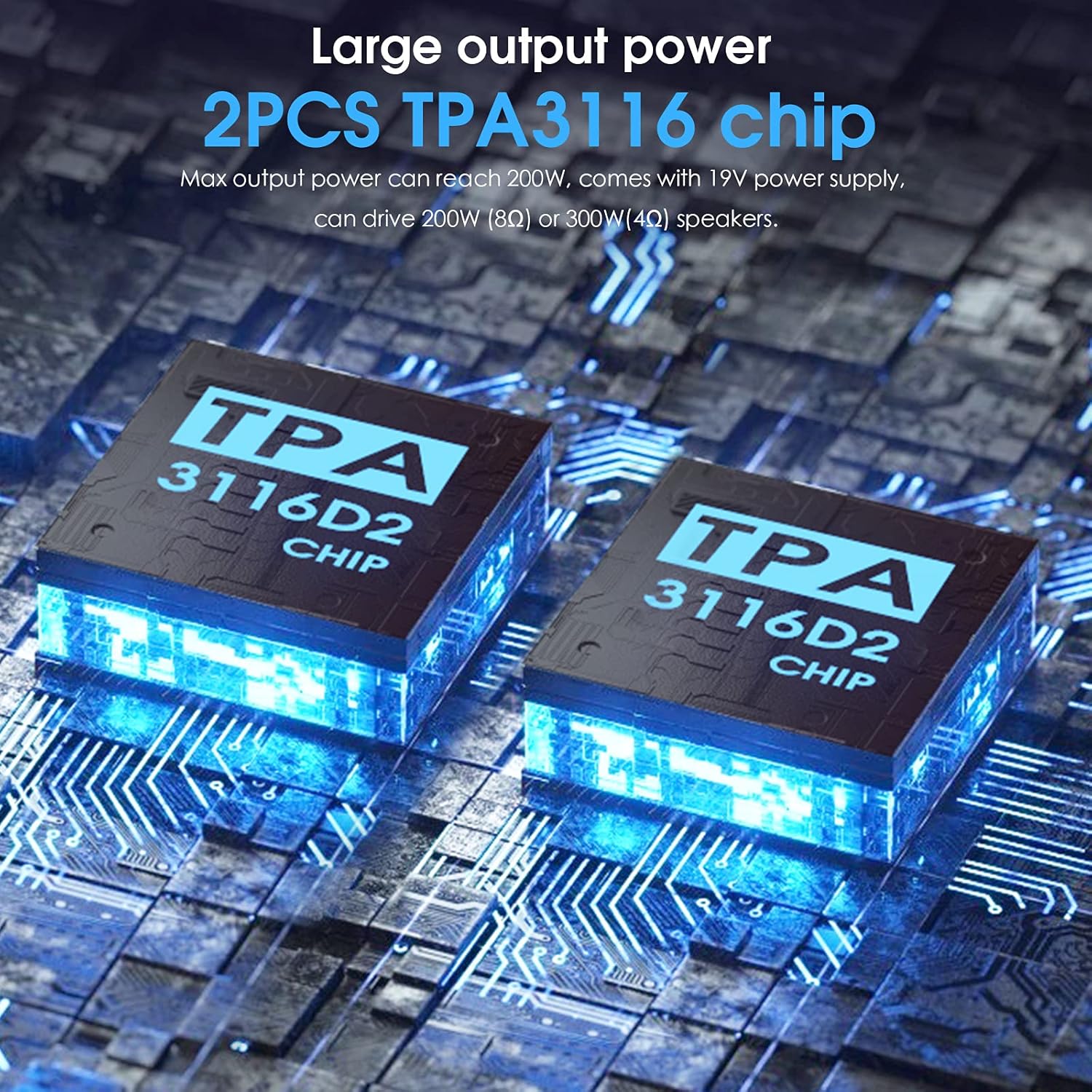
Figure 2.1: Illustration of the dual TPA3116D2 chips, highlighting the amplifier's powerful output capabilities.

Figure 2.2: Depiction of Bluetooth 5.0 connectivity, emphasizing stable and low-latency wireless audio streaming.
3. Setup Guide
Follow these steps to correctly set up your Nobsound NS-15G amplifier:
- Connect Speakers: Connect your passive speakers to the speaker output terminals on the rear of the amplifier. Ensure correct polarity (positive to positive, negative to negative).
- Connect Audio Source:
- RCA Input: Connect your audio source (e.g., CD player, TV, computer) to the RCA input jacks on the rear panel using an RCA cable.
- Bluetooth Input: For wireless connection, ensure the amplifier is powered on and the input switch is set to BT (Bluetooth).
- Connect Power: Connect the provided 19V power supply to the DC 12V-24V input on the rear of the amplifier. Then, plug the power cord into a wall outlet. Ensure the connection is firm to prevent electric sparks.
- Initial Volume Setting: Before turning on the amplifier, ensure the volume knob on the front panel is turned to the minimum position to prevent sudden loud sounds and potential speaker damage.

Figure 3.1: Detailed diagram of the amplifier's front and rear panels, indicating all input/output ports and control knobs for easy setup.

Figure 3.2: Close-up view of the amplifier's design, showing the pure copper gold-plated terminals, customized case, and metal DC outlet.
4. Operating Instructions
Once set up, operate your NS-15G amplifier using the following controls:
- Power Switch / Volume Knob: This multi-function knob controls both power and volume. Rotate clockwise to turn on the amplifier and increase volume. Rotate counter-clockwise to decrease volume and turn off the amplifier.
- AUX / Bluetooth Input Select Switch: Toggle this switch to select between AUX (RCA) input and Bluetooth input. A red indicator light signifies AUX input, while a blue light indicates Bluetooth input.
- Bass Knob: Adjust this knob to increase or decrease the bass frequencies in your audio.
- Treble Knob: Adjust this knob to increase or decrease the treble frequencies in your audio.
- Tone Off Switch: This switch bypasses the bass and treble tone controls, allowing you to listen to the original, unprocessed audio signal.
Bluetooth Pairing
To pair your device via Bluetooth:
- Ensure the amplifier is powered on and the input switch is set to BT. The blue indicator light will flash, indicating it is in pairing mode.
- On your mobile device (phone, tablet, computer), enable Bluetooth and search for available devices.
- Select "Nobsound NS-15G" (or similar name) from the list of devices to connect.
- Once connected, the blue indicator light on the amplifier will become solid. You can now play audio from your device through the amplifier.

Figure 4.1: Close-up of the tone control knobs and the 'Tone Off' bypass function, allowing for sound customization or pure audio playback.
5. Maintenance
To ensure the longevity and optimal performance of your Nobsound NS-15G amplifier, follow these maintenance guidelines:
- Cleaning: Use a soft, dry cloth to wipe the exterior of the amplifier. Avoid using liquid cleaners, aerosols, or abrasive materials, as they may damage the finish or internal components.
- Ventilation: Ensure the amplifier has adequate ventilation. Do not block the ventilation holes and avoid placing it in enclosed spaces that could lead to overheating.
- Environment: Keep the amplifier away from direct sunlight, heat sources, excessive dust, moisture, and strong electromagnetic fields.
- Power Off When Not in Use: If the amplifier will not be used for an extended period, it is advisable to turn it off and unplug it from the power outlet.
6. Troubleshooting
If you encounter issues with your Nobsound NS-15G amplifier, refer to the following common problems and solutions:
- No Power: Ensure the power adapter is firmly connected to the amplifier and the wall socket. Check if the power outlet is functional.
- No Sound or Distorted Sound:
- Verify all audio cables (RCA, speaker wires) are securely connected and not damaged.
- Ensure the correct input source (AUX or BT) is selected on the amplifier.
- Check the volume level on both the amplifier and your audio source device.
- Ensure speaker polarity is correct (positive to positive, negative to negative).
- If using Bluetooth, ensure your device is properly paired and within range.
- Noise (Humming, Hissing):
- Noise may be caused by poor audio cables, sound sources, speakers, or power supply.
- To diagnose:
- Remove all audio cables and only connect the amplifier to the power supply. Turn on the amplifier. If there is no noise, the amplifier itself is likely fine.
- Connect the amplifier to speakers only.
- Connect the amplifier to the sound source.
- Connect via BT/AUX. If noise appears at any step, the newly added component (cable, source, or speakers) might be the cause. Consider using better quality cables or speakers.
- Bluetooth Connection Issues: Ensure the amplifier is in Bluetooth mode (blue indicator light). Try unpairing and re-pairing the device. Ensure no other devices are actively connected to the amplifier.
- Low Output Power: The default 19V power supply is sufficient for most home speakers. For higher output (up to 300W with 4Ω speakers), a 24V power supply (purchased separately) may be used.

Figure 6.1: The packing list, which includes important notices regarding power connection, power supply, initial volume setting, and noise troubleshooting.
7. Specifications
| Specification | Value |
|---|---|
| Brand | Nobsound |
| Model Number | NS-15G |
| Number of Channels | 2 |
| Output Power | 200 Watts (Max) |
| Voltage | 19 Volts (DC) |
| Minimum Supply Voltage | 12 Volts (DC) |
| Maximum Supply Voltage | 24 Volts (DC) |
| Supply Current | 10.1 Amps |
| Material | Aluminum |
| Item Weight | 1.74 pounds |
| Package Dimensions | 8.15 x 7.2 x 2.2 inches |
| Specification Met | CE, FCC, RoHS, WEEE |
| Date First Available | June 3, 2021 |
8. What's in the Box
Upon unboxing your Nobsound NS-15G amplifier, you should find the following items:
- 1 × NS-15G Amplifier
- 1 × 19V Power Supply
- 1 × User Manual
9. Warranty and Support
For warranty information or technical support, please refer to the documentation included with your product or visit the official Nobsound website. Nobsound, established in 2013 by enthusiastic music fans and audio experts, aims to provide affordable Hi-Fi audio equipment. For further assistance, you may contact Douk Audio Direct, the seller of this product.
Note: Specific warranty terms and conditions may vary. Please consult the official Nobsound or Douk Audio support channels for the most accurate and up-to-date information.


