
Product Overview
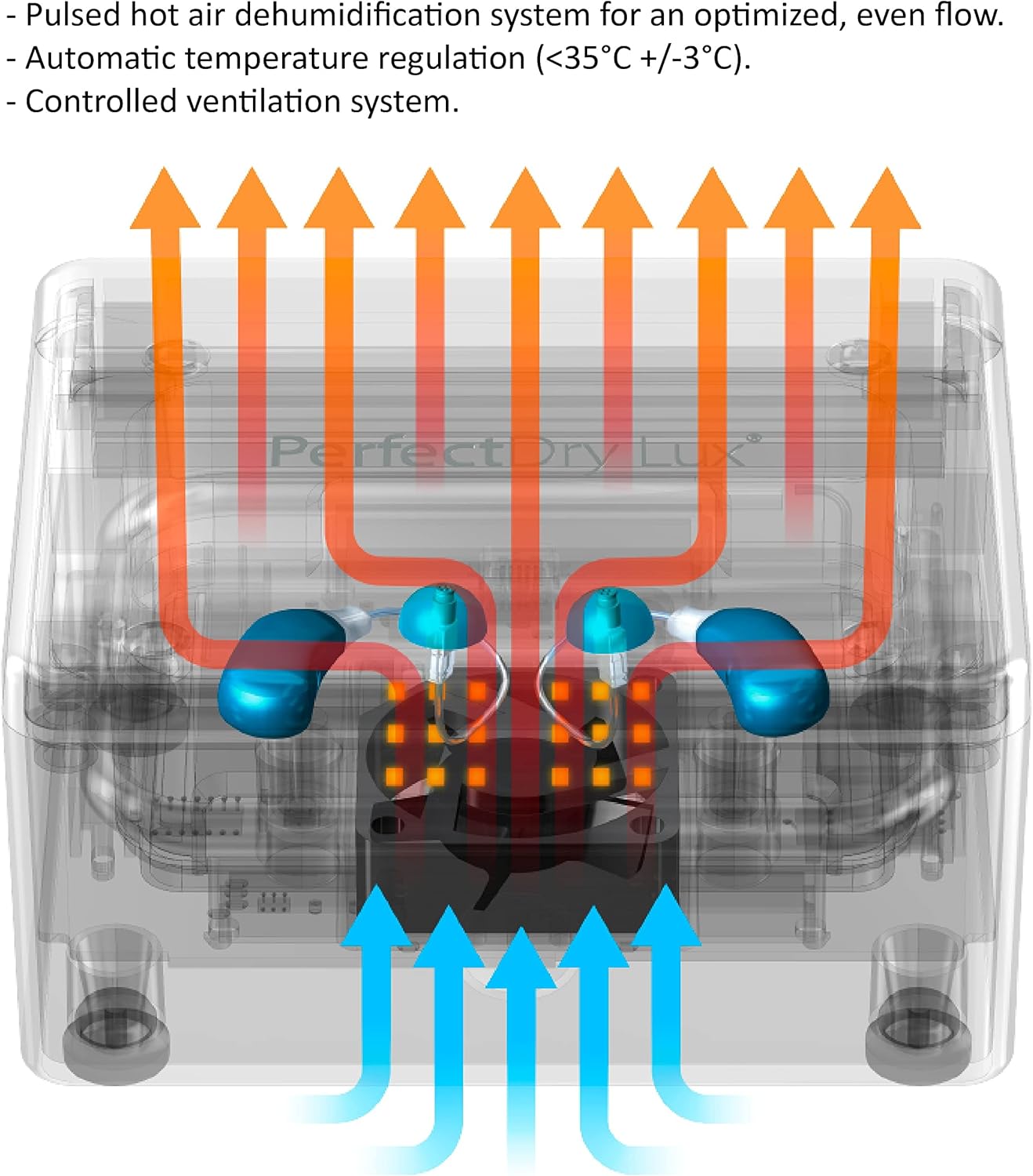
The PerfectDry LUX is a compact electronic dehumidifier designed to remove sweat and moisture from hearing aids, wireless earbuds, and ear amplifiers. It features automatic temperature regulation, pulsed hot air dehumidification, controlled ventilation, and a 360° UV-C lamp for sanitization. This device helps prolong the life and improve the performance of your listening devices.

Setup Guide
Unboxing and Initial Inspection
Carefully remove the PerfectDry LUX from its packaging. Ensure all components, including the device and power cable, are present and undamaged.
Power Connection
Connect the provided USB cable to the PerfectDry LUX and then to a suitable power adapter or USB port.

Preparing Your Device
Before placing your hearing aids or other devices into the PerfectDry LUX, ensure you remove any batteries. If your device has a removable dome, it is recommended to remove it for thorough drying and cleaning.
Operating Instructions
Placing Devices
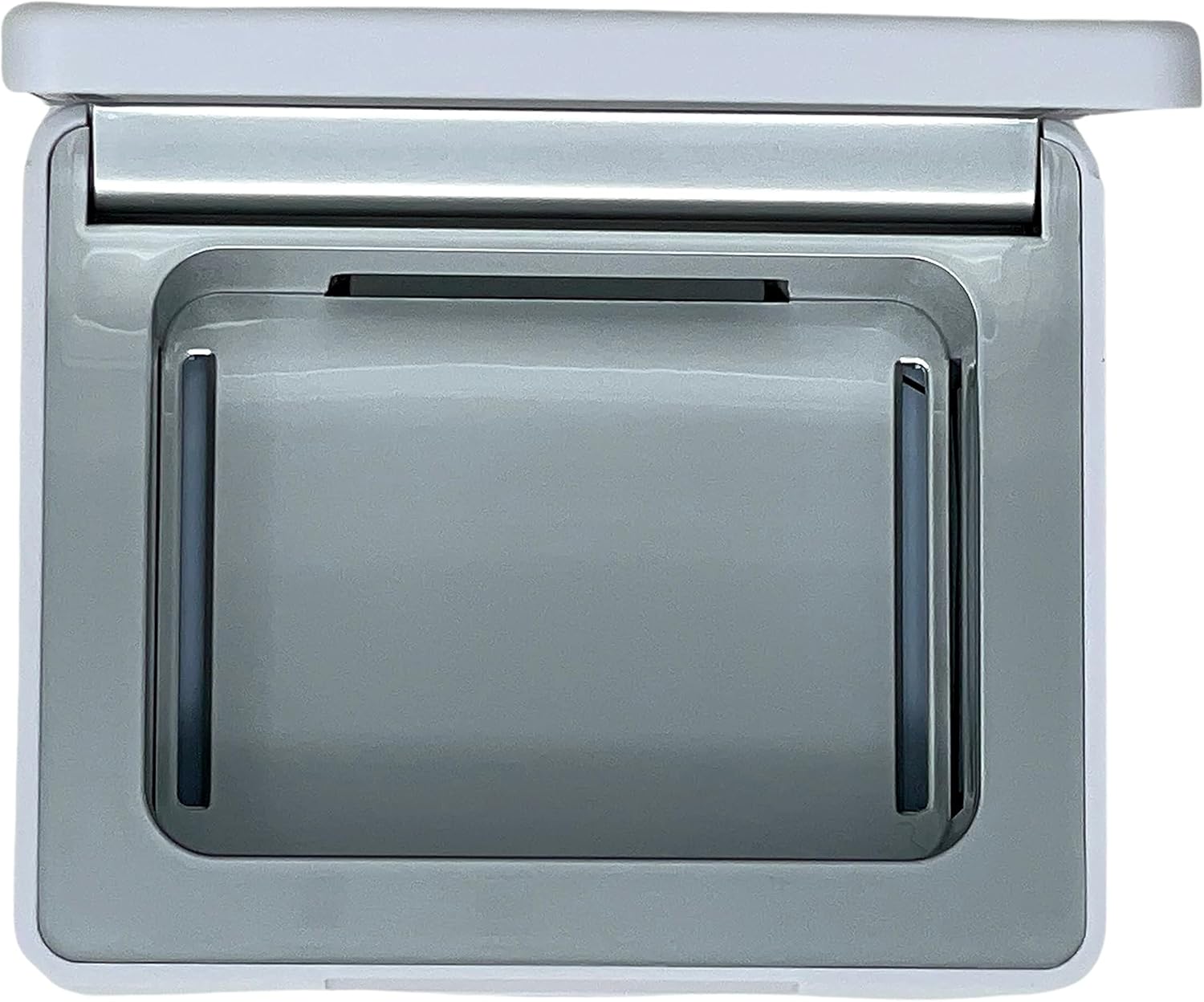
Open the lid of the PerfectDry LUX. Place your hearing aids, earbuds, or ear amplifiers inside the drying chamber. The device is designed to accommodate various types and brands.
Starting a Drying Cycle
Close the lid. Press the power button located on the front of the device once. A blue light will illuminate, indicating that the drying and sanitization cycle has begun.
Cycle Duration
The PerfectDry LUX completes a full drying and sanitization cycle in approximately 45 minutes. The device will automatically shut off at the end of the cycle.

Care and Maintenance
Cleaning the Device
Periodically wipe the exterior of the PerfectDry LUX with a soft, dry cloth. Do not use abrasive cleaners or immerse the device in water.
Internal Cleaning
Ensure the drying chamber is free of debris. If necessary, gently wipe the interior with a soft, slightly damp cloth.
Product Specifications
- Brand: Audinell
- Model Name: PerfectDry LUX
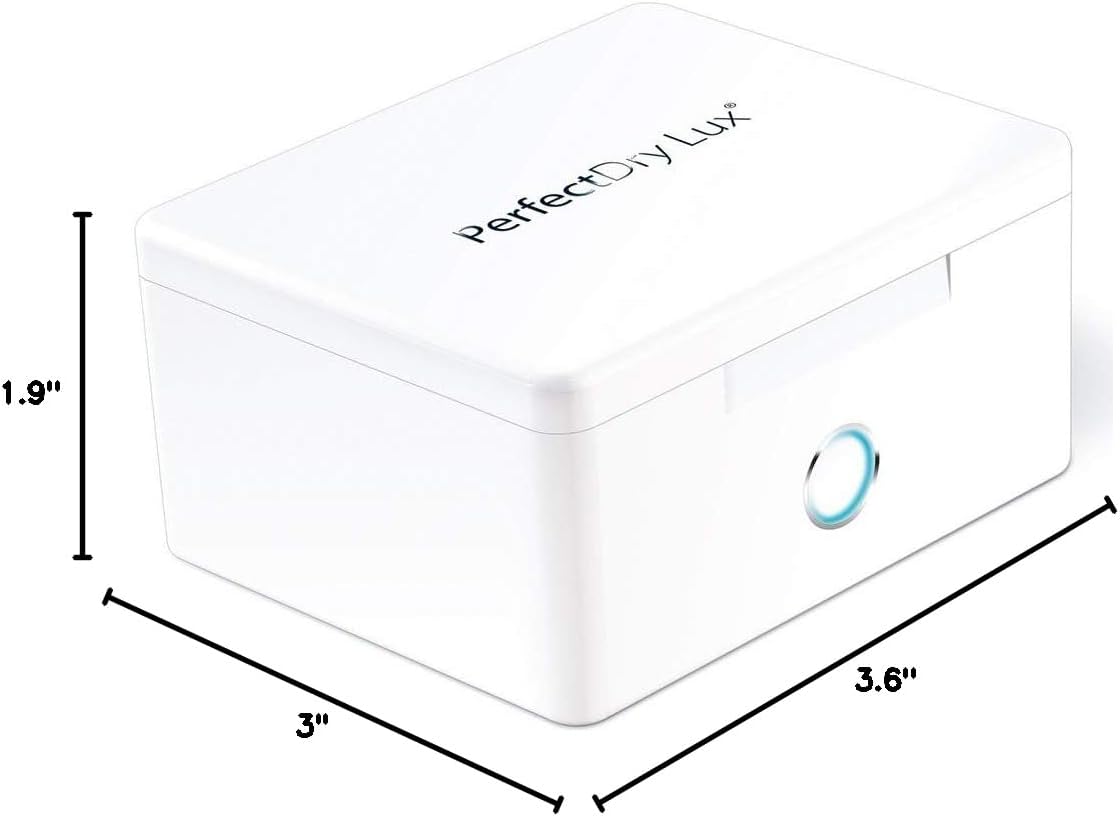
- Product Dimensions: 3"D x 3.6"W x 1.9"H
- Item Weight: 0.52 Pounds (8.3 ounces)
- Material: Plastic, Glass
- Operation Mode: Automatic
- Upper Temperature Rating: 95 Degrees Fahrenheit (35°C)
- Special Feature: Portable
- UPC: 855347004378
- Manufacturer: MG Development
Troubleshooting
Device Not Turning On
- Ensure the USB cable is securely connected to both the PerfectDry LUX and the power source.
- Verify that the power source is active.
Drying Cycle Not Starting
- Make sure the lid is fully closed before pressing the power button. The device will not operate if the lid is open.
Ineffective Drying
- Ensure batteries are removed from hearing aids before placing them in the dryer.
- For optimal results, remove any domes or ear tips from hearing aids to allow for better air circulation.
- Avoid overloading the drying chamber.
Warranty and Customer Support
The PerfectDry LUX comes with an industry-leading 3-year warranty. For warranty claims or technical assistance, please contact Audinell customer support.
Manufacturer: MG Development
Brand Store: Visit the Audinell Store