
1. Introduction
Thank you for choosing Axloie Wireless Earbuds. These earbuds are designed to provide a superior audio experience with Active Noise Cancellation (ANC), crystal-clear 4-Mic calls, and immersive sound quality. This manual will guide you through the setup, operation, and maintenance of your new earbuds.
2. What's in the Box
- Axloie Wireless Earbuds (Left and Right)
- Charging Case
- Ear Cushions (various sizes)
- USB Type-C Charging Cable
- User Manual

Image of the Axloie Wireless Earbuds and their charging case.
3. Setup and Initial Use
3.1 Initial Preparation
Before first use, please remove the insulation films from the charging contacts on both earbuds. Place the earbuds back into the charging case and close the lid for a few seconds. Ensure the charging case is sufficiently charged.
Video demonstrating the initial setup of the Axloie Wireless Earbuds, including removing protective films and placing them back in the charging case.
3.2 Bluetooth Pairing
The earbuds support one-step pairing for convenience.
- Automatic Pairing: Open the charging case. The earbuds will automatically power on and enter pairing mode. On your device, search for "AXLOIE B3" in the Bluetooth settings and select it to connect.
- Manual Pairing: If the earbuds do not connect automatically or you wish to pair with a new device, open the charging case and press and hold the button on the charging case for 3 seconds. The earbuds will enter Bluetooth pairing mode, indicated by a flashing light. Then, select "AXLOIE B3" from your device's Bluetooth list.

Image illustrating the one-step pairing process where earbuds automatically connect upon opening the charging case.

Image showing the exclusive button on the charging case for re-pairing and resetting the earbuds.
4. Operating Instructions
4.1 Touch Controls
The Axloie Wireless Earbuds feature intuitive touch controls on each earbud (MFB - Multi-Function Button).
- Play/Pause: Double-tap the MFB on either the Left (L) or Right (R) earbud.
- Previous Track: Press and hold the MFB on the Left (L) earbud.
- Next Track: Press and hold the MFB on the Right (R) earbud.
- ANC Mode Switch: Triple-tap the MFB on the Right (R) earbud to cyclically switch among ANC mode, Transparency mode, and Normal mode.
- Voice Assistant: Triple-tap the MFB on the Left (L) earbud to activate your device's voice assistant (e.g., Siri, Google Assistant).
- Answer/Hang Up A Call: Double-tap the MFB on either L or R earbud.
- Reject A Call: Press and hold the MFB on either L or R earbud.
- Volume Up/Down: Tap the MFB on L to decrease volume, tap the MFB on R to increase volume.
Video demonstrating various touch controls for music playback, ANC mode switching, voice assistant activation, and call management.
4.2 Active Noise Cancellation (ANC) & Transparency Mode
The earbuds feature an effective ANC system to block out ambient noise up to 25dB, allowing for an immersive listening experience. The Transparency Mode allows you to hear your surroundings without removing the earbuds, which is useful for awareness in public spaces.

Image demonstrating the Active Noise Cancellation feature, showing how background noise is reduced.

Image illustrating the Transparency Mode, allowing users to interact with their surroundings without removing the earbuds.
4.3 High Fidelity Sound & Clear Calls
Equipped with 10mm dynamic drivers and advanced audio processing, these earbuds deliver balanced bass, mid-range, and treble. The 4-Mic noise cancellation technology ensures your voice is clear during calls by filtering out up to 80% of ambient noise.

Image highlighting the immersive sound quality with 10mm dynamic drivers.
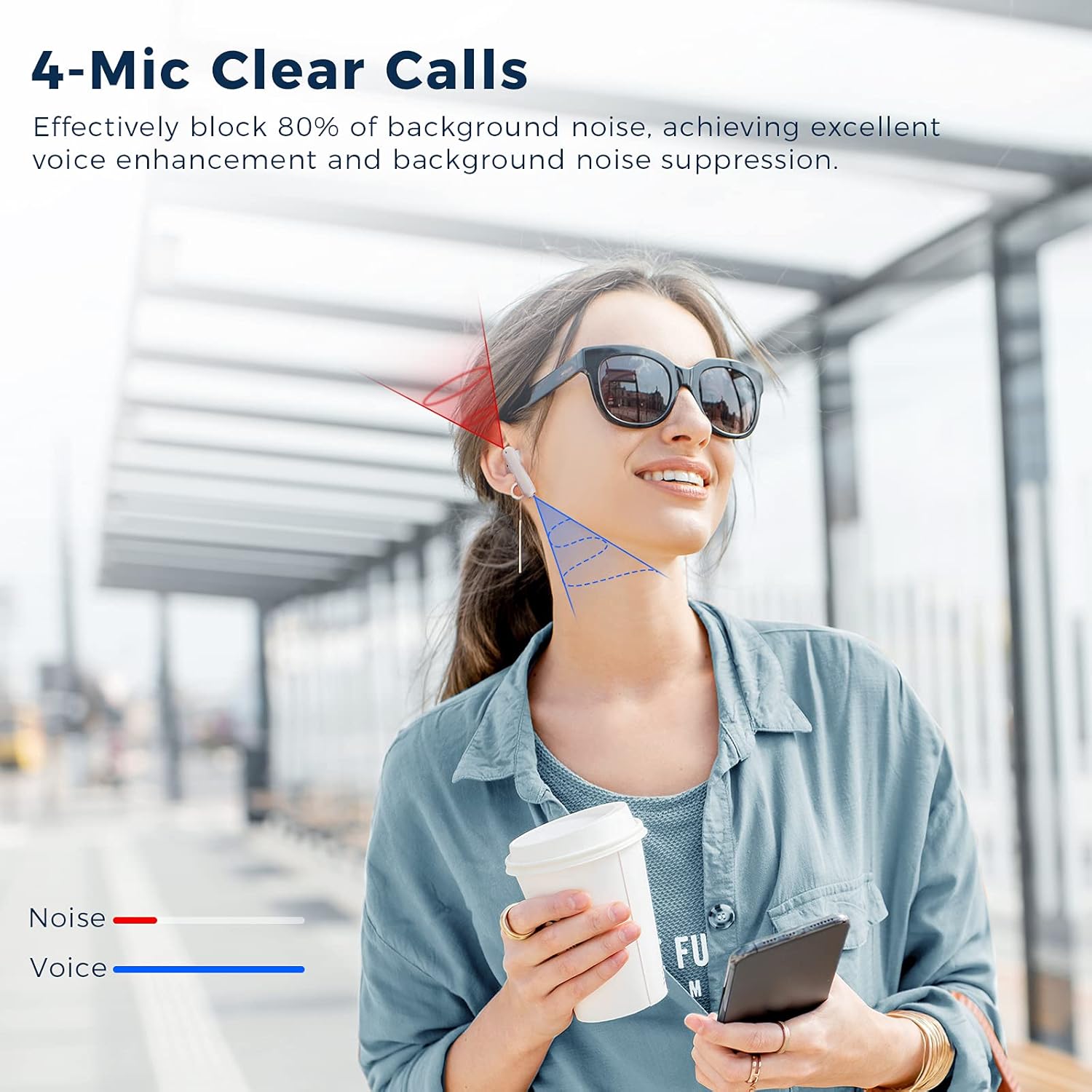
Image illustrating the 4-Mic Clear Calls feature, showing how background noise is suppressed for clearer conversations.
5. Charging
The earbuds provide up to 4.5 hours of playtime on a single charge (4 hours with ANC mode). The portable charging case extends the total playtime to 19 hours. The charging case uses a Type-C charging port.
- To charge the earbuds, place them into the charging case. The indicator lights on the earbuds will show charging status.
- To charge the case, connect the provided USB Type-C cable to the charging port on the case and a power source. The indicator light on the case will show charging status.

Image showing the earbuds and charging case, emphasizing the long battery life and Type-C charging.
6. Maintenance
- Clean the earbuds and charging case regularly with a soft, dry cloth.
- Avoid using harsh chemicals or abrasive materials.
- Keep the charging contacts on the earbuds and inside the case clean and dry.
- Store the earbuds in their charging case when not in use to protect them and ensure they remain charged.
- Avoid extreme temperatures and direct sunlight.
7. Troubleshooting
7.1 Earbuds Not Pairing
- Ensure the earbuds are charged and out of the charging case.
- Make sure Bluetooth is enabled on your device.
- Try manually entering pairing mode by pressing and holding the button on the charging case for 3 seconds.
- If issues persist, try resetting the earbuds by pressing and holding the button on the charging case for 10 seconds.
- Forget "AXLOIE B3" from your device's Bluetooth list and try pairing again.
7.2 No Sound or Low Volume
- Check the volume levels on both your device and the earbuds.
- Ensure the earbuds are properly connected to your device.
- Clean any debris from the earbud speakers.
7.3 Charging Issues
- Ensure the charging cable is securely connected to both the case and the power source.
- Check if the charging port is clean and free of debris.
- Try using a different charging cable or power adapter.
8. Specifications
| Feature | Specification |
|---|---|
| Model Name | Axloie B3 |
| Connectivity Technology | Wireless (Bluetooth 5.0) |
| Ear Placement | In Ear |
| Noise Control | Active Noise Cancellation |
| Audio Driver Size | 10 Millimeters |
| Earbud Battery Life | 4.5 Hours (4 hours in ANC Mode) |
| Total Playtime (with case) | 19 Hours |
| Charging Port | Type-C |
| Control Method | Touch |
| Item Weight | 1.59 ounces (earbuds + case) |
| Water Resistance Level | Waterproof |
9. Warranty and Support
Axloie products come with a standard manufacturer's warranty. For detailed warranty information, product support, or technical assistance, please refer to the warranty card included in your product packaging or visit the official Axloie website. You may also contact Axloie customer service directly through their provided contact channels.