1. Introduction
The Serene Evolution 45 Sound Portable White Noise Machine is designed to create a peaceful and conducive environment for sleep, relaxation, concentration, and privacy. With a wide array of soothing sounds and convenient features, this device helps mask disruptive background noises, promoting better rest and focus for adults, children, and babies.

Figure 1.1: Front view of the Serene Evolution 45 Sound Portable White Noise Machine.
2. Safety Information
Please read all safety instructions carefully before using the device to ensure safe operation and prevent damage.
- Ensure the device is not within reach of children.
- Do not immerse the device in water or any other liquid.
- Unplug the device from the power source when not in use.
- Do not use the device near water or in damp or wet locations.
- This product is intended for use as a noise machine and should not be used as a toy.
- Use the correct voltage for your region and be aware of the risk of electric shock if the device is improperly handled.
- Always follow manufacturer instructions for safe use.
3. Product Overview
3.1 Key Features
- 45 Soothing Sounds: Includes 7 fan sounds, 3 brown noise, 2 pink noise, 2 white noise, twinkle, lullaby, heartbeat, 2 ocean, 2 rain, thunder, shower, waterfall, forest, summer night, crickets, frogs, 2 bird, helicopter, hairdryer, dryer, crowd, train, fireplace, campfire, vacuum, snoring, 3 flute, lions roar, and 2 wind chimes.
- Optional Timer: Set the device to play continuously or use the auto-off timer for 30, 60, or 120 minutes.
- Memory Function: The device recalls the last sound and volume setting used.
- Portable Design: Compact and lightweight, suitable for home, office, or travel.
- Effective Noise Masking: Helps to block out distracting background noises such as barking dogs, snoring, and loud neighbors.

Figure 3.1: Visual representation of the 45 available sounds.
3.2 Device Components

Figure 3.2: Top panel controls of the sound machine.
The top panel features intuitive buttons for power, sound selection, volume control, and timer settings. The front grille houses the speaker, and the rear includes the power input port.
4. Setup
Follow these steps to set up your Serene Evolution White Noise Machine:
- Unpack the Device: Carefully remove the sound machine and its accessories from the packaging.
- Power Connection: Connect the included AC adapter to the power input port on the back of the device. Plug the other end of the AC adapter into a standard electrical outlet.
- Optional Battery Installation: While primarily AC powered, the device can also use 3 AA batteries for portable operation (batteries not included). Open the battery compartment, insert 3 AA batteries, ensuring correct polarity, and close the compartment.
- Placement: Place the sound machine on a stable, flat surface away from direct sunlight, heat sources, and moisture. For optimal sound dispersion, ensure the speaker grille is unobstructed.
5. Operation
Operating your Serene Evolution White Noise Machine is straightforward:
- Power On/Off: Press the ⏻ (Power) button located on the top panel to turn the device on or off.
- Sound Selection:
- Press the sound category buttons (e.g., Fan ☣, Water 💧, Nature 🍃, Zen 🌸, Other 🎵) to cycle through the available sounds within each category.
- The device will play the selected sound.
- Volume Adjustment:
- Press the 🔉 (Volume Down) button to decrease the volume.
- Press the 🔊 (Volume Up) button to increase the volume.
- Setting the Timer:
- Press the TIME button to cycle through the timer options: 30 minutes, 60 minutes, 120 minutes, or continuous play.
- The corresponding indicator light (30, 60, or 120) will illuminate when a timer is active. If no light is on, the device will play continuously.
- Memory Function: The device automatically remembers the last sound and volume setting used when it is turned off. Upon powering on again, it will resume with these settings.
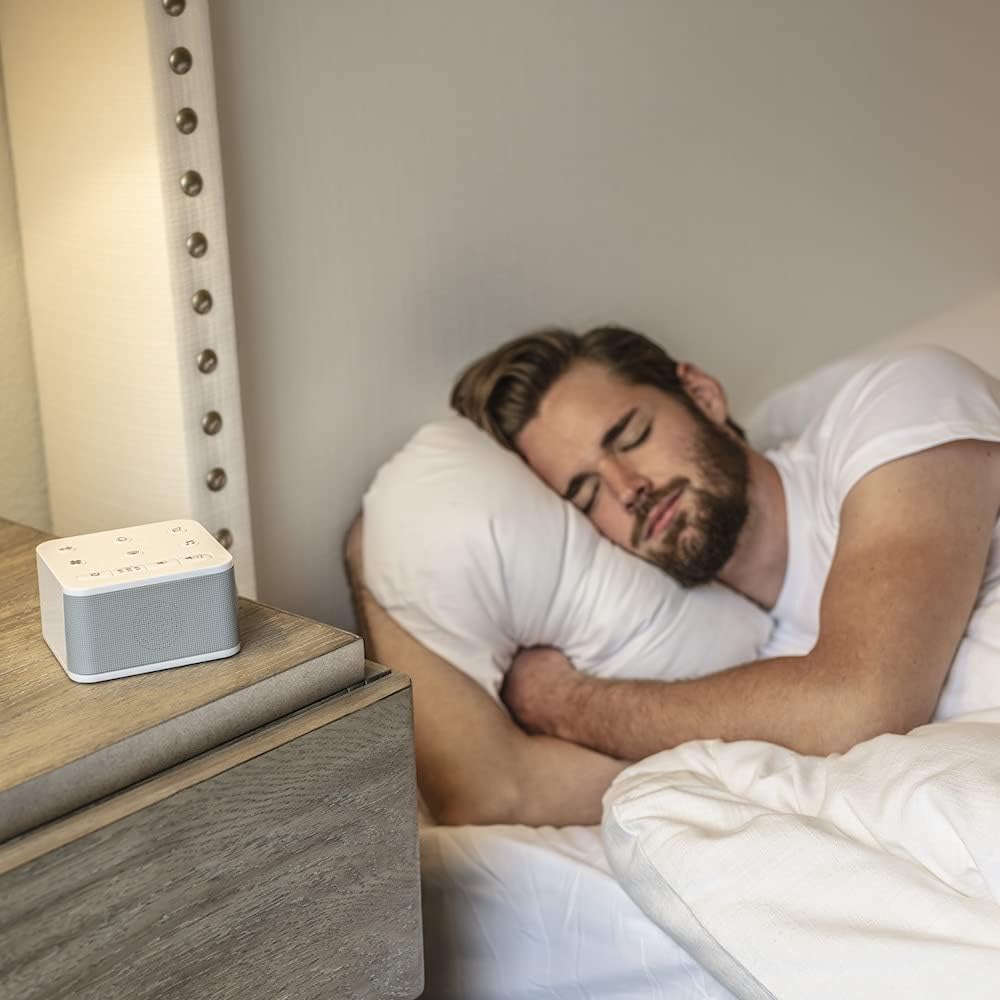
Figure 5.1: Using the sound machine for adult sleep.
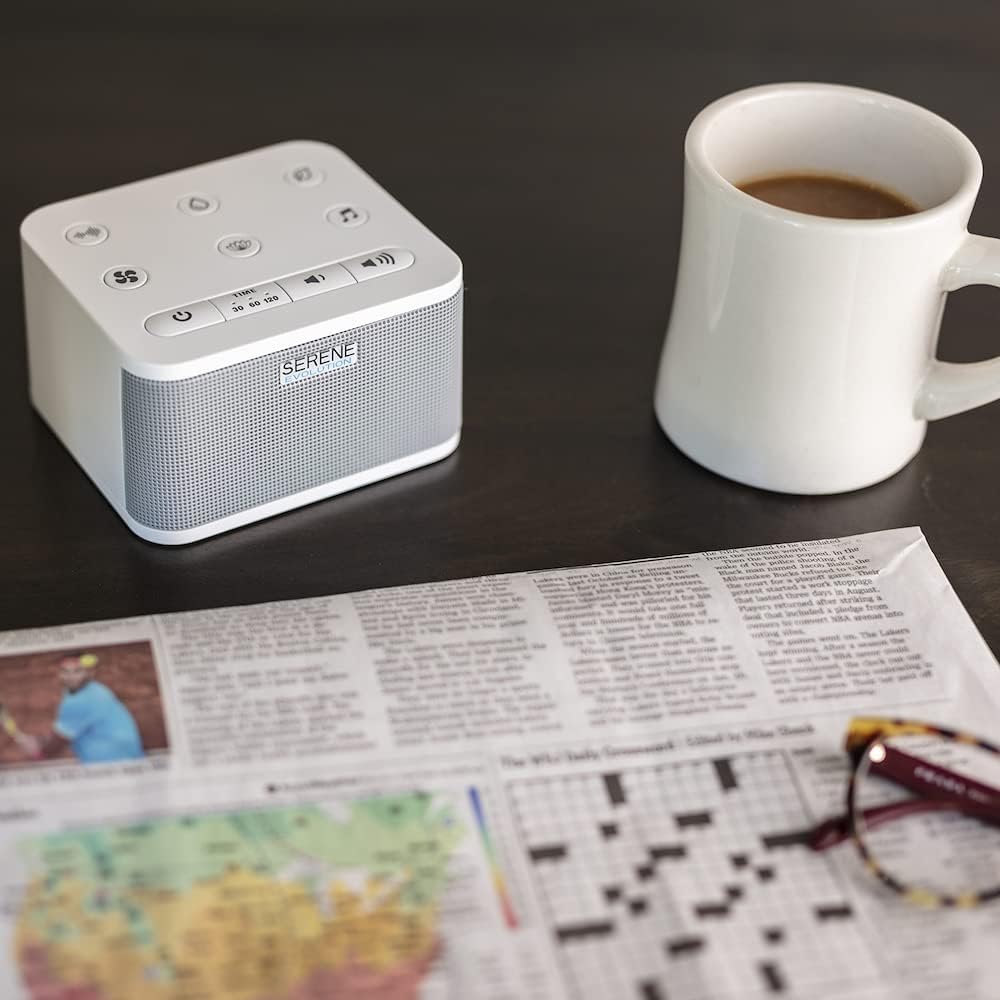
Figure 5.2: Using the sound machine in an office or study environment.
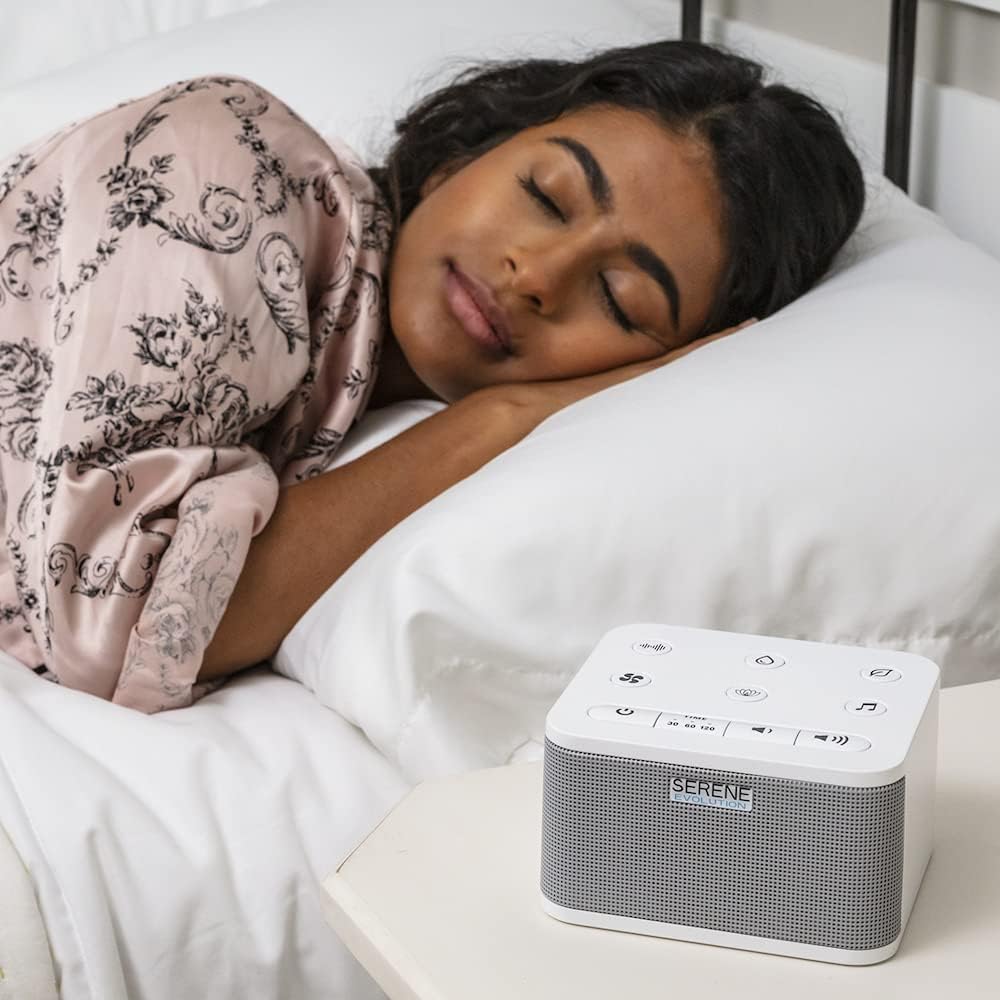
Figure 5.3: The sound machine aiding in restful sleep for adults.

Figure 5.4: The sound machine providing a calming environment for children.

Figure 5.5: The sound machine assisting with baby sleep and comfort.
6. Maintenance
Proper maintenance ensures the longevity and optimal performance of your sound machine.
- Cleaning: Unplug the device before cleaning. Use a soft, dry cloth to wipe the exterior. Do not use abrasive cleaners, waxes, or solvents as they may damage the finish.
- Storage: When not in use for extended periods, store the device in a cool, dry place, away from direct sunlight and extreme temperatures.
- Avoid Obstructions: Ensure the speaker grille and any ventilation openings are free from dust and debris.
7. Troubleshooting
If you encounter issues with your Serene Evolution White Noise Machine, refer to the following common problems and solutions:
| Problem | Possible Cause | Solution |
|---|---|---|
| Device does not turn on. | No power connection or depleted batteries. | Ensure the AC adapter is securely plugged into both the device and a working electrical outlet. If using batteries, check if they are correctly inserted and have sufficient charge. Replace batteries if necessary. |
| No sound or low volume. | Volume set too low or sound not selected. | Increase the volume using the Volume Up button. Ensure a sound category and specific sound have been selected. |
| Sound quality is poor or distorted. | Device placed on an uneven surface or speaker obstructed. | Place the device on a flat, stable surface. Ensure the speaker grille is not covered or obstructed. |
| Timer function not working. | Timer not correctly set. | Press the TIME button repeatedly until the desired timer duration (30, 60, or 120 minutes) is indicated by the corresponding light. |
If the problem persists after attempting these solutions, please contact Serene Evolution customer support for further assistance.
8. Specifications
| Feature | Detail |
|---|---|
| Model Number | B095PWXLGY |
| Product Dimensions | 4 x 4.38 x 2.63 inches |
| Item Weight | 11.36 ounces |
| Power Source | AC adapter (included), Optional: 3 AA batteries (not included) |
| Material | Acrylonitrile Butadiene Styrene (ABS) |
| Color | White |
| Manufacturer | London Johnson |
| First Available Date | May 24, 2021 |
9. Warranty and Support
For information regarding product warranty, returns, or technical support, please refer to the purchase documentation or contact the seller directly. You may also visit the official Serene Evolution store on Amazon for additional resources and contact information:
10. Official Product Videos
No specific official product video URLs with creator type "Seller" were provided in the product data. Therefore, no videos can be embedded in this manual.


