
1. Introduction
The Bawoo Aurora Star Light Projector (Model AC6923) is designed to create a captivating and relaxing atmosphere by projecting dynamic northern lights, moon, and star patterns. This device features multiple color effects, customizable projection modes, a built-in Bluetooth speaker for audio playback, and convenient remote control operation. This manual provides essential information for the safe and effective use of your projector.

Image 1: Bawoo Aurora Star Light Projector with remote control and various light effects.
2. Safety Instructions
- Read all instructions before operating the device.
- Do not expose the device to water or moisture.
- Do not attempt to disassemble or modify the device. This will void the warranty.
- Use only the power adapter specified by the manufacturer.
- Avoid direct eye exposure to the laser light.
- Keep out of reach of children.
- Ensure proper ventilation around the device during operation.
3. Package Contents
Verify that all items are present in the package:
- Bawoo Aurora Star Light Projector (Model AC6923)
- Remote Control
- USB Cable
- Instruction Manual

Image 2: Contents of the Bawoo Aurora Star Light Projector package.
4. Product Features
- Gorgeous Color Effects: Projects dynamic northern lights, a realistic moon, and twinkling stars, creating a galaxy-like ambiance. The moon, cloud, and stars can be displayed individually or in combination.
- High Freedom DIY Mode: Northern lights, moon, and stars modes can be combined. Gradient and jump effects are freely switchable. Northern lights feature red, green, blue, and white colors with 5 cloud flow speeds.
- Built-in 3W Music Speaker: Connect via Bluetooth to play your favorite music. The lights can synchronize with music beats for an immersive experience.
- Easy Remote Control: Conveniently control music playback, LED background colors, starry/galaxy effects, adjust brightness, cloud changing speed, and power on/off the lamp or music.
- Wide Application & Easy Installation: Max projection coverage of 80㎡. Plug and Play operation. Suitable for various settings including bedrooms, homes, cars, living rooms, parties, and special occasions.

Image 3: The projector creating a colorful aurora and star display in a room.

Image 4: Illustration of the projector's 4 colors and 48 light effect combinations.
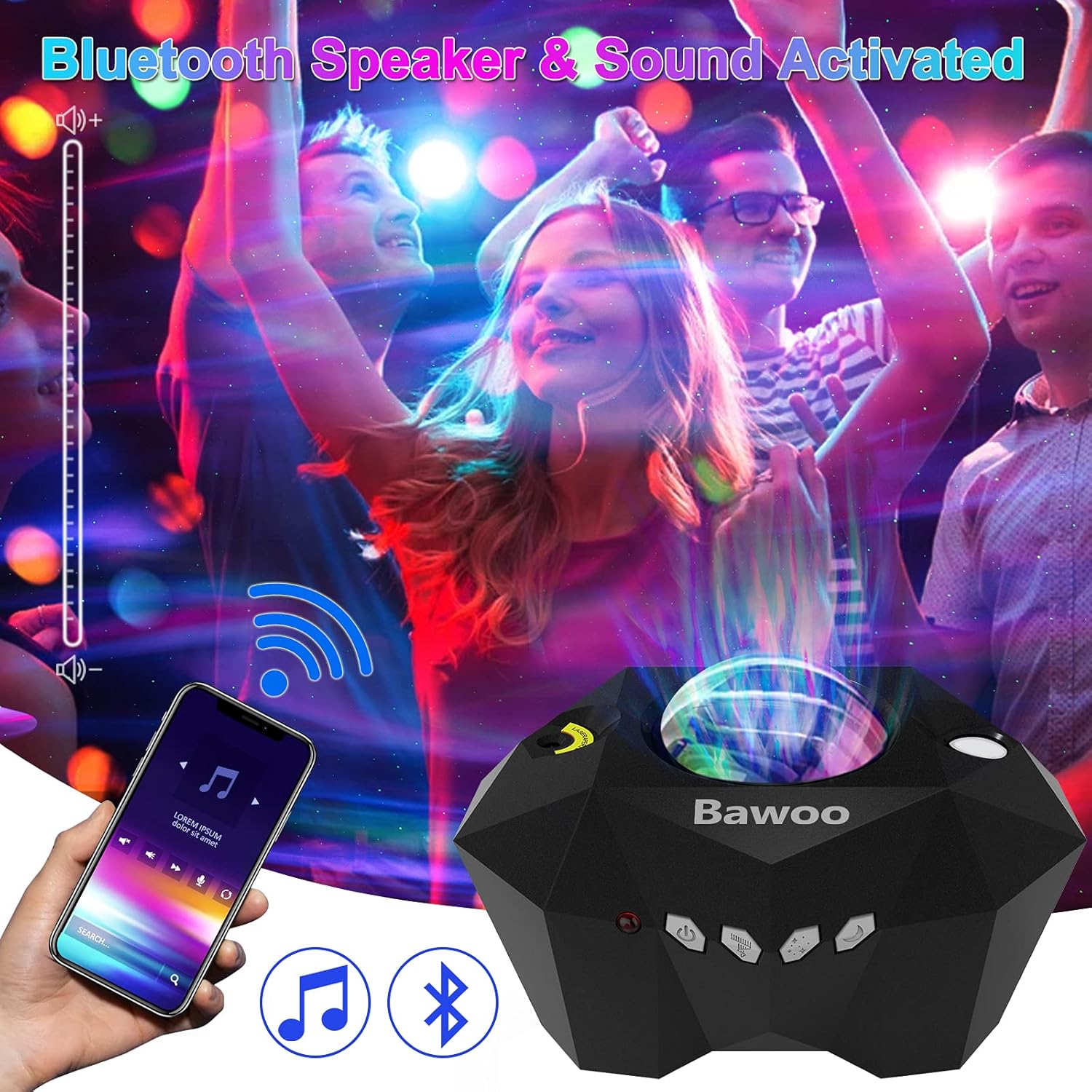
Image 5: The projector's built-in Bluetooth speaker and sound-activated capabilities.

Image 6: Examples of diverse usage scenarios for the projector.
5. Setup
- Power Connection: Connect the provided USB cable to the projector and plug the other end into a compatible USB power adapter (not included) or a USB port.
- Placement: Place the projector on a stable, flat surface. For optimal projection, position it in the center of the room or at a desired angle to project onto a ceiling or wall. The projection distance can range from 2m to 10m (6.56-32.8ft).
- Remote Control Setup: Open the battery compartment on the remote control and insert 1 'A' battery (not included), ensuring correct polarity.

Image 7: Overview of projector controls and recommended projection range.
6. Operating Instructions
6.1 Power On/Off
- Press the Power ON/OFF button on the projector or the remote control to turn the device on or off.
6.2 Light Modes and Adjustments
- Moon Switch: Use the Moon Switch button on the projector or remote to toggle the moon projection.
- Stars Switch: Use the Stars Switch button on the projector or remote to toggle the star projection.
- Aurora Lights Switch: Use the Aurora Lights Switch button on the projector or remote to toggle the northern lights projection.
- Color Selection: On the remote, select desired colors (Red, Green, Blue, White) for the aurora lights.
- Brightness Adjustment: Use the brightness buttons on the remote to cycle through 5 brightness levels (20%, 40%, 60%, 80%, 100%).
- Cloud Speed Adjustment: Adjust the speed of the cloud movement using the remote control (5 levels).

Image 8: Remote control and smartphone interaction with the projector.

Image 9: Demonstrating the 5 adjustable brightness levels of the projector.
6.3 Bluetooth Music Playback
- Ensure the projector is powered on.
- Activate Bluetooth on your smartphone or other audio device.
- Search for "AC6923" (or similar device name) in your device's Bluetooth settings and pair.
- Once paired, you can play music through the projector's built-in speaker.
- Use the remote control to adjust volume, skip tracks, and pause/play.
6.4 Timer Function
- The projector includes a timer function for automatic shut-off.
- Press the 1H button on the remote for a 1-hour timer.
- Press the 2H button on the remote for a 2-hour timer.
- To cancel the timer, press the timer button again or turn off the device.

Image 10: Explanation of the projector's timer function for automatic shut-off.
7. Maintenance
- Cleaning: Use a soft, dry cloth to clean the exterior of the projector. Do not use abrasive cleaners or solvents.
- Storage: When not in use, store the projector in a cool, dry place away from direct sunlight and extreme temperatures.
- Lens Care: Gently wipe the projection lens with a microfiber cloth to remove dust or smudges.
8. Troubleshooting
| Problem | Possible Cause | Solution |
|---|---|---|
| Projector does not turn on. | No power connection or faulty cable. | Ensure the USB cable is securely connected to both the projector and a working power source. Try a different USB port or adapter. |
| Remote control is not working. | Low or dead battery; remote not aimed correctly. | Replace the remote control battery. Ensure the remote is pointed directly at the projector's IR sensor. |
| No light projection. | Light modes are turned off; device malfunction. | Press the Moon, Stars, or Aurora Lights buttons on the projector or remote to activate the desired projection. If the issue persists, contact customer support. |
| Bluetooth connection fails. | Device not in pairing mode; interference. | Ensure Bluetooth is enabled on both devices. Move closer to the projector and away from other electronic devices that may cause interference. Restart both devices and try pairing again. |
9. Specifications
| Feature | Detail |
|---|---|
| Model Number | AC6923 |
| Brand | Bawoo |
| Color | Multicolor |
| Shape | Star (Geometric) |
| Material | Acrylonitrile Butadiene Styrene (ABS) |
| Finish Type | Projector |
| Light Source Type | Light Emitting Diode (LED) |
| Power Source | Corded Electric (USB) |
| Item Weight | 1.08 pounds (approx. 0.49 kg) |
| Product Dimensions | 4.5"L x 7"W x 5"H (approx. 11.4cm L x 17.8cm W x 12.7cm H) |
| Voltage | 5 Volts |
| Wattage | 10 watts |
| Number of Light Sources | 2 |
| Beam Angle | 60 Degrees |
| Special Features | Remote control, Bluetooth speaker, Timer function |
10. Warranty and Support
For warranty information, please refer to the documentation included with your purchase or contact the retailer. For technical support or further assistance, please visit the official Bawoo website or contact their customer service department.
Manufacturer: Shenzhen Shengyou Optical Technology Co.,Ltd


