
1. Introduction
This instruction manual provides comprehensive guidance for the LAWOHO 890MAX Universal Garage Door Remote. Please read these instructions carefully before use to ensure proper programming and operation. This remote is designed for convenience and security, offering compatibility with a wide range of garage door openers.

Image: Contents of the LAWOHO 890MAX package, including the remote, metal keychain, and product instructions.
2. Compatibility
The LAWOHO 890MAX remote is compatible with various garage door openers from Liftmaster, Chamberlain, and Sears Craftsman. Compatibility is determined by the color of your garage door opener's "Learn Button" and its operating frequency.
2.1 Learn Button Compatibility
This remote is compatible with garage door openers featuring Purple, Red, Orange, Green, or Yellow learn buttons manufactured from 1993 to the present.

Image: Visual guide to identifying the learn button color on your garage door opener.
2.2 Compatibility Chart
Refer to the table below to confirm compatibility with specific models and frequencies.

Image: Detailed compatibility chart for LAWOHO 890MAX remote.
| Learn Button Color | Frequency | Compatible Brands | Example Models |
|---|---|---|---|
| Yellow | Security+ 2.0 (310/315/390MHz) | Liftmaster, Chamberlain, Craftsman | 891LM, 893LM, 81LM, 82LM, 83LM, 84LM, 950ESTD, 953EV, 850CB, 853CB, 856CB, KLIK1U, 139.53707, 139.53870, 139.53779, 139.53879, 139.53800, 139.53637SRT, HBW1136 |
| Purple | 315 MHz Security+ | Liftmaster, Chamberlain, Craftsman | 371LM, 373LM, 375LM, 950CD, 953D, 956D, KLIK1U, 139.53753, 139.18191 |
| Red or Orange | 390 MHz Security+ | Liftmaster, Chamberlain, Craftsman | 91LM, 92LM, 94LM, 96LM, 970LM, 971LM, 972LM, 973LM, 973W, 974LM, 950CB, 953CB, 956CB, KLIK1U, HBW1255, 139.53680/8, 136.53681, 00953680000, 00953681000 |
| Green | 390 MHz Billion Code | Liftmaster, Chamberlain, Craftsman | 81LM, 61LM, KLIK1U, 139.53879 |
3. Setup & Programming
Follow these steps to program your LAWOHO 890MAX remote to your garage door opener.
3.1 Step 1: Pre-program the Remote Control
- Press and hold the "program button" (located at the bottom right of the remote) using the provided safety pin for approximately 3-5 seconds. Release the button when the indicator light begins to flash (it will flash 4 times).
- Select a remote control button (the remote has 3 buttons) you wish to use. Press this button a specific number of times based on your garage door opener's frequency or the color of its learn button:
- Press 1 time for Security+ 2.0 (Yellow Learn Button)
- Press 2 times for 315 MHz Security+ (Purple Learn Button)
- Press 3 times for 390 MHz Security+ (Red or Orange Learn Button)
- Press 4 times for 390 MHz Billion Code (Green Learn Button)
- Press the “program button” two times to confirm. The indicator light will not illuminate on the first press, but will light up on the second press.
At this point, the remote control is pre-programmed. Proceed to the next step to sync it with your garage door opener.
3.2 Step 2: Sync with your Garage Door Opener
- Locate and press the "Learn Button" on your garage door opener. Release it. The learn indicator light on the opener will blink steadily for 30 seconds.
- While the opener's light is blinking, press and hold the remote control button (the same button you programmed in Step 1b) until the light on your garage door opener flashes or you hear two clicks (if no light bulb is installed).
- Test the remote by pressing the programmed button. The garage door should open or close.
Video: Detailed instructions on how to program the LAWOHO 890MAX remote to your garage door opener.

Image: Visual guide for programming the remote control.
4. Operation
Once programmed, operating your LAWOHO 890MAX remote is straightforward:
- Press the programmed button on the remote control to open or close your garage door.
- The remote features a bright LED indicator that signals activation.
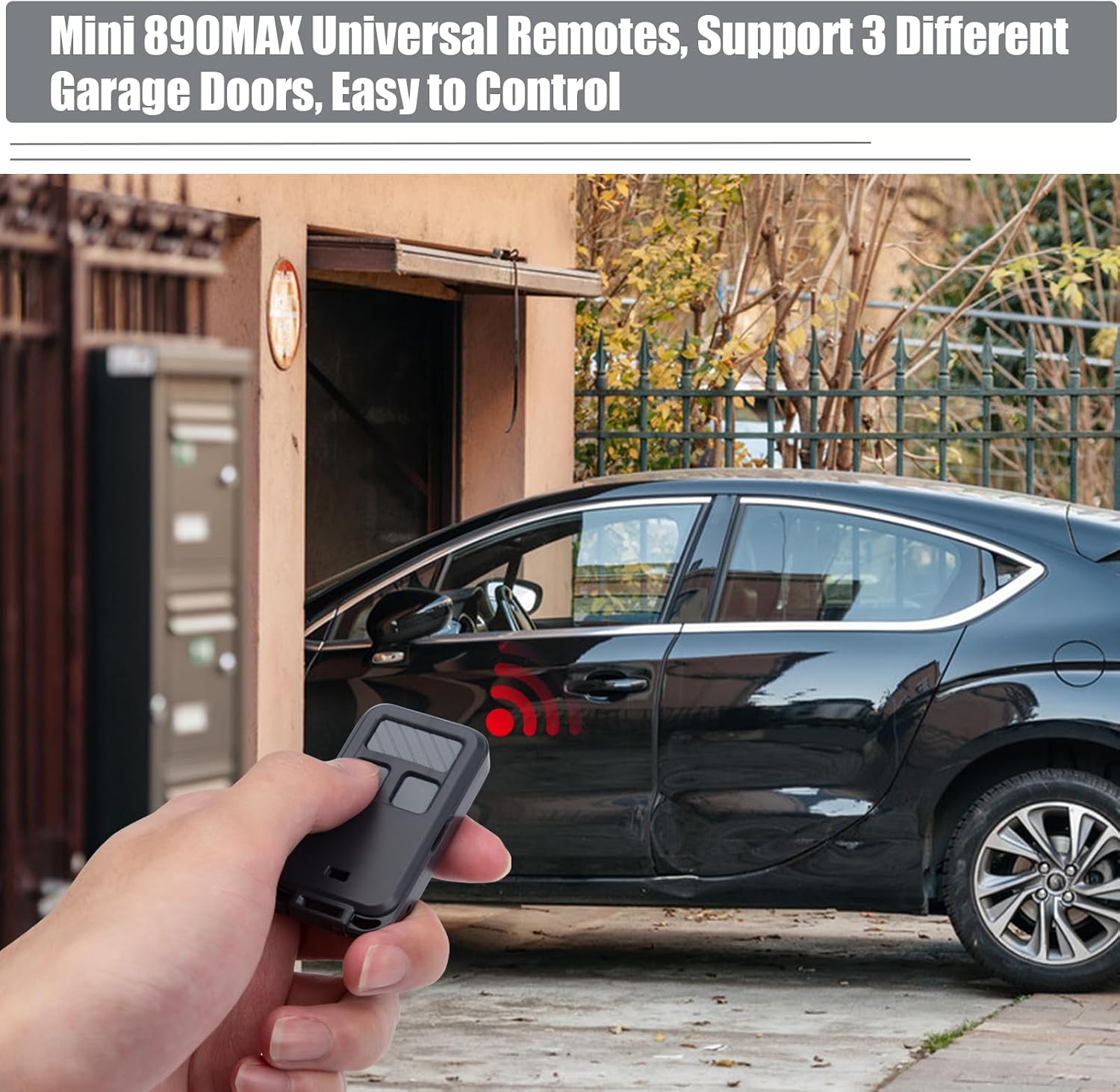
Image: Demonstrating the LAWOHO 890MAX remote in use to open a garage door.

Image: Features of the LAWOHO 890MAX remote, including buttons, LED, and battery access.
5. Maintenance
5.1 Battery Replacement
The remote uses one CR2 battery. When the remote's range decreases or the LED indicator becomes dim, it may be time to replace the battery.
- Use a small flat-head screwdriver to gently pry open the remote casing.
- Carefully remove the circuit board.
- Replace the old CR2 battery with a new one, ensuring correct polarity.
- Reassemble the remote casing.
Video: Instructions on how to replace the battery in your LAWOHO 890MAX remote.

Image: Opening the remote for battery replacement.
6. Troubleshooting
- Remote not responding:
- Check the battery. Replace if necessary.
- Ensure the remote is within range of the garage door opener.
- Verify that the remote is correctly programmed to your garage door opener. Repeat the programming steps if needed.
- Garage door opener not responding to programming:
- Confirm the learn button color and corresponding press count during pre-programming (Step 1b).
- Ensure you are pressing the correct button on the remote during syncing (Step 2e).
- Check if your garage door opener model is listed in the compatibility chart.
- LED working mode issue:
The remote has two LED working modes: Solid (for Purple, Orange, Red learn buttons) and Flashing (for Yellow, Green learn buttons). If the current mode does not match your learn button, you may need to change it.
- Press the up button and the down button on the remote simultaneously. The LED will flash. Release both buttons.
- Press and hold the button you wish to change the LED working mode for. The LED light will change to the Flashing Mode.
7. Specifications
- Brand: LAWOHO
- Model Name: 890MAX Garage Door Remote
- Special Feature: Universal compatibility
- Connectivity Technology: 890Max
- Button Quantity: 5 (3 programmable buttons)
- Controller Type: Button Control
- Number of Supported Devices: 1 (per programmed button)
- Battery Type: 1 x CR2 Lithium battery (included)
- Dimensions: Approximately 6.4 cm (2.52 in) length, 3.5 cm (1.37 in) width, 1.3 cm (0.51 in) thickness.

Image: Physical dimensions of the LAWOHO 890MAX remote.
8. Warranty Information
Please refer to the product packaging or the official LAWOHO website for detailed warranty information. Keep your purchase receipt as proof of purchase for any warranty claims.
9. Customer Support
For further assistance, technical support, or inquiries, please contact LAWOHO customer service through the retailer where the product was purchased or visit the official LAWOHO website.
Online Resources:
