
Introduction
This manual provides instructions for the proper use and care of your Transwon Multi-Tablet Compatible Case. This protective case is designed to safeguard your tablet from daily wear and tear while offering convenient viewing angles.
Compatible Models
This case is compatible with various 10-inch tablets, including but not limited to:
- ZZB ZB10 Tablet
- ATOZEE AT10 Tablet
- Vankyo Matrixpad S10 10 Inch Tablet
- VIVIMAGE A10 Tablet
- CWOWDEFU F10W Tablet 10.1
- AOYODKG A38 Tablet
Please ensure your tablet's dimensions are compatible with the case before insertion.
Features
- Protective Design: Hybrid shell construction with faux leather, polycarbonate, and rubber materials for enhanced durability.
- Anti-Slip: Designed to provide a secure grip and prevent accidental slips.
- Integrated Stand: Allows for multiple viewing angles for comfortable media consumption or typing.
Setup: Inserting Your Tablet
Follow these steps to correctly insert your tablet into the Transwon case:
- Gently open the case.
- Align your tablet with the internal frame of the case, ensuring all ports and buttons are accessible through the designated cutouts.
- Carefully press the tablet into the frame until it is securely seated. Ensure all edges are properly enclosed by the case's protective shell.
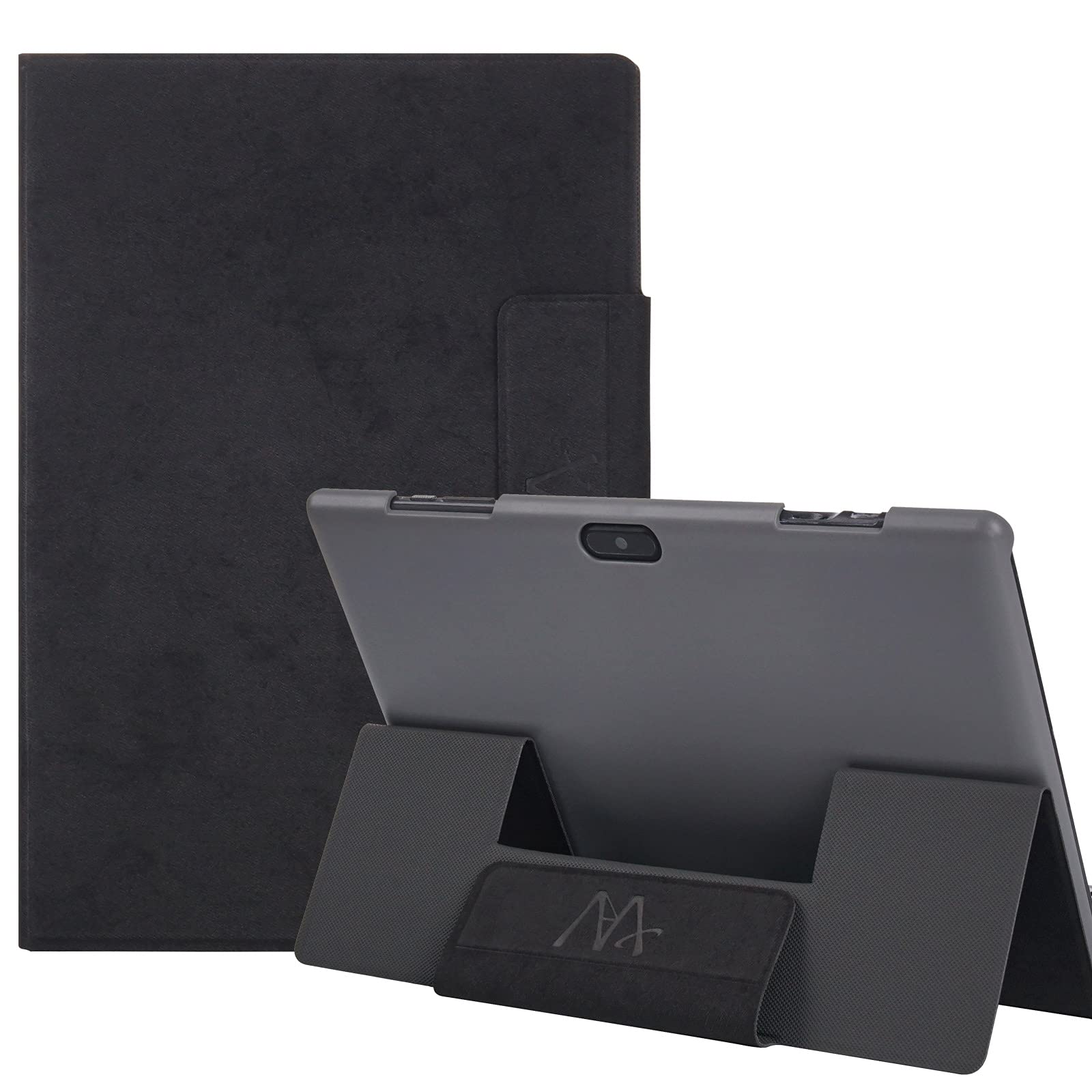
Image: The Transwon tablet case with a tablet securely inserted, demonstrating the stand function. The tablet is held firmly within the case's frame.
Verify that the tablet is firmly held and does not easily slide out. If the tablet feels loose, re-adjust its position within the frame.
Operating: Using the Stand Function
The Transwon case features an integrated stand for hands-free viewing:
- Open the front cover of the case.
- Fold the front cover backward, utilizing the creases designed for the stand.
- Position the tablet's edge into the designated groove on the inside of the front cover to create a stable triangular stand.
Image: The Transwon tablet case configured into a stand, supporting the tablet at an optimal viewing angle. The folded cover forms a stable base.
Adjust the angle by repositioning the tablet within the grooves if multiple options are available. Ensure the stand is stable on a flat surface before use.
Maintenance
To maintain the appearance and functionality of your Transwon tablet case:
- Cleaning: Wipe the exterior with a soft, damp cloth. Avoid harsh chemicals or abrasive cleaners.
- Storage: Store the case in a cool, dry place away from direct sunlight and extreme temperatures when not in use.
- Avoid Over-Stretching: Do not force the case or over-stretch its components, as this may damage the material or compromise its protective capabilities.
Troubleshooting
- Problem: Tablet feels loose or falls out easily.
- Solution: Ensure your tablet model is listed as compatible. Re-insert the tablet, making sure it is fully seated within the case's frame and all edges are secured. If the issue persists, the case may not be suitable for your specific tablet model.
- Problem: Stand function is unstable or collapses.
- Solution: Verify that the tablet is correctly positioned in the designated groove of the stand. Ensure the case is on a flat, stable surface. Avoid placing excessive weight or pressure on the tablet when in stand mode.
Specifications
| Brand | Transwon |
| Model | Multi-Tablet Compatible Case |
| Compatible Devices | Various 10-inch Tablets (e.g., ZZB ZB10, ATOZEE AT10, Vankyo Matrixpad S10, VIVIMAGE A10, CWOWDEFU F10W, AOYODKG A38) |
| Material | Faux Leather, Leather, Polycarbonate, Rubber |
| Shell Type | Hybrid |
| Special Features | Anti-Slip, Integrated Stand |
| Item Weight | 8.4 ounces (approx. 238 grams) |
| Package Dimensions | 9.8 x 6.97 x 0.67 inches |
Warranty and Support
For warranty information or technical support, please refer to the original product packaging or contact Transwon customer service through their official website or the retailer where the product was purchased. Keep your proof of purchase for warranty claims.