
1. Important Safety Information
Please read all safety instructions carefully before installation and use.
- Professional Installation Recommended: This LED bathroom mirror requires wired installation. It is highly recommended to have a professional electrician perform the installation to ensure safety and proper functionality.
- Anti-Scratch Film: A protective anti-scratch film is present on the glass surface. Please remove this film before using the mirror.
- Water Resistance: The mirror has an IP44 waterproof rating, ensuring safe illumination in humid environments. The LED strip is IP65 waterproof for durability.
- Tempered Glass: Features HD tempered glass (CRI>90Ra) which is more shatter-resistant than ordinary glass. In case of breakage, it breaks into small, less hazardous pieces without splashing.
2. Product Overview
The STARLEAD M3041 LED Bathroom Mirror is designed to enhance your bathroom experience with advanced features and elegant design. This 80x80 cm mirror includes integrated lighting, anti-fog functionality, Bluetooth speakers, and smart controls.
Key Features:
- Dimmable Lighting: Adjustable brightness from 10% to 100%.
- 3 Color Temperatures: Choose between warm (3000K), natural (4500K), and cool (6500K) light.
- Memory Function: Retains your last light settings (brightness and color temperature).
- Anti-Fog Function: Keeps the mirror clear in humid conditions.
- Integrated Bluetooth Speakers: Connect your devices to enjoy audio.
- HD Tempered Glass: Enhanced safety and durability.
- IP44 Waterproof Rating: Suitable for bathroom environments.
- Wall Switch Compatibility: Supports control via a standard wall switch.
- Flexible Installation: Can be installed horizontally or vertically.

Figure 2.1: Overview of STARLEAD M3041 mirror features.
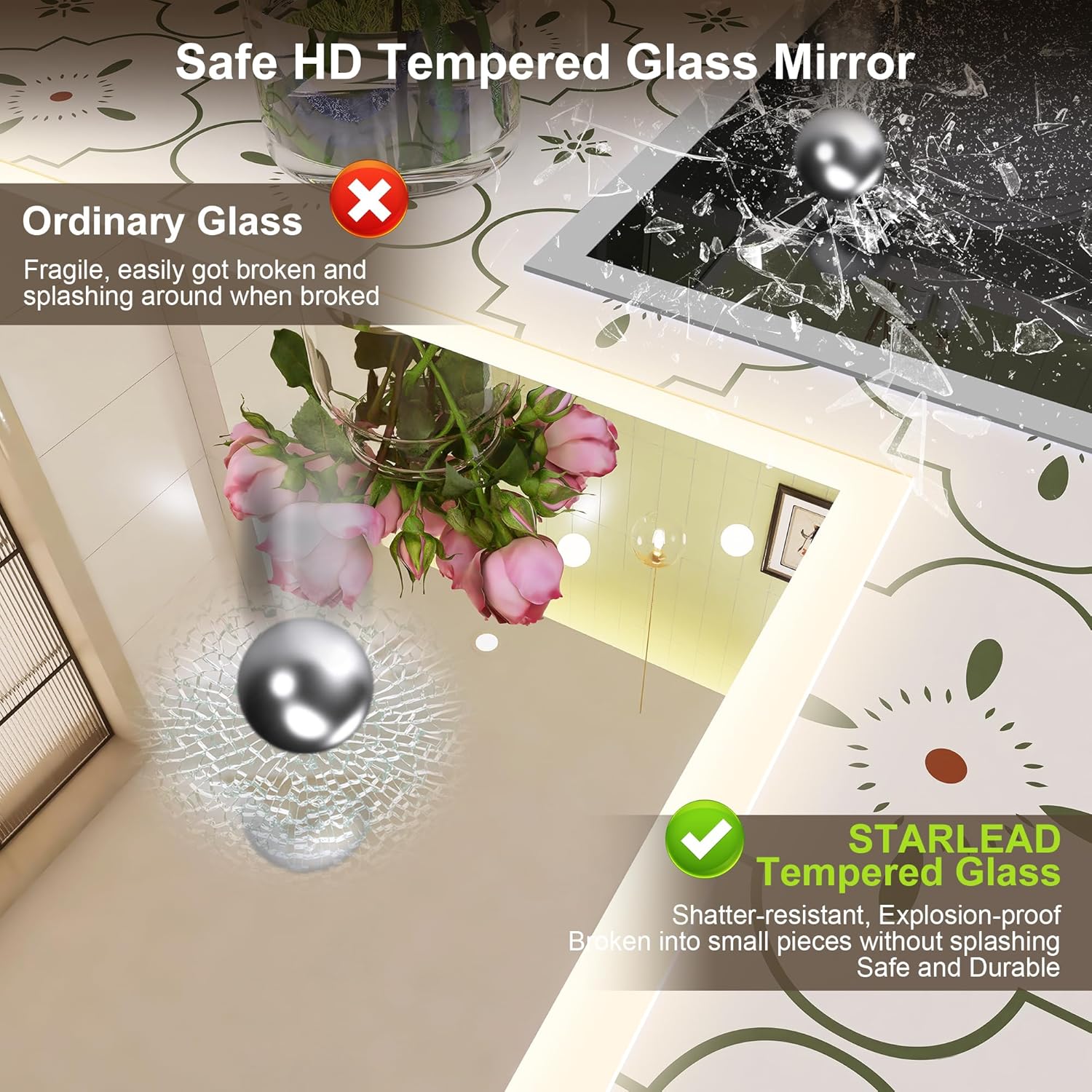
Figure 2.2: Tempered glass safety feature.
3. Setup & Installation
Proper installation is crucial for the safe and optimal performance of your mirror. Always ensure the power supply is disconnected before beginning installation.
3.1 Pre-Installation Checklist:
- Verify all components are present and undamaged.
- Ensure the wall surface is clean, dry, and capable of supporting the mirror's weight (approx. 9.76 kg).
- Confirm electrical wiring meets local codes and standards.
- Remove the protective anti-scratch film from the mirror surface.
3.2 Choosing Installation Orientation:
The mirror can be installed either horizontally or vertically to best suit your space.
3.3 Installation Steps:
- Measure and Mark: Measure the distance between the two crossed hooks on the back of the mirror. Mark the corresponding positions on the wall where you intend to drill holes.
- Drill Holes and Insert Screws: Drill holes at the marked positions. Insert the appropriate screws (and wall anchors if necessary) into the holes, leaving them slightly protruding to hang the mirror.
- Electrical Connection: The mirror uses a wired connection. Connect the mirror's electrical wires to your home's electrical system. This connection supports normal wall switch control. An IP44 waterproof junction box is included for safe wiring.
- Hang the Mirror: Carefully lift the mirror and align the hooks on the back with the protruding screws on the wall. Gently lower the mirror until it is securely seated.

Figure 3.1: Step 1 - Measuring and marking for installation.

Figure 3.2: Step 2 - Inserting screws for hanging.

Figure 3.3: Electrical connection via wall switch and junction box.
3.4 Choosing the Right Mirror Size:
- Before selecting a mirror, accurately measure the available wall space in your bathroom.
- Typically, the mirror should be narrower or the same width as your sink.
- For height, choose a dimension that leaves 5 to 8 inches of space above the sink and below the ceiling.

Figure 3.4: Guide for choosing mirror dimensions.
4. Operating Instructions
Your STARLEAD M3041 mirror features intuitive touch controls for various functions.
4.1 Light Control (On/Off, Brightness, Color Temperature):
The mirror's light is controlled by a touch button on the mirror surface.
- Power On/Off & Color Temperature Change: Briefly touch the light button for 1 second to turn the light on or off, or to cycle through the three color temperatures (3000K Warm, 4500K Natural, 6500K Cool).
- Brightness Adjustment (Dimming): Touch and hold the light button for 3 seconds to adjust the brightness level from 10% to 100%. Release when the desired brightness is reached.

Figure 4.1: Light control for brightness and color temperature.

Figure 4.2: Dimming the mirror light.

Figure 4.3: Adjusting color temperature.
4.2 Anti-Fog Function:
The anti-fog feature helps maintain a clear mirror surface in steamy environments.
- Activation: Press the dedicated anti-fog touch button to activate the function.
- Optimal Use: For best results, activate the anti-fog function approximately 5 minutes before use.
- Deactivation: To prevent prolonged heating, turn off the anti-fog function when the mirror is not in use.

Figure 4.4: Anti-fog feature in action.

Figure 4.5: Rapid anti-fog for immediate use after showering.
4.3 Bluetooth Connectivity:
The mirror includes built-in Bluetooth speakers for audio playback.
- Pairing: Activate Bluetooth on your mobile device. Search for the mirror's Bluetooth name (usually 'STARLEAD Mirror' or similar) and pair.
- Audio Playback: Once paired, you can stream music or other audio directly through the mirror's speakers.
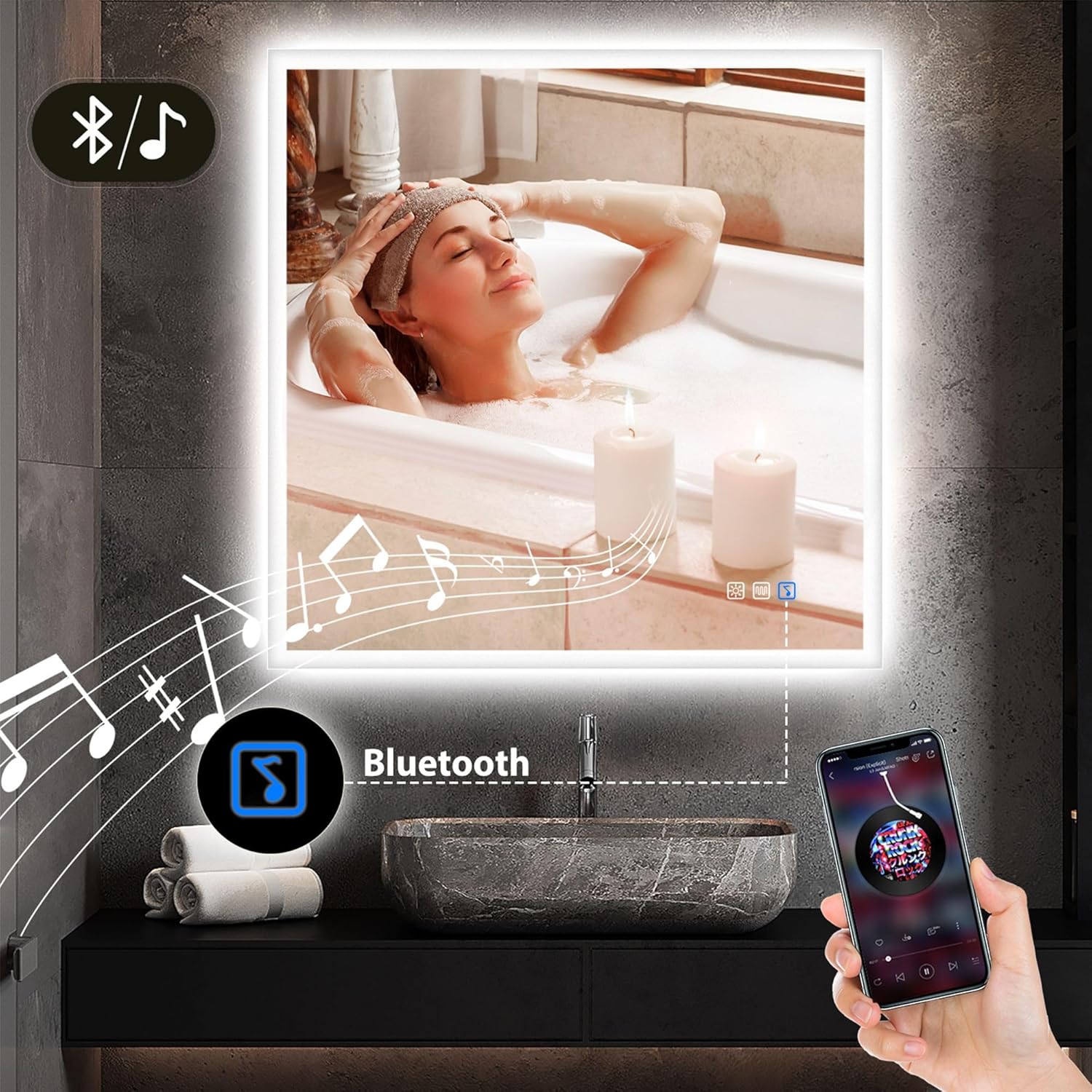
Figure 4.6: Bluetooth audio streaming.

Figure 4.7: Enjoying music via Bluetooth.
4.4 Memory Function:
The mirror's memory function saves your last light settings.
- When the mirror is turned off and then back on, it will recall the previously set brightness and color temperature.
- This eliminates the need to readjust settings each time you use the mirror.

Figure 4.8: Memory function retains last settings.
5. Maintenance
To ensure the longevity and optimal appearance of your STARLEAD mirror, follow these maintenance guidelines:
- Cleaning the Mirror Surface: Use a soft, lint-free cloth and a non-abrasive glass cleaner. Spray the cleaner onto the cloth, not directly onto the mirror, to avoid liquid seeping into the electrical components.
- Cleaning the Frame: Wipe the frame with a soft, damp cloth. Avoid harsh chemicals or abrasive materials that could damage the finish.
- Electrical Components: Ensure the mirror is disconnected from the power supply before cleaning any electrical parts. Do not spray water directly onto the mirror's electrical components.
- Regular Inspection: Periodically check for any loose connections or signs of wear. If any issues are found, consult a qualified electrician.
6. Troubleshooting
If you encounter any issues with your STARLEAD mirror, refer to the following common troubleshooting steps:
| Problem | Possible Cause | Solution |
|---|---|---|
| Light does not turn on. | No power supply; loose wiring; faulty touch sensor. | Check power connection and wall switch. Ensure wiring is secure (consult electrician). Try touching the sensor firmly. |
| Anti-fog not working effectively. | Not activated early enough; extreme humidity. | Activate the anti-fog function 5 minutes before use. Ensure bathroom ventilation is adequate. |
| Bluetooth not connecting. | Mirror not in pairing mode; device too far; interference. | Ensure Bluetooth is enabled on your device and the mirror. Move device closer to the mirror. Restart both devices. |
| Light brightness or color temperature not changing. | Incorrect touch gesture. | For brightness, touch and hold for 3 seconds. For color temperature, briefly touch for 1 second. |
If the problem persists after attempting these solutions, please contact customer support.
7. Specifications
| Feature | Detail |
|---|---|
| Brand | STARLEAD |
| Model | SLD041M8080 (M3041) |
| Dimensions | 80L x 80l cm (80 x 80 x 0.03 cm) |
| Weight | 9.76 kg |
| Material | HD Tempered Glass |
| Light Features | Dimmable (10%-100%), 3 Color Temperatures (3000K, 4500K, 6500K), Memory Function |
| Special Features | Integrated Bluetooth Speaker, Anti-Fog, Touch Control |
| Waterproof Rating | IP44 (Mirror), IP65 (LED Strip) |
| Installation Type | Wired, Wall-mounted (Horizontal or Vertical) |
8. Warranty & Support
8.1 Warranty Information:
STARLEAD provides a 2-year warranty for this product. In case of damage upon arrival, a full refund or free replacement will be provided without the need to return the product. Simply send a photo of the damage via Amazon messaging.
8.2 Customer Support:
For any assistance before or after your purchase, please contact us through Amazon:
- Go to the product page on Amazon.
- Click on 'STARLEAD' next to 'Sold by' to be redirected to the seller's page.
- Click the 'Ask a question' button.
- Enter your question in the message box and click 'Send Message'.
Amazon will forward your message, and we will respond within 24 hours.

Figure 8.1: Steps to contact STARLEAD customer support.


