Introduction
Thank you for choosing the Bernhard Products White Wall Clock. This 10-inch analog quartz clock is designed for silent, non-ticking operation, making it ideal for various environments such as homes, kitchens, offices, classrooms, and more. Its clear, easy-to-read numbers and durable construction ensure accurate timekeeping and long-lasting performance. This manual provides essential information for setting up, operating, and maintaining your new wall clock.
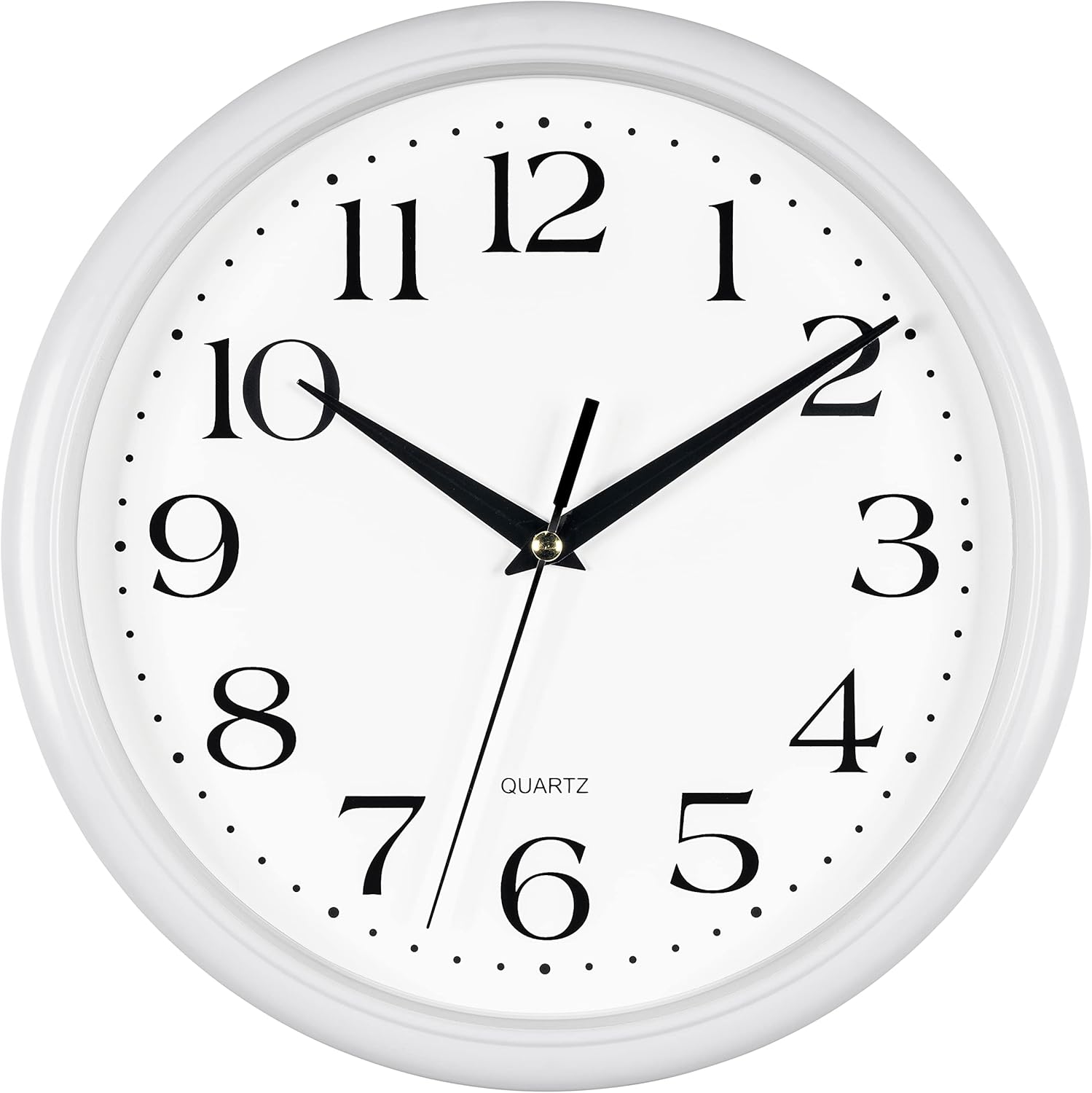
Setup
1. Battery Installation
- Locate the battery compartment on the back of the clock.
- Insert one (1) AA battery (not included) into the compartment, ensuring the positive (+) and negative (-) terminals align correctly with the indicators.

2. Setting the Time
- Turn the time adjustment knob, located on the back of the clock's movement mechanism, clockwise or counter-clockwise until the hands display the correct time.
- The clock features a silent, sweeping second hand, so no ticking sound will be heard.

3. Mounting the Clock
- Select a suitable location on a wall for mounting.
- Use a nail or screw (not included) appropriate for your wall type. The clock is lightweight (0.73 lbs).
- Hang the clock using the integrated hanging slot on the back.

Operating Instructions
Once the battery is installed and the time is set, your Bernhard Products Wall Clock will begin operating automatically. The quartz movement ensures precise timekeeping. The silent, sweeping second hand provides a peaceful environment free from ticking noises.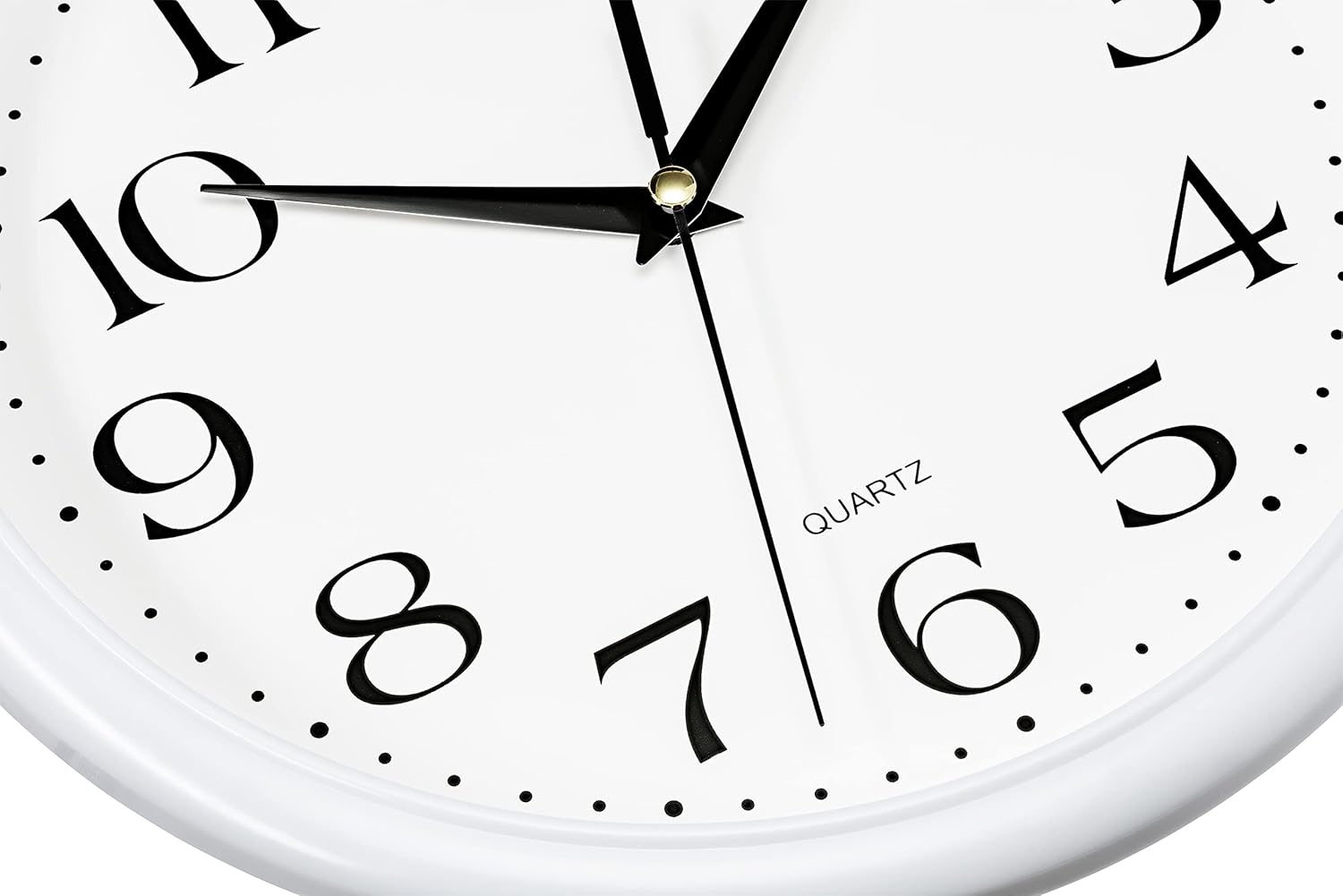
Maintenance
Cleaning
- To clean the clock, gently wipe the plastic frame and glass lens with a soft, dry cloth.
- Avoid using abrasive cleaners or solvents, as they may damage the finish.
Battery Replacement
- When the clock stops or begins to lose time, it is an indication that the battery needs to be replaced.
- Replace the AA battery following the "Battery Installation" steps in the Setup section.
Troubleshooting
| Problem | Possible Cause | Solution |
|---|---|---|
| Clock not running or running slowly. | Battery is dead or low. | Replace with a new AA battery. Ensure correct polarity. |
| Time is inaccurate. | Time not set correctly or battery is weak. | Reset the time using the adjustment knob. If issue persists, replace battery. |
| Clock makes ticking sound. | This model is designed to be silent. If ticking occurs, the movement may be faulty. | Contact customer support for assistance. |
Specifications
- Brand: Bernhard Products
- Model Number: 05075
- Color: White
- Display Type: Analog
- Style: White 10 Inch
- Product Dimensions: 10"W x 10"H
- Power Source: Battery Powered (1 AA battery required, not included)
- Watch Movement: Quartz
- Material: Plastic Frame / Glass Cover
- Mounting Type: Wall Mount
- Item Weight: 0.73 Pounds (11.7 ounces)
- Special Features: Silent Non-Ticking, Easy to Read
- Indoor/Outdoor Usage: Indoor
Warranty and Support
The Bernhard Products White Wall Clock comes with a 1-year manufacturer warranty. For warranty claims, technical support, or any inquiries regarding your product, please contact Bernhard Products customer service. Refer to the product packaging or the official Bernhard Products website for the most current contact information.
You can visit the Bernhard Products Store on Amazon for more information and products.


