
1. Introduction
Thank you for choosing the Nispira 3-in-1 True HEPA Filter Replacement. This filter is designed to provide superior air purification by capturing a wide range of airborne particles, ensuring a cleaner and healthier indoor environment. This manual will guide you through the product's features, installation process, and maintenance recommendations.
2. Product Overview
The Nispira 3-in-1 True HEPA Filter is an essential component for your compatible air purifier, engineered to deliver high-efficiency filtration. It integrates multiple layers to effectively clean the air:
- Preliminary Filter: Designed to capture larger particles such as hair, dust, and lint, protecting the subsequent filter layers and extending their lifespan.
- True HEPA Filter: Captures up to 99.97% of airborne particles as small as 0.3 microns, including pollen, pet dander, mold spores, and dust mites.

A cylindrical air purifier filter with a pleated blue and white filtration material, featuring black top and bottom rings.

A visual breakdown of the Nispira filter's multi-stage filtration system, highlighting the pre-filter for large particles and the True HEPA layer for fine particles.
3. Compatibility
This Nispira filter replacement is specifically designed to be compatible with the following air purifier models:
- Miko Air Purifier C102
- Miko ibuki MA-01CW
- Miko MA-18
- Okaysou AirMic4S
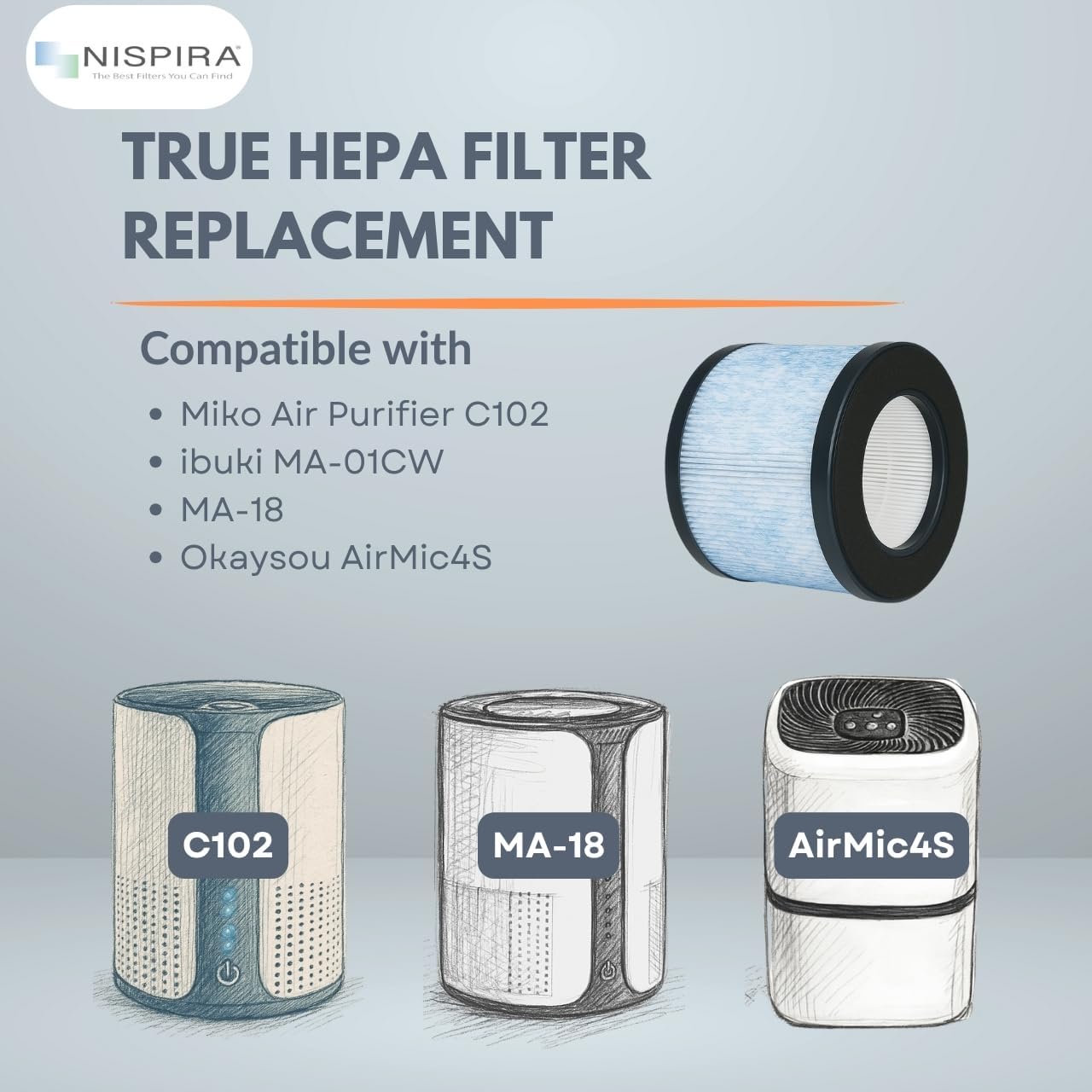
An image illustrating the Nispira filter's compatibility with various air purifier models, including Miko Air Purifier C102, ibuki MA-01CW, MA-18, and Okaysou AirMic4S.
4. Setup and Installation
Replacing your air purifier filter is a straightforward process. Always refer to your air purifier's specific user manual for detailed instructions on how to open the unit and access the filter compartment. General steps typically include:
- Unplug the Air Purifier: Ensure the device is turned off and unplugged from the power outlet before beginning any maintenance.
- Locate Filter Compartment: Identify the filter access panel on your air purifier. This is often on the back, bottom, or side of the unit.
- Remove Old Filter: Open the compartment and carefully remove the used filter. Dispose of the old filter responsibly.
- Insert New Filter: Place the new Nispira 3-in-1 True HEPA Filter into the compartment, ensuring it is oriented correctly according to your air purifier's design. The filter is designed for easy installation.
- Close Compartment: Securely close the filter access panel.
- Reset Filter Indicator (if applicable): Plug in and turn on your air purifier. If your unit has a filter replacement indicator light, follow your air purifier's instructions to reset it.
5. Operating with a New Filter
Once the new Nispira filter is installed, your air purifier will operate with renewed efficiency, providing significantly improved air quality. You can expect:
- Enhanced removal of dust, pollen, pet dander, and other allergens.
- Reduction of unpleasant odors from cooking, pets, and smoke.
- Optimal performance of your air purifier, as a clean filter allows for proper airflow.

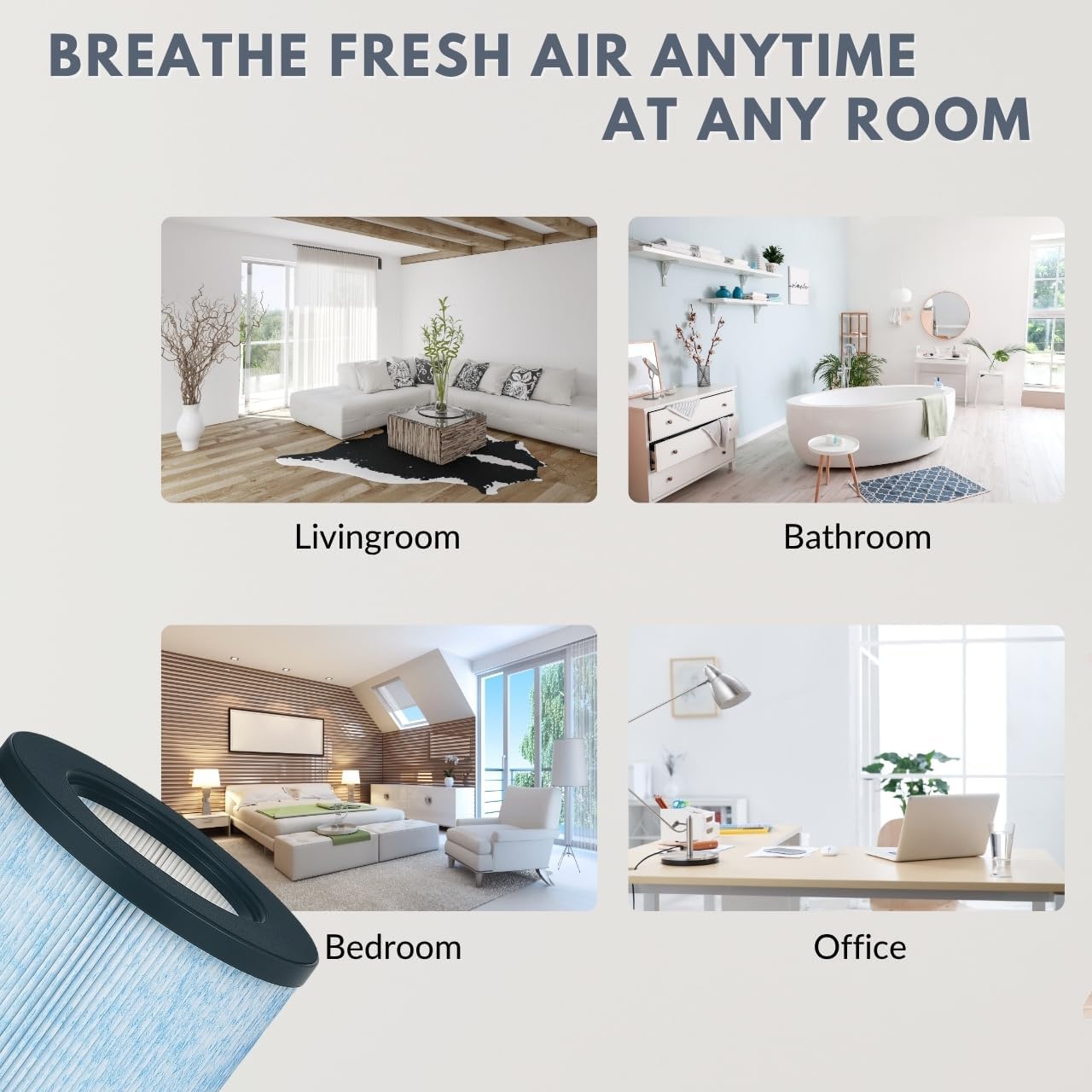
This image highlights the filter's ability to provide fresh air by removing common indoor pollutants like smoke, pet hair, lint, VOCs, dust, pollen, and cooking odors.
6. Maintenance
To maintain optimal air purification performance, it is suggested to replace the Nispira 3-in-1 True HEPA Filter every 6 months. Filter lifespan can vary depending on air quality, usage frequency, and environmental factors. Regularly checking the filter for visible dirt and debris can also help determine if an earlier replacement is needed.
A side-by-side comparison demonstrating the visual difference between a new, clean Nispira filter and a used, dirty filter, emphasizing the need for regular replacement.
7. Troubleshooting
If you experience issues after replacing your filter, consider the following:
- Poor Air Quality: Ensure the filter is installed correctly and the filter compartment is securely closed. Check if the air purifier itself is functioning properly.
- Filter Indicator Light Remains On: Refer to your air purifier's manual for specific instructions on how to reset the filter life indicator after replacement. This often involves pressing and holding a button for a few seconds.
8. Specifications
| Attribute | Detail |
|---|---|
| Product Dimensions | 6.75"L x 6.75"W x 5.4"Th (17.15 cm x 17.15 cm x 13.72 cm) |
| Item Model Number | MA-18 |
| Material | Polyurethane, True HEPA |
| Item Weight | 0.37 Kilograms (13.12 ounces) |
| UPC | 810701035870 |

The Nispira air purifier filter shown with its key dimensions: 6.75 inches in diameter and 5.4 inches in height.
9. Warranty and Support
Nispira is committed to providing high-quality filtration products. For specific warranty information regarding your Nispira filter, please refer to the product packaging or contact Nispira customer support directly. If you have any questions or require assistance with your filter, please visit the official Nispira website or contact their customer service department.