
Introduction
Welcome to F1 2021, the official video game of the 2021 FIA FORMULA ONE WORLD CHAMPIONSHIP. This manual provides essential information to help you set up, play, and maintain your game on the Xbox One platform. Enjoy the stunning new features, including the thrilling story experience 'Braking Point', two-player Career, and 'Real-Season Start'. Take your team to the top in the acclaimed ten-year 'My Team' Career mode, or race head-to-head in split-screen and multiplayer. Immerse yourself in the greatest racing spectacle on the planet with the authentic lineup of twenty heroic drivers and ten iconic teams from the 2021 season.
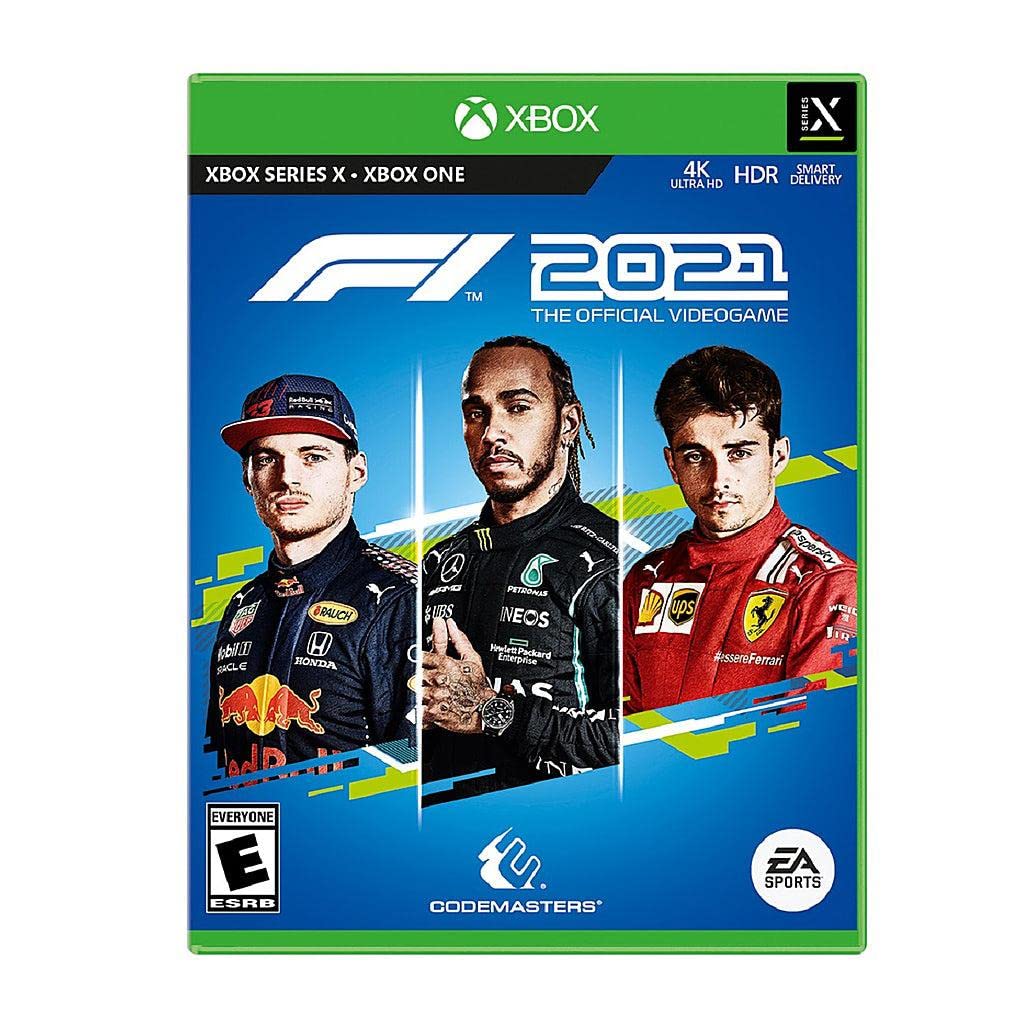
Key Features
- The official video game of the 2021 Formula One World Championship.
- My Team Mode: Create a driver, choose a sponsor, an engine supplier, hire teammates, and compete as the 11th team on the grid.
- Expanded Driver Stats: Now include 'focus' and new team-critical department events to address.
- Acclaimed Ten-Year Career Mode: Includes updated research and development, Practice Programmers, and new quick Practice.
- Xbox Smart Delivery: F1 2021 supports Xbox Smart Delivery, allowing players to switch to an Xbox Series X|S without purchasing a new copy.
Setup
- Insert Game Disc: Place the F1 2021 game disc into your Xbox One console's disc drive. The game will automatically begin installation.
- System Updates: Ensure your Xbox One console has the latest system software updates installed. Connect your console to the internet and follow on-screen prompts for any necessary updates.
- Internet Connection: An internet connection is required for game updates, accessing online features, and certain content. Additional content and game updates may be downloaded automatically.
- Xbox Smart Delivery: If you upgrade to an Xbox Series X|S console, the game will automatically provide the optimized version for your new console.
Operating the Game
F1 2021 offers a variety of game modes and features to enhance your racing experience:
- 'Braking Point': A thrilling new story experience that immerses you in the world of Formula 1.
- Two-Player Career: Experience the career mode alongside a friend.
- 'Real-Season Start': Jump into the current F1 season with real-time standings.
- 'My Team': Manage and race for your own F1 team over ten seasons.
- Split-Screen & Multiplayer: Compete head-to-head with friends locally or online with up to 20 players.
Controls: Basic controls typically involve steering with the left analog stick, acceleration with the right trigger, and braking with the left trigger. Consult the in-game control settings for detailed customization options.
Online Play: Online multiplayer supports 2-20 players. An Xbox Live Gold membership may be required for online features. Some people may experience seizures when exposed to flashing lights or patterns in video games. Exercise caution and consult a doctor if you have a history of epilepsy or seizures.
Maintenance
- Disc Care: Handle the game disc by its edges to avoid scratches. Store it in its case when not in use. Clean with a soft, dry cloth if necessary.
- Console & Game Updates: Regularly check for and install console system updates and game patches to ensure optimal performance and access to the latest content.
- Storage: Ensure sufficient storage space on your Xbox One for game installation and updates.
Troubleshooting
If you encounter issues while playing F1 2021, consider the following:
- Installation Issues: If the game fails to install, ensure your disc is clean and undamaged. Verify sufficient storage space on your console.
- Network Problems: For online play issues, check your internet connection and Xbox Live service status. Restart your router or console if necessary.
- Game Freezes/Crashes: Ensure your game and console software are up to date. Try restarting the game or console.
- Photosensitive Seizures Warning: A small percentage of individuals may experience epileptic seizures when exposed to certain visual patterns or flashing lights. If you or anyone in your family has an epileptic condition, consult a doctor before playing.
Specifications
| Feature | Detail |
|---|---|
| Platform | Xbox One |
| Item Model Number | 38168 |
| UPC | 014633381689 |
| Release Date | July 16, 2021 |
| Product Dimensions | 0.51 x 6.73 x 5.32 inches |
| Item Weight | 1.6 ounces |
| Language | English |
| ESRB Rating | Everyone (E) - Mild Language, In-Game Purchases / Users Interact |
| Compatible Consoles | Microsoft Xbox One, Microsoft Xbox One S, Microsoft Xbox One X |
Warranty & Support
Limited 90-Day Warranty: Electronic Arts Inc. warrants to the original purchaser that the game disc will be free from defects in material and workmanship for 90 days from the date of purchase. This warranty does not apply to digital download content. For full warranty details and return instructions, please refer to the official Electronic Arts website or the game packaging.
Customer Support: For frequently asked questions, troubleshooting tips, or to contact support, please visit the official Electronic Arts support website at www.ea.com. You can also find support via their social media channels.