
SHUMDHA SM930
SHUMDHA 1080P 5-inch 2.4GHz Video Baby Monitor User Manual
Model: SM930
Introduction
Thank you for choosing the SHUMDHA 1080P 5-inch 2.4GHz Video Baby Monitor. This manual provides essential information for the safe and effective operation of your new baby monitor. Please read it thoroughly before use and keep it for future reference.

Image: The SHUMDHA 5-inch video baby monitor, showing the camera unit and the portable parent unit with a live feed of a baby.

Image: The SHUMDHA baby monitor and camera unit, with the monitor displaying a sleeping baby.
Product Features
- Split-Screen Baby Monitor: Connect up to four cameras simultaneously to monitor different areas, suitable for babies, elderly, or pets.
- Super Long VOX Standby Mode: Automatic standby mode with adjustable brightness and display duration. The monitor can last a full night on a single charge, with sound alarms for abnormal noises in VOX mode.
- HD Screen with One-Touch Zoom: 5-inch TFT LCD screen with 1280*1080P resolution for clear monitoring. One-touch zoom function allows for detailed viewing.
- Two-Way Interactive Communication: Use the microphone button to quickly speak to and soothe your baby.
- Diverse Functions: Includes ambient temperature control and alarm, 8 lullabies, night vision, sound-activated LED indicators, up to 900 feet range, alarm and timer settings, and 2x digital zoom. Expandable up to 4 cameras.

Image: An overview of the SHUMDHA 5-inch Smart Video Baby Monitor highlighting key features like two-way communication, infrared night vision, temperature sensing alarm, soothing sleep-aiding music, and VOX mode.
Package Contents
Please check the package contents carefully. If any items are missing or damaged, contact customer support.
- 1 x SHUMDHA Baby Monitor (Parent Unit)
- 1 x SHUMDHA Baby Camera (Baby Unit)
- 2 x Power Adapters (for monitor and camera)
- 1 x User Manual
Setup
1. Charging the Monitor
Before first use, fully charge the parent unit (monitor). Connect the power adapter to the monitor and a power outlet. The battery indicator will show charging status.

Image: Illustration of the baby monitor screen displaying a full battery indicator, signifying a fully charged device.
2. Camera Placement
Place the baby camera in a secure location, at least 3 feet (1 meter) away from the baby's crib or bed. Ensure a clear line of sight to the baby and avoid placing it where it can be easily knocked over. Connect the camera to its power adapter and a power outlet.

Image: Detailed diagram of the SHUMDHA baby camera, labeling its components such as the lens, sound pickup, light sensor, reset button, speaker, antenna, digital temp sensor, and Micro USB port.
3. Initial Connection
The monitor and camera are typically pre-paired at the factory. Turn on both units. The monitor should automatically display the camera's feed. If not, refer to the "Troubleshooting" section for pairing instructions.

Image: Illustration showing the camera's rotational capabilities: 360-degree horizontal rotation and 60-degree vertical (up and down) angle adjustment.
Operating Instructions
1. Basic Monitoring
Once powered on, the monitor will display the live video feed from the camera. Adjust the volume using the dedicated buttons on the parent unit.
2. VOX Mode (Voice Operated Exchange)
VOX mode conserves battery by turning off the screen when no sound is detected. The screen will automatically turn on when the camera detects sound above a set threshold. You can adjust the VOX sensitivity in the monitor's settings menu.

Image: Comparison showing the baby monitor in "Sleep mode" with a black screen and in "Wake up mode" displaying a live video feed of a baby.
3. Two-Way Talk
Press and hold the microphone button on the parent unit to speak to your baby through the camera's speaker. Release the button to hear your baby again.

Image: Depiction of the two-way interaction feature, showing a baby and a parent communicating through the monitor and camera, with speech bubbles indicating "Hi baby..." and "Hi mum...".
4. Lullabies and Temperature Monitoring
Access the menu to select from 8 pre-programmed lullabies to soothe your baby. The monitor also displays the room temperature detected by the camera's sensor. Set temperature alerts to be notified if the room gets too hot or cold.
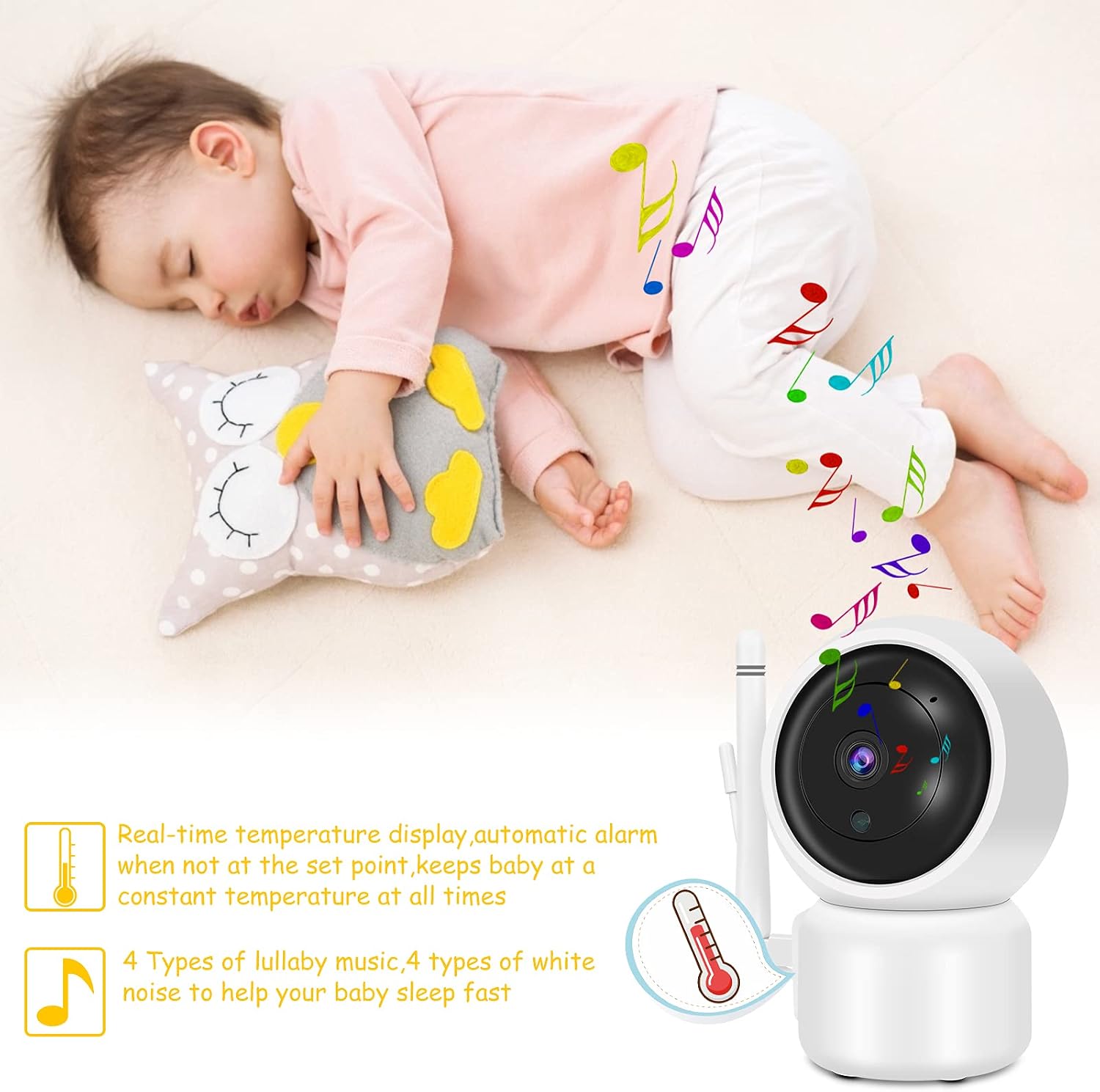
Image: A baby sleeping peacefully, with icons indicating real-time temperature display and automatic alarm, and the availability of 4 types of lullaby music and 4 types of white noise to aid sleep.
5. Night Vision
The camera automatically switches to infrared night vision in low-light conditions, providing a clear black-and-white image of your baby.
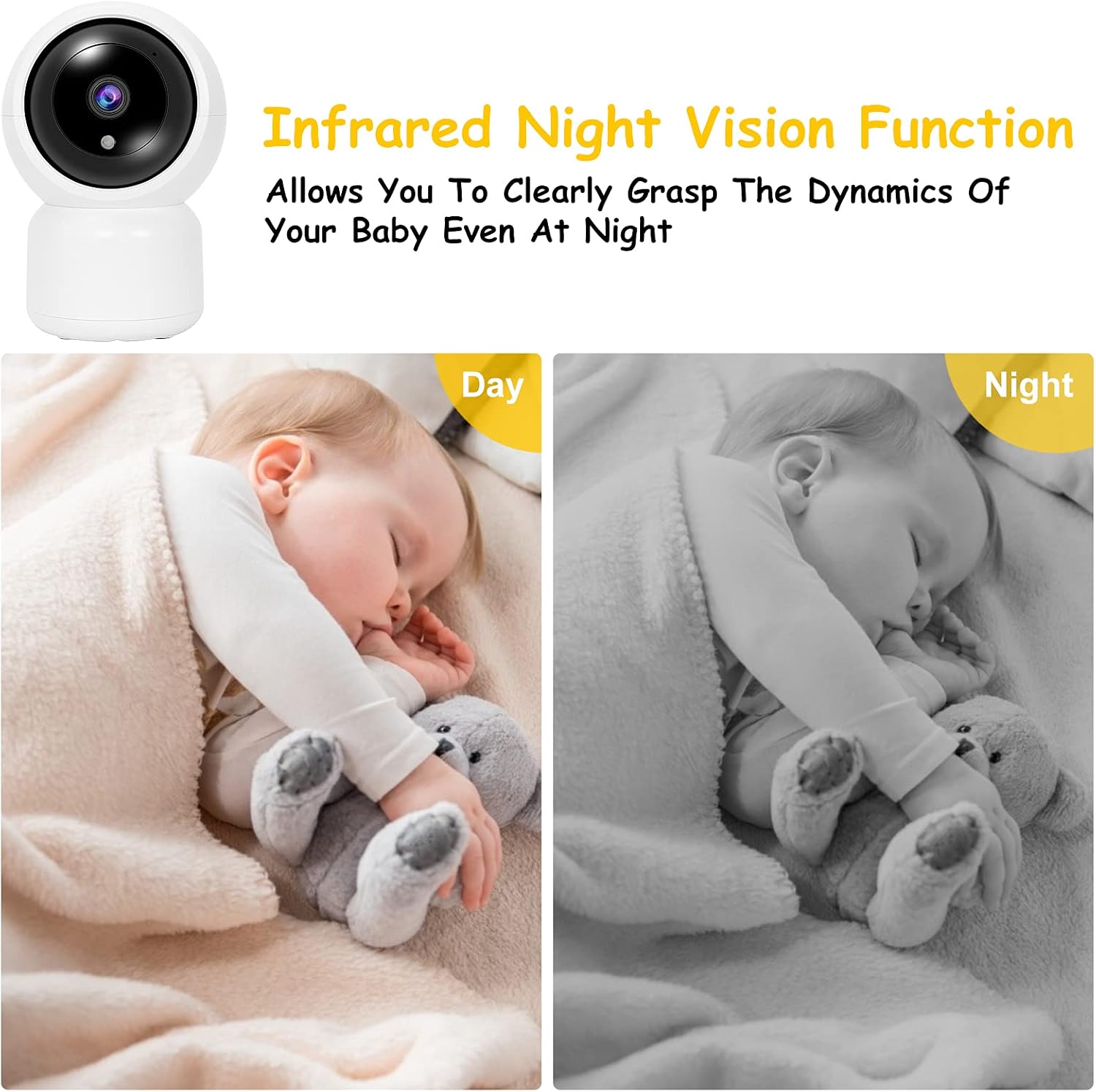
Image: A comparison showing a baby sleeping in daylight (color image) and the same baby sleeping at night (black and white infrared image, demonstrating the night vision capability.
6. Digital Zoom
Use the zoom function on the monitor to get a closer look at your baby without disturbing them.
7. Connecting Multiple Cameras
The SHUMDHA baby monitor supports up to four cameras. To add additional cameras, refer to the pairing instructions in the settings menu. This allows for monitoring of multiple rooms or different family members.

Image: Diagram illustrating how one parent unit can connect to and monitor up to four separate camera units simultaneously.

Image: Collage showing various scenarios where the camera can be used for surveillance, including monitoring a baby, elderly individuals, and pets.

Image: Four panels illustrating different use cases for the monitor: monitoring a baby, a pregnant woman, a pet, and an elderly person.
Maintenance
- Cleaning: Use a soft, dry cloth to clean the monitor and camera. Do not use abrasive cleaners or solvents.
- Battery Care: To prolong battery life, avoid fully discharging the monitor frequently. Charge it regularly.
- Storage: If storing the unit for an extended period, ensure it is fully charged and store it in a cool, dry place.
Troubleshooting
| Problem | Possible Cause | Solution |
|---|---|---|
| No image/sound on monitor | Units not powered on; Out of range; Not paired. | Ensure both units are plugged in and turned on. Move monitor closer to camera. Re-pair units (refer to manual for pairing steps). |
| Poor image quality | Low light; Obstructions; Camera lens dirty. | Ensure adequate lighting or check night vision. Remove obstructions. Clean camera lens gently. |
| Interference/Static | Other 2.4GHz devices nearby; Out of range. | Move monitor away from other wireless devices (Wi-Fi routers, microwaves). Move monitor closer to camera. |
| VOX mode not working | Sensitivity too low; Environment too noisy. | Increase VOX sensitivity in settings. Reduce background noise if possible. |

Image: An illustration demonstrating the effective range of the baby monitor, showing the parent unit inside a house and the camera unit positioned at a distance, indicating a range of up to 984 feet.
Specifications
| Feature | Detail |
|---|---|
| Video Recording Resolution | 1080p |
| Color | White |
| Number of Items | 1 |
| Number of Channels | 2 |
| Form Factor | Dome |
| Effective Video Resolution | 1080 Pixels |
| Material | Plastic |
| Voltage | 5 Volts (AC) |
| Power | 5 Watt-hours |
| Manufacturer | SHUMDHA |
| Package Dimensions | 19.7 x 18 x 10.9 cm; 830 grams |
| Battery(s) / Pile(s) | 1 Lithium-ion - included |
| Reference / Model Number | SM930 |
| Size | 1 Unit (Pack of 1) |
| Bulb Type | LED |
| Special Features | Intercom, Night Vision Sensor |
| Usage | Indoor; Professional |
| Battery(s) / Pile(s) included | Yes |
| Battery(s) / Pile(s) required | Yes |
| Battery Composition | Lithium-polymer |
| ASIN | B0928LS6DP |
| Connectivity Technology | Wireless |
| Indoor/Outdoor Use | Indoor |
| Compatible Devices | Smartphone |
| Power Source | Electric Cable |
| Controller Type | iOS |
| Mounting Type | Wall Mount |
Warranty and Support
Information regarding specific warranty terms and customer support contact details is not available in the provided product data. Please refer to the product packaging or the manufacturer's official website for warranty information and support contacts.
Ask a question about this manual
Ask about setup, troubleshooting, compatibility, parts, safety, or missing instructions. Manuals+ will review the question and use this page’s manual context to help answer it.