
1. Introduction
This manual provides instructions for the safe and effective use of your Honeywell Allergen Plus HEPA Air Purifier, Model HPA5300B. This air purifier is designed to help reduce microscopic allergens and particles from the air in large rooms, contributing to a cleaner indoor environment. Please read all instructions carefully before operating the device and retain this manual for future reference.

Figure 1: Honeywell Allergen Plus HEPA Air Purifier HPA5300B and its retail packaging.
2. Important Safety Instructions
READ AND SAVE THESE SAFETY INSTRUCTIONS BEFORE USING THIS AIR PURIFIER.
- Always place the air purifier on a firm, level surface.
- Keep the power cord away from heated surfaces.
- Do not operate the air purifier if the cord or plug is damaged, or if the unit malfunctions or has been dropped.
- Do not use the air purifier outdoors or in wet environments.
- Ensure all filters are correctly installed before operation.
- Unplug the air purifier before moving, cleaning, or replacing filters.
- Do not block air openings or place objects into them.
- This appliance has a polarized plug (one blade is wider than the other). To reduce the risk of electric shock, this plug is intended to fit in a polarized outlet only one way. If the plug does not fit fully in the outlet, reverse the plug. If it still does not fit, contact a qualified electrician. Do not attempt to defeat this safety feature.
- Do not use this air purifier with any solid-state speed control device.
3. Package Contents
The Honeywell Allergen Plus HEPA Air Purifier HPA5300B package includes:
- 1 x Honeywell HPA5300B Air Purifier Unit
- 3 x Genuine 'R' HEPA Filters (pre-installed)
- 1 x Genuine 'A' Activated Carbon Pre-Filter (pre-installed)
- Instruction Manual
4. Setup
4.1 Filter Installation
Your air purifier comes with filters pre-installed. Before first use, ensure all packaging materials are removed from the filters.
- Open the front grille of the air purifier.
- Remove the pre-filter and HEPA filters.
- Remove any protective plastic wrapping from all filters.
- Re-insert the HEPA filters, followed by the pre-filter. Ensure they are seated correctly.
- Close the front grille securely.

Figure 2: Illustration of the layered filtration system, including the Activated Carbon Pre-Filter (A), optional Enhanced Odor Filter (S), and HEPA Filter (R).
The filtration system includes an Activated Carbon Pre-Filter (A) to capture larger particles and reduce odors, and HEPA Filters (R) to capture microscopic allergens. An optional Enhanced Odor Filter (S) can be added for additional odor reduction.
4.2 Placement
For optimal performance, place the air purifier in a location where air can circulate freely around it. Avoid placing it directly against walls or furniture that might obstruct airflow. Ensure there is at least 6 inches of space around the unit.
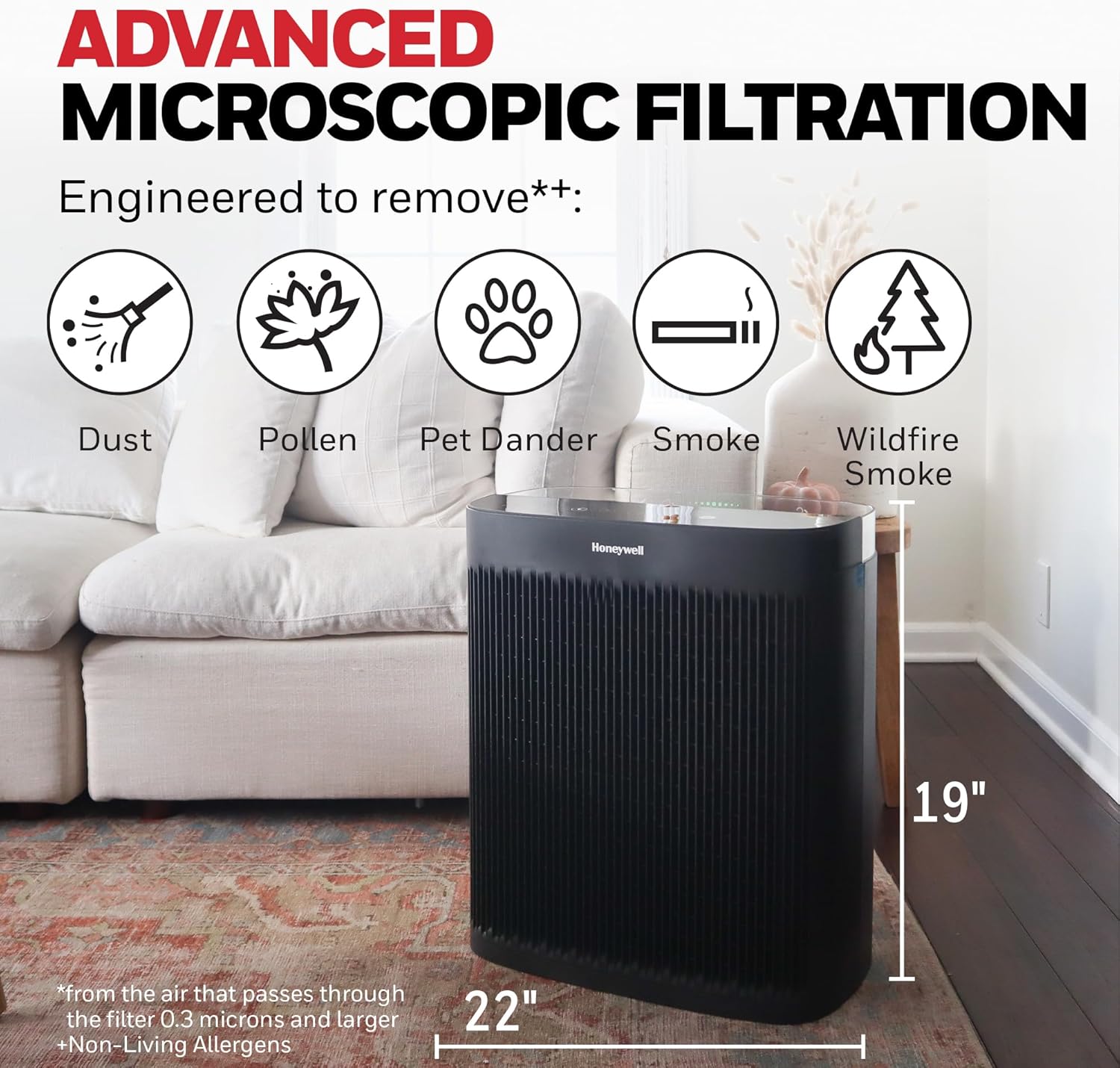
Figure 3: Example placement of the air purifier in a room, highlighting its filtration capabilities.
5. Operating Instructions
5.1 Control Panel Overview
The control panel is located on the top of the unit. It features touch-sensitive buttons and indicator lights for various functions.
5.2 Power On/Off
Press the Power Button to turn the unit on or off.
5.3 Cleaning Levels
The HPA5300B offers four cleaning levels:
- Microscopic Clean: The quietest mode, suitable for continuous background operation.
- Everyday: Helps manage daily dust and general air quality.
- Pollen: Optimized for increased pollen levels during allergy seasons.
- Turbo: Provides maximum power for rapid cleaning, effective against strong odors, fumes, or significantly poor air quality.

Figure 4: The control panel displaying the four available cleaning levels.
5.4 Air Quality Indicator and Auto Mode
The air purifier features an integrated air quality sensor. In Auto Mode, the unit automatically monitors the air quality and adjusts the cleaning level accordingly.
- Green Lights: Indicate good air quality.
- Yellow Lights: Indicate moderate air quality.
- Red Lights: Indicate poor air quality.
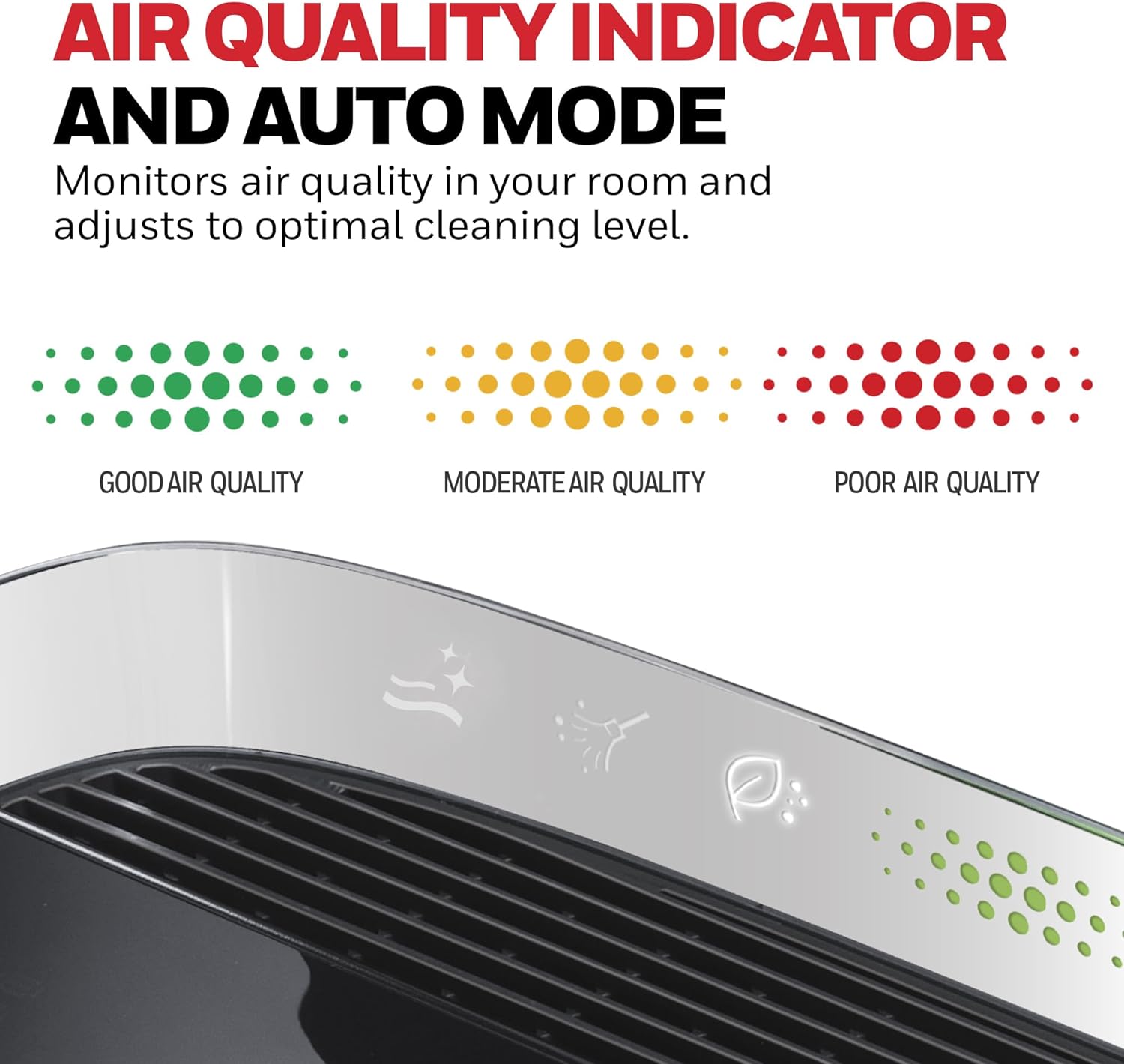
Figure 5: Air Quality Indicator displaying different air quality levels.
When air quality is poor, the unit will automatically increase fan speed to clean the air more effectively. For maximum performance during periods of very poor air quality, activate Turbo Mode.
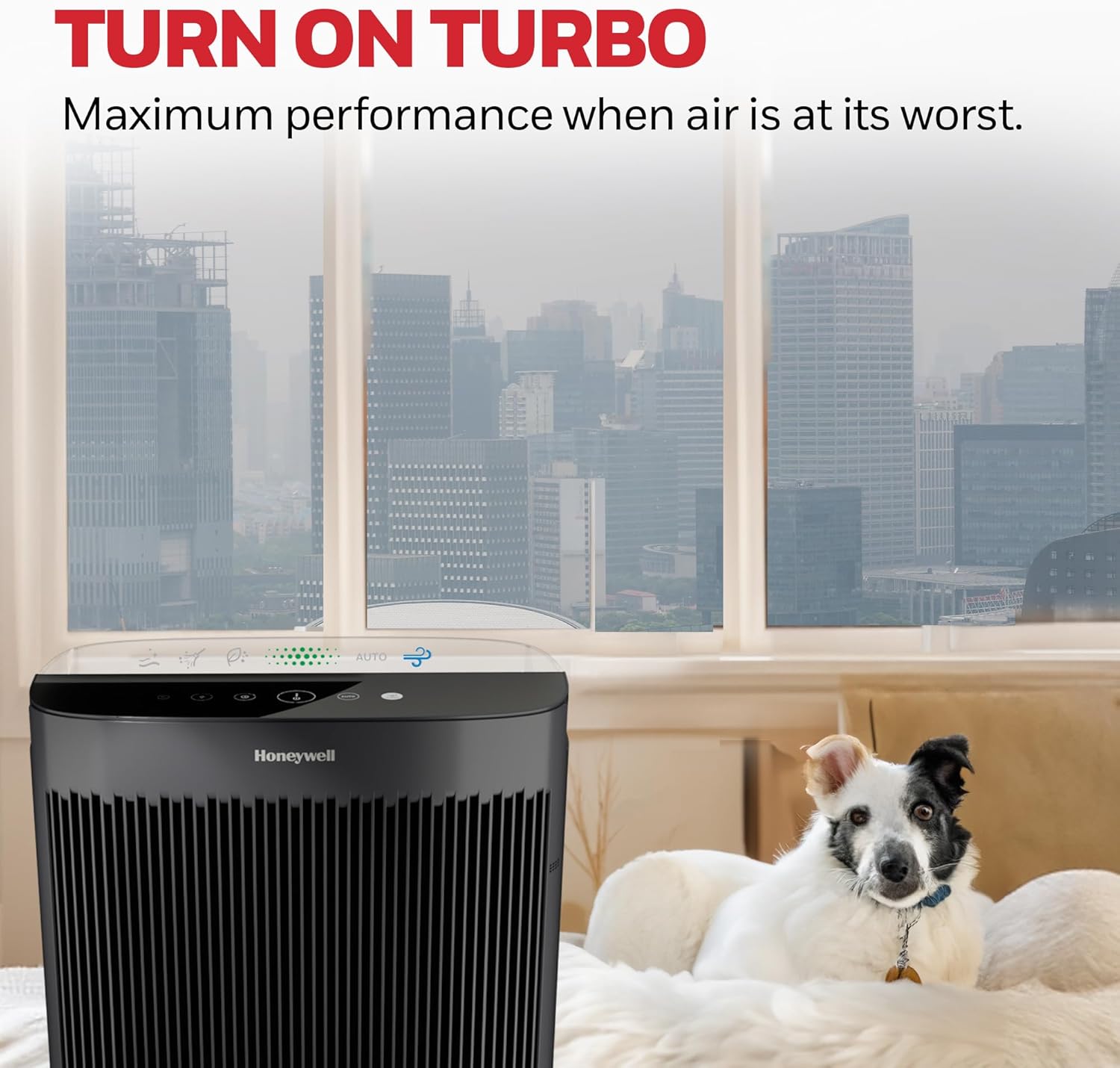
Figure 6: Air purifier in Turbo mode for enhanced cleaning.
5.5 Timer Function
The unit includes an auto-off timer with options for 2, 4, or 8 hours of operation before automatically shutting down.
5.6 Control Panel Dimmer
The control panel lights can be adjusted (High, Low, Off) to suit your preference, especially useful in bedrooms or at night.
6. Maintenance
Regular maintenance ensures optimal performance and extends the life of your air purifier.
6.1 Filter Replacement
The air purifier is equipped with filter check/reset lights to indicate when filters need replacement.
- Pre-Filter ('A' Filter): Replace every 3 months for best performance. This filter captures larger airborne particles and helps reduce household odors.
- HEPA Filters ('R' Filters): Replace annually for best performance. These filters capture up to 99.97% of microscopic allergens and particles.

Figure 7: Overview of the different filter types and their roles in air purification.
To replace filters:
- Unplug the air purifier.
- Open the front grille.
- Remove the old filters.
- Insert new, genuine Honeywell replacement filters.
- Close the front grille.
- Plug in the unit and press the appropriate filter reset button until the light turns off.

Figure 8: Recommended filter replacement schedule.
6.2 Cleaning the Unit
Wipe the exterior of the air purifier with a soft, dry cloth. Do not use water, waxes, polish, or any chemical solutions. Clean the air intake and output grilles with a soft brush or vacuum cleaner attachment to remove dust buildup.
7. Troubleshooting
| Problem | Possible Cause | Solution |
|---|---|---|
| Unit does not turn on. | Not plugged in; power outlet not working; front grille not closed properly. | Ensure unit is securely plugged in; check power outlet; ensure front grille is fully closed. |
| Reduced airflow or poor purification. | Filters are dirty or clogged; air intake/output blocked. | Replace filters as recommended; ensure no obstructions around the unit. |
| Increased noise level. | Filters are dirty; unit is on a high fan setting (e.g., Turbo mode). | Replace filters; select a lower fan speed if desired. |
| Filter indicator light remains on after replacement. | Filter reset button not pressed. | Press and hold the corresponding filter reset button until the light turns off. |
8. Specifications
- Model: HPA5300B
- Brand: Honeywell
- Color: Black
- Product Dimensions: 10.8"D x 19.1"W x 22.3"H
- Item Weight: 20.5 pounds
- Noise Level: 55 Decibels (at highest setting)
- Particle Retention Size: 0.3 Micrometer
- Controller Type: Button Control
- Special Feature: Programmable, Air Quality Monitor, Auto Mode
- Certifications: EPA Certified, Energy Star Certified, AHAM Verifide
- Included Components: 3 'R' HEPA Filters, 1 'A' Pre-Filter
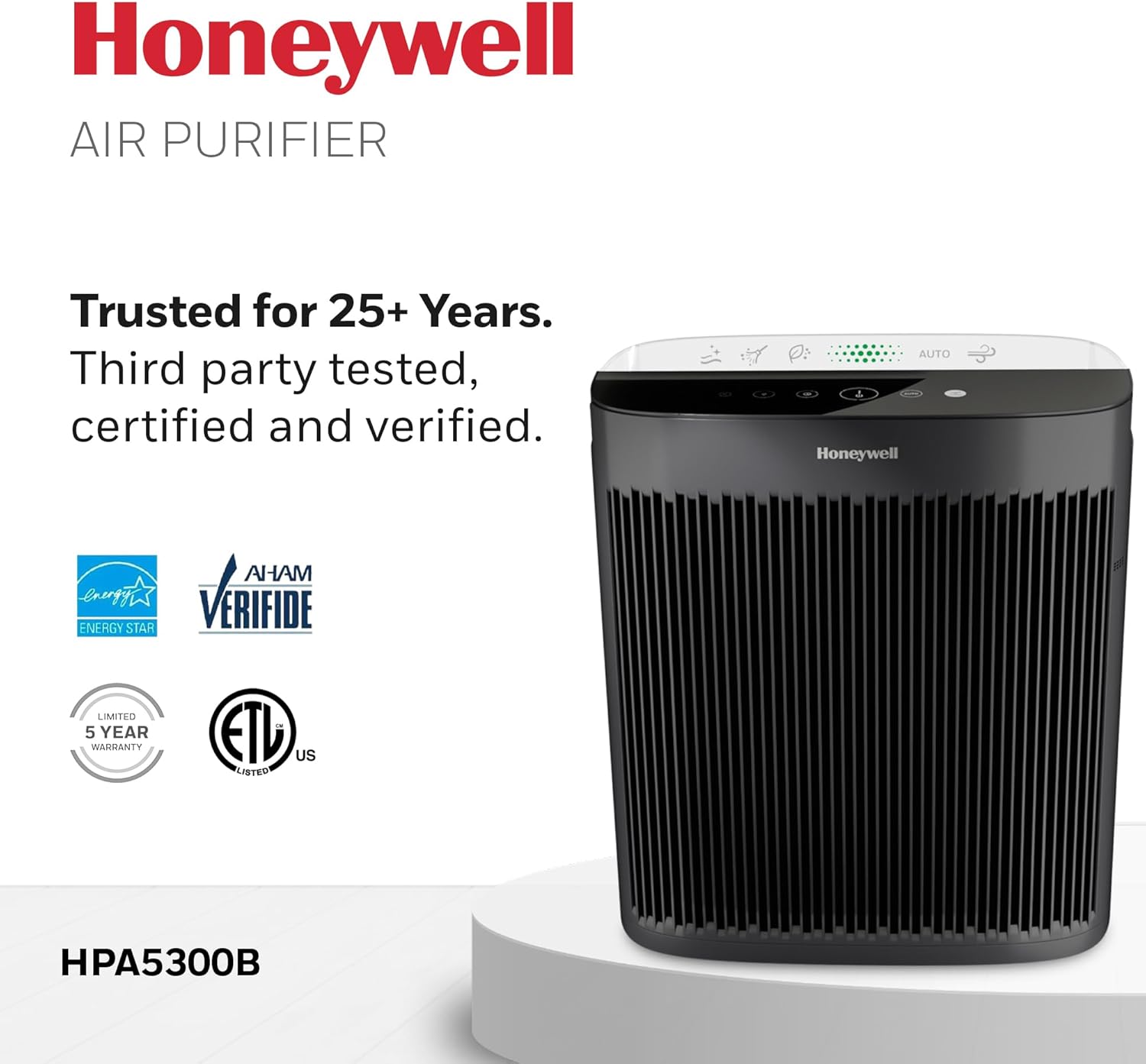
Figure 9: Certifications and warranty information for the Honeywell HPA5300B.
9. Warranty and Customer Support
The Honeywell Allergen Plus HEPA Air Purifier HPA5300B comes with a 5-year limited warranty. Please refer to the warranty card included with your product for full terms and conditions.
For customer support, technical assistance, or to purchase genuine replacement filters, please visit the official Honeywell Air Comfort website or contact their customer service department. Using non-genuine filters may void your warranty and affect product performance.
Note: Warranty details are subject to change. Always refer to the documentation provided with your product for the most current information.