
1. Introduction
This manual provides instructions for the COREBAY RC-35T Ceiling Fan Remote Control. This remote is designed as a replacement for various ceiling fan remote models, offering 3-speed fan control, light dimming capabilities, and a 'Learn Key' for easy synchronization. Please read this manual thoroughly before installation and operation.
2. Product Overview
The COREBAY RC-35T remote control features a user-friendly design with clearly labeled buttons for fan speed, light control, and an indicator for operation.

Image: COREBAY RC-35T Remote Control showing buttons for High, Medium, Low, Off, and Light Dimmer, along with a blue indicator and Learn Key.
- 3-Speed Control: Buttons for High (HI), Medium (MED), Low (LOW), and Off (OFF) fan speeds.
- Light Dimmer: A dedicated button to control the brightness of the light. Suitable for incandescent and dimmable LED bulbs.
- Learn Key: For synchronizing the remote with your fan's receiver.
- Blue Indicator: Provides visual feedback during operation.
3. Compatibility
This remote control is designed to replace specific original remote models. It operates at 303.9MHz and is compatible with various receivers. Please verify the part number on your original remote to ensure compatibility.

Image: A compatibility chart showing various original remote models (e.g., FAN-35T, FAN-53T, KUJCE9103, FAN-HD5, FAN-11T, L3HFAN35T1, L3HFAN35T) that the RC-35T can replace. It also indicates compatibility with FAN30R, FAN28R, FAN18R, and UC7067FMRX receivers.
Note: This remote is a transmitter only. It does not include a receiver or a 12V "A23" battery. Some LED and CFL lamps may not be dimmable and will only support ON and OFF functions.
4. Setup and Installation
Follow these steps to set up your COREBAY RC-35T remote control:
- Install Battery: Open the battery compartment on the back of the remote. Insert one 12V "A23" battery (not included), ensuring correct polarity.
- Match DIP Switches: Locate the DIP switches inside the battery compartment of your original remote control. Slide the switches on your new COREBAY RC-35T remote to match the exact pattern of the original remote's DIP switches.

Image: Close-up view of DIP switches inside a remote control's battery compartment, showing four small switches that can be set to ON or OFF positions.
- Test Functionality: After matching the DIP switches and installing the battery, replace the battery cover. Test the remote control with your ceiling fan. The fan and light should now respond to the remote's commands.
- Wall Mount Holder Installation: Use the provided screws to mount the wall holder in a convenient location. The remote can then be stored securely in the holder.

Image: Diagram showing the dimensions of the RC-35T remote control (approximately 10cm/3.9inch long, 6.8cm/2.7inch wide) and its wall mount holder (approximately 5.5cm/3.2inch high, 6.8cm/2.7inch wide), along with an illustration of wall holder-expansion screw installation.
5. Operation
The COREBAY RC-35T remote control provides intuitive control over your ceiling fan and light.
- Fan Speed Control: Press the HI, MED, or LOW buttons to adjust the fan speed. Press OFF to turn the fan off.
- Light Control: Press the light button (often depicted with a light bulb icon) to turn the light on or off. Hold the light button down to dim or brighten the light.
Video: Demonstration of the COREBAY 35T Ceiling Fan Remote Control in use, showing how to turn the light on/off and adjust fan speeds.
6. Troubleshooting
| Problem | Possible Cause | Solution |
|---|---|---|
| Remote not working | Incorrect DIP switch settings, dead battery, remote out of range. | Check and match DIP switches. Replace the 12V "A23" battery. Ensure you are within range of the fan receiver. |
| Fan or light not responding | DIP switches not matched, receiver issue, power interruption. | Re-check DIP switch settings. Ensure power to the fan is on. If issues persist, the fan receiver may need to be checked or replaced. |
| Light not dimming | Non-dimmable bulbs installed. | Ensure you are using dimmable incandescent or LED bulbs. |
7. Specifications
- Model Number: RC-35T
- Brand: COREBAY
- Item Weight: 2.68 ounces
- Batteries: 1 x 12V (A23 type) battery required (not included)
- Special Feature: Universal compatibility, Light dimmer, 3 speeds
- Color: Cream White
- Max Number of Supported Devices: 1
- Compatible Devices: Ceiling Fan
8. Package Contents
The COREBAY RC-35T package includes the following items:
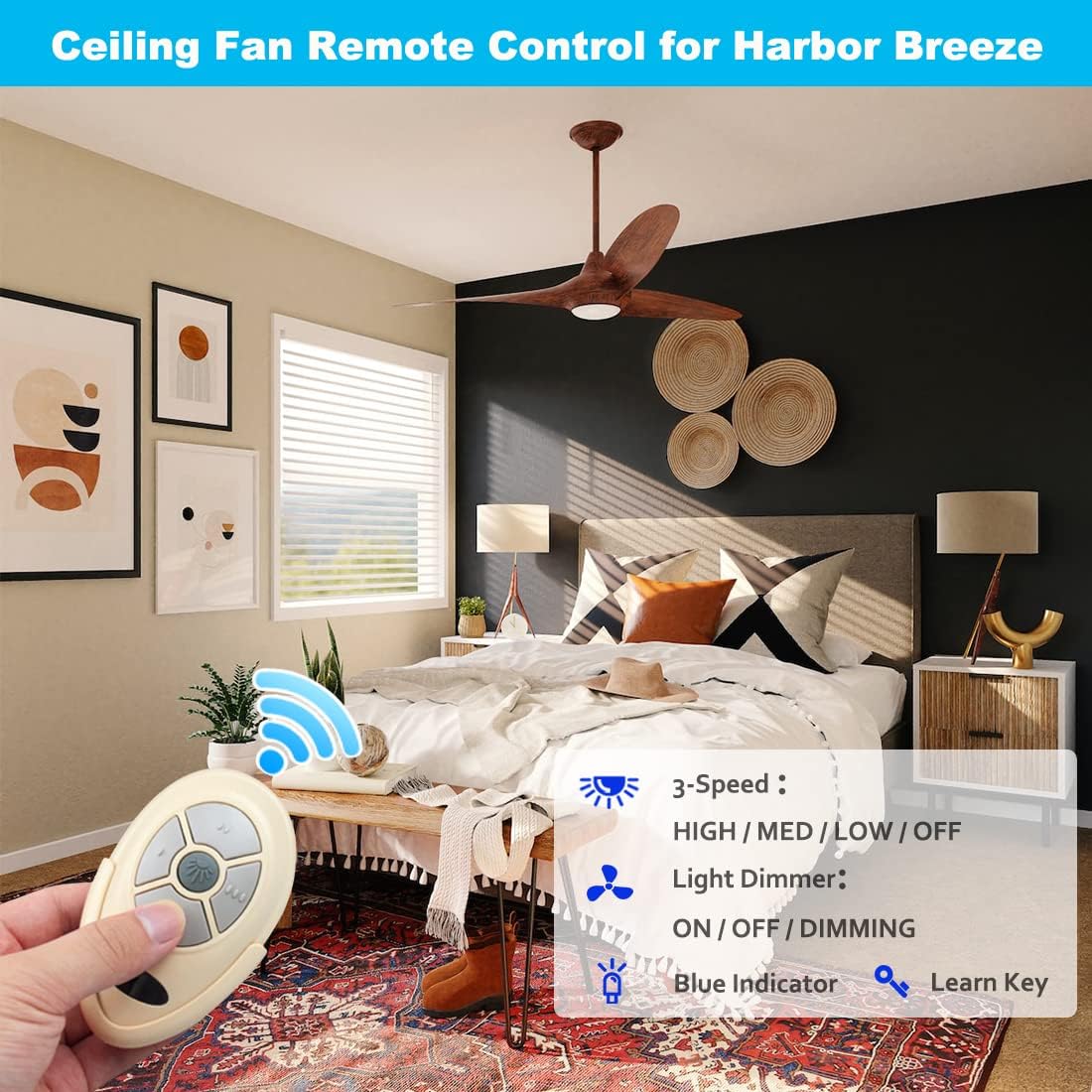
Image: The COREBAY RC-35T remote control, wall mount holder, user manual, and two screws, laid out as package contents.
- Remote Control (RC-35T) x 1
- Wall Mount Holder x 1
- User Manual x 1
- Screws x 2
9. Safety Information
- Do not expose the remote control to water or excessive moisture.
- Avoid dropping or subjecting the remote to strong impacts.
- Keep batteries out of reach of children. If swallowed, seek immediate medical attention.
- Dispose of used batteries according to local regulations.
- Ensure power is off at the circuit breaker before performing any installation or maintenance on the ceiling fan or receiver.
10. Warranty and Support
For warranty information and customer support, please refer to the documentation included with your purchase or contact COREBAY customer service directly. Details can often be found on the manufacturer's official website or through your retailer.