
Introduction
This manual provides comprehensive instructions for the installation, usage, and maintenance of your E ECSEM 19MM silicone replacement bands. Please read this guide carefully to ensure proper use and longevity of your product.
Product Overview
The E ECSEM replacement bands are designed for comfort and durability, offering a secure fit for compatible smartwatches. They are made from high-quality silicone material and come in a 3-pack including black, gray, and white bands.
Key Features:
- Material: Environmentally friendly, non-toxic, high-quality silicone.
- Comfort: Flexible, soft, and skin-friendly, designed for comfortable wear.
- Durability: Anti-collision, drop-proof, waterproof, and quick-drying.
- Security: Equipped with a metal safety buckle for a strong and durable fit.
- Breathability: Air holes on the band enhance breathability and comfort.
- Quick Release: Easy to install and remove without special tools.
Compatibility:
These replacement bands are compatible with the following smartwatch models:
- Veryfitpro ID205L
- Veryfitpro ID205
- Veryfitpro ID205U
- Veryfitpro ID205S
- Veryfitpro ID215G
- Veryfitpro ID216
- SW020
- SW021
- SW023
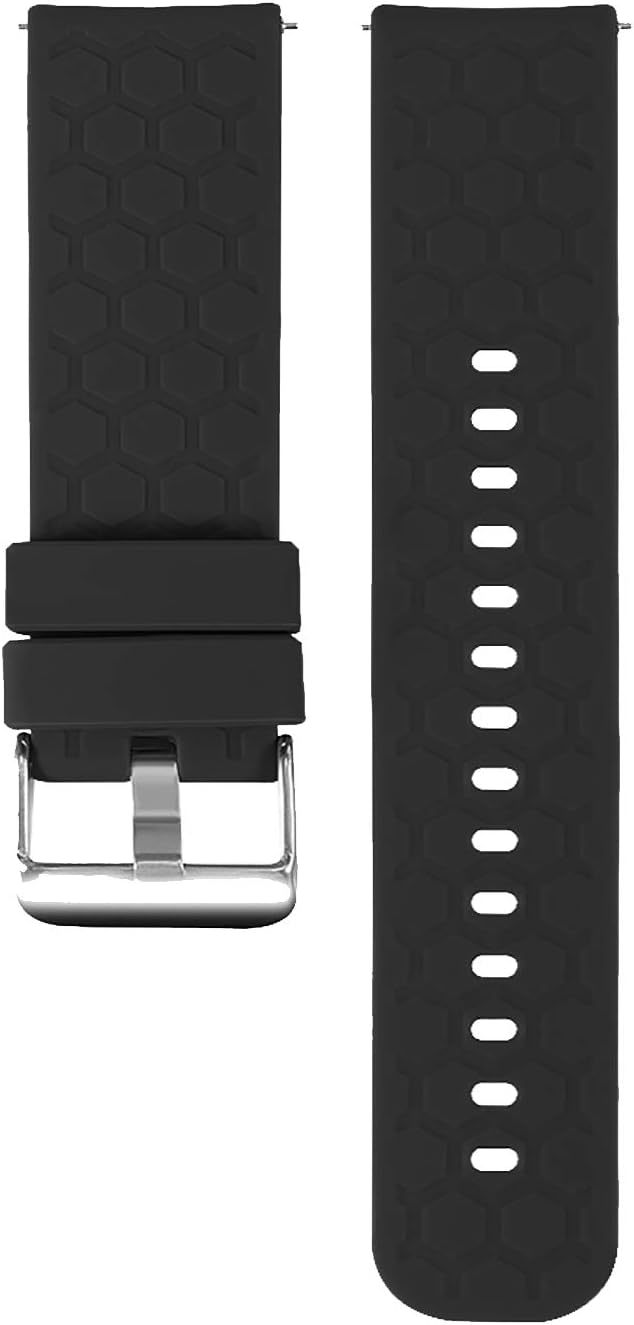
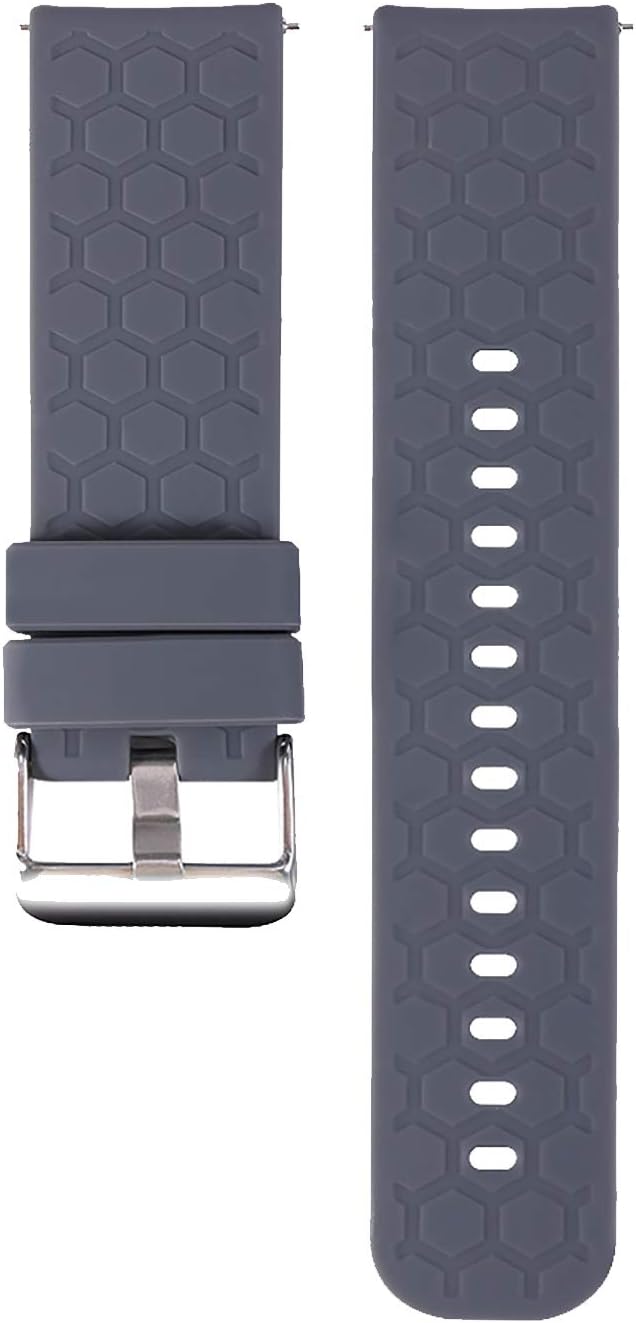

Setup: Band Installation
The E ECSEM replacement bands feature a quick-release mechanism for easy installation and removal. No special tools are required.
- Remove Existing Band: If your smartwatch has an existing band, locate the quick-release pin on the underside of the band where it connects to the watch lug. Slide the pin inward to detach the band from the watch. Repeat for the other side.
- Attach New Band: Take one half of the E ECSEM replacement band. Insert one end of the quick-release pin into the lug hole on one side of your smartwatch.
- Secure the Band: While holding the first end in place, slide the quick-release pin inward with your finger. Align the other end of the pin with the opposite lug hole and release the pin. The band should click securely into place. Gently tug on the band to ensure it is properly attached.
- Repeat for Second Half: Attach the second half of the replacement band to the other side of your smartwatch using the same method.
Ensure both bands are firmly attached before wearing your smartwatch.
Operating: Wearing and Adjustment
Once installed, the band can be easily adjusted to fit your wrist comfortably.
- Put on the Watch: Place the smartwatch on your wrist.
- Adjust Length: Thread the longer strap through the metal buckle. Select a hole that provides a snug yet comfortable fit. The band is suitable for wrist sizes ranging from 5.6 inches to 7.1 inches.
- Secure the Buckle: Insert the buckle pin into the chosen hole.
- Use Keepers: Slide the excess strap through the two silicone keepers to prevent it from flapping.
A proper fit ensures accurate sensor readings and maximum comfort during daily activities.


Maintenance and Care
To maintain the quality and appearance of your E ECSEM silicone replacement bands, follow these care guidelines:
- Cleaning: Regularly clean the band with a soft, damp cloth. For deeper cleaning, use mild soap and water, then rinse thoroughly and dry completely before reattaching to your smartwatch.
- Drying: Although the bands are waterproof and quick-drying, ensure they are fully dry after cleaning or exposure to moisture to prevent skin irritation.
- Avoid Harsh Chemicals: Do not use abrasive cleaners, solvents, or harsh chemicals, as these can damage the silicone material.
- Storage: Store the bands in a cool, dry place away from direct sunlight when not in use to prevent material degradation.
- Skin Health: If you experience any skin irritation, ensure the band is clean and dry. If irritation persists, consult a healthcare professional and consider reducing wear time or trying a different material.
Troubleshooting
- Band Does Not Fit Smartwatch:
Ensure your smartwatch model is listed under the "Compatibility" section. These bands are specifically designed for 19MM lug width and the listed models. Double-check your smartwatch's specifications for band compatibility.
- Band Feels Loose or Falls Off:
Verify that the quick-release pins are fully engaged in the watch lugs. Gently tug on the band after installation to confirm it is securely locked. If the pins are damaged, replacement may be necessary.
- Skin Irritation:
Ensure the band is clean and dry. Sweat and moisture trapped under the band can cause irritation. Loosen the band slightly to allow for better air circulation. If irritation persists, discontinue use and consult a medical professional.
Specifications
| Feature | Detail |
|---|---|
| Material | Silicone |
| Clasp Type | Tang Buckle (Metal Safety Buckle) |
| Band Width | 19MM (for compatible models) |
| Adjustable Wrist Size | 5.6 inches - 7.1 inches |
| Package Dimensions | 6.81 x 3.74 x 0.75 inches |
| Item Weight | 1.98 ounces |
Warranty and Support
E ECSEM strives to provide high-quality products. While specific warranty details are not provided in this manual, for any product-related inquiries, issues, or support needs, please refer to your purchase documentation or contact the seller directly through the platform where the product was purchased. Ensure you have your order details ready for faster assistance.


