
1. Introduction
This manual provides comprehensive instructions for the D-Link AX1500 Wi-Fi 6 Router, Model R15. This device is designed to deliver smarter, faster, and simpler Wi-Fi performance for your home network. It incorporates advanced AI capabilities to optimize network performance, enhance coverage, and manage connected devices efficiently. Please read this manual thoroughly before operating the device to ensure proper setup and usage.
2. Safety Information
To prevent damage to the device or injury to yourself or others, observe the following safety precautions:
- Do not expose the device to water, fire, high temperatures, or humid environments.
- Do not attempt to disassemble, repair, or modify the device.
- Use only the power adapter supplied with the device.
- Ensure proper ventilation around the router to prevent overheating.
- Keep the device away from strong electromagnetic fields.
3. Package Contents
Verify that all items are present in your package:
- D-Link AX1500 Wi-Fi 6 Router (R15)
- Power adapter
- Quick Installation Guide (QIG)
- Quick Installation Card (QIC)
- Ethernet cable
4. Product Overview
Front View

The D-Link AX1500 Wi-Fi 6 Router (R15) features a sleek design with four high-gain external antennas for enhanced signal coverage.
Rear View (Ports and Buttons)

The rear panel of the router includes four high-gain antennas, a WPS button for easy connection, a Reset button, multiple Gigabit Ethernet ports for wired connections, an Internet (WAN) port, and a power connector.
5. Setup
Follow these simple steps to set up your D-Link AX1500 Wi-Fi 6 Router:

Visual guide for the quick setup process.
- Connect to Power: Plug the provided power adapter into the router's power connector and then into a wall outlet.
- Download EAGLE PRO AI App: Download the D-Link EAGLE PRO AI App from your device's app store (available on Apple App Store and Google Play). Follow the simple on-screen guide within the app to complete the setup process.
- You're Set!: Once the app setup is complete, your router will be configured and ready for use.
6. Operating the Router
6.1 Wi-Fi 6 Advantage

Benefits of Wi-Fi 6 technology.
The R15 router utilizes next-gen Wi-Fi 6 technology, offering speeds up to 1500 Mbps (300 Mbps on 2.4GHz and 1201 Mbps on 5GHz). This results in smoother streaming, more responsive gaming, and ultra-fast downloads. Wi-Fi 6 provides up to 90% faster speeds, greater efficiency, enhanced stability, and higher capacity compared to previous Wi-Fi generations.
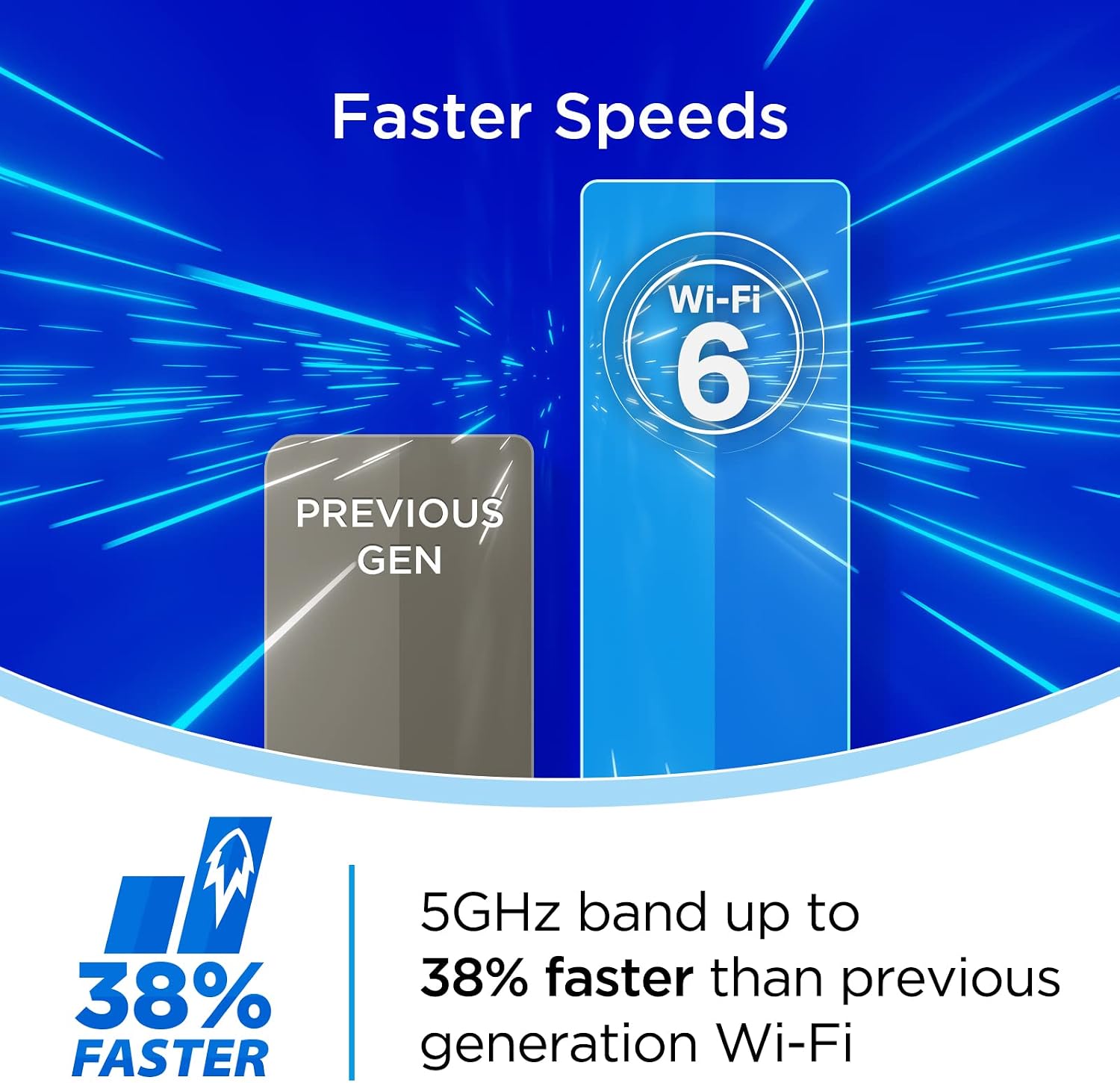
Speed comparison between Wi-Fi 6 and previous generation Wi-Fi.
Specifically, the 5GHz band can be up to 38% faster than previous generation Wi-Fi, ensuring optimal performance for demanding applications.
6.2 AI Optimized Wi-Fi
The EAGLE PRO AI Series R15 router features built-in AI capabilities that continuously monitor and intelligently manage your home Wi-Fi network for optimal performance.

The router is optimized for device-dense smart home environments.
The router performs better in device-dense environments by delivering data to devices with up to 4 simultaneous streams, making it ideal for smart homes.

The AI chipset ensures optimal channel selection.
An exclusive advanced AI chipset continuously scans your environment to keep you on the cleanest channels, minimizing interference and maximizing performance.
AI Wi-Fi Optimizer

The AI Wi-Fi Optimizer helps you connect to the cleanest Wi-Fi channel.
A dedicated antenna continuously scans and connects you to the best Wi-Fi channel, ensuring a stable and strong connection.
AI Traffic Optimizer

AI Traffic Optimizer prioritizes internet traffic for smooth streaming and gaming.
The AI Traffic Optimizer automatically allocates bandwidth to different applications, ensuring activities like gaming, voice calling, video streaming, or downloading files remain uninterrupted.
AI Assistant

The AI Assistant provides insights and recommendations for your network.
The AI Assistant collects performance information over time and sends detailed reports, helping you to better manage your network and connected devices.
6.3 Dual Band with SmartConnect

SmartConnect automatically steers devices to the optimal Wi-Fi band.
The R15 router operates on both 2.4GHz and 5GHz frequency bands. With SmartConnect, the router automatically steers your devices to the optimal Wi-Fi band, ensuring the best performance for activities such as web surfing, online gaming, media streaming, and video conferencing.
6.4 Voice Control

The router supports voice control via Amazon Alexa and Google Assistant.
For added convenience, the D-Link R15 router works with Amazon Alexa and Google Assistant, allowing you to control certain functions using voice commands.
6.5 Enhanced Parental Controls

AI Parental Controls offer flexible management of online activity.
The EAGLE PRO AI App provides enhanced parental controls, allowing you to create profiles for children, set schedules, block specific web domains, and pause internet access. This provides customized management options and insights into online activity.
6.6 Connecting More Devices

The router offers exceptional capacity for multiple connected devices.
Designed for better performance in device-dense environments, the R15 router maximizes Wi-Fi performance through OFDMA and MU-MIMO technology. This increases capacity by up to 4 times, enabling simultaneous transmission to more devices without compromising speed or stability.
7. Maintenance
To ensure the longevity and optimal performance of your D-Link R15 router, consider the following maintenance tips:
- Keep Firmware Updated: Enable automatic firmware updates through the EAGLE PRO AI App to ensure your router has the latest security patches and performance improvements.
- Proper Placement: Place the router in a central location, away from obstructions and other electronic devices that may cause interference.
- Clean Regularly: Gently clean the exterior of the router with a soft, dry cloth. Avoid using liquid cleaners or abrasive materials.
- Ventilation: Ensure the router's ventilation holes are not blocked to prevent overheating.
- Power Cycle: Periodically power cycle your router (unplug from power for 10 seconds, then plug back in) to refresh its connection and clear any temporary issues.
8. Troubleshooting
This section addresses common issues you might encounter with your D-Link R15 router.
| Problem | Possible Solution |
|---|---|
| No Internet Connection |
|
| Slow Wi-Fi Speeds |
|
| Cannot Connect to Wi-Fi Network |
|
| Parental Controls Not Working |
|
9. Specifications
Detailed technical specifications for the D-Link AX1500 Wi-Fi 6 Router (R15):
| Feature | Description |
|---|---|
| Model Name | AX1500 AI Optimized WiFi 6 Smart Mesh Router (R15) |
| Product Dimensions | 6.25 x 9.12 x 2.25 inches |
| Item Weight | 9.6 ounces |
| Connectivity Technology | Ethernet, Wi-Fi |
| Wireless Communication Standard | 802.11ac, 802.11ax, 802.11g, 802.11n |
| Frequency Band Class | Dual-Band |
| Frequency | 2.4 GHz (and 5 GHz for dual-band) |
| Special Features | Beamforming, Internet Security, Parental Control, WPA3 Encryption, Wi-Fi Mesh |
| Compatible Devices | Gaming Console, Personal Computer, Security Camera, Smart Television, Smartphone, Tablet |
| Recommended Uses | Business, Gaming, Home |
| Manufacturer | D-Link Systems, Inc. |
| First Available Date | September 10, 2021 |
10. Warranty and Support
D-Link products are backed by a limited warranty. For specific warranty terms and conditions applicable to your region, please refer to the warranty card included in your product packaging or visit the official D-Link website.
For technical support, product registration, and additional resources, please visit the D-Link support portal. You can find FAQs, troubleshooting guides, and contact information for customer service.
D-Link Support Website: www.dlink.com/support


