
1. Introduction
This manual provides essential information for the safe and effective use of the MOELLER H12-NA Handle for NZM12 Disconnects. This product is designed to provide a robust and reliable operating mechanism for compatible circuit breakers, ensuring proper control and safety in electrical installations. Please read this manual thoroughly before installation and operation to ensure correct usage and to prevent potential hazards.

Figure 1: MOELLER H12-NA Handle and included mounting accessories.
2. Safety Information
WARNING: Electrical shock hazard. Installation and servicing should only be performed by qualified personnel. Failure to follow these instructions can result in serious injury or death.
- Always disconnect power at the main circuit breaker or fuse box before installing or servicing the handle or associated equipment.
- Verify that the power is off using a voltage tester before proceeding.
- Ensure all local and national electrical codes are followed during installation.
- Do not operate the handle if it appears damaged or is not functioning correctly.
- This handle is designed for specific MOELLER NZM12 disconnects. Ensure compatibility before installation.
3. Setup and Installation
The MOELLER H12-NA handle is designed for straightforward installation onto compatible NZM12 disconnects. Ensure you have the necessary tools, typically a screwdriver and possibly a wrench, before beginning.
3.1 Unpacking
Carefully remove the handle and any accessories from the packaging. Inspect all components for any signs of damage during shipping. If any damage is found, do not proceed with installation and contact your supplier.

Figure 2: MOELLER H12-NA product packaging, showing model number and manufacturing details.
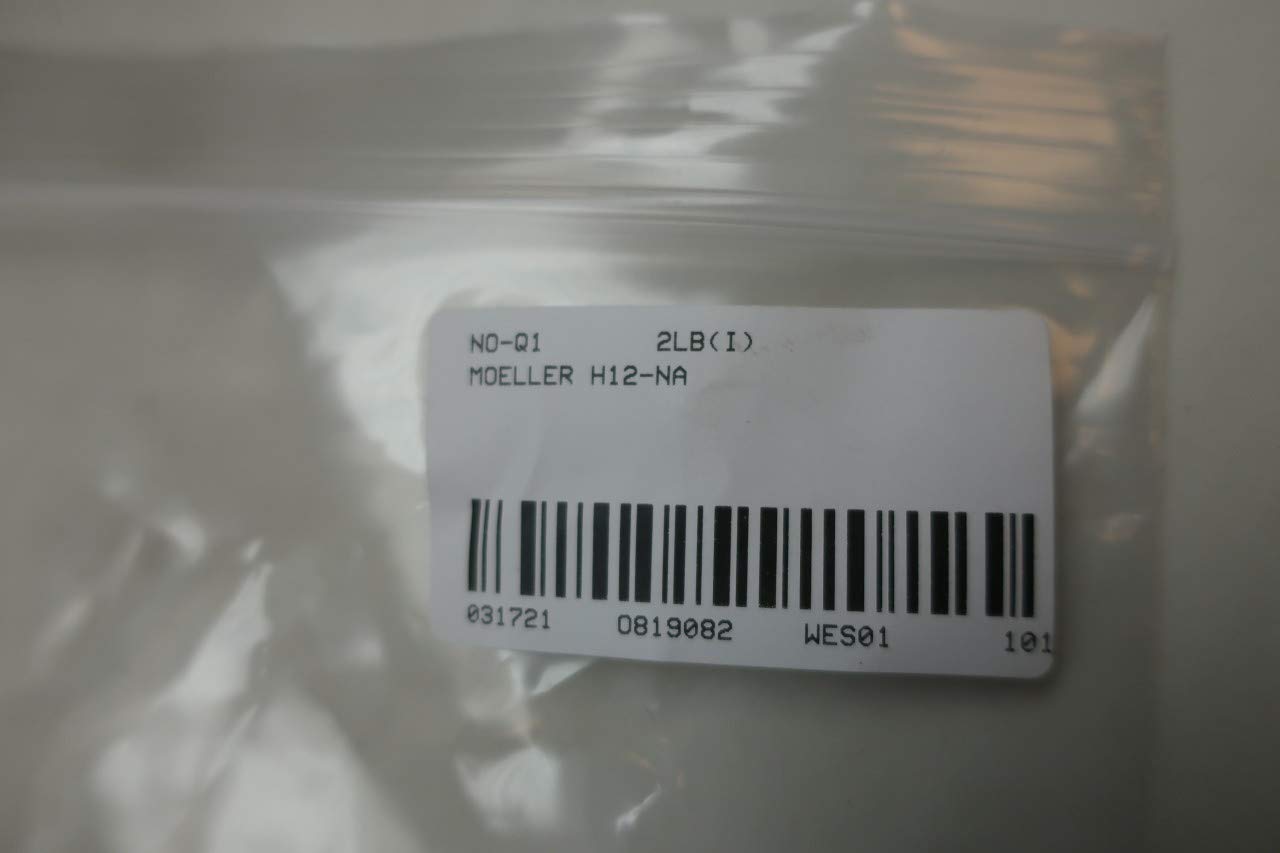
Figure 3: The MOELLER H12-NA handle as packaged, with a label indicating the model and part number 0819082.
3.2 Mounting Steps
- Ensure the NZM12 disconnect is in the "OFF" position and power is disconnected.
- Align the handle's shaft with the corresponding mechanism on the NZM12 disconnect.
- Secure the handle to the disconnect using the provided screws or mounting hardware. Ensure a snug fit without overtightening.
- Verify that the handle moves freely between the "ON" and "OFF" positions and that the indicators align correctly.

Figure 4: Front view of the MOELLER H12-NA handle, showing the central indicator and "ON" / "RESET OFF" markings.
4. Operating Instructions
The MOELLER H12-NA handle provides a clear and intuitive interface for operating your NZM12 disconnect.
4.1 ON/OFF Operation
- To turn the disconnect ON, rotate the handle until the indicator points to the "ON" position (typically red).
- To turn the disconnect OFF, rotate the handle until the indicator points to the "OFF" position (typically green).

Figure 5: Side view of the handle, illustrating the "ON" (red) and "RESET OFF" (green) indicators.
4.2 Reset Function
If the circuit breaker trips, the handle may indicate a tripped state. To reset the breaker, first move the handle fully to the "OFF" position, then to the "RESET" position (if applicable and indicated), and finally to the "ON" position. Refer to your specific NZM12 disconnect's manual for detailed reset procedures.

Figure 6: Top view of the handle, clearly showing the "ON", "OFF", and "RESET" markings for operational guidance.
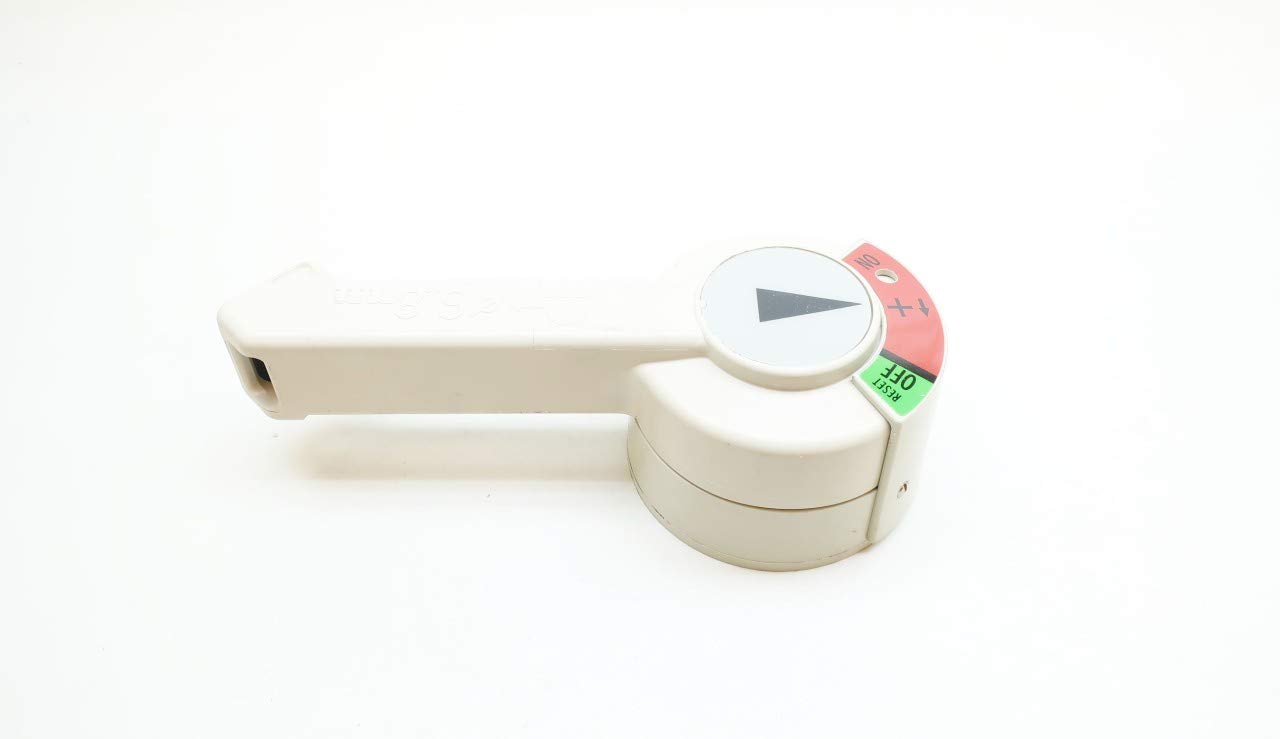
Figure 7: Angled view of the MOELLER H12-NA handle, highlighting its ergonomic design for ease of operation.
5. Maintenance
The MOELLER H12-NA handle is designed for durability and requires minimal maintenance.
- Cleaning: Periodically wipe the handle with a clean, dry cloth to remove dust and debris. Do not use abrasive cleaners or solvents.
- Inspection: Regularly inspect the handle for any signs of physical damage, cracks, or excessive wear. Ensure that it moves smoothly and securely.
- If any issues are observed, discontinue use and consult a qualified electrician or the manufacturer.
6. Troubleshooting
This section addresses common issues you might encounter with the MOELLER H12-NA handle.
| Problem | Possible Cause | Solution |
|---|---|---|
| Handle is stiff or difficult to move. | Misalignment during installation, debris, or internal issue with the disconnect. | Check mounting screws for proper alignment. Clean any visible debris. If problem persists, consult a qualified electrician. |
| Handle does not engage/disengage the disconnect. | Incorrect installation, incompatible disconnect, or internal fault of the disconnect. | Verify correct installation and compatibility with your NZM12 disconnect. If the disconnect itself is faulty, it needs professional attention. |
| Indicators (ON/OFF) do not align. | Improper installation or manufacturing defect. | Re-check installation steps. If still misaligned, contact MOELLER support or your supplier. |
Note: For any electrical issues related to the circuit breaker itself, always consult a qualified and licensed electrician. Do not attempt repairs on the disconnect mechanism unless you are certified to do so.
7. Specifications
- Model: H12-NA
- Brand: MOELLER
- Compatible Disconnects: NZM12 Series
- Product Dimensions: 9.75 x 4.5 x 3.5 inches
- Weight: 3.2 Pounds
- Manufacturer: MOELLER
- ASIN: B08ZDTJ28L
- Date First Available: March 18, 2021
- Part Number (from packaging): 0819082
- UPC (from packaging): 4015080481041
8. Warranty and Support
For warranty information, technical support, or service inquiries regarding your MOELLER H12-NA Handle, please contact MOELLER directly or refer to the documentation provided with your specific NZM12 disconnect. Keep your purchase receipt as proof of purchase.
You can typically find contact information on the manufacturer's official website or through your authorized MOELLER distributor.