
Ultivon E100
Ultivon E100 Security Camera User Manual
Model: E100 | Brand: Ultivon
1. Introduction
This manual provides detailed instructions for the installation, operation, and maintenance of your Ultivon E100 Security Camera. The Ultivon E100 is a 1080P wireless, rechargeable battery-powered security camera designed for both indoor and outdoor use, featuring IP65 weatherproof rating, motion detection, night vision, and two-way audio capabilities.

Figure 1.1: Key features of the Ultivon E100 Security Camera, including 2.4G WiFi, PIR Motion Detection, Instant Alert, Two-Way Audio, 10M Night Vision, Rechargeable Battery, Device Sharing, Video Playback, and IP65 Weatherproof rating.
2. Package Contents
Please verify that all items listed below are included in your package. If any items are missing or damaged, please contact customer support.
- Ultivon E100 Security Camera
- Wall Mount Bracket
- Mounting Screws and Wall Anchors (3 sets)
- USB Charging Cable
- User Manual
Figure 2.1: The complete package contents, including the camera, mounting accessories, charging cable, and user manual.
3. Product Overview
Familiarize yourself with the components of your Ultivon E100 Security Camera.

Figure 3.1: Front view of the Ultivon E100 Security Camera, showing the lens and sensors.
The camera features a high-definition lens, infrared LEDs for night vision, a PIR motion sensor, a microphone for audio input, and a speaker for two-way communication. It is designed for easy integration into your home security system.
4. Setup Guide
4.1 Initial Charging
Before first use, fully charge the camera's 6000 mAh rechargeable battery using the provided USB cable. A full charge ensures optimal performance and battery life.

Figure 4.1: The camera is powered by a 6000mAh rechargeable battery, offering 1-3 months of usage depending on activity. It supports 2.4G Wi-Fi networks only.
4.2 App Installation
Download and install the "Adorcam" application on your mobile device. The app is available for both iOS and Android platforms.
- For iOS devices, search "Adorcam" in the App Store.
- For Android devices, search "Adorcam" in the Google Play Store.

Figure 4.2: Scan the QR codes on the product packaging to quickly download the Adorcam app from the App Store or Google Play.
4.3 Wi-Fi Connection
Follow the in-app instructions to connect your camera to your 2.4G Wi-Fi network. The camera does not support 5G Wi-Fi.

Figure 4.3: The Adorcam app facilitates easy setup and connection to your Wi-Fi network using a QR code.
5. Operating Instructions
5.1 Live View
Access the live video feed from your camera through the Adorcam app. This allows for real-time monitoring of your property.
5.2 Two-Way Audio
The built-in speaker and microphone enable two-way communication. You can speak through the camera to visitors or deter unwanted individuals directly from your smartphone.

Figure 5.1: Utilize the two-way audio feature to communicate with individuals near the camera, such as family members or delivery personnel.
5.3 PIR Motion Detection & Real-time Alerts
The camera features Passive Infrared (PIR) motion detection to identify human, animal, or vehicle movement. When motion is detected, you will receive instant alert messages on your phone. Sensitivity levels (Low-Medium-High) can be adjusted in the app to minimize false alerts.
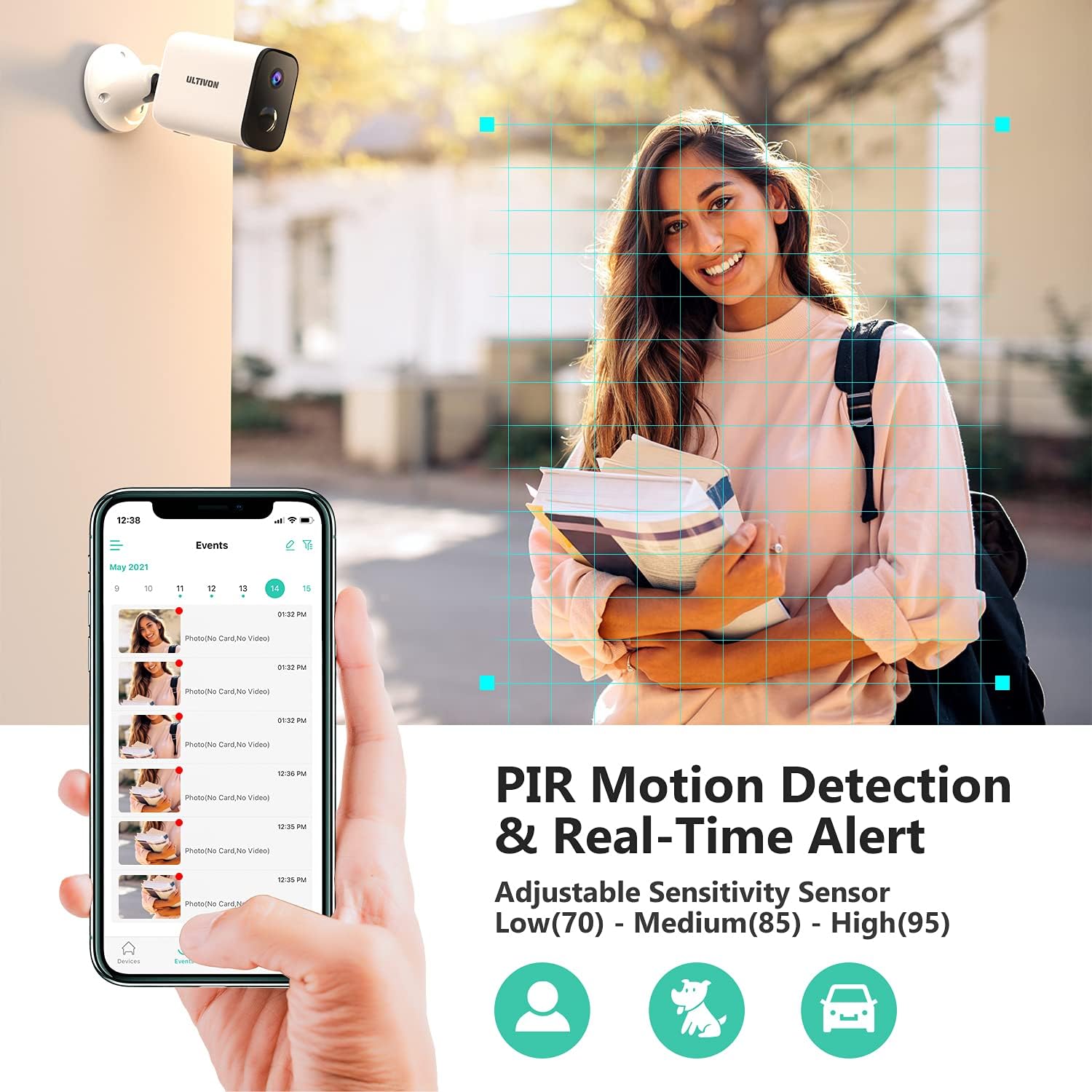
Figure 5.2: The Adorcam app displays a timeline of detected motion events, allowing you to review activity. The camera can detect humans, animals, and cars.

Figure 5.3: The camera provides instant alerts to your mobile device upon detecting motion, with facial recognition highlights for clarity.
5.4 HD 1080P Day & Night Vision
The camera delivers clear 1080P high-definition images during both day and night. Built-in infrared LEDs automatically activate night vision mode in low-light conditions, providing visibility up to 32 feet (10 meters).

Figure 5.4: The camera offers clear 1080P video quality, with a 130° wide-angle view and effective night vision up to 32 feet.

Figure 5.5: The camera provides clear surveillance both during the day and in complete darkness, ensuring continuous monitoring.
5.5 Video Playback & SD Card Storage
The camera supports local storage via an SD card (not included). Recorded events can be reviewed and played back directly from the Adorcam app.
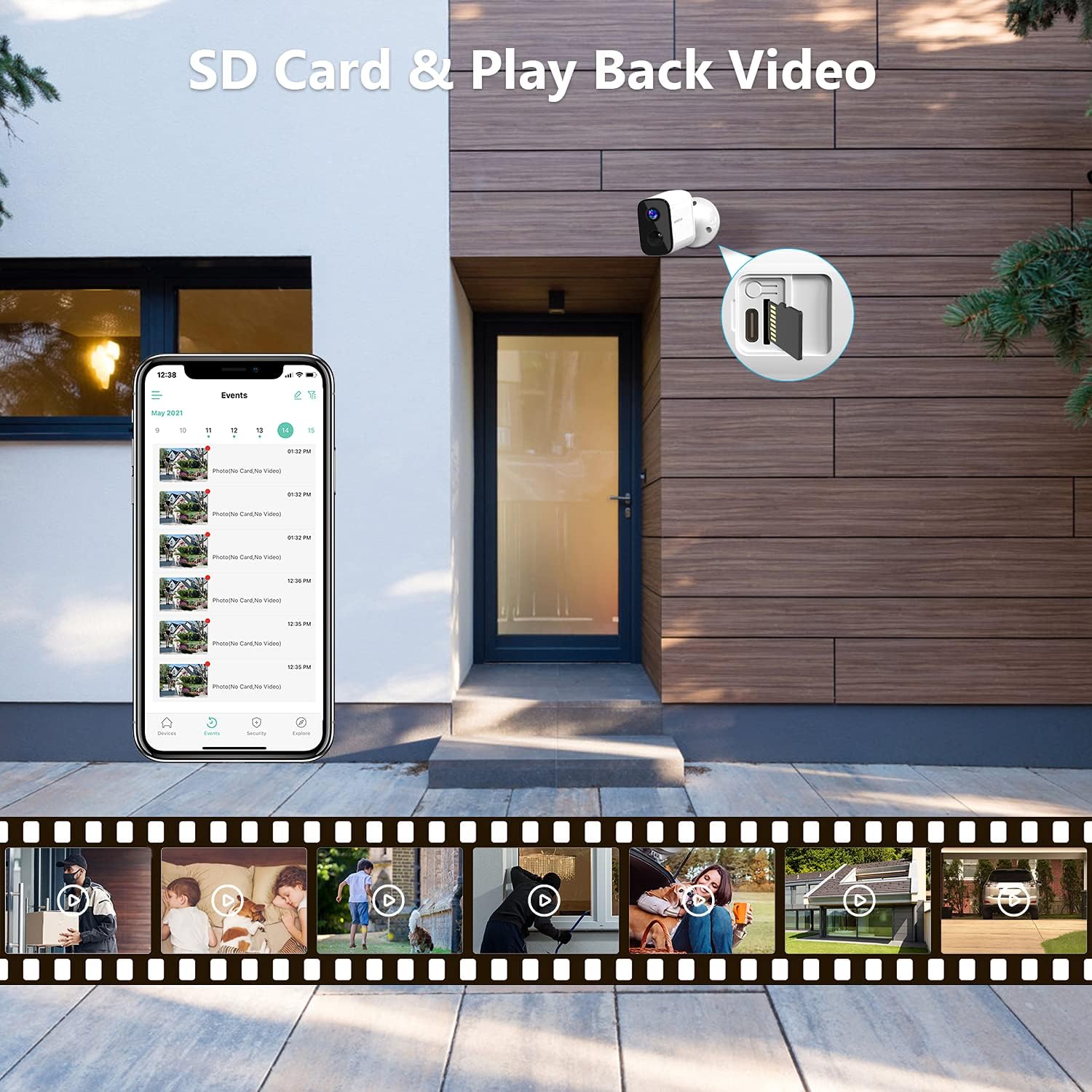
Figure 5.6: Easily access and play back recorded videos stored on the SD card directly through the Adorcam app's event timeline.
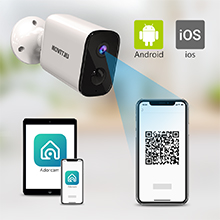
Figure 5.7: The camera supports SD card storage for recording and playback of video events.
5.6 Device Sharing
The sharing function allows you to grant access to the camera's live feed and recordings to up to four other family members or trusted individuals through their own Adorcam accounts.
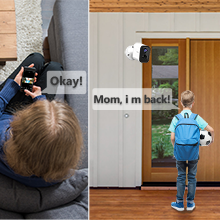
Figure 5.8: Share camera access with multiple family members for collective monitoring.
6. Installation
The Ultivon E100 camera is designed for versatile placement, suitable for both indoor and outdoor environments thanks to its IP65 weatherproof rating. Installation requires only three screws to fix the mounting bracket.

Figure 6.1: The IP65 weatherproof rating ensures the camera's durability in various outdoor conditions, including rain and snow, while also being suitable for indoor use.
6.1 Mounting Steps
- Choose a suitable location for installation, ensuring good Wi-Fi signal strength.
- Mark the positions for the three mounting screws using the bracket as a template.
- Drill pilot holes if necessary and insert wall anchors.
- Secure the mounting bracket to the surface using the provided screws.
- Attach the camera to the mounting bracket and adjust the angle for optimal viewing.
7. Maintenance
7.1 Battery Care
- Charge the camera fully before its first use.
- Monitor battery levels through the Adorcam app and recharge when indicated.
- Avoid exposing the camera to extreme temperatures during charging or operation, as this can affect battery life.
7.2 Cleaning
- Gently wipe the camera lens and body with a soft, dry cloth to remove dust and smudges.
- Do not use harsh chemicals or abrasive cleaners.
8. Troubleshooting
| Problem | Possible Cause | Solution |
|---|---|---|
| Camera not connecting to Wi-Fi | Incorrect Wi-Fi password; Camera too far from router; Only 2.4G Wi-Fi supported. | Verify Wi-Fi password. Move camera closer to router or use a Wi-Fi extender. Ensure you are connecting to a 2.4G network. |
| Poor video quality or lag | Weak Wi-Fi signal; Network congestion. | Improve Wi-Fi signal strength. Reduce other network activity. |
| Motion detection not working or too many false alerts | Incorrect sensitivity settings; Obstructions in detection zone. | Adjust PIR sensitivity in the app (Low-Medium-High). Clear any moving objects (e.g., tree branches) from the camera's view. |
| Two-way audio issues | Microphone/speaker blocked; App permissions. | Ensure nothing is obstructing the microphone or speaker. Check app permissions for microphone access on your phone. |
| Battery drains quickly | Frequent motion detection; Live view usage; Extreme temperatures. | Reduce motion detection sensitivity or frequency. Limit live view usage. Ensure camera is not in extreme hot or cold environments. |
9. Specifications
| Feature | Detail |
|---|---|
| Brand | Ultivon |
| Model Number | E100 |
| Video Capture Resolution | 1080p |
| Effective Video Resolution | 1080 Pixels |
| Connectivity Technology | Wireless (2.4G Wi-Fi only) |
| Power Source | Battery Powered |
| Battery Capacity | 6000 mAh Lithium Ion |
| Night Vision Range | 32 Feet (10 meters) |
| Special Features | Night Vision, Motion Sensor, Two-Way Audio |
| Indoor/Outdoor Usage | Outdoor, Indoor |
| International Protection Rating | IP65 (Weatherproof) |
| Item Dimensions (L x W x H) | 3.62 x 2.6 x 1.57 inches |
| Item Weight | 10.6 ounces (300 Grams) |
| Control Method | App (Adorcam) |
10. Warranty and Support
For warranty information, technical support, or any inquiries regarding your Ultivon E100 Security Camera, please refer to the contact information provided on the product packaging or visit the official Ultivon website. Keep your purchase receipt for warranty claims.

Figure 10.1: The product box displays the Ultivon brand and model E100.

Figure 10.2: The back of the product box provides quick setup steps and manufacturer details.