1. Introduction
This manual provides detailed instructions for the operation and maintenance of your MYPIN Bluetooth Cassette Player. Please read this manual thoroughly before using the device to ensure proper function and to maximize your listening experience.
2. Product Features
- Bluetooth Output: Transmit tape music wirelessly to Bluetooth headphones or speakers.
- Auto Reverse: Automatically plays both sides of a cassette tape without manual flipping.
- Portable Design: Compact and lightweight for easy transport and use anywhere.
- Stereo Audio Quality: Supports high-quality stereo L/R output.
- Dual Power Supply: Operates on 2 AA batteries or via USB power.
- 3.5mm Headphone Jack: For wired headphone connection or AUX output to car speakers.
3. Package Contents
Verify that all items are present in your package:
- MYPIN Bluetooth Cassette Player
- USB Power Cable
- Wired Headphones (3.5mm jack)
- User Manual (this document)

Image: The MYPIN Bluetooth Cassette Player shown with its included USB power cable and wired headphones.
4. Product Diagram and Controls

Image: A detailed diagram of the cassette player highlighting its various buttons, ports, and overall dimensions.
- PLAY: Press to start tape playback.
- STOP: Press to stop tape playback.
- REW (Rewind): Press to rewind the tape.
- F.F (Fast Forward): Press to fast forward the tape.
- Auto Reverse: Slide switch to enable or disable automatic tape side reversal.
- DIR (Direction): Press to manually change tape playback direction (Side A to Side B or vice versa).
- DC 5V: USB power input port.
- AUX: 3.5mm audio output jack for wired headphones or external speakers.
- Volume +/-: Rotary dial to adjust the audio output volume.
5. Power Supply
The MYPIN Bluetooth Cassette Player can be powered by two methods:
- 2 x AA Batteries: Open the battery compartment on the back of the device and insert two AA batteries (not included), ensuring correct polarity.
- USB Power: Connect the provided USB cable to the DC 5V port on the player and to a USB power source (e.g., computer, USB wall adapter).
Note: Do not use both power sources simultaneously unless specified. Remove batteries if using USB power for extended periods to prevent leakage.

Image: The cassette player illustrating its two power options: 2 AA batteries and a USB DC 5V input.
6. Basic Operation
6.1. Inserting a Cassette Tape
- Gently slide the OPEN switch to open the cassette compartment door.
- Insert a cassette tape with the desired side facing up.
- Close the compartment door until it clicks securely.
6.2. Playing a Cassette Tape
- Ensure the device is powered on (via batteries or USB).
- Press the PLAY button to begin playback.
- Adjust the volume using the Volume +/- dial.
- To stop playback, press the STOP button.
- Use REW or F.F buttons for rewinding or fast-forwarding.
- To change tape side, press the DIR button or enable Auto Reverse.

Image: A visual guide demonstrating the three basic steps for using the cassette player: inserting a tape, connecting to Bluetooth, and pressing play.
7. Bluetooth Connection
The MYPIN Bluetooth Cassette Player can transmit audio to compatible Bluetooth receivers such as headphones or speakers.
- Ensure the cassette player is powered on and a tape is inserted.
- Turn on your Bluetooth headphones or speaker and set them to pairing mode. Refer to your Bluetooth device's manual for specific pairing instructions.
- The cassette player will automatically search for Bluetooth receivers. The indicator light will flash during searching and turn solid blue once connected.
- If connection is not established, you may need to initiate pairing on your Bluetooth receiver.
Note: The device does not currently support Bluetooth 5.0. Avoid using two Bluetooth receivers simultaneously.

Image: The cassette player wirelessly connected to a pair of over-ear Bluetooth headphones, indicating its Bluetooth transmission capability.
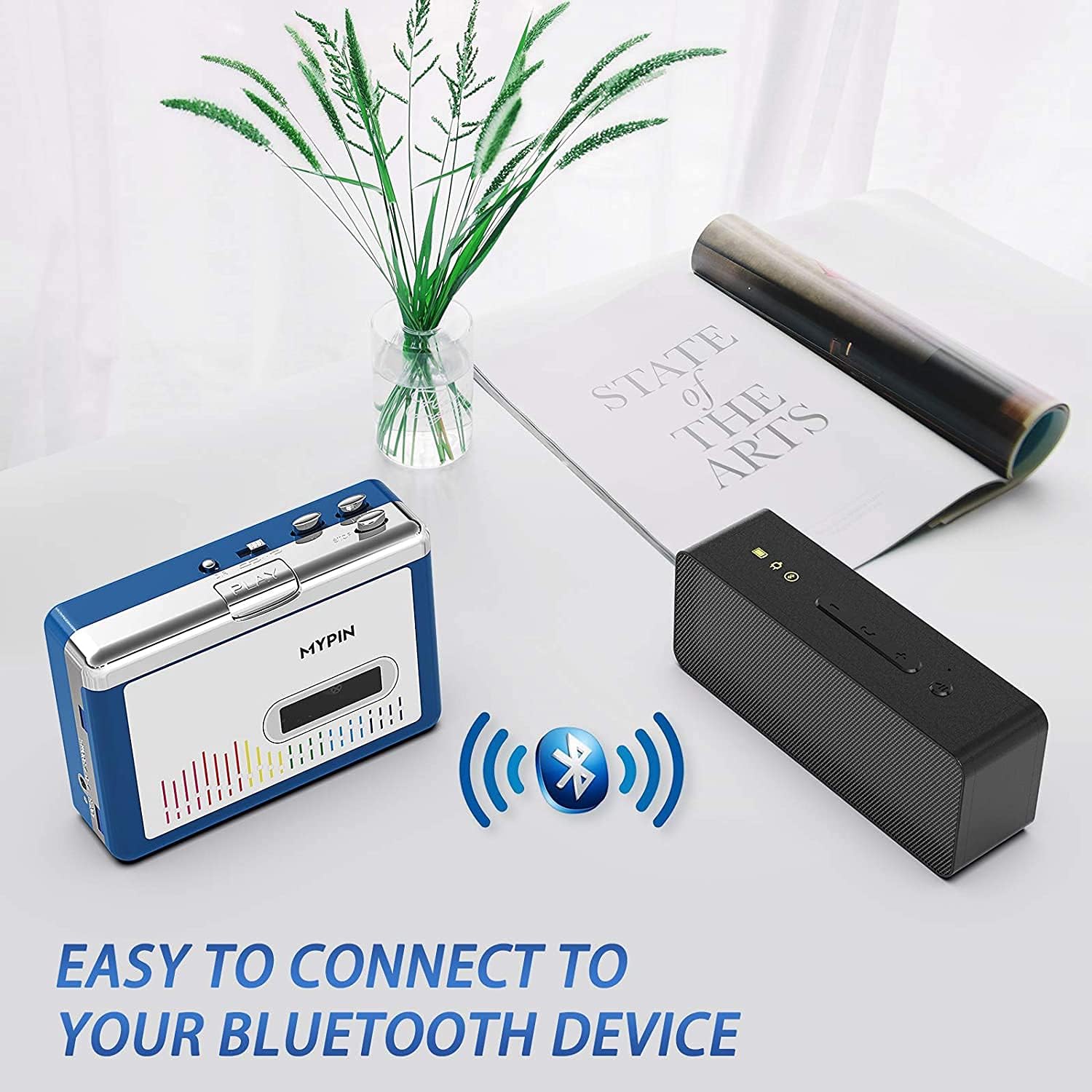
Image: The cassette player wirelessly connected to a portable Bluetooth speaker, demonstrating its ability to output audio to external speakers.
8. Using with Wired Headphones or AUX Output
For a wired listening experience or connecting to an external audio system, use the 3.5mm AUX jack:
- Plug the provided wired headphones (or your own 3.5mm headphones) into the AUX jack.
- Alternatively, connect an AUX cable (not included) from the player's AUX jack to the audio input of your car stereo or home audio system.
- Adjust the volume using the Volume +/- dial on the player and/or the volume controls on your connected audio device.

Image: The cassette player with wired headphones plugged into its 3.5mm AUX jack, illustrating direct audio output.
9. Safety Information
- Use only recommended batteries (2 AA) and ensure correct polarity.
- Keep the device dry and away from extreme temperatures.
- Avoid disassembling the device, as this may void the warranty and cause damage.
- Be aware of potential wireless interference when using Bluetooth in certain environments.
- Do not expose the device to water or moisture.
- Keep out of reach of children.
10. Maintenance
- Clean the device with a soft, dry cloth. Do not use liquid cleaners or solvents.
- Regularly clean the tape head and pinch rollers with a cotton swab lightly dampened with isopropyl alcohol to ensure optimal sound quality and prevent tape damage.
- Remove batteries if the device will not be used for an extended period to prevent battery leakage.
- Store the device in a cool, dry place away from direct sunlight.
11. Troubleshooting
| Problem | Possible Cause | Solution |
|---|---|---|
| No power | Batteries are dead or incorrectly inserted; USB cable not connected properly. | Replace batteries, check polarity; ensure USB cable is securely connected to a working power source. |
| No sound | Volume too low; headphones/speakers not connected; Bluetooth not paired; dirty tape head. | Increase volume; check headphone/AUX connection; re-pair Bluetooth device; clean tape head. |
| Tape not playing/moving | Tape jammed; mechanism dirty; tape damaged. | Open compartment and check tape; clean mechanism; try a different tape. |
| Bluetooth not connecting | Bluetooth device not in pairing mode; too far from player; interference. | Ensure Bluetooth device is in pairing mode; move closer to player; reduce other wireless devices. |
12. Specifications
- Product Dimensions: 4.45 x 3.35 x 1.26 inches
- Item Weight: 8.8 ounces
- Manufacturer: MYPIN
- Special Feature: Noise Cancellation
- Connectivity Technology: Auxiliary, Bluetooth, USB
- Power Source: Battery Powered (2 x AA) or USB DC 5V
- Material: Plastic
- Audio Sample Rates: 44.1 and 48kHz@16-bit
13. Official Product Video
Video: A demonstration of the MYPIN Bluetooth Cassette Player's features and operation, provided by the seller.
14. Warranty and Support
For warranty information and customer support, please refer to the documentation included with your purchase or contact MYPIN customer service directly. Keep your proof of purchase for any warranty claims.


