
1. Introduction
This manual provides detailed instructions for the operation and maintenance of your DTKID Digital Kids Watch Model 8563B. Please read this manual thoroughly to ensure proper use and to maximize the lifespan of your watch.

Image 1: Front view of the DTKID Digital Kids Watch Model 8563B in bright blue.
2. Key Features
- Multifunctional Display: Time, date, day of the week, and alarm.
- 7-Color Backlight: Customizable backlight colors (dark blue, green, red, light blue, yellow, purple, pink).
- Water Resistance: 30M (3 ATM) for daily use (rain, hand washing, face washing).
- Hourly Chime: Optional audible alert every hour.
- Stopwatch: For timing activities.
- 12/24 Hour Format: Selectable time display format.
- Durable Construction: Acrylic dial mirror, stainless steel back, and resin strap.
3. Watch Components and Button Functions

Image 2: Diagram illustrating the watch buttons and their primary functions.
- LIGHT Button (Top Left): Activates the backlight. Press and hold for 3 seconds to change backlight color.
- MODE Button (Bottom Left): Cycles through display modes (Time, Alarm, Stopwatch).
- START Button (Top Right): Used to start/stop stopwatch, adjust values during setting.
- RESET Button (Bottom Right): Used to reset stopwatch, select items during setting.
4. Setup Instructions
4.1 Setting Time and Date
- From the normal time display, press the MODE button three times to enter time setting mode. The seconds will flash.
- Press the RESET button to cycle through the setting options: seconds → hours → minutes → month → date → day of the week.
- Use the START button to adjust the flashing value.
- Press the MODE button once to exit setting mode and return to the normal time display.
4.2 Setting the Alarm
- From the normal time display, press the MODE button twice to enter alarm setting mode. The hour digits will flash.
- Press the RESET button to switch between setting hours and minutes.
- Use the START button to adjust the flashing value (hours or minutes).
- Press the MODE button once to exit alarm setting mode.
- To turn the alarm ON/OFF: In normal time display, press and hold the START button, then press the RESET button. An alarm icon will appear/disappear to indicate status.
4.3 12/24 Hour Format Selection
In normal time display, press the START button to toggle between 12-hour and 24-hour formats.
5. Operating Instructions
5.1 Using the Backlight
Press the LIGHT button (top left) to illuminate the display. The backlight will stay on for a few seconds.

Image 3: The watch display showing various backlight color options.
5.2 Changing Backlight Color
While the backlight is active, press and hold the LIGHT button for approximately 3 seconds. The backlight color will change. Release and press again to cycle through the 7 available colors.
5.3 Using the Stopwatch
- From the normal time display, press the MODE button once to enter stopwatch mode.
- Press the START button to begin timing.
- Press the START button again to pause timing.
- Press the START button to resume timing.
- While paused, press the RESET button to clear the stopwatch to zero.
- Press the MODE button to exit stopwatch mode.
5.4 Hourly Chime (Hourly Alert)
To turn the hourly chime ON/OFF: In normal time display, press and hold the RESET button, then press the MODE button. A small icon (often a bell or signal) will appear/disappear to indicate the hourly chime status.
6. Water Resistance
The DTKID Digital Kids Watch is rated 30M (3 ATM) water-resistant. This means it is suitable for daily use and can withstand:
- Splashes from hand washing or face washing.
- Rain exposure.
- Sweating.
Important Precautions:
- DO NOT press any buttons while the watch is submerged in water.
- DO NOT use the watch in extreme cold or high-temperature environments (e.g., hot showers, saunas) as this can compromise the water seals.
- The watch is NOT suitable for swimming, diving, or prolonged submersion.
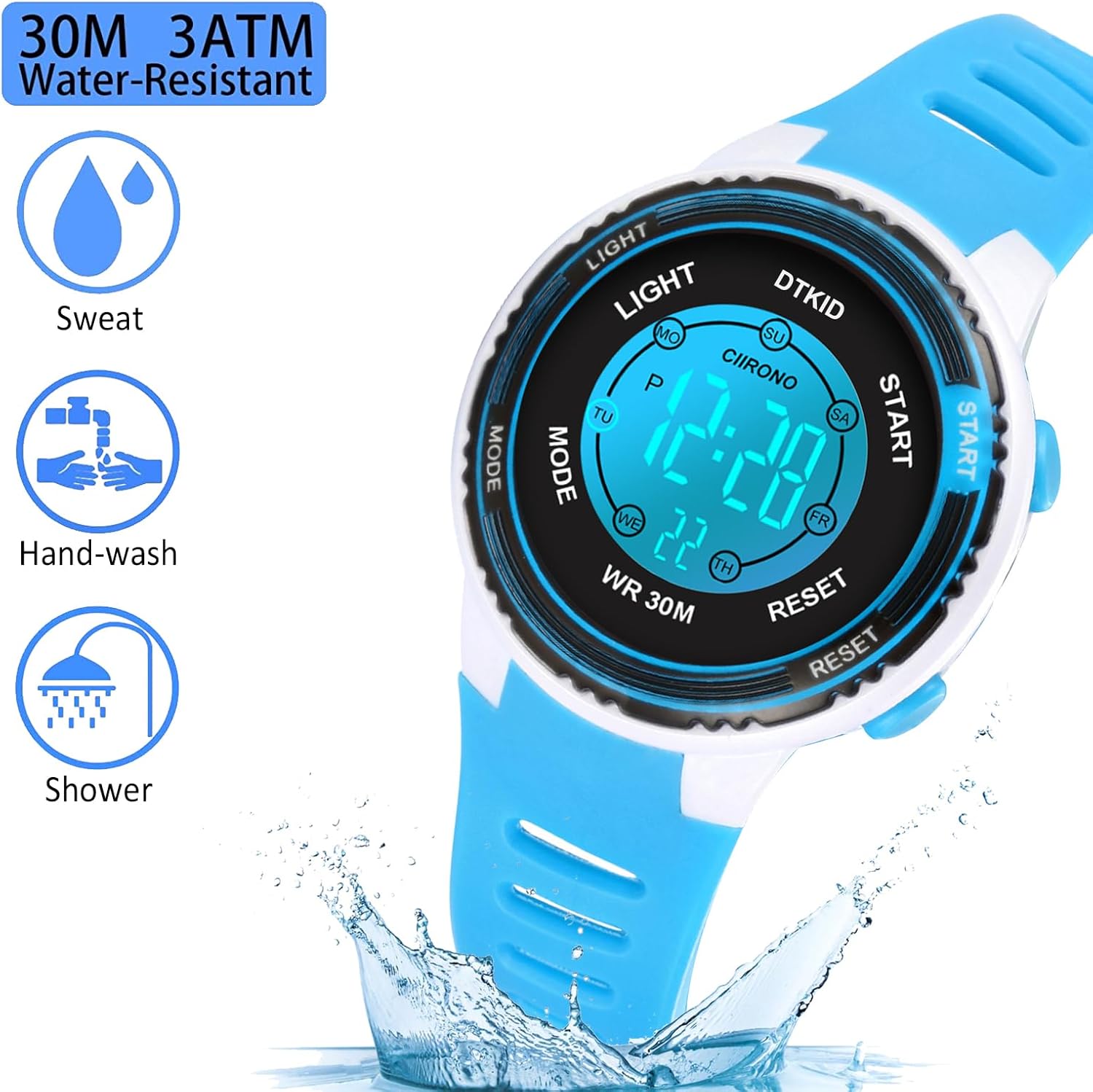
Image 4: Visual representation of the watch's 30M water resistance for daily activities.
7. Maintenance and Care
- Clean the watch regularly with a soft, dry cloth. For stubborn dirt, a slightly damp cloth can be used, followed by drying.
- Avoid exposing the watch to strong magnetic fields, as this can affect timekeeping accuracy.
- Store the watch in a cool, dry place when not in use.
- Avoid contact with harsh chemicals, solvents, or detergents, which can damage the watch case and strap.
8. Troubleshooting
- Problem: Watch sounds an alarm every hour.
- Solution: The hourly chime is activated. To turn it off, press and hold the RESET button, then press the MODE button simultaneously. Repeat the action to turn it back on if desired.
- Problem: Time is incorrect or changes randomly.
- Solution:
- Re-set the time and date following the instructions in Section 4.1.
- Ensure buttons are not being accidentally pressed, especially by young users.
- If the issue persists, the battery may be low and require replacement. Contact customer support for assistance.
- Problem: Display is dim or not visible.
- Solution:
- Press the LIGHT button to activate the backlight.
- If the display remains dim or blank, the battery may need replacement.
9. Specifications
| Feature | Detail |
|---|---|
| Model Number | 8563B |
| Product Dimensions | 3.54 x 3.54 x 2.36 inches |
| Item Weight | 1.02 ounces (29g) |
| Water Resistance | 30M (3 ATM) |
| Battery Type | 1 Lithium Metal battery (included) |
| Display Type | Digital |
| Backlight Colors | 7 colors (dark blue, green, red, light blue, yellow, purple, pink) |

Image 5: Detailed dimensions of the DTKID Digital Kids Watch.
10. Warranty and Support
For warranty information or customer support, please refer to the product packaging or contact DTKID customer service directly. Specific warranty details are not provided in this manual.