
1. Introduction and Overview
The Fellowes Powershred LX70-DB is a reliable cross-cut paper shredder designed for personal use in home or small office environments. It features a sophisticated design and advanced safety features to ensure secure document disposal.
This manual provides detailed instructions for the safe and efficient operation, maintenance, and troubleshooting of your shredder. Please read all instructions carefully before use.

Figure 1: Fellowes Powershred LX70-DB Paper Shredder
2. Safety Information
WARNING: This product contains chemicals known to the State of California to cause cancer and birth defects or other reproductive harm. For more information, go to www.P65Warnings.ca.gov.
To ensure safe operation, always adhere to the following guidelines:
- Keep hands, hair, and loose clothing away from the paper entry slot.
- Keep children and pets away from the shredder at all times.
- Unplug the shredder when not in use or before cleaning/maintenance.
- Do not use aerosol products near the shredder.
- Do not shred metal objects, wet paper, or adhesive labels.
- The patented Safety Lock feature disables the shredder for added protection. Always engage the safety lock when the shredder is not in active use, especially in households with children or pets.

Figure 2: Engaging the Safety Lock
3. What's in the Box
Upon opening the packaging, you should find the following components:
- Fellowes Powershred LX70-DB Shredder Machine (Head and Waste Bin)
- User Manual (this document)
4. Setup
- Carefully remove the shredder from its packaging.
- Place the shredder on a flat, stable surface.
- Ensure the waste bin is properly seated within the shredder unit. The shredder head should sit securely on top of the bin.
- Plug the power cord into a grounded electrical outlet.
- Locate the Safety Lock switch on the top of the shredder and ensure it is in the unlocked position for operation.

Figure 3: Assembling the Shredder Head and Waste Bin
5. Operating Instructions
5.1 Basic Shredding
- Ensure the shredder is plugged in and the Safety Lock is disengaged.
- Set the control switch to the "Auto" position. The shredder is now ready for use.
- Insert up to 11 sheets of paper (8.5" x 11", 20lb bond) into the paper entry slot. The shredder will automatically start and stop.
- The LX70-DB shreds paper into 5/32” x 1-1/4” cross-cut particles, providing Security Level P-4.

Figure 4: Feeding Paper into the Shredder
5.2 Shredding Other Materials
In addition to paper, the LX70-DB can safely shred:
- Staples
- Small paper clips
- Plastic credit cards (feed one at a time through the center of the paper entry)
- Unopened junk mail (ensure it fits flat and within sheet capacity)
5.3 Run Time and Cool-Down
The shredder is designed for individual use and can operate continuously for up to 5 minutes. After this period, a 30-minute cool-down period is required to prevent overheating. The shredder will automatically shut off if it overheats and will resume operation once it has cooled down.
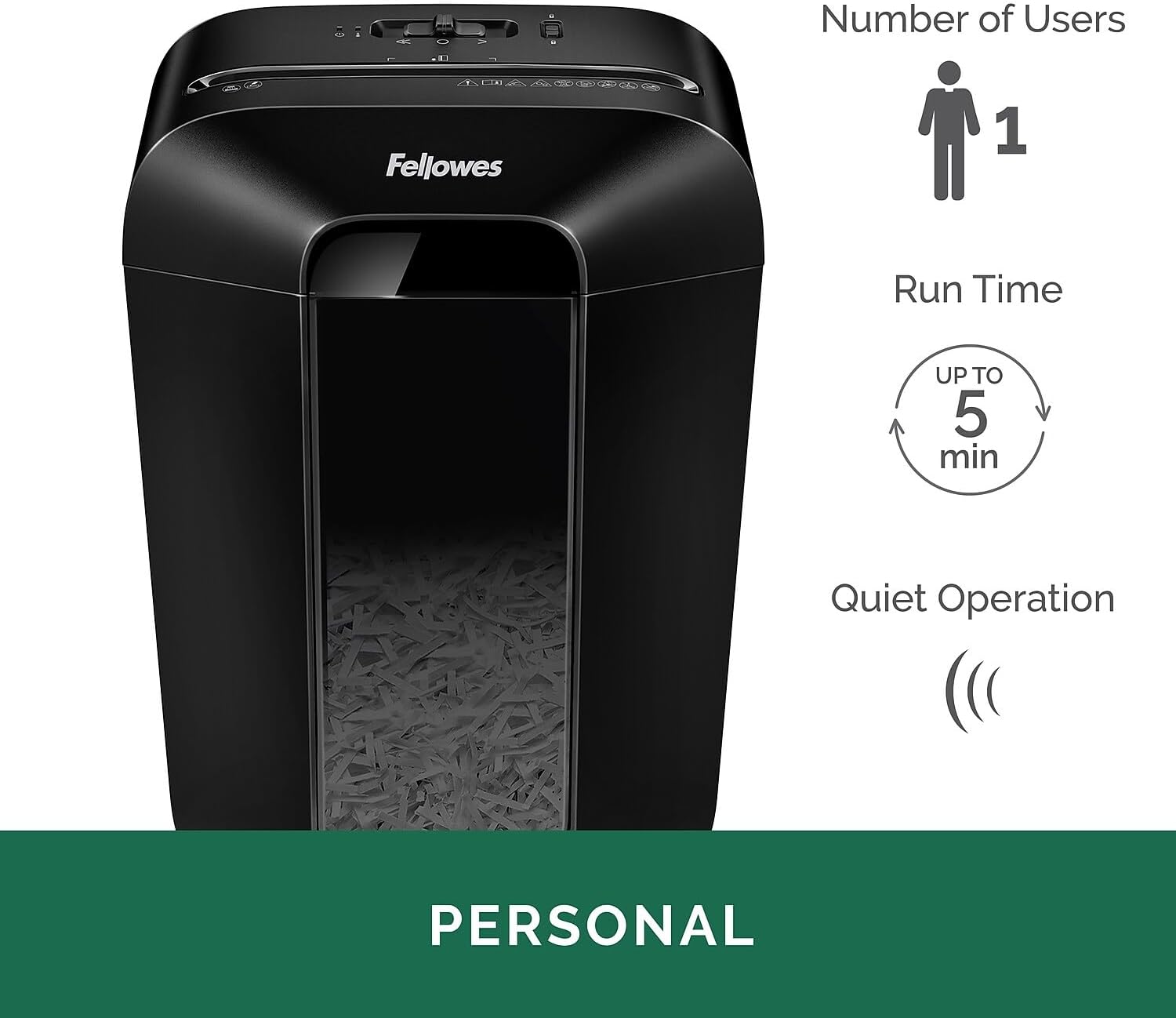
Figure 5: Key Features for Personal Use
5.4 Official Product Video
Video 1: Official Fellowes LX70-DB Paper Shredder Overview. This video demonstrates the shredder's features and operation, including sheet capacity, cross-cut security, and safety lock.
6. Maintenance
6.1 Emptying the Waste Bin
The LX70-DB features a 4.8-gallon lift-off waste bin that can hold over 220 shredded sheets. Monitor the transparent window on the bin to know when it's full.
- Unplug the shredder from the power outlet.
- Carefully lift the shredder head off the waste bin.
- Dispose of the shredded contents.
- Replace the shredder head securely onto the waste bin.
- Plug the shredder back in.
6.2 Oiling the Cutters
Regular oiling of the shredder's cutters is essential for optimal performance and longevity. Use Fellowes shredder oil or a vegetable-based oil (never aerosol lubricants).
- Apply a thin line of oil across the paper entry slot.
- Run the shredder in reverse for 10 seconds to distribute the oil.
- Repeat this process after every 30 minutes of accumulated shredding or when performance decreases.
7. Troubleshooting
| Problem | Possible Cause | Solution |
|---|---|---|
| Shredder does not operate. | Not plugged in; Safety Lock engaged; Overheated; Waste bin not properly seated. | Check power connection; Disengage Safety Lock; Allow 30-minute cool-down; Re-seat waste bin. |
| Paper jam. | Too many sheets inserted; Paper not fed straight; Staples/clips not removed (if not shreddable type). | Switch to reverse mode to clear; Reduce sheet count; Ensure paper is flat. |
| Shredder runs constantly. | Sensor obstructed. | Clean paper entry sensors with a cotton swab. |
| Shredder is noisy or slow. | Cutters need oiling. | Oil the shredder cutters as per maintenance instructions. |
8. Specifications
| Feature | Detail |
|---|---|
| Model Number | 4402901 |
| Sheet Capacity | 11 sheets per pass |
| Cut Type | Cross-Cut (5/32" x 1-1/4") |
| Security Level | P-4 |
| Waste Bin Capacity | 4.8 Gallons (holds over 220 shredded sheets) |
| Continuous Run Time | 5 minutes |
| Cool-Down Period | 30 minutes |
| Shreds | Paper, staples, paper clips, plastic credit cards, junk mail |
| Product Dimensions (H x W x D) | 15.81 x 12.19 x 8.69 inches |
| Item Weight | 13 pounds |
| Color | Black |

Figure 6: Shredder in a Home Office Environment with Dimensions
9. Warranty and Support
The Fellowes Powershred LX70-DB comes with a 1-year product warranty and a 5-year cutter warranty. Please retain your proof of purchase for warranty claims.
For technical support, replacement parts, or further assistance, please contact Fellowes Customer Service through their official website or the contact information provided in your product registration materials.
You can visit the official Fellowes store for more information and products: Fellowes Store


