
Tenda O9
Tenda O9 5GHz 11ac 23dBi Gigabit Outdoor CPE/Access Point User Manual
Model: O9
1. Introduction
The Tenda O9 5GHz 11ac 23dBi Gigabit Outdoor CPE (Customer Premises Equipment) is engineered for Point-to-Point (PtP) and Point-to-MultiPoint (PtMP) wireless solutions. It is suitable for private ISP wireless connectivity, CCTV surveillance, and data transmission applications.
This device incorporates a 23dBi directional dual-polarization antenna, designed to establish and maintain stable long-distance connections up to 25 kilometers. The O9 also features auto-bridging technology, simplifying the setup process by allowing two CPE units to connect automatically.
2. What's in the Box
Upon unpacking your Tenda O9, please verify that all the following components are included:
- 1 x 5GHz 11ac 23dBi Gigabit Outdoor CPE O9 Unit
- 1 x PoE Power Adapter
- 1 x Quick Installation Guide
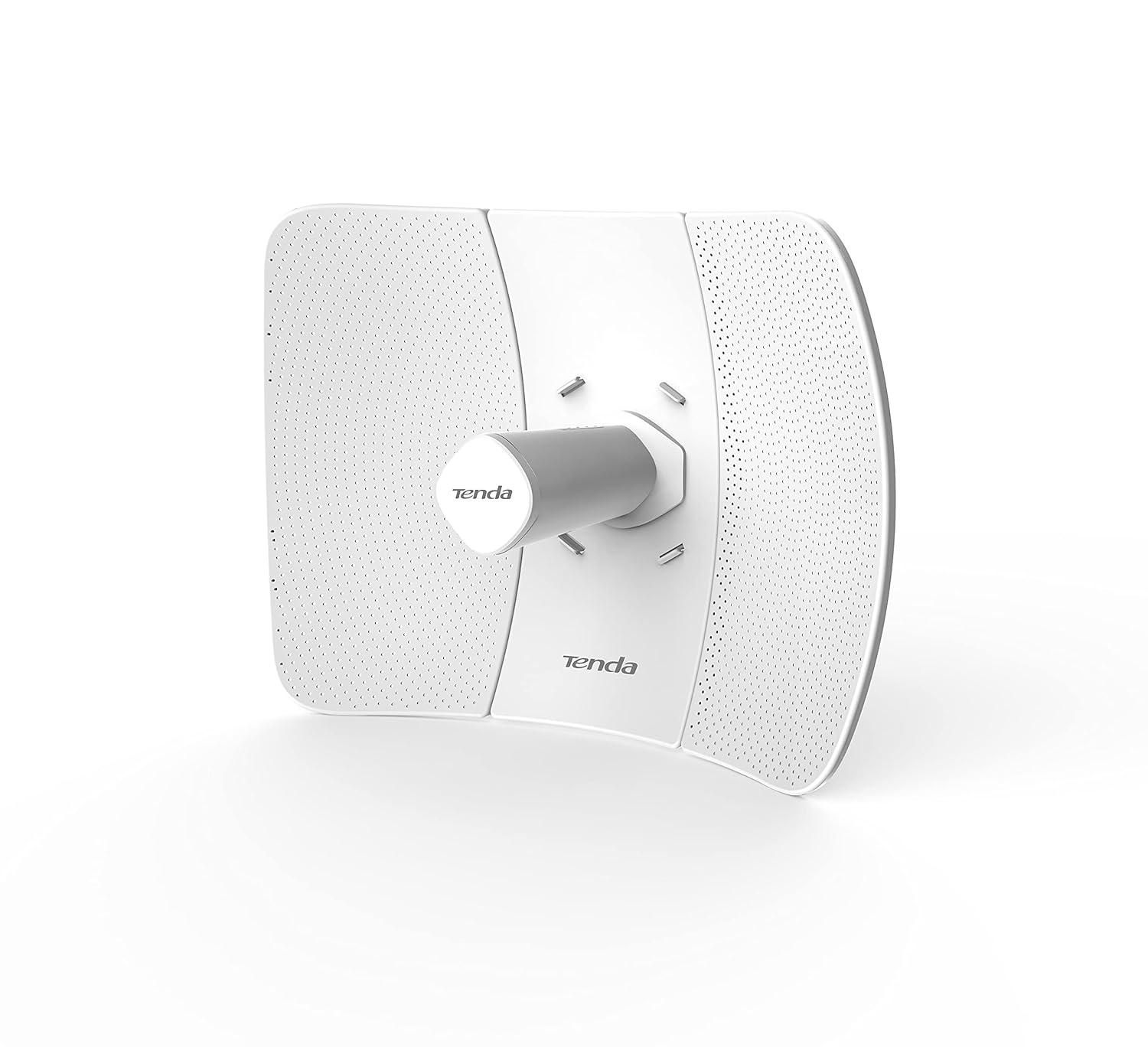
Image: The Tenda O9 Outdoor CPE unit, showing its white, rectangular design with integrated antenna.
3. Key Features
The Tenda O9 is equipped with several features designed for robust outdoor wireless performance:
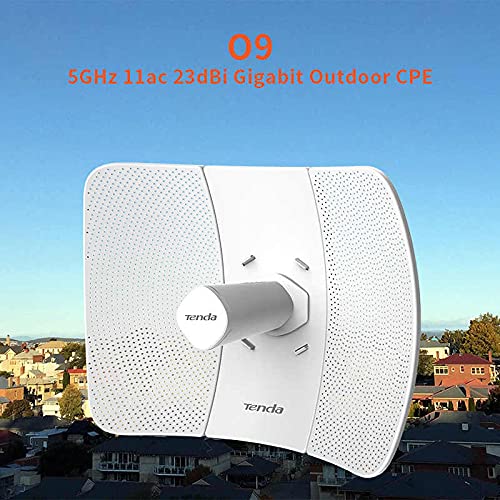
Image: The Tenda O9 CPE unit positioned against a backdrop of a city skyline, illustrating its outdoor application.
Outdoor Design & Performance
Designed for outdoor deployment, the O9 operates on the 5GHz band, utilizing 802.11ac wireless standards for high-speed data transmission. Its robust construction ensures reliable operation in various environmental conditions.
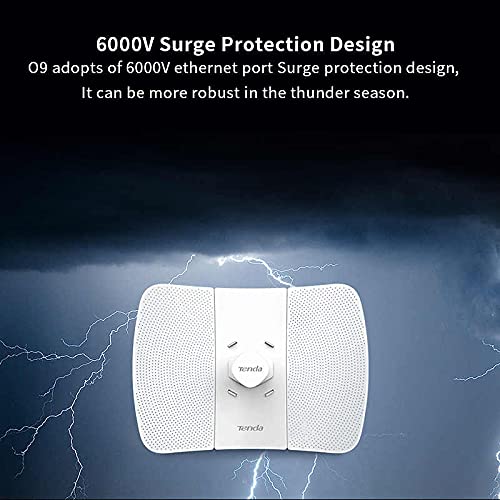
Image: The Tenda O9 unit with graphic elements depicting lightning, highlighting its 6000V Ethernet port surge protection design.
6000V Surge Protection
The O9 incorporates a 6000V Ethernet port surge protection design, enhancing its durability and reliability, particularly during periods of electrical storms or unstable power conditions.
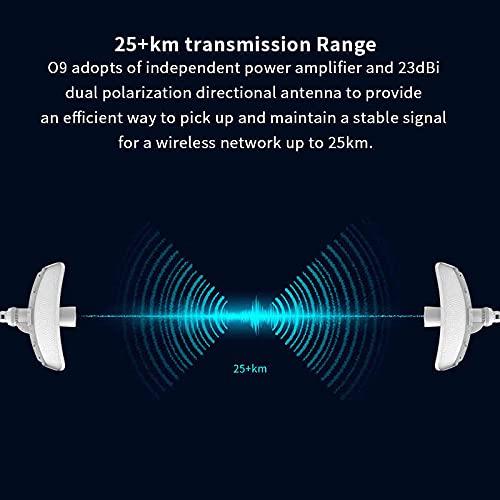
Image: A diagram illustrating two Tenda O9 units communicating wirelessly over a distance of 25+ kilometers, emphasizing its long-range capability.
Extended Transmission Range
Equipped with an independent power amplifier and a 23dBi dual-polarization directional antenna, the O9 can achieve stable wireless connectivity over distances exceeding 25 kilometers.

Image: A graphic depicting two common application scenarios: Long-Distance Wireless Connection (PtP) between buildings and WISP (Client+Router) Mode for sharing internet from a hotspot.
Multiple Application Scenarios
The O9 supports various operational modes, including AP (Access Point) and Station modes for long-distance PtP connections, and WISP (Wireless Internet Service Provider) mode for client and router functionality.
4. Setup and Installation
The Tenda O9 is designed for straightforward assembly and installation. Refer to the included Quick Installation Guide for detailed steps.
4.1. Assembly
The O9 utilizes a three-axis alignment design, allowing for quick assembly without the need for specialized tools. For pole-mounting, only a single screwdriver is typically required.
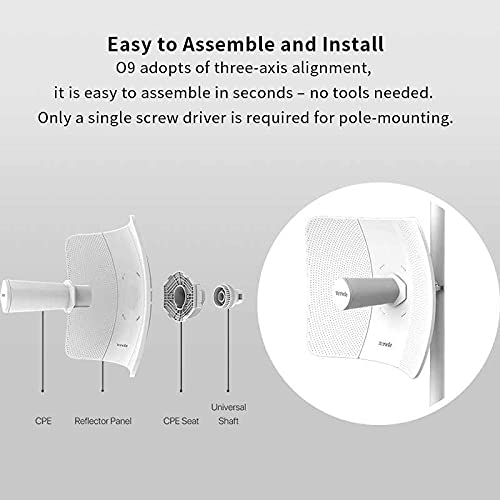
Image: An exploded diagram showing the main components of the Tenda O9 (CPE, Reflector Panel, CPE Seat, Universal Shaft) and how they fit together for assembly.
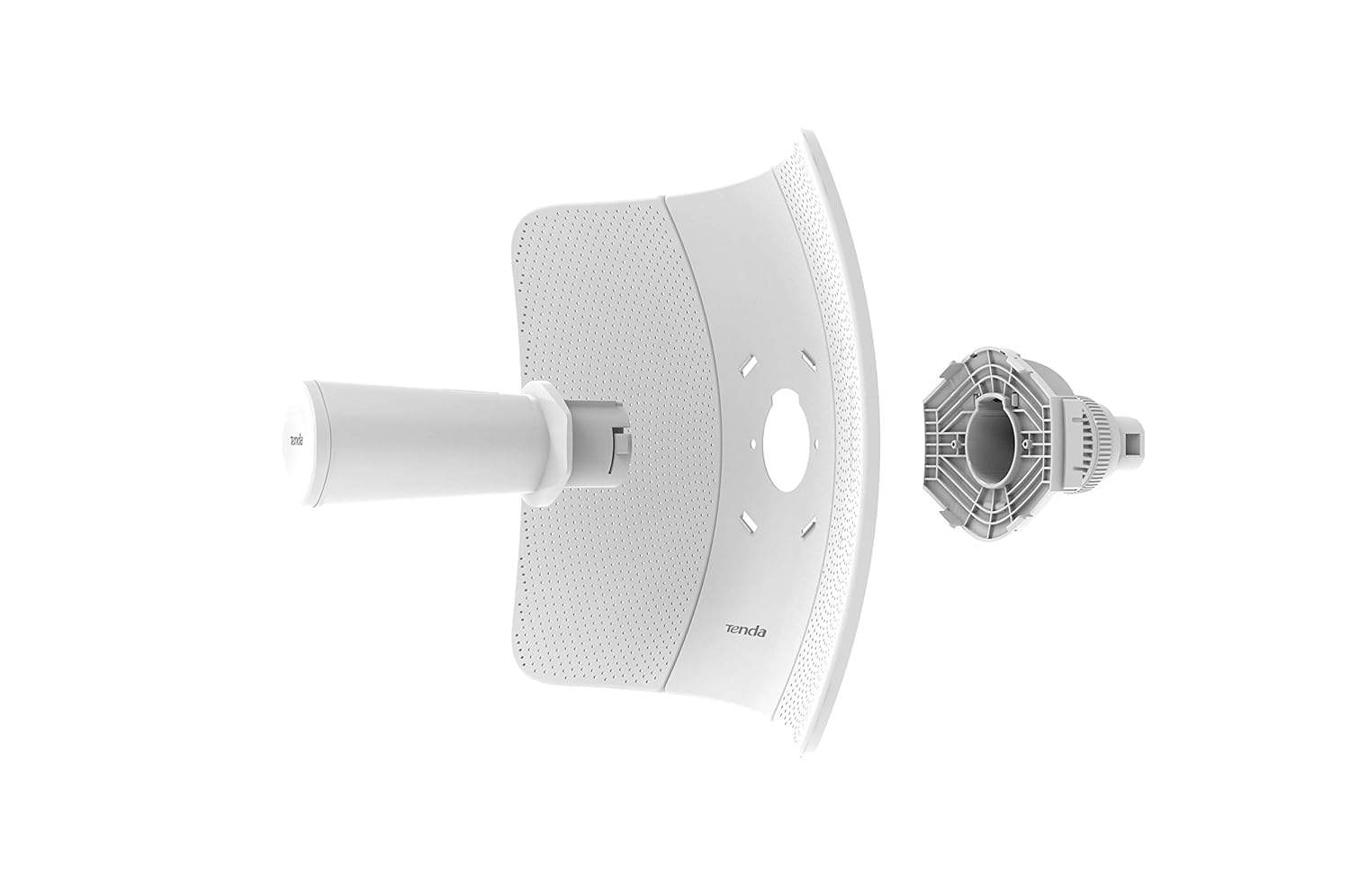
Image: A detailed exploded view of the Tenda O9, showing the main unit, reflector panel, and mounting components separated, illustrating the assembly process.
4.2. Auto-Bridging Technology
For Point-to-Point (PtP) connections, the O9 features an auto-bridging function. This allows two O9 CPE units to automatically establish a connection with each other, significantly simplifying the initial setup and configuration process for wireless links.
4.3. Power over Ethernet (PoE)
The device is powered via the included PoE Power Adapter, which simplifies installation by delivering both power and data over a single Ethernet cable. Ensure the PoE adapter is connected correctly to the O9 and a power source.
5. Operating Modes
The Tenda O9 supports various operating modes to suit different network requirements:
- AP (Access Point) Mode: In this mode, the O9 functions as a central hub, allowing other wireless devices to connect to it and access the network. This is typically used when the O9 is connected to a wired network and provides wireless access.
- Station Mode: When operating in Station mode, the O9 acts as a client, connecting to an existing wireless access point or another O9 unit in AP mode. This is common for establishing long-distance Point-to-Point links.
- WISP (Wireless Internet Service Provider) Mode: This mode combines client and router functionalities. The O9 connects wirelessly to a WISP station or hotspot and then shares the internet connection with local wireless and wired devices.
Configuration of these modes is typically performed via the device's web-based management interface. Refer to the Quick Installation Guide for initial access details.
6. Maintenance
To ensure optimal performance and longevity of your Tenda O9, consider the following maintenance guidelines:
- Regular Inspection: Periodically inspect the physical unit, cables, and mounting hardware for any signs of wear, damage, or corrosion, especially if installed in harsh outdoor environments.
- Firmware Updates: Check the official Tenda website for available firmware updates. Keeping the firmware up-to-date can improve performance, add new features, and address security vulnerabilities.
- Cleaning: Gently clean the exterior of the unit with a soft, dry cloth. Avoid using liquid cleaners or solvents that could damage the casing or internal components.
- Environmental Considerations: Ensure the device is installed in a location that minimizes exposure to extreme temperatures, direct sunlight for prolonged periods, and excessive moisture, while still maintaining clear line-of-sight for optimal signal.
7. Troubleshooting
This section provides solutions to common issues you might encounter with your Tenda O9. For more complex problems, consult the full user manual or Tenda's technical support.
| Problem | Possible Cause | Solution |
|---|---|---|
| Device not powering on. | No power from PoE adapter or power outlet. | Verify the PoE adapter is correctly connected to a working power outlet and to the O9's PoE port. Check the power indicator light on the adapter. |
| Cannot access web management interface. | Incorrect IP address, network configuration issue, or device not fully booted. | Ensure your computer's IP address is in the same subnet as the O9's default IP (refer to Quick Installation Guide). Try restarting the O9. Clear browser cache. |
| Poor wireless signal or unstable connection. | Obstructions, interference, misaligned antennas, or excessive distance. | Ensure clear line-of-sight between units. Check for sources of interference (e.g., other 5GHz devices). Re-align antennas carefully. Reduce distance if possible. |
| Auto-bridging not working. | Units are too far apart, not in default settings, or interference. | Ensure both units are reset to factory defaults before attempting auto-bridging. Place them closer initially for pairing, then deploy. |
8. Technical Specifications
Below are the detailed technical specifications for the Tenda O9 5GHz 11ac 23dBi Gigabit Outdoor CPE:
| Attribute | Detail |
|---|---|
| Brand | Tenda |
| Model Name | O9 |
| Wireless Standard | 802.11a, 802.11ac, 802.11n |
| Frequency Band Class | Single-Band (5GHz) |
| Antenna Gain | 23dBi Directional Dual Polarization |
| Transmission Range | Up to 25km |
| Special Features | Auto-bridging, Long-distance Connectivity, 6000V Surge Protection |
| Power Consumption | 7.5 Watts |
| Power Supply | PoE Power Adapter (Included) |
| Product Dimensions (LxWxH) | 2.79 x 24.64 x 16.51 cm (1.1 x 9.7 x 6.5 inches) |
| Item Weight | 1.1 kg (1 kg 100 g) |
| Manufacturer | Shenzhen Tenda Technology Co., Ltd. |
| Country of Origin | China |
9. Warranty and Support
Specific warranty terms and conditions for the Tenda O9 are typically provided with the product packaging or can be found on the official Tenda website. Please retain your proof of purchase for warranty claims.
For technical support, product inquiries, or troubleshooting assistance beyond what is covered in this manual, please contact Tenda customer support through their official channels. You may find contact information on the Tenda website or in the documentation included with your product.
Tenda Official Website: www.tendacn.com