
DELTACO GAMING GAM-080
DELTACO GAMING Chair User Manual
Model: GAM-080
Introduction
Thank you for purchasing the DELTACO GAMING Chair, Model GAM-080. This ergonomic gaming chair is designed to provide comfort and support during long gaming sessions, featuring adjustable components and integrated RGB lighting. Please read this manual carefully before assembly and use to ensure proper operation and longevity of your chair.
Safety Information
- Ensure all components are securely fastened before use.
- Do not stand on the chair.
- Do not use the chair if any parts are damaged or missing.
- Keep hands and fingers clear of moving parts during adjustment.
- This chair is designed for a maximum weight of 120 kg (264 lbs). Exceeding this limit may cause damage or injury.
- The RGB lighting requires a USB power source. Ensure the cable is not pinched or damaged.
Package Contents
Before beginning assembly, verify that all parts are present and undamaged. If any parts are missing or damaged, please contact customer support.
- Backrest
- Seat Base
- Armrests (2)
- Star Base
- Casters (5)
- Gas Lift Cylinder
- Gas Lift Cover
- Mechanism Plate
- Lumbar Cushion
- Headrest Pillow
- Assembly Hardware (screws, washers, Allen key)
- RGB Remote Control
- USB Power Cable for RGB
Setup and Assembly
Please follow these steps carefully for proper assembly. It is recommended to assemble the chair on a soft, clean surface to prevent damage.
- Attach Casters to Star Base: Insert each of the five casters into the holes at the end of the star base until they click securely into place.
- Insert Gas Lift: Place the gas lift cylinder into the center hole of the star base. Cover it with the gas lift cover.
- Attach Mechanism Plate to Seat Base: Align the mechanism plate with the pre-drilled holes on the underside of the seat base. Ensure the front of the mechanism plate faces the front of the seat. Secure with screws.
- Attach Armrests to Seat Base: Secure the armrests to the sides of the seat base using the provided screws. Ensure they are firmly attached.
- Attach Backrest to Seat Base: Align the backrest with the mounting brackets on the seat base. Secure with screws.
- Connect Seat to Gas Lift: Carefully place the assembled seat and backrest onto the gas lift cylinder, ensuring it is centered and stable.
- Attach Headrest and Lumbar Cushions: Secure the headrest pillow and lumbar cushion to the chair using their respective straps.

Image: The DELTACO GAMING Chair fully assembled, showcasing its ergonomic design and RGB lighting strips along the edges.
Operating Instructions
Height Adjustment
To adjust the chair's height, pull the lever located on the right side of the seat upwards. While seated, lift your weight off the chair to raise it, or remain seated to lower it. Release the lever to lock the height.
Backrest Recline
The backrest can be reclined between 90 and 180 degrees. Pull the recline lever, typically located on the right side of the chair, and lean back or forward to achieve your desired angle. Release the lever to lock the backrest in position.

Image: An illustration demonstrating the chair's ability to recline from an upright position to a nearly flat position, indicated by an orange arrow.
RGB Lighting Operation
The chair features integrated RGB lighting with 332 LED modes. To activate the lighting, connect the chair's USB cable to a 5V USB power source (e.g., a power bank, computer USB port, or USB wall adapter). Use the included remote control to change colors, modes, and brightness.
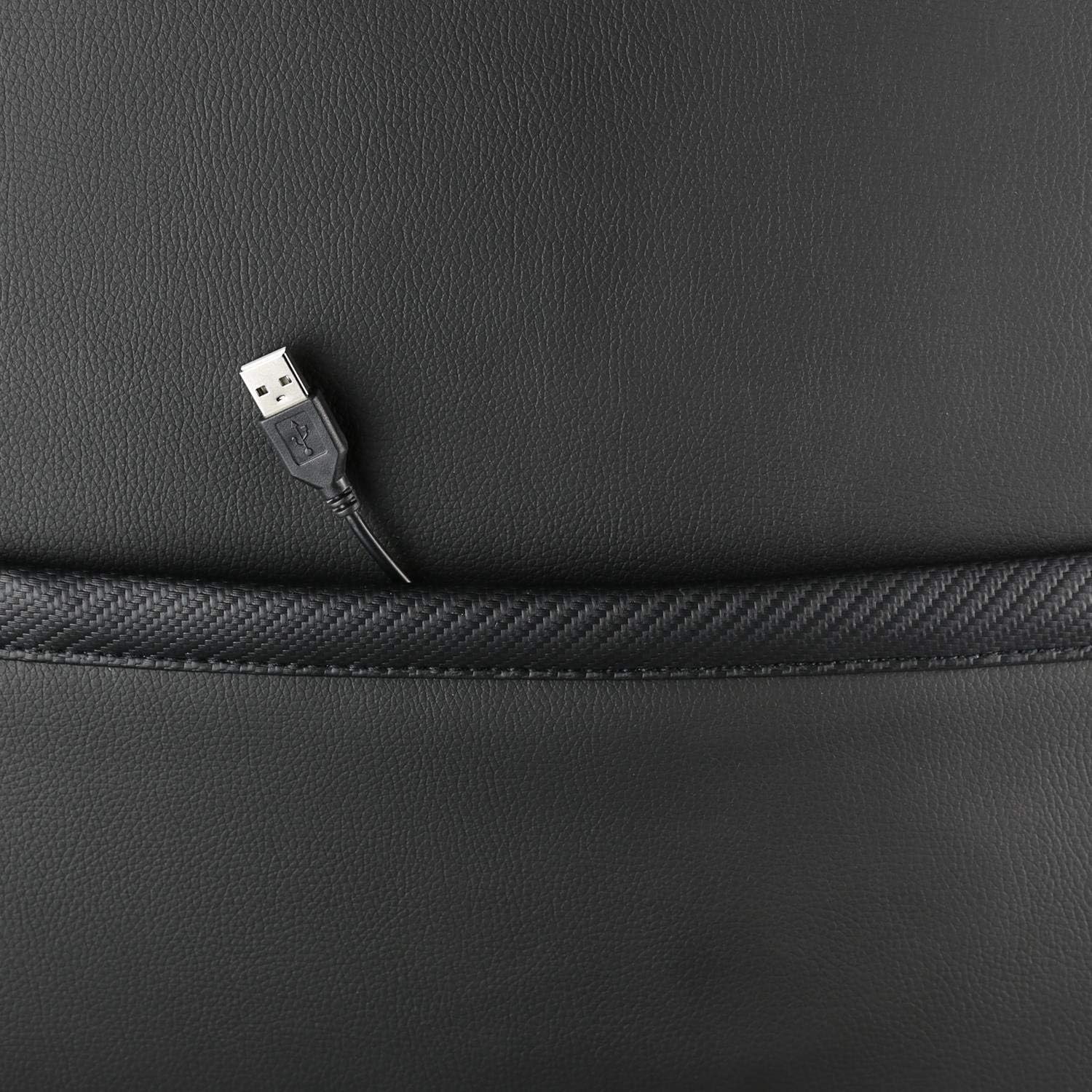
Image: A close-up view showing the USB power cable emerging from a pocket on the chair, used to power the RGB lighting.

Image: An overview image of the DELTACO GAMING RGB Gaming Chair highlighting features such as remote control for RGB lights, adjustable headrest, included lumbar cushion, and adjustable backrest from 90-180 degrees, along with 332 LED modes.
Maintenance and Care
- Cleaning: Wipe clean with a damp cloth. Do not use harsh chemicals or abrasive cleaners, as this may damage the faux leather.
- Inspection: Periodically check all screws and bolts to ensure they are tight. Re-tighten if necessary.
- Storage: Store the chair in a cool, dry place away from direct sunlight to prevent material degradation.
- USB Cable: Ensure the USB power cable for the RGB lighting is not kinked or damaged.
Troubleshooting
| Problem | Possible Cause | Solution |
|---|---|---|
| Chair does not adjust height. | Gas lift cylinder malfunction or lever not engaged. | Ensure the height adjustment lever is fully pulled. If the issue persists, the gas lift may need replacement. |
| Backrest does not recline or lock. | Recline mechanism jammed or lever not engaged. | Check for obstructions around the recline mechanism. Ensure the recline lever is fully engaged. |
| RGB lighting not working. | USB power not connected, cable damaged, or remote control battery low. | Verify the USB cable is securely connected to a working 5V power source. Check the cable for damage. Replace remote control battery if necessary. |
| Chair is wobbly. | Loose screws or casters not fully inserted. | Tighten all assembly screws. Ensure all casters are fully inserted into the star base. |
Specifications
| Feature | Detail |
|---|---|
| Model Name | GAM-080 |
| Brand | DELTACO GAMING |
| Color | Black |
| Material | Faux leather, Foam |
| Maximum Weight Recommendation | 120 Kilograms (264 lbs) |
| Product Dimensions (L x W x H) | 22.44 x 26.77 x 57.87 inches |
| Item Weight | 46.2 pounds |
| Special Features | RGB Lighting, Adjustable Backrest (90-180°), Adjustable Height, Lumbar Cushion, Headrest Pillow |
| Power Source for RGB | USB 5V |
Warranty and Support
This DELTACO GAMING Chair (Model GAM-080) comes with a 1-year spare part availability duration within the EU, as per manufacturer specifications.
For technical support, warranty claims, or inquiries regarding spare parts, please contact DELTACO GAMING customer support. Refer to your purchase documentation for specific contact details or visit the official DELTACO GAMING website.
Note: Proof of purchase may be required for warranty services.
Related documentsGAM-080


Ask a question about this manual
Ask about setup, troubleshooting, compatibility, parts, safety, or missing instructions. Manuals+ will review the question and use this page’s manual context to help answer it.