
1. Product Overview
This manual provides instructions for the installation and maintenance of JEDELEOS Replacement Flat Non-Stretch Belts, designed for specific Hoover WindTunnel 3 Pro Pet Upright Vacuum models. These belts are crucial components for the proper functioning of your vacuum's brush roll system.
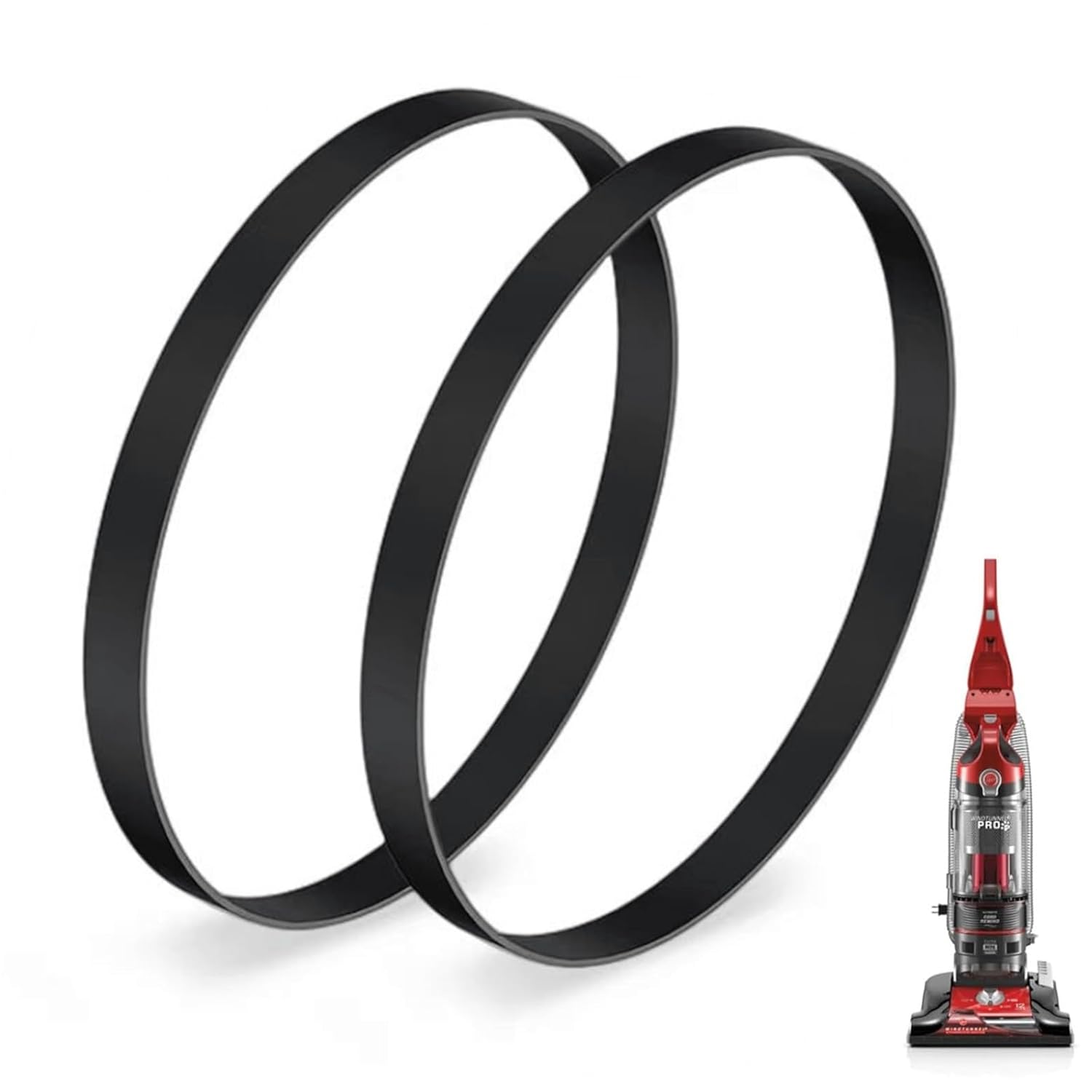
Image 1.1: JEDELEOS Replacement Belts and Compatible Vacuum. This image displays two black replacement belts alongside a red Hoover WindTunnel 3 Pro Pet upright vacuum, illustrating the product and its intended use.
2. Compatibility
These replacement belts are compatible with the following Hoover WindTunnel 3 Pro Pet Upright Vacuum models:
- UH70930
- UH70935
- UH70936
- UH70937
- UH70939
- UH70900
- UH70901
- UH70905
- UH70909
- UH72625
- UH72630
- UH72635
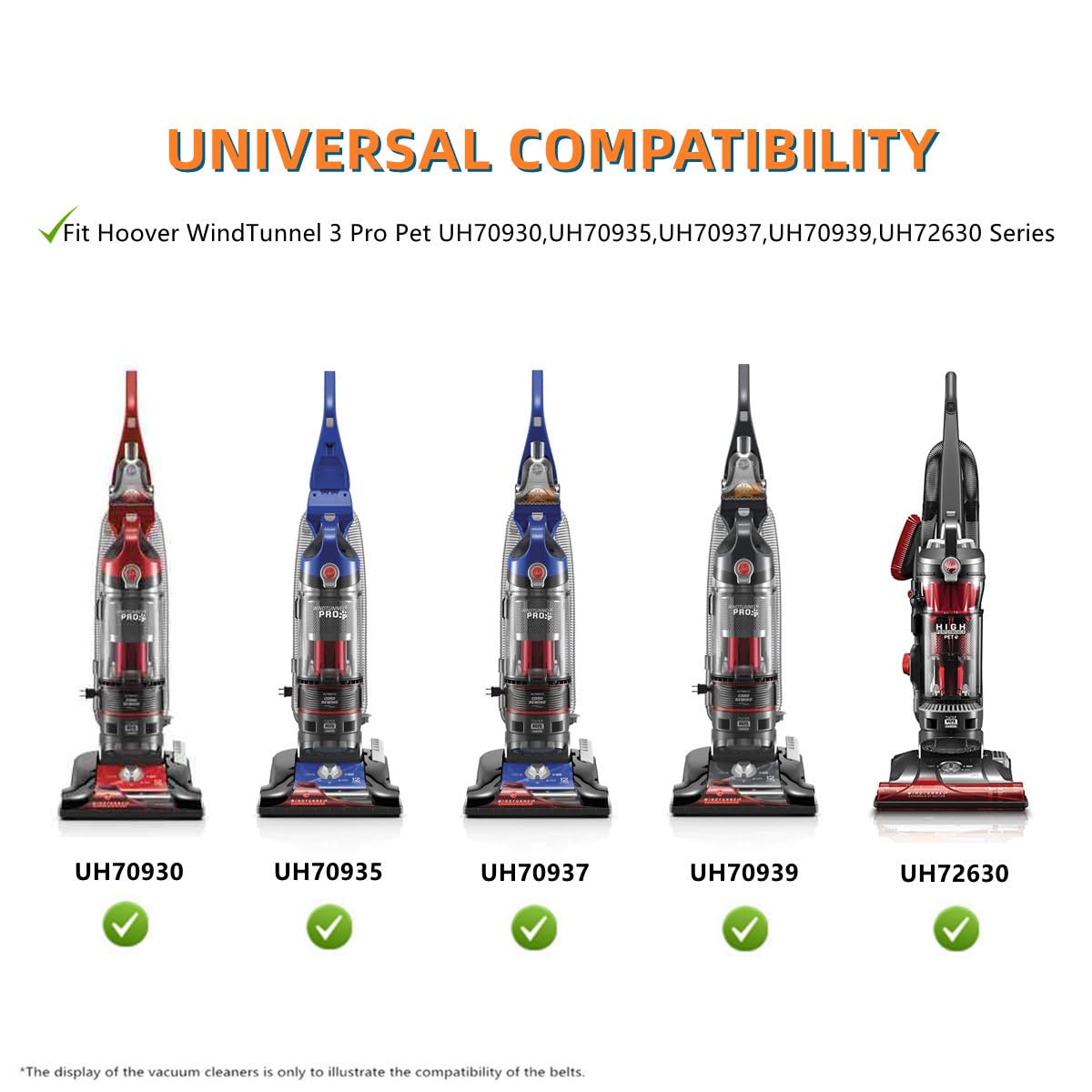
Image 2.1: Compatible Vacuum Models. This image illustrates several Hoover WindTunnel 3 Pro Pet vacuum models (UH70930, UH70935, UH70937, UH70939, UH72630) with green checkmarks, confirming their compatibility with the replacement belts. The full list of compatible models is provided above.
3. Installation Instructions
Follow these steps to replace the drive belt in your Hoover WindTunnel 3 Pro Pet Upright Vacuum:
- Safety First: Always unplug your vacuum cleaner from the power outlet before performing any maintenance or part replacement.
- Access the Brush Roll: Lay the vacuum cleaner on its side or back to access the brush roll area. You may need to remove a cover plate, typically secured by screws, to expose the brush roll and belt.
- Remove the Old Belt: Carefully remove the damaged or worn belt from the brush roll and motor shaft. Note its original position for correct installation of the new belt.
- Install the New Belt: Place the new flat non-stretch belt around the motor shaft and then stretch it over the brush roll. Ensure the belt is properly seated in the grooves of both the motor shaft and the brush roll.
- Test Rotation: Manually rotate the brush roll a few times to ensure the belt is correctly aligned and moves freely without obstruction.
- Reassemble: Reattach any covers or plates that were removed, securing them with screws.
- Final Check: Plug in the vacuum and briefly turn it on to confirm the brush roll spins correctly.

Image 3.1: Belt Replacement Process. This diagram illustrates the two main steps for replacing a vacuum belt: first, removing the old or broken belt, and second, installing the new belt in its correct position on the vacuum's brush roll assembly.
4. Operating Considerations
After replacing the belt, ensure the vacuum cleaner operates smoothly. A properly installed belt will allow the brush roll to spin effectively, contributing to optimal cleaning performance. If the brush roll does not spin or makes unusual noises, re-check the installation.
5. Maintenance and Replacement Schedule
To maintain optimal performance of your vacuum cleaner, it is recommended to replace the drive belt every 3 to 9 months. Regular replacement prevents loss of suction and ensures the brush roll continues to agitate carpets effectively.

Image 5.1: Recommended Belt Replacement. This image shows a vacuum in operation, with an overlay suggesting that the vacuum belt should be replaced every 3 to 9 months to ensure peak performance.
6. Troubleshooting
- Brush Roll Not Spinning:
- Ensure the vacuum is unplugged. Check if the belt is broken, stretched, or dislodged from the motor shaft or brush roll. Replace if broken or excessively stretched. Re-seat if dislodged.
- Loss of Suction (Brush Roll Related):
- A worn or stretched belt can cause the brush roll to spin slowly or not at all, leading to reduced cleaning effectiveness. Consider replacing the belt if it appears loose or if the brush roll performance is diminished.
- Unusual Noises from Brush Roll Area:
- Unplug the vacuum. Inspect the belt for any damage or fraying. Also, check the brush roll for hair, debris, or other obstructions that might be interfering with its rotation or the belt's movement.
7. Specifications
| Feature | Detail |
|---|---|
| Brand | JEDELEOS |
| Material | Rubber |
| Belt Style | Flat Non-stretch Belt |
| Color | Black |
| Package Dimensions | 4.45 x 2.91 x 0.51 inches |
| Item Weight | 0.78 ounces |

Image 7.1: High-Quality Replacement Belt. This close-up image showcases the texture and material of the flat non-stretch replacement belt, emphasizing its construction.
8. What's in the Box
Each package contains:
- 2 x JEDELEOS Replacement Flat Non-Stretch Belts for Hoover WindTunnel 3 Pro Pet Upright Vacuums

Image 8.1: Package Contents. This image displays two replacement belts, indicating the quantity included in each package.
9. Support and Warranty
For any questions regarding the installation, compatibility, or performance of your JEDELEOS replacement belts, please refer to the product listing or contact the manufacturer directly through the retailer's platform. Specific warranty information may be available from the seller at the point of purchase.