
Introduction
The CORSAIR K55 RGB PRO Gaming Keyboard is designed to enhance your gaming and productivity with its dynamic RGB backlighting, programmable macro keys, and durable, spill-resistant design. This manual provides essential information for setting up, operating, maintaining, and troubleshooting your new keyboard.
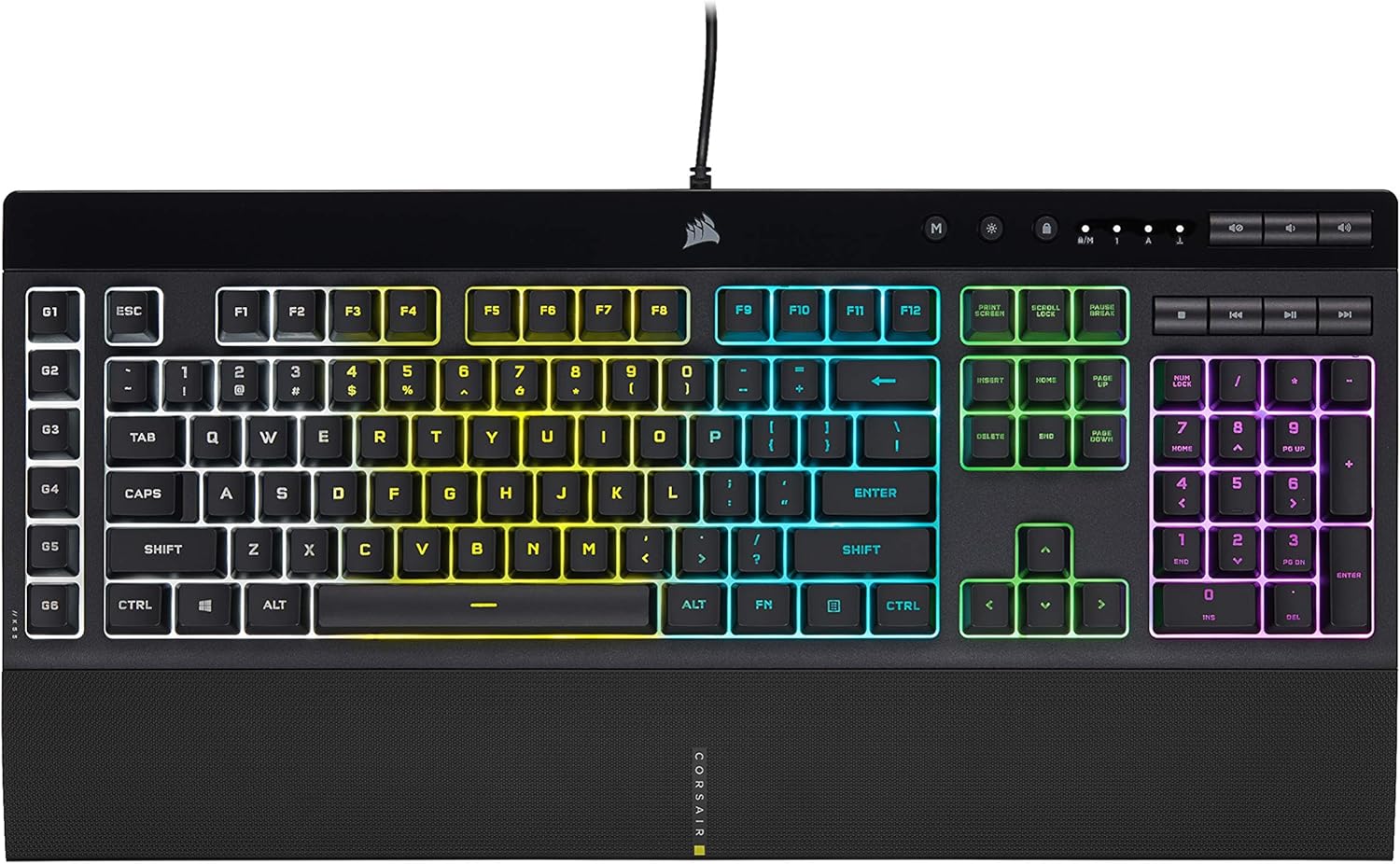
Figure 1: Overview of the CORSAIR K55 RGB PRO Gaming Keyboard.
Setup
Unboxing
Upon opening the packaging, you will find the CORSAIR K55 RGB PRO Gaming Keyboard, a detachable palm rest, and documentation including a warranty guide. Ensure all components are present before proceeding with setup.
Video 1: Unboxing the CORSAIR K55 RGB PRO Gaming Keyboard, showing the contents of the retail package.
Physical Connection
Connect the keyboard's USB cable to an available USB 2.0 port on your PC or gaming console. The keyboard is plug-and-play, meaning it will be recognized by your system automatically.

Figure 2: The detachable, soft-touch palm rest provides ergonomic support for extended use.
Software Installation (CORSAIR iCUE)
For full customization of RGB lighting, macro programming, and system-wide synchronization, download and install the CORSAIR iCUE software from the official Corsair website. This software allows you to personalize your keyboard experience.
Video 2: Demonstrates the integration of the CORSAIR K55 RGB PRO with Elgato Stream Deck software for enhanced macro functionality.
Operating Instructions
Dynamic RGB Backlighting
The keyboard features five-zone dynamic RGB backlighting. You can cycle through six onboard lighting effects by pressing the dedicated lighting mode key (M) located above the F keys. For advanced customization, including assigning colors to specific zones or programming unique lighting effects, use the CORSAIR iCUE software.

Figure 3: The keyboard features dynamic five-zone RGB backlighting with six onboard lighting effects.
Six Dedicated Macro Keys (G-Keys)
The keyboard includes six dedicated macro keys (G1-G6) on the left side. These keys can be programmed to activate functions, shortcuts, or complex keypress sequences. Use CORSAIR iCUE software for easy setup. Additionally, these macro keys integrate with Elgato Stream Deck software for instant streaming commands.

Figure 4: The six dedicated macro keys (G1-G6) can be programmed via iCUE or Elgato Stream Deck software.
Dedicated Media and Volume Keys
Control your media playback and audio volume conveniently with the dedicated media and volume keys located above the numeric keypad. These allow you to adjust settings on-the-fly without interrupting your game or workflow.
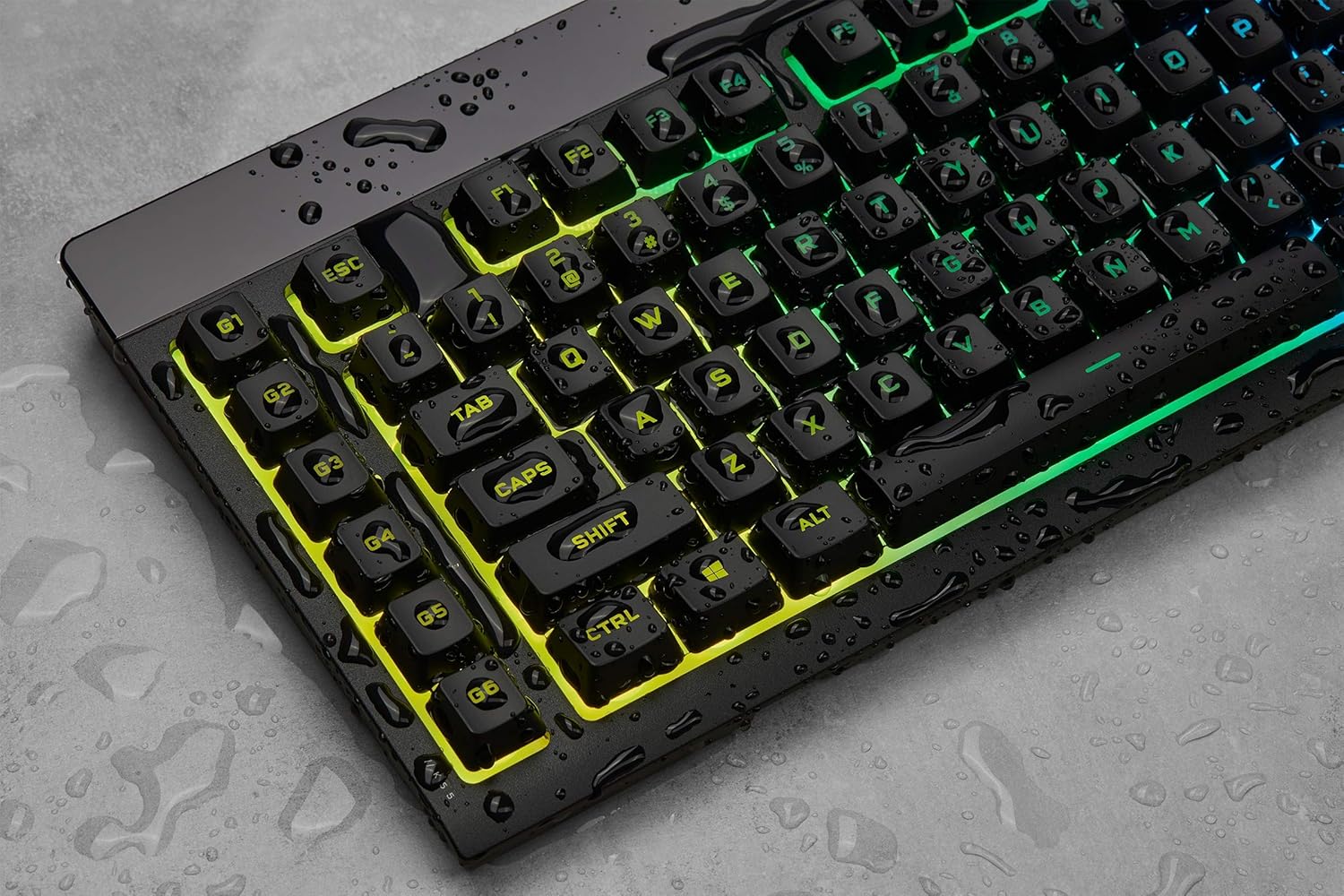
Figure 5: Close-up of the dedicated media control buttons and volume roller.
Windows Key Lock Button
A dedicated Windows Key lock button prevents accidental Windows and contextual menu keypresses, ensuring you won't inadvertently minimize your game during critical moments.
Anti-Ghosting with Selective Key Rollover
The keyboard features anti-ghosting with selective key rollover, ensuring that your FPS and MOBA game inputs always register, even with simultaneous key presses.
Maintenance
Dust and Spill Resistance (IP42 Rated)
The CORSAIR K55 RGB PRO is certified for IP42 dust and spill resistance. This means it is protected against solid objects larger than 1mm and against vertically falling drops of water when tilted up to 15 degrees. While it offers protection, it is not fully waterproof. In case of spills, immediately disconnect the keyboard from your computer, wipe it dry, and allow it to air dry completely before reconnecting.

Figure 6: The keyboard's IP42 rating provides protection against dust and minor spills.
Cleaning
To clean your keyboard, use a soft, dry cloth. For stubborn dirt or grime, a slightly damp cloth with mild soap can be used, ensuring no liquid enters the key switches or internal components. Avoid abrasive cleaners or solvents.
Troubleshooting
If you encounter issues with your CORSAIR K55 RGB PRO Gaming Keyboard, try the following basic troubleshooting steps:
- No Power/Lights: Ensure the USB cable is securely connected to a powered USB port. Try a different USB port or computer.
- Keys Not Responding: Disconnect and reconnect the keyboard. Test on another computer to rule out a system-specific issue.
- RGB Lighting Issues: Check CORSAIR iCUE software for any error messages or conflicting profiles. Ensure the keyboard firmware is up to date.
- Macro Keys Not Working: Verify macro assignments in CORSAIR iCUE or Elgato Stream Deck software. Ensure the software is running and updated.
For more detailed troubleshooting or technical support, please refer to the official CORSAIR support website or the comprehensive user manual available online.
Specifications
| Feature | Detail |
|---|---|
| Brand | Corsair |
| Model | K55 RGB PRO (CH-9226765-NA/FF) |
| Keyboard Layout | Full-size |
| Key Switches | Rubber Dome (Quiet and Responsive) |
| Backlighting | Dynamic Five-Zone RGB |
| Macro Keys | 6 Dedicated (G1-G6) |
| Media Controls | Dedicated Volume and Media Keys |
| Wrist Rest | Detachable, Soft Rubber |
| Durability | IP42 Dust and Spill Resistant |
| Connectivity | USB 2.0 |
| Anti-Ghosting | Yes, with Selective Key Rollover |
| Windows Key Lock | Yes |
Warranty & Support
Your CORSAIR K55 RGB PRO Gaming Keyboard comes with a manufacturer's warranty. For specific warranty terms and conditions, please refer to the warranty guide included in your product packaging or visit the official Corsair website.
For additional support, FAQs, and the full user manual in PDF format, please visit the official Corsair support page.


