
Introduction
The EKAZA EKWL-F1919B Bioimpedance Digital Scale is designed to provide a comprehensive analysis of your body composition, helping you monitor and understand your health. Utilizing a low-amplitude, high-frequency electrical current (50 kHz), the scale measures body impedance to deliver data beyond just weight. This includes detailed percentages of fat, hydration, bone, and muscle mass.
The scale connects seamlessly via Bluetooth to the dedicated FitDays mobile application, allowing for complete data tracking, historical records, and personalized insights for up to 24 users. Equipped with 4 high-precision sensors, it accurately measures various body metrics, including cardiac data like heart rate and heart index.
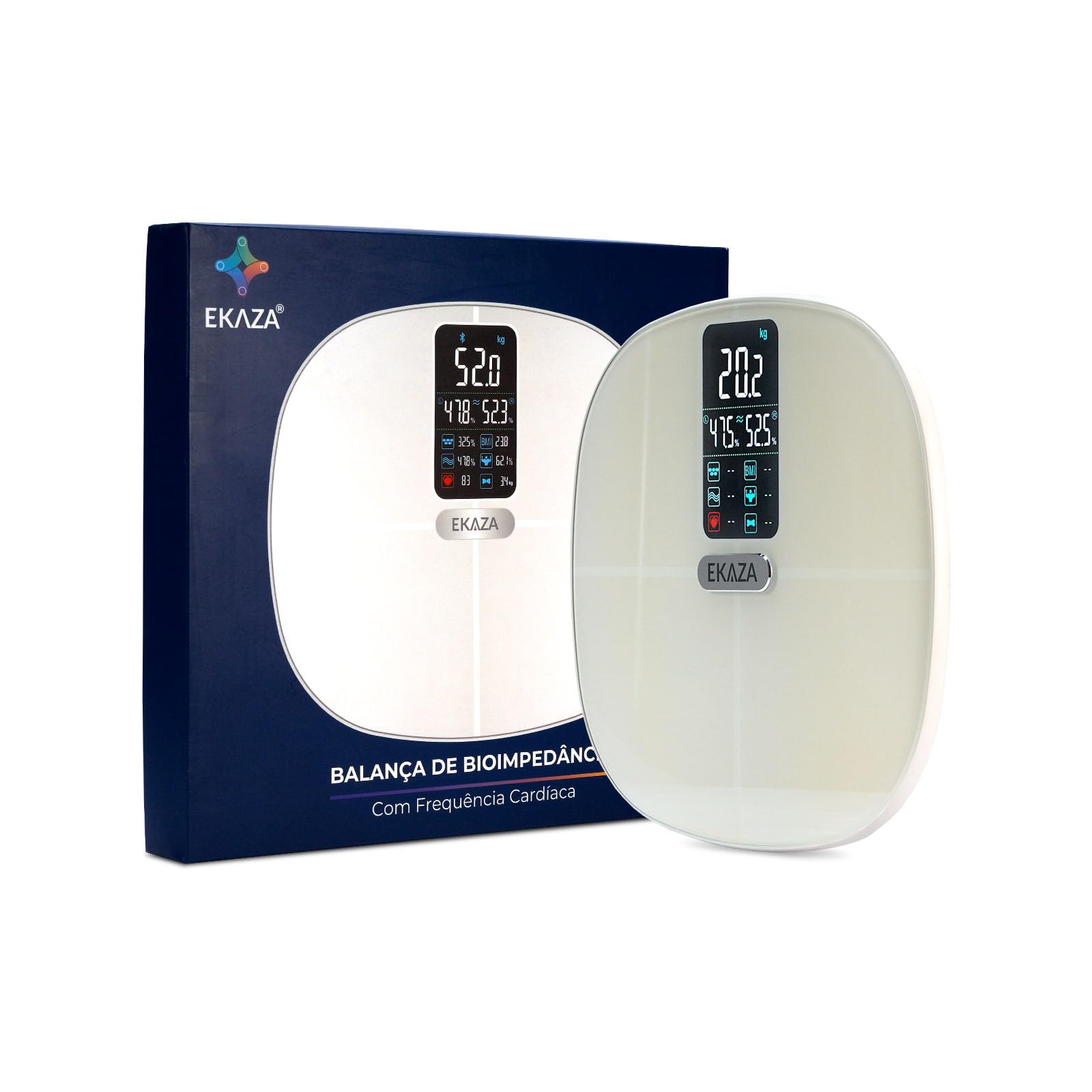
Front view of the EKAZA Smart Body Composition Scale, displaying weight and other metrics.
Key Features
- 16 Body Health Indicators: Body Weight, Protein Quantity, Body Fat Rate, Visceral Fat Rate, BMI, Bone Mass Rate, Skeletal Muscle Rate, Basal Metabolic Rate, Fat-Free Weight, Body Age, Subcutaneous Fat, Body Water Rate, Muscle Mass Rate, Heart Rate, Heart Index, Body Balance Tracking.
- Comprehensive Functions: Measures weight, BMI, body composition (fat, muscle mass, body water), heart rate, and cardiovascular health.
- Connectivity: Wi-Fi and Bluetooth for seamless data synchronization.
- Dedicated Application: Utilizes the 'FitDays' app for detailed health reports and tracking.
- Baby Mode: Allows for accurate weighing of infants.
- Height Record: Enables recording height information for individuals under 16 years.
- Multi-User Support: Each account supports up to 24 individual users.
- High Weight Capacity: Supports weights from 5 kg up to 180 kg.
- Durable Design: Features a tempered glass platform for durability and elegance.
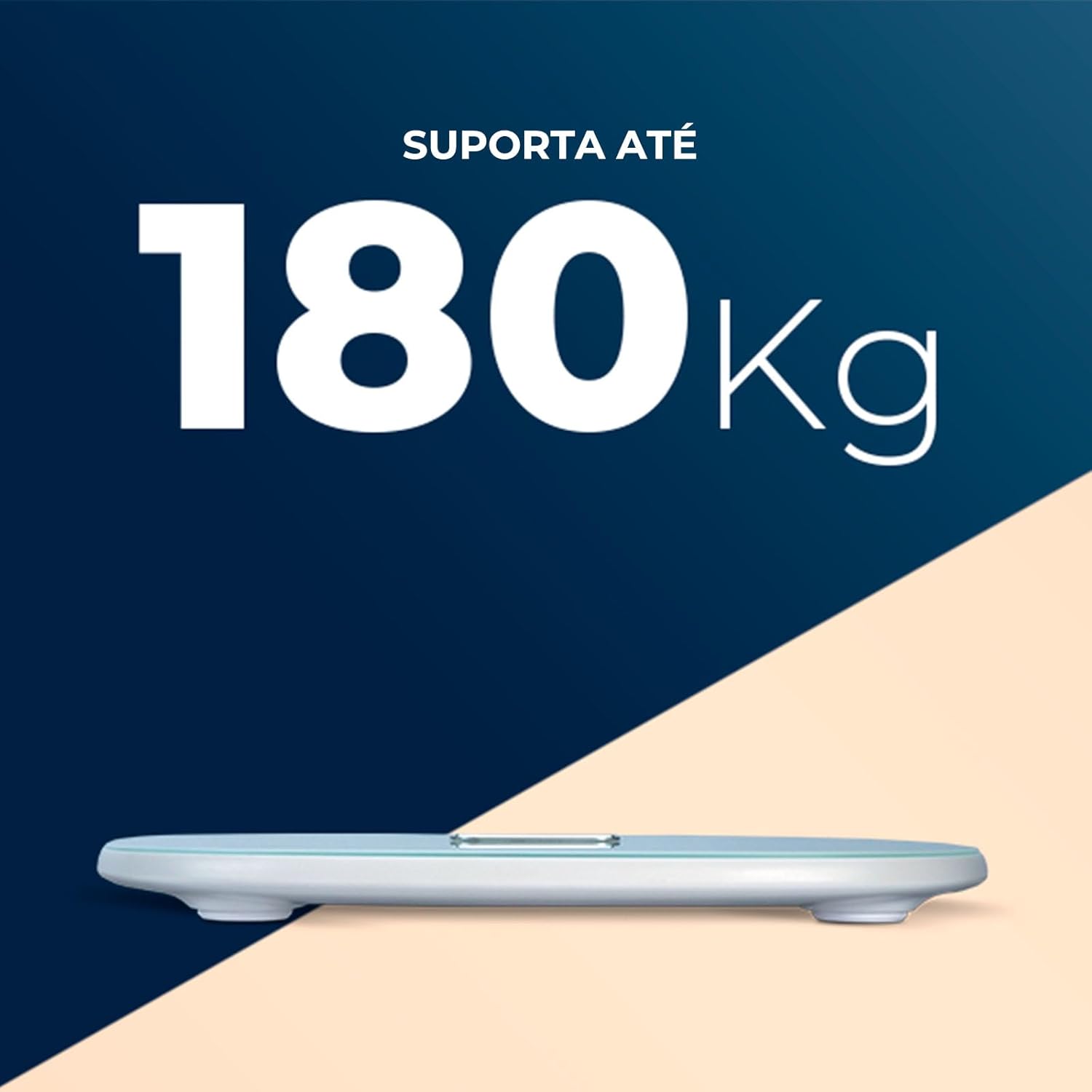
The scale supports a maximum weight capacity of 180 kg.

The scale features a durable tempered glass surface and a clear digital display.

Four electrode points on the scale ensure high precision in measurements.
Setup
- Install Batteries: Open the battery compartment on the underside of the scale and insert the 4 AAA batteries provided, ensuring correct polarity.
- Download the App: Search for 'FitDays' in your smartphone's app store (Google Play Store for Android or Apple App Store for iOS) and download the application.
- Create an Account: Open the FitDays app and follow the on-screen instructions to create your user profile. You can add up to 24 users to one account.
- Pair with Bluetooth: Ensure Bluetooth is enabled on your smartphone. Step onto the scale to activate it. The scale should automatically connect to the FitDays app. If not, open the app and initiate a measurement from within the app to prompt connection.

The battery compartment is located on the back of the scale.
Operating Instructions
- Taking a Measurement: Place the scale on a hard, flat surface. Step onto the scale barefoot, ensuring your feet are centered on the electrode pads. Stand still until the display shows a stable reading.
- Viewing Data: The scale's display will show your weight and other key metrics. For a detailed report and historical data, open the FitDays app on your smartphone after taking a measurement.
- Changing Units: To switch between kilograms (kg), pounds (lb), or stones (st), access the unit settings within the FitDays application.
- Baby Mode: To weigh an infant, first weigh yourself. Then, hold the baby and step onto the scale again. The app will calculate the baby's weight by subtracting your initial weight.
- Height Recording: For users under 16 years old, the FitDays app allows you to manually record height information to improve the accuracy of certain body composition calculations.
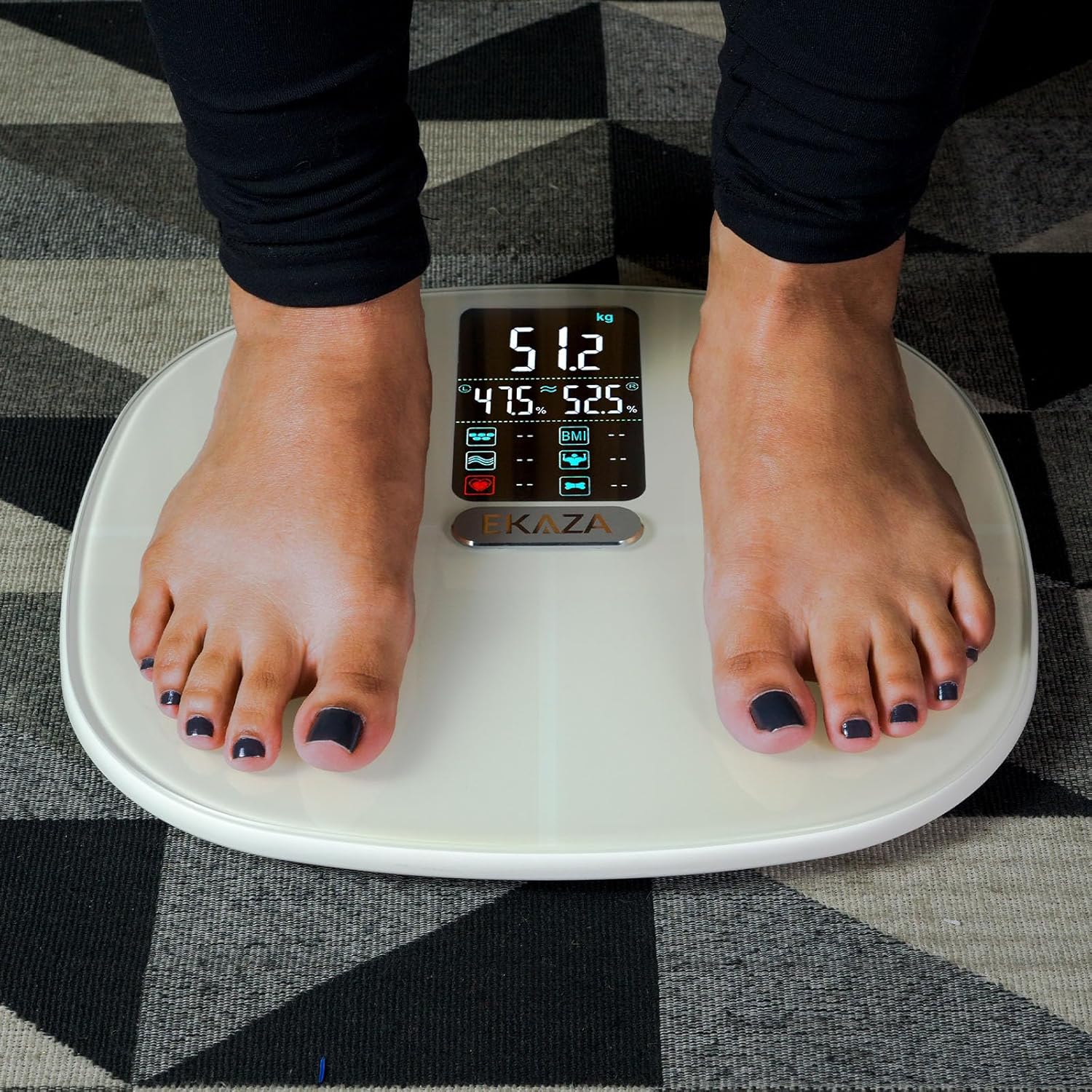
Step onto the scale barefoot for accurate body composition measurements.

The FitDays app provides a detailed health report and tracks your progress over time.
Product Overview Video
Watch this video for a quick overview of the EKAZA Smart Body Composition Scale's features and how to use it.
Maintenance
- Cleaning: Wipe the scale's surface with a soft, damp cloth. Do not use abrasive cleaners or immerse the scale in water.
- Storage: Store the scale horizontally in a dry place. Avoid placing any objects on top of the scale when not in use to prevent damage to the sensors.
- Battery Replacement: When the display indicates low battery, replace all 4 AAA batteries simultaneously with new ones.
Troubleshooting
- Cannot Pair with App:
- Ensure Bluetooth is active on your smartphone.
- Open the FitDays app before stepping on the scale.
- Step firmly onto the scale to activate it and initiate the connection.
- If issues persist, try restarting your phone's Bluetooth or the app.
- Inaccurate Readings / Data Mixing:
- Ensure the scale is on a hard, flat surface, not carpet.
- Always use the scale barefoot for body composition analysis.
- For multiple users, ensure each person selects their correct profile in the FitDays app before weighing to prevent data mixing.
- Display Not Turning On: Check if the batteries are correctly installed and have sufficient charge. Replace if necessary.
Specifications
| Model | EKWL-F1919B |
| Dimensions | 300 x 275 x 25 mm |
| Weight | 1 kg |
| Weight Capacity | 5 kg - 180 kg |
| Graduation | 0.1 kg |
| Power Source | 4x AAA Batteries (included) |
| Display Type | Digital |
| Connectivity | Bluetooth, Wi-Fi |
| App Compatibility | FitDays (also compatible with Google Fit, Samsung Health, Apple Health) |
| Max User Accounts | 24 per account |

The EKAZA scale integrates with popular health apps for comprehensive data management.
Warranty and Support
The EKAZA Smart Body Composition Scale comes with a 1-year warranty from the date of purchase. This warranty covers functional defects. For any issues outside of functional defects, our customer service department is available to assist you in finding a solution.
We are committed to providing high-quality products and support. For assistance, please refer to the contact information provided with your product packaging or visit the official EKAZA website.