
kidoo kidoo
kidoo Unicorn LED Night Light User Manual
Model: kidoo
1. Introduction
Thank you for choosing the kidoo Unicorn LED Night Light. This charming, wireless, and rechargeable night light is designed to provide a soft, comforting glow for children's rooms, making bedtime a fun and soothing experience. Made from soft, BPA-free silicone, it is safe and durable for all ages.
Key features include:
- Wireless and USB rechargeable for convenience.
- Adjustable brightness and 9 color options.
- Easy control via touch or remote.
- Durable, drop-resistant, and made from soft, BPA-free silicone.
- Integrated timer function (15/30/60 minutes).
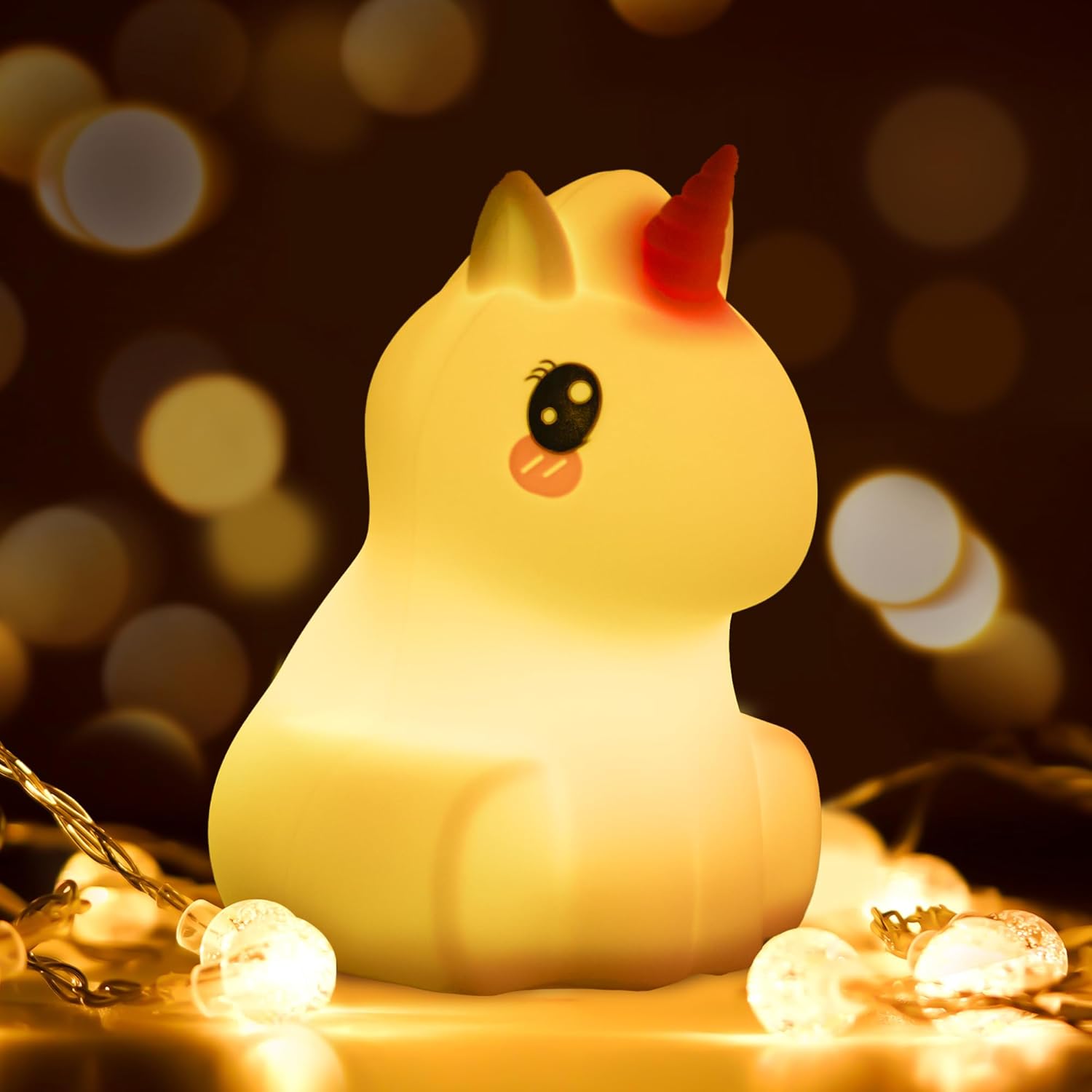
Image: The kidoo Unicorn LED Night Light emitting a warm, soft glow, surrounded by small fairy lights, highlighting its comforting presence.

Image: An infographic illustrating the key features of the kidoo night light, including soft silicone material, BPA-free certification, a powerful battery with 10 hours of runtime, remote control functionality, touch control, high drop resistance, a timer function, and USB charging capability.
2. Safety Information
Please read all safety instructions before using the product. Keep this manual for future reference.
- The kidoo night light is made from soft, BPA-free silicone, ensuring it is safe for children of all ages.
- The LED light produces low heat, making it safe to touch and handle.
- Do not disassemble or attempt to repair the device yourself. This may void the warranty and pose a safety risk.
- Keep the USB charging port dry and clean. Avoid contact with water or other liquids.
- Use only the provided USB cable for charging.
3. Setup
3.1. Unboxing and Initial Charge
Upon unboxing, you will find the kidoo Unicorn LED Night Light and a USB charging cable. Before first use, fully charge the device.
- Connect the small end of the USB cable to the charging port located at the bottom of the night light.
- Connect the larger end of the USB cable to a standard USB power adapter (not included) or a computer USB port.
- The light will indicate charging status (e.g., a red light will turn off when fully charged). A full charge provides approximately 10 hours of runtime.
3.2. Powering On for the First Time
To turn on the night light for the first time, press the power button located at the bottom of the unit. Alternatively, you can tap the silicone surface twice.

Image: A visual guide demonstrating how to operate the kidoo night light: double-tap to turn on, single-tap to change light color, use the remote for timer settings, and turn off using the button on the light or the remote.
4. Operating Instructions
4.1. Basic Operation (Touch Control)
- Turn On/Off: Press the power button on the bottom or tap the silicone surface twice.
- Change Color/Mode: Once the light is on, tap the silicone surface once to cycle through different colors and modes (e.g., solid colors, breathing mode).
- Adjust Brightness: The light offers different brightness intensities. Continue tapping to find your desired brightness level within a color mode.

Image: The kidoo Unicorn LED Night Light demonstrating its adjustable brightness feature, with multiple smaller images showing varying light intensities around a central, brighter image.
4.2. Remote Control Operation
The included remote control provides convenient access to all functions.
- Power Button: Turns the light on or off.
- Color Selection: Use the color buttons (e.g., Red, Green, Blue, White) to select a specific color.
- Brightness Adjustment: Use the brightness up/down buttons to increase or decrease the light intensity.
- Mode Selection: Buttons for different light modes (e.g., Flash, Strobe, Fade, Smooth).
- Timer Function: Set the light to turn off automatically after 15, 30, or 60 minutes using the dedicated timer buttons.

Image: The kidoo Unicorn LED Night Light displayed in its central white form, surrounded by eight smaller images showcasing the nine different color settings available, emphasizing its versatility.
5. Maintenance
5.1. Cleaning
To clean the kidoo night light, simply wipe the silicone surface with a soft, damp cloth. Do not use harsh chemicals or abrasive cleaners. Ensure the charging port is dry before charging.
5.2. Battery Care
The night light contains a built-in rechargeable battery. To prolong battery life:
- Avoid fully discharging the battery frequently.
- Charge the device regularly, even if not in constant use.
- Store the device in a cool, dry place if not used for extended periods.
5.3. Recycling and Disposal
This product contains electronic components and a rechargeable battery. Do not dispose of it with household waste. Please follow local regulations for the recycling of electronic products and batteries. For information on disposing of broken or damaged lamps, consult your local waste management authority or recycling center.
For more information on recycling lamps, you can refer to general guidelines provided by environmental agencies.
6. Troubleshooting
| Problem | Possible Cause | Solution |
|---|---|---|
| Light does not turn on. | Battery is depleted. Power button not pressed correctly. | Charge the night light fully. Ensure the power button on the bottom is pressed firmly, or double-tap the silicone surface. |
| Light does not charge. | USB cable is faulty or not connected properly. Charging port is dirty or damaged. | Try a different USB cable or power adapter. Ensure the cable is securely connected. Check the charging port for debris and clean gently if necessary. If damaged, contact support. |
| Remote control is not working. | Battery in remote is depleted. Obstruction between remote and light. Light needs to be manually turned on first for remote to function. | Replace the remote control battery (if applicable, usually a button cell). Ensure a clear line of sight. Turn on the light manually using the button on the bottom or by tapping, then try the remote. |
| Light changes color unexpectedly or is unresponsive to touch. | Interference or sensor issue. | Turn the light off and then on again. Ensure hands are clean and dry when touching. |
7. Specifications
| Feature | Detail |
|---|---|
| Brand | kidoo |
| Model | kidoo (Unicorn) |
| Product Dimensions | 10 x 10 x 14 cm (approx. 3.9 x 3.9 x 5.5 inches) |
| Item Weight | 190 grams (approx. 0.42 lbs) |
| Material | Silicone |
| Light Source Type | LED |
| Power Source | Battery Powered (USB Rechargeable) |
| Voltage | 1.5E+3 Volts (DC) |
| Battery Runtime | Up to 10 hours (approx.) |
| Special Features | Energy Efficient, Multi-color, Dimmable, Touch Control, Remote Control, Timer |
| Included Components | Night Light, USB Cable |

Image: A diagram showing the precise dimensions of the kidoo Unicorn LED Night Light (10 x 10 x 14 cm) and its accompanying remote control (85.5 x 39.5 mm).
8. Warranty and Support
kidoo products are manufactured with high quality standards. While specific warranty details are not provided in this manual, please retain your proof of purchase for any warranty claims.
For technical support, product inquiries, or warranty information, please contact kidoo customer service through the retailer where you purchased the product or visit the official kidoo website (if available).
Ask a question about this manual
Ask about setup, troubleshooting, compatibility, parts, safety, or missing instructions. Manuals+ will review the question and use this page’s manual context to help answer it.