
1. Introduction
This instruction manual provides essential information for the proper use and care of your tomtoc H16-C02Y Felt & PU Leather Laptop Sleeve. This sleeve is designed to protect your 13-inch MacBook Air/Pro or Surface Pro devices from daily wear and tear. Please read this manual thoroughly before use.
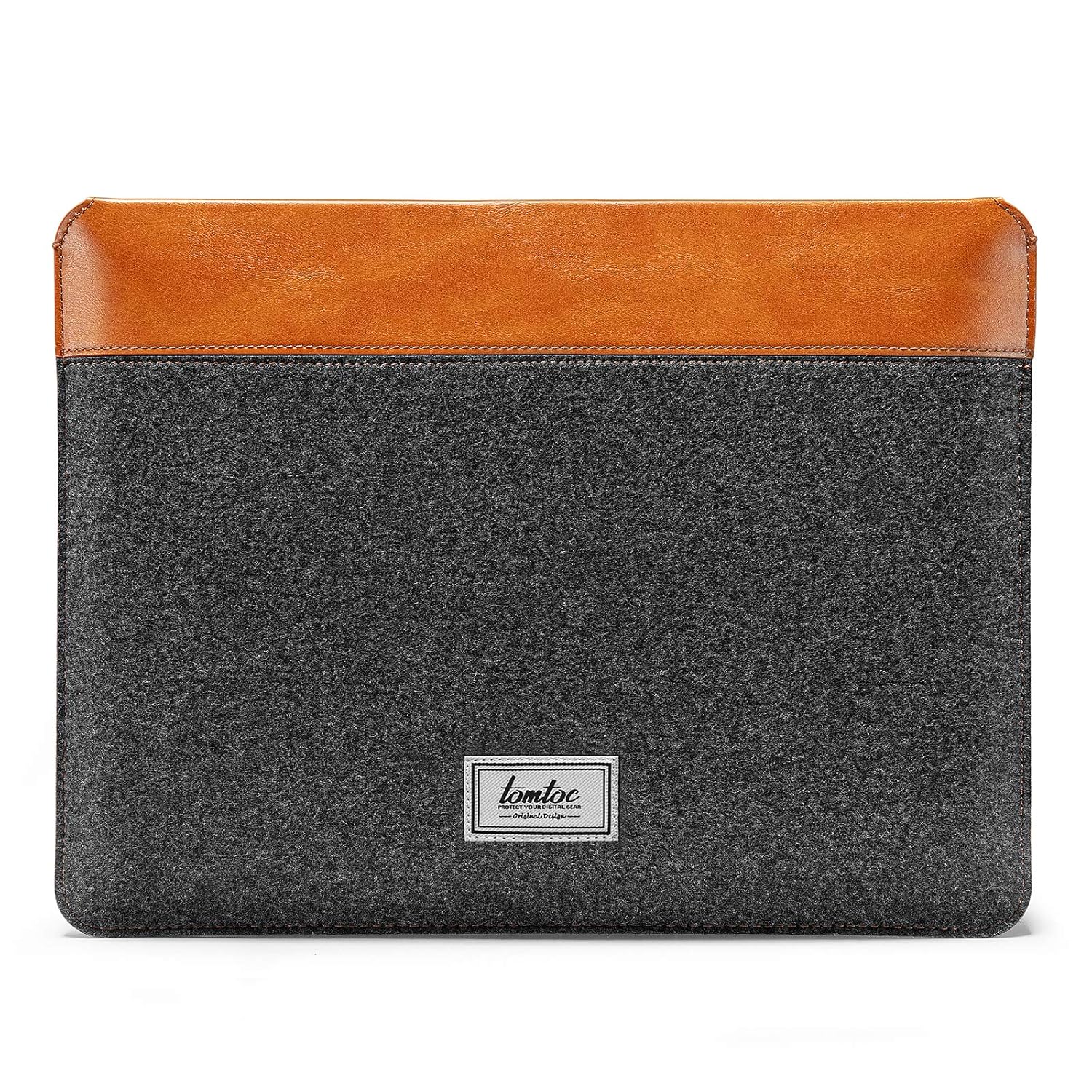
Image 1.1: The tomtoc H16-C02Y Laptop Sleeve, showcasing a laptop partially inserted and a charger and USB hub in the zippered accessory pocket.
2. Product Features
- Slim Appearance Patent Design: Allows for easy portability while protecting your device. Includes a zipped accessory pocket for small items without adding significant bulk.
- Intelligent Magnet Closure: Facilitates easy insertion and removal of your laptop, securing it without zippers.
- All-Around Protection: Constructed with smooth felt and PU leather exterior, and soft ridge microfiber padding interior for adequate protection.
- Sleek & Stylish Design: Combines felt and PU leather for a modern aesthetic.
- Compatibility: Designed for 13-inch MacBook Air (M2/A2681, M1/A2337, A2179, A1932, 2018-2022 models), 13-inch MacBook Pro (M2/A2686, M1/A2338, A2289, A2251, A2159, A1989, A1706, A1708, 2016-2022 models), Dell XPS 13 Plus, and Surface Pro (8/X/7+/7/6/5).
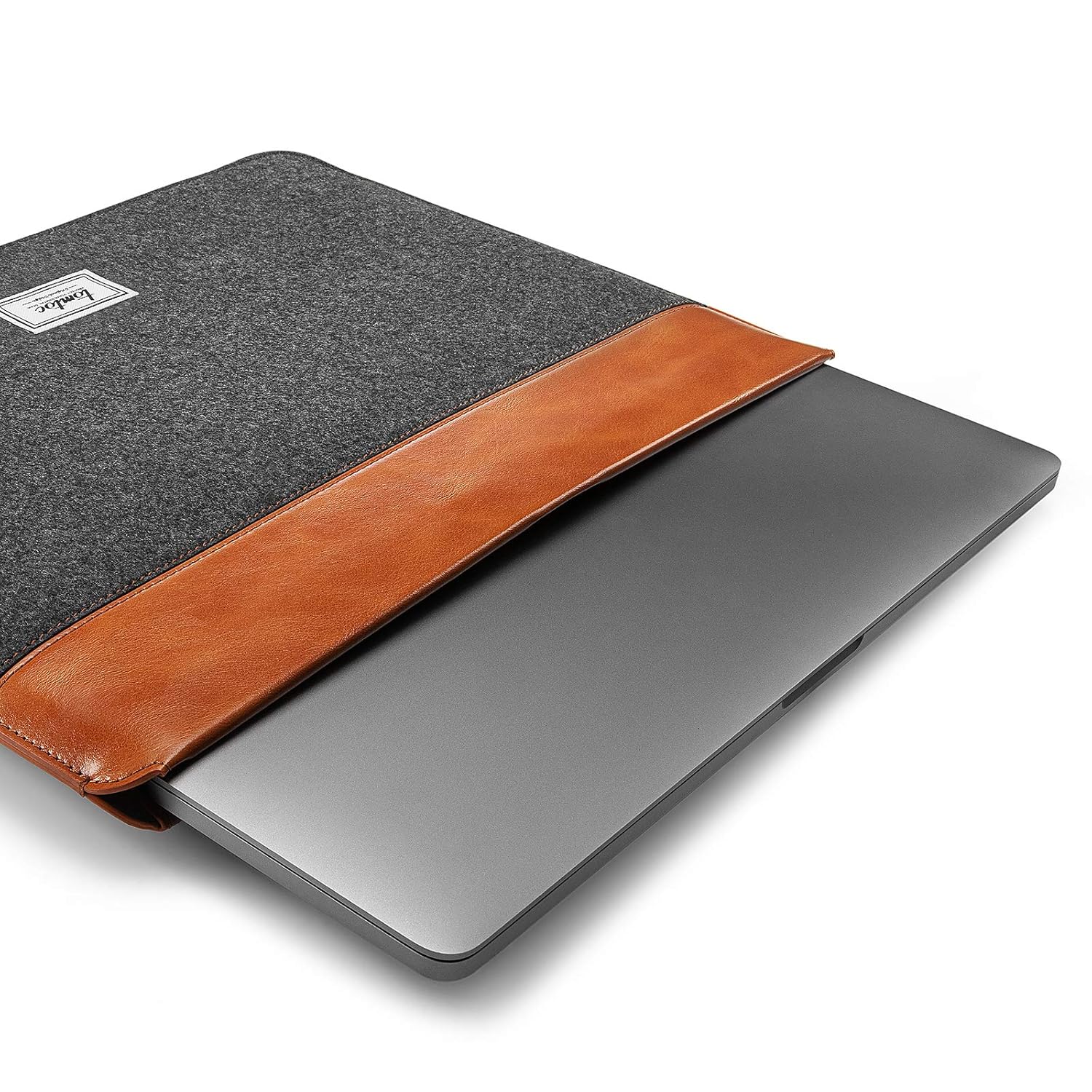
Image 2.1: A visual comparison highlighting the lightweight and flexible slim-line design of the sleeve next to a laptop.

Image 2.2: A detailed view of the convenient magnet design, showing the opening of the sleeve.
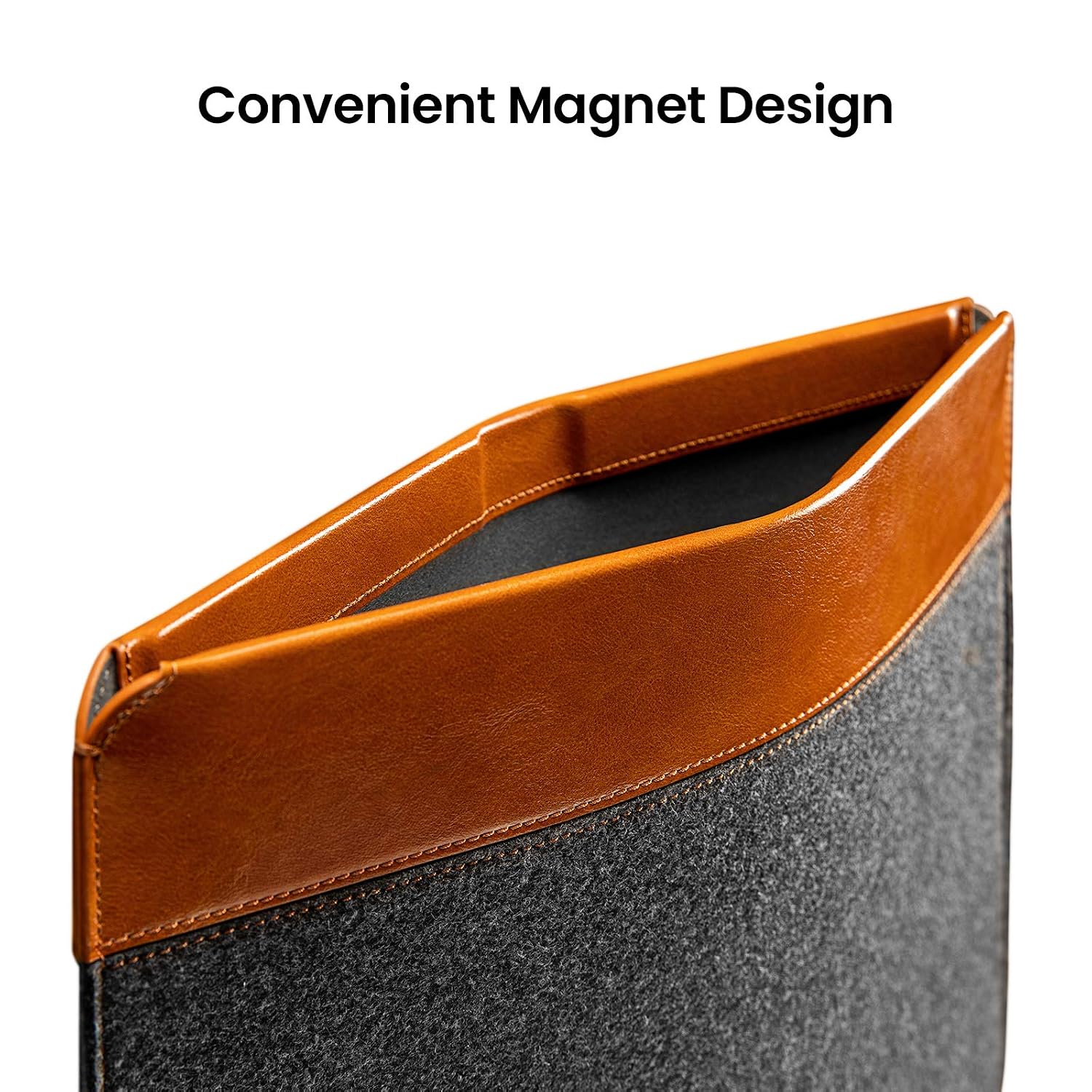
Image 2.3: A close-up shot illustrating the texture and quality of the felt and PU leather materials.
3. Setup
The tomtoc H16-C02Y Laptop Sleeve requires no assembly. It is ready for immediate use upon unboxing.
- Unpack the sleeve from its packaging.
- Ensure the sleeve is clean and free of any debris before inserting your device.
4. Operating Instructions
Follow these steps to properly use your laptop sleeve:
- Inserting Your Laptop: Gently slide your compatible 13-inch laptop into the main compartment of the sleeve. The intelligent magnet closure will secure the device once fully inserted.
- Using the Accessory Pocket: Utilize the zippered front pocket to store small accessories such as chargers, USB hubs, mice, or earphones.
- Removing Your Laptop: Pull the laptop gently from the sleeve. The magnetic closure will release easily.

Image 4.1: Demonstrates a laptop being smoothly inserted into the main compartment of the sleeve.

Image 4.2: The accessory pocket in use, holding a laptop charger and a USB hub, positioned beside a laptop.
5. Maintenance
To ensure the longevity and appearance of your tomtoc laptop sleeve, follow these maintenance guidelines:
- Cleaning: For felt areas, gently brush off dust or use a lint roller. For PU leather, wipe with a soft, damp cloth. Avoid harsh chemicals or abrasive cleaners.
- Drying: If the sleeve becomes wet, allow it to air dry completely in a well-ventilated area, away from direct sunlight or heat sources.
- Storage: Store the sleeve in a cool, dry place when not in use.
6. Troubleshooting
- Laptop does not fit: Ensure your laptop model is listed under the compatible devices in Section 2. The sleeve is designed for specific 13-inch models.
- Magnet closure not holding: Verify that the laptop is fully inserted and positioned correctly within the sleeve. Avoid overstuffing the sleeve or accessory pocket.
- Stains on material: Refer to the cleaning instructions in Section 5. For stubborn stains, professional cleaning may be required.
7. Specifications
| Brand | tomtoc |
| Model Number | H16-C02Y |
| Colour | Grey |
| Compatible Devices | Laptops (13-inch MacBook Air/Pro, Surface Pro 8/X/7+/7/6/5, Dell XPS 13 Plus) |
| Form Factor | Sleeve |
| Shell Type | Soft |
| Product Features | Magnet Closure |
| Water Resistance Level | Water Resistant |
| Enclosure Material | Felt + PU Leather |
| Item Dimensions | 39 x 28.5 x 1.2 Centimeters |
| Item Weight | 272 Grams |
| Country of Origin | China |

Image 7.1: The tomtoc laptop sleeve displayed with various compatible devices and accessories, illustrating its capacity and design.
8. Warranty and Support
The tomtoc H16-C02Y Laptop Sleeve comes with a 1-year manufacturer warranty. For warranty claims or technical support, please contact the manufacturer or your point of purchase.
Manufacturer: Tomtoc
Packer/Importer Contact Information: DNS TECHNOLOGIES PRIVATE LIMITED
Please retain your proof of purchase for warranty validation.
