
1. Introduction and Overview
The YOGASLEEP Baby Soundscene White Noise Sound Machine is designed to create a calming environment for infants, toddlers, and children. It features 20 curated sleep sounds, a starry night light projector, and a soft glow night light, all aimed at masking disruptive noises and aiding sleep. This manual provides essential information for the safe and effective use of your device.

Image: The YOGASLEEP Baby Soundscene, a turtle-shaped device, showcasing its design and control buttons.
2. Safety Information
- Always unplug the device when not in use.
- Do not use the device as a toy. Keep the device out of reach of children.
- Do not immerse the device in water.
- Always follow the instructions provided with the device.
- If the power cord is damaged, stop using the device and contact the manufacturer.
3. Setup
The YOGASLEEP Baby Soundscene is powered via a USB cable. To operate, the unit must be plugged in at all times.
- Connect the provided USB cable to the device.
- Plug the USB cable into a compatible USB power adapter (not included) and then into a wall outlet.
NOTE: A USB power adapter (wall plug) is not included and must be provided by the user.
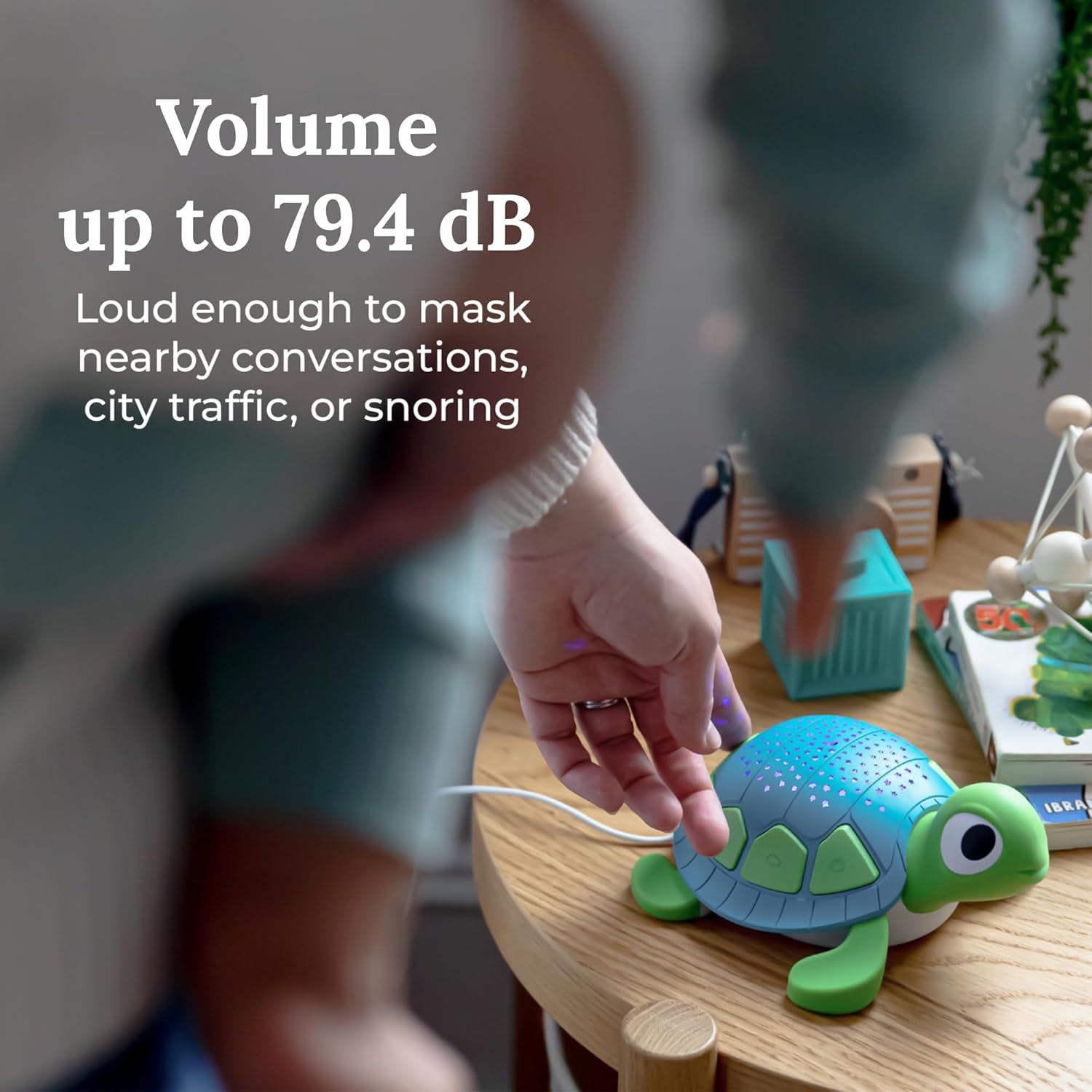
Image: The YOGASLEEP Baby Soundscene shown with its USB power cable, illustrating the connection point.
4. Operating Instructions
The YOGASLEEP Baby Soundscene features intuitive controls on its shell for easy operation.
Controls Overview:
- Power Button: Turns the device on or off.
- Timer Button: Sets the auto-shutoff timer (45 minutes, 90 minutes, or 8 hours).
- Volume Buttons: Adjusts the sound volume up or down.
- Projector Light (Star) Button: Activates and cycles through the starry night projection colors.
- Nightlight (Sun) Button: Activates the soft glow night light and adjusts its brightness.
- Sound Category Buttons: Selects between White Noise, Nature Sounds, and Lullabies/Womb Sounds.
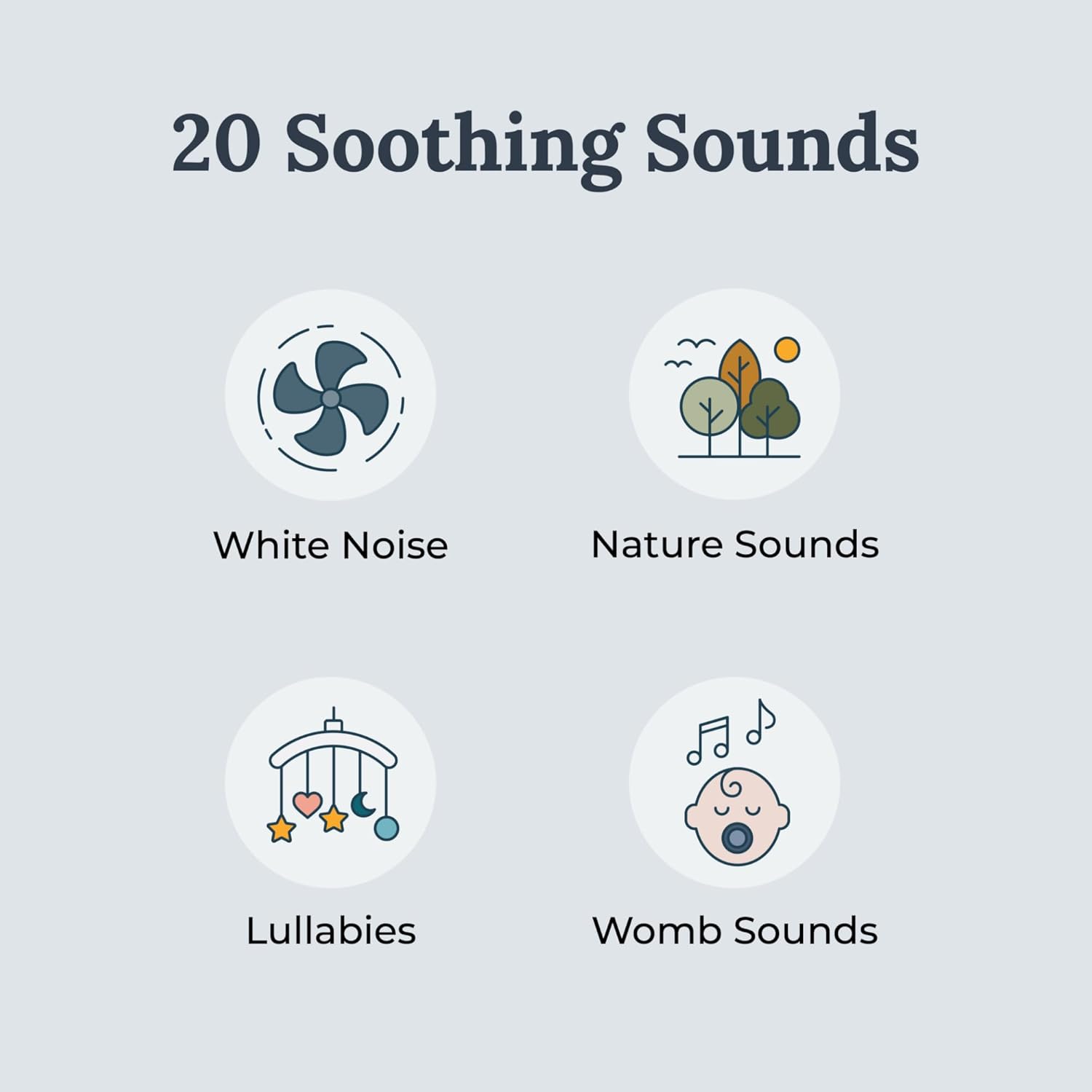
Image: A detailed view of the control buttons on the turtle's shell, including power, timer, volume, and light controls.
Power On/Off:
Press the Power Button (marked with a circle and vertical line) to turn the device on or off.
Sound Selection:
The device offers 20 curated sleep sounds across three categories:
- White Noise: Press the button with sound wave icon to cycle through various white noise options.
- Nature Sounds: Press the button with a cloud and rain icon to cycle through different nature sounds.
- Lullabies & Womb Sounds: Press the button with a baby icon to cycle through lullabies and womb sounds.

Image: Graphic illustrating the four main sound categories available on the device: White Noise, Nature Sounds, Lullabies, and Womb Sounds.
Volume Adjustment:
Use the Volume Up and Volume Down buttons (marked with speaker icons) to adjust the sound level to your preference.
Starry Night Projector:
Press the Projector Light (Star) Button on the back of the turtle to activate the constellation pattern projection. Repeated presses will cycle through three different colors. This feature is most visible in a dark room.
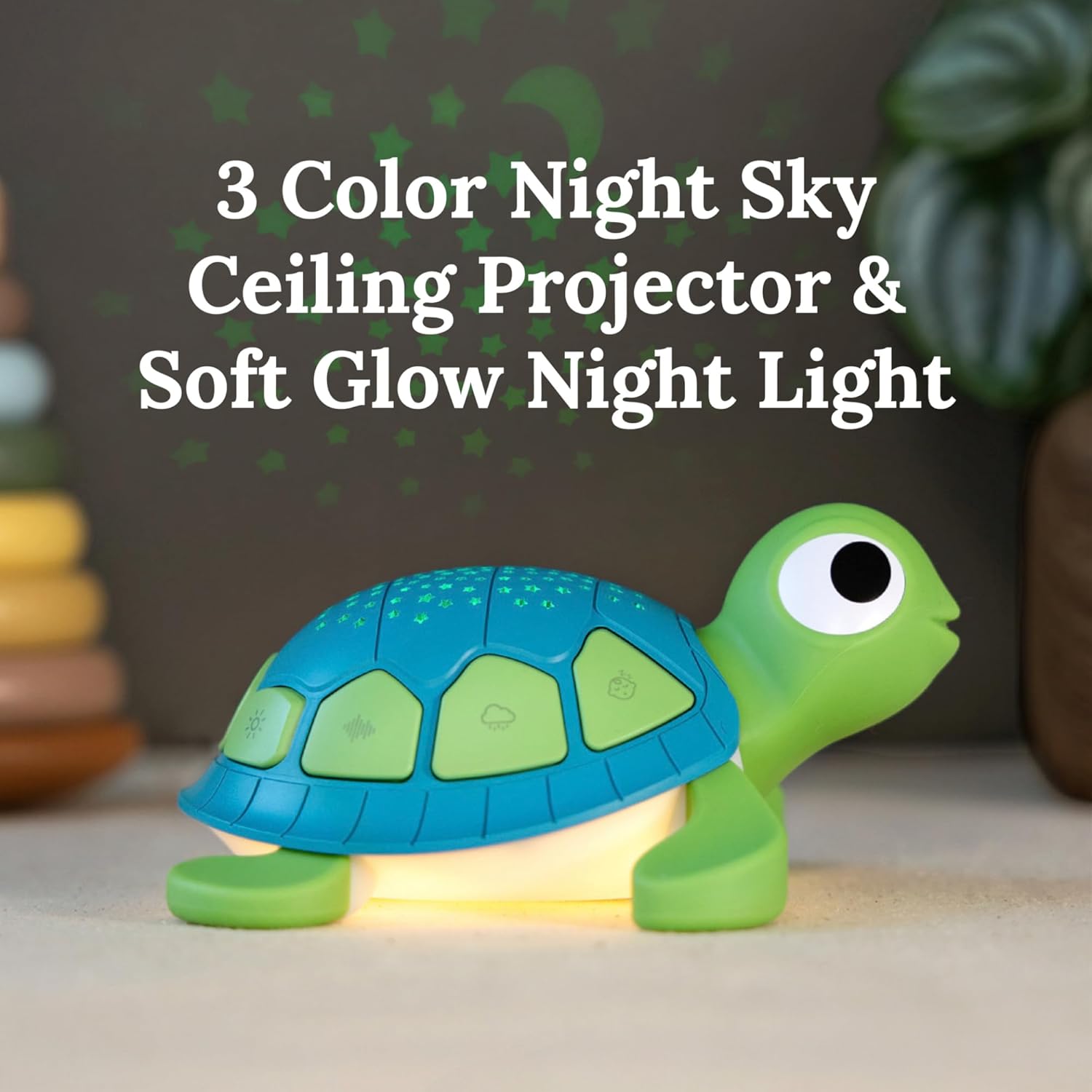
Image: The turtle-shaped sound machine projecting a starry night pattern onto a surface, highlighting its projector function.
Soft Glow Night Light:
The nightlight on the turtle's belly can be activated by pressing the Nightlight (Sun) Button. Press and hold this button to adjust the brightness of the soft glow.

Image: The turtle-shaped sound machine with its belly glowing, demonstrating the soft night light feature.
Auto-Off Sleep Timer:
To set the timer, push the Timer Button (marked with a clock icon) and select your desired time: 45 minutes, 90 minutes, or 8 hours. The sound machine will turn off automatically at the chosen time. You can also choose continuous play.

Image: A child's hand pressing a button on the turtle's shell, showing the interactive nature of the device.
Official Product Video:
Video: An official product video from YOGASLEEP demonstrating the features and benefits of the Baby Soundscene White Noise Sound Machine.
5. Maintenance
To clean the device, wipe it with a dry cloth. Do not immerse the device in water or use harsh chemicals.
6. Troubleshooting
- Device not turning on: Ensure the USB cable is securely connected to both the device and a working USB power adapter plugged into a live outlet. Remember, the unit must be plugged in at all times to operate.
- No sound: Check the volume settings using the Volume Up/Down buttons. Ensure a sound category is selected.
- Lights not working: Ensure the device is powered on. Press the Projector Light (Star) button or Nightlight (Sun) button to activate the respective light features.
- Damaged power cord: If the power cord is damaged, discontinue use immediately and contact YOGASLEEP customer support.
7. Specifications
| Product Dimensions | 6.5 x 6 x 3.25 inches |
| Item Weight | 11.01 ounces (312 Grams) |
| Item Model Number | 4001260 |
| Power Source | Corded Electric |
| Connector Type | USB |
| Number of Tracks | 20 |
| Music Tracks | White Noise, Nature Sounds, Lullabies, Womb Sounds |
| Color | Blue/Green |
| Material Type | Plastic |
| Manufacturer | Marpac |
8. Warranty and Support
The YOGASLEEP Baby Soundscene White Noise Sound Machine comes with a 1 Year Limited Warranty from the manufacturer, Marpac. For warranty claims, technical support, or any product-related inquiries, please contact YOGASLEEP customer service directly.
For more information, visit the YOGASLEEP Store.